// Agents and skills //
Media request list
runs in Claude Code
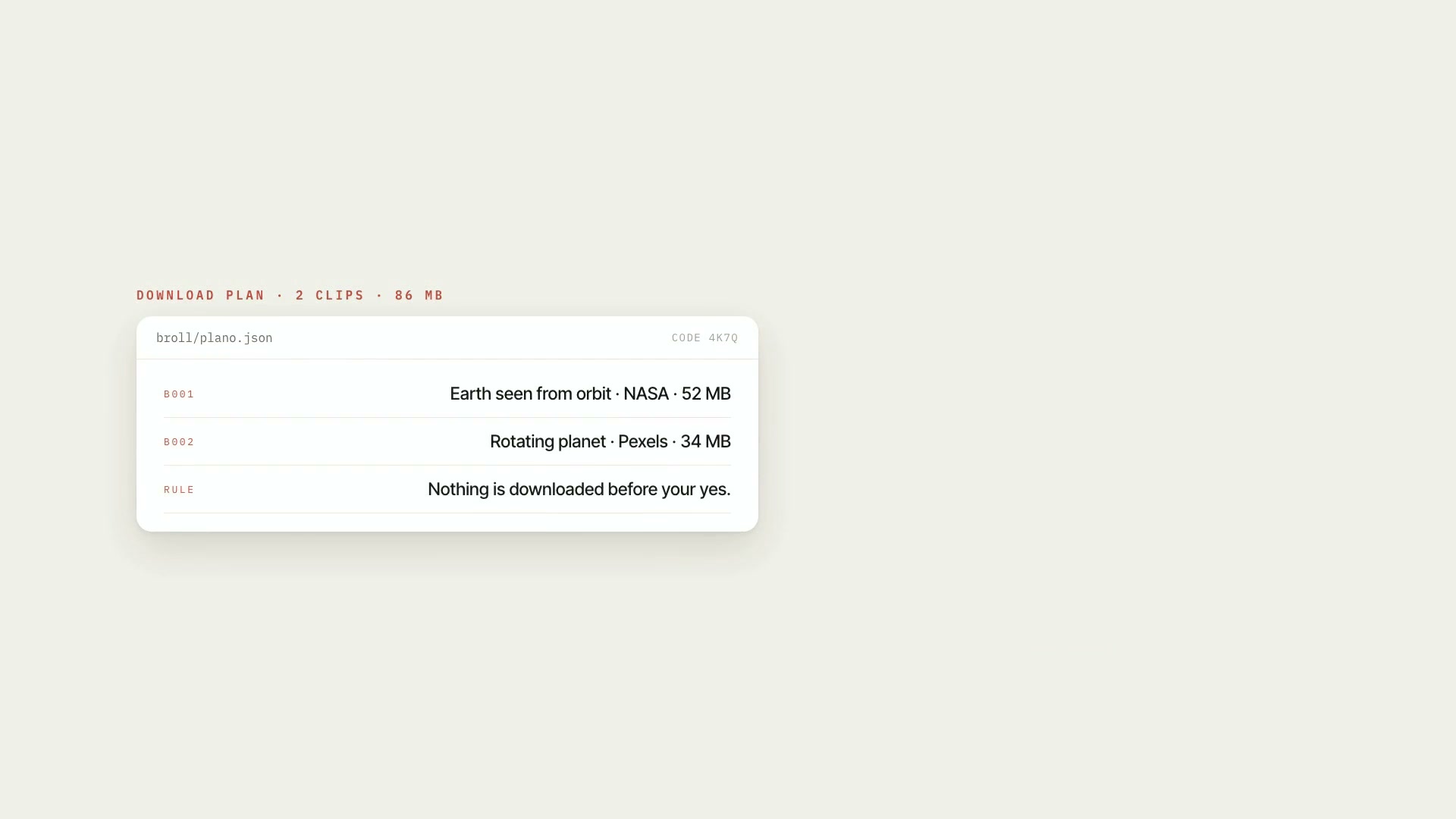
A Claude Code skill that reads the script with the team's production comments (Word, exported Google Docs, or text with markup) and turns each comment into a media list item: the script excerpt, the type of media requested, the skill that handles it, and the status. For third-party video and image requests, it searches YouTube with the license read from the metadata, searches Google Images with the usage-rights filter through the session's browser, and shows the candidates with source, duration, license, and risk. Only the clip or image you approve gets downloaded, never the whole video by default. What it delivers: the clean script, the numbered media list, the candidates, the approved clips and images, the license log, and credits ready to go, with a watch list for everything that came in as a quotation. The material moves on to the B-roll skill, which applies the frame and the on-screen "Reprodução" credit without changing the color. Limitations: this isn't legal advice. The skill summarizes YouTube's Terms, YouTube's license page, and Article 46 of Brazil's copyright law (Law 9,610/98), read on October 12, 2026, and applies a conservative rule; the decision to use protected material is yours. Downloading from YouTube isn't provided for in the platform's Terms. The Google Images search is browser-assisted, not automatic. Comment classification gets ambiguous requests wrong. During development, real downloading hadn't been exercised yet: keep an eye on the first one. Requirements: the Project art direction and B-roll skills installed alongside it, Python 3 with Pillow and numpy, ffmpeg, an up-to-date yt-dlp, and a Claude session with a browser for Google Images. To install, unzip the .zip into ~/.claude/skills/.
- Runs in Claude Code
- Intermediate
A Claude Code skill that reads the script with the team's production comments (Word, exported Google Docs, or text with markup) and turns each comment into a media list item: the script excerpt, the type of media requested, the skill that handles it, and the status. For third-party video and image requests, it searches YouTube with the license read from the metadata, searches Google Images with the usage-rights filter through the session's browser, and shows the candidates with source, duration, license, and risk. Only the clip or image you approve gets downloaded, never the whole video by default. What it delivers: the clean script, the numbered media list, the candidates, the approved clips and images, the license log, and credits ready to go, with a watch list for everything that came in as a quotation. The material moves on to the B-roll skill, which applies the frame and the on-screen "Reprodução" credit without changing the color. Limitations: this isn't legal advice. The skill summarizes YouTube's Terms, YouTube's license page, and Article 46 of Brazil's copyright law (Law 9,610/98), read on October 12, 2026, and applies a conservative rule; the decision to use protected material is yours. Downloading from YouTube isn't provided for in the platform's Terms. The Google Images search is browser-assisted, not automatic. Comment classification gets ambiguous requests wrong. During development, real downloading hadn't been exercised yet: keep an eye on the first one. Requirements: the Project art direction and B-roll skills installed alongside it, Python 3 with Pillow and numpy, ffmpeg, an up-to-date yt-dlp, and a Claude session with a browser for Google Images. To install, unzip the .zip into ~/.claude/skills/.
How to use
01
Copy the prompt
Use the Copy prompt button on this page.
02
Paste it into your AI
Open Claude Code in the project folder and paste the prompt.
03
Install the skill you downloaded
Install the downloaded file in Claude and call the skill in any chat.
In the package
- Prompt ready to copy and paste
- Skill as a .zip to install in Claude
Goes with
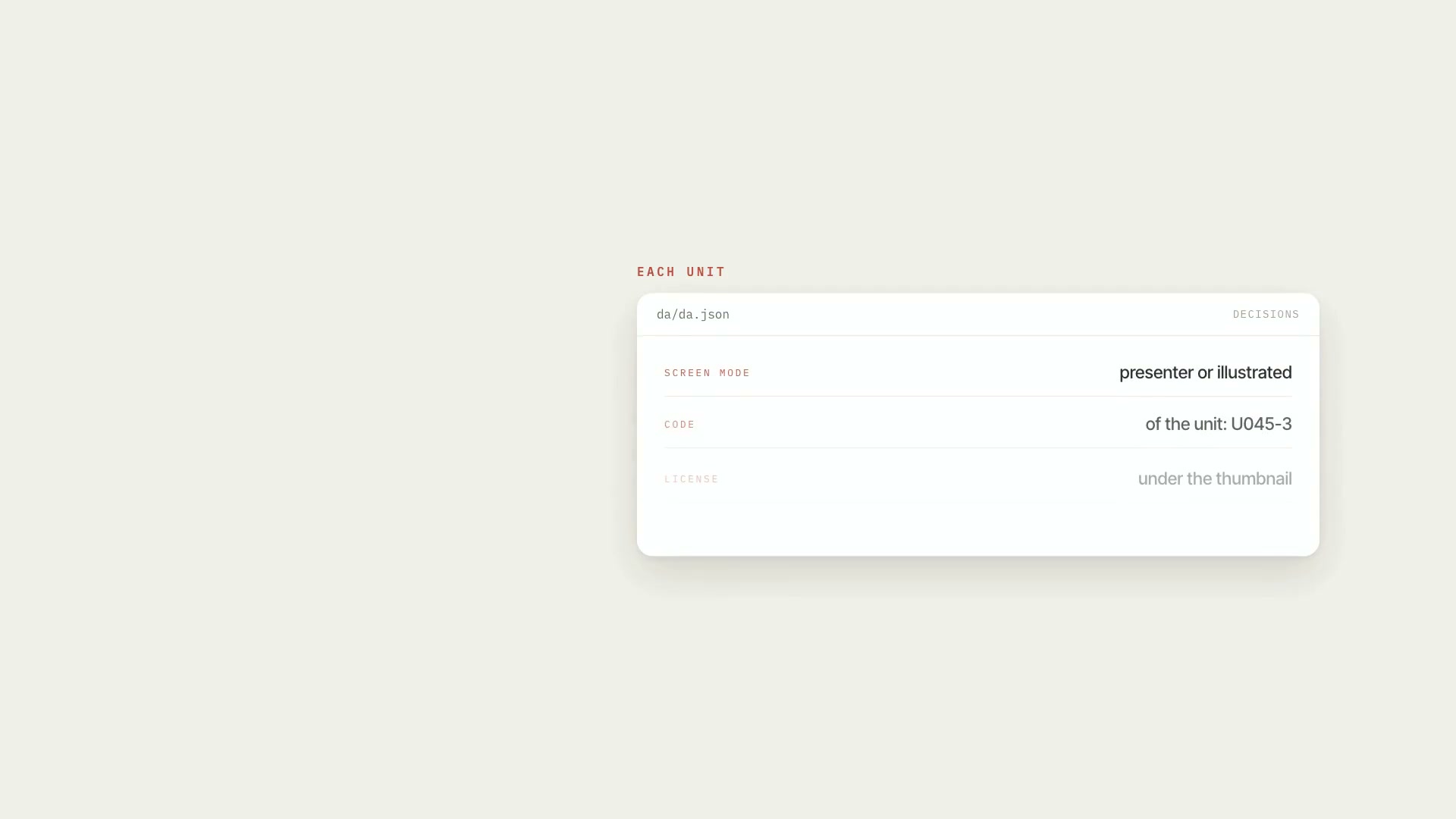 ProReference board: units and contact sheetsBreaks the script into numbered units and builds a contact sheet for each one, with the code above and the license below every thumbnail.ScriptCatalogIntermediate
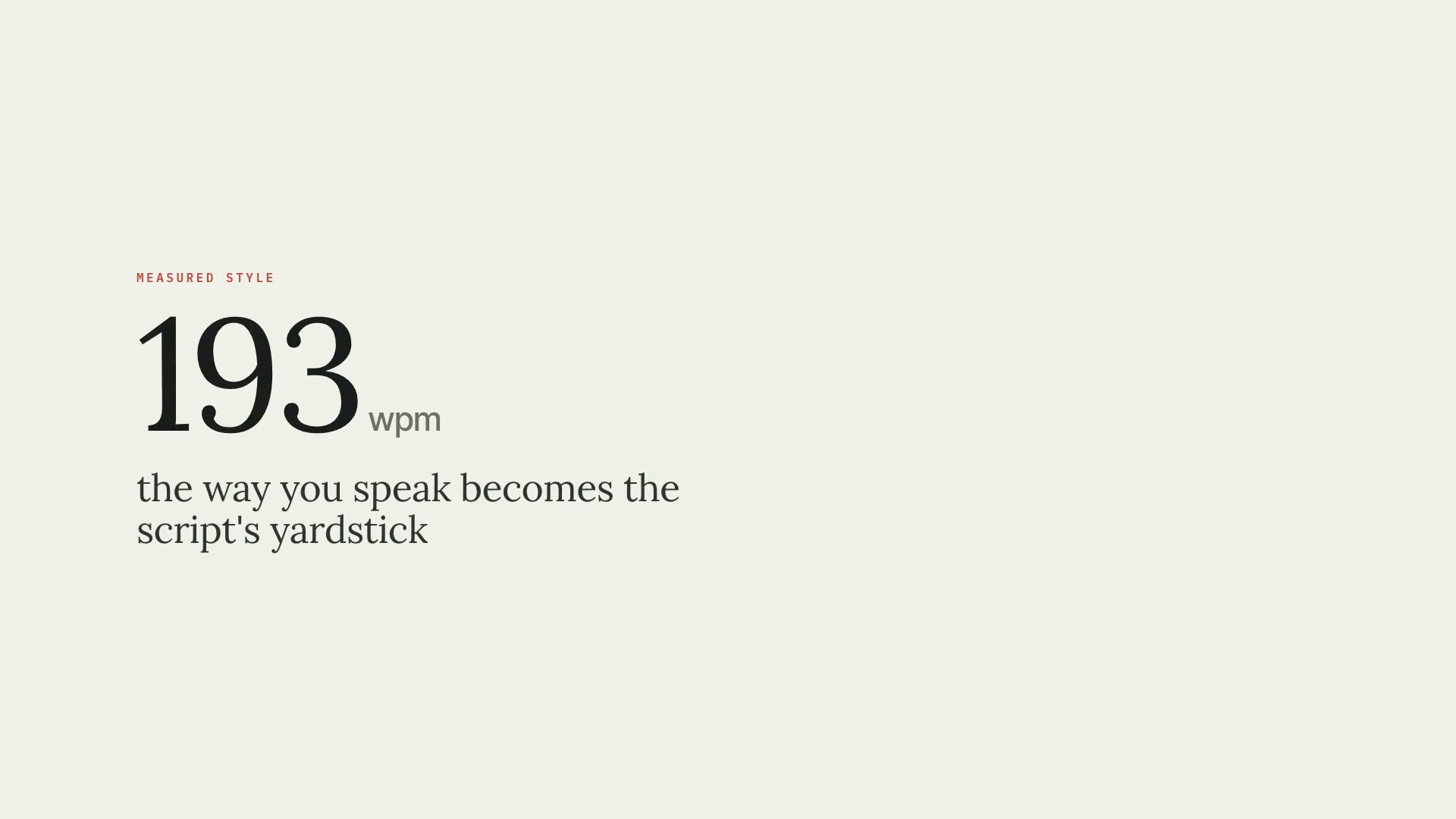 ProScript in your speaking styleMeasures how you talk from your past transcripts and writes the script in that style, in two files: the clean narration and the editing script.ScriptResearchIntermediate
 ProMedia sourcing in free stock librariesLists missing visuals, searches free libraries in the right order, checks who's in the photo, logs license and credit. Nothing downloads without your "yes."SourcesResearchIntermediate