// Agents and skills //
Publishing
runs in Claude Code
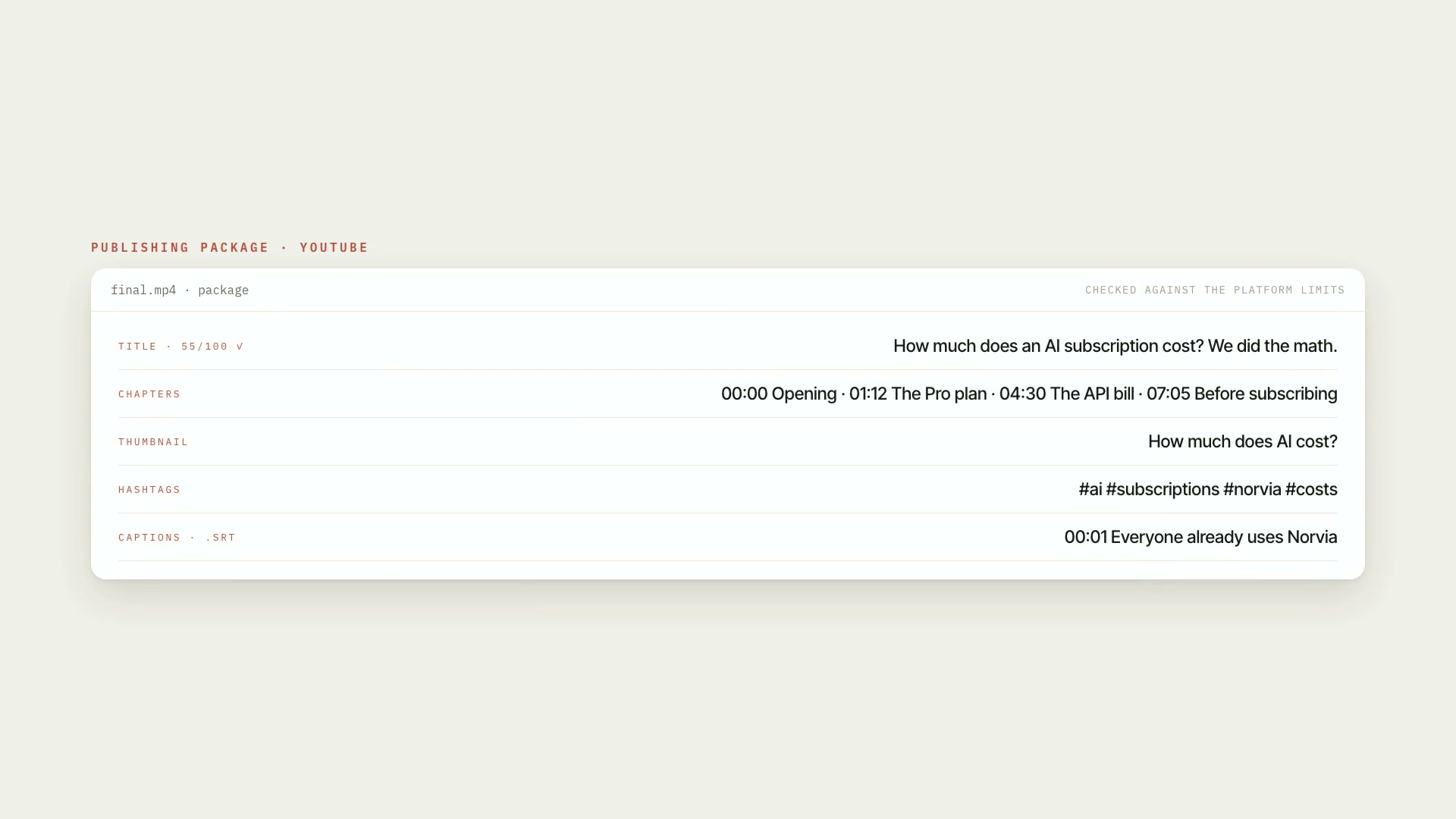
A Claude Code skill that builds the publishing package of a finished video for YouTube, Shorts, Reels, and TikTok: title, description in blocks (opening, chapters, sources, b-roll credits, links, hashtags), tags, .srt captions, thumbnail, and file. Everything is checked against each platform's limits: characters and bytes, number of hashtags, chapters, duration, aspect ratio, codec, and size. The core rule: nothing goes live without a check and without your OK. The package is only released if the project's final check is approved, was done with the current art direction, is newer than the video, and cites the exact file that will be published. If the video changes afterward, the release is revoked. What it delivers: the package for each platform, the validation with what to fix, the manual upload checklist with fields ready to paste and, with explicit confirmation, the upload to YouTube through the API, resumable and private by default. Limitations: uploading through the YouTube API was tested against a local server that mimics the protocol, not against the real API; the first real upload should go out private and be checked in YouTube Studio. Reels and TikTok have no automatic upload: the skill delivers the checklist. Platform limits were verified on October 5, 2026. Requirements: the Project art direction skill installed alongside it (its kit supplies the limits and the final check), Python 3.10 or newer with Pillow, and ffprobe. To upload through the API, your own OAuth client on Google Cloud. To install, unzip the .zip into ~/.claude/skills/.
- Runs in Claude Code
- Intermediate
A Claude Code skill that builds the publishing package of a finished video for YouTube, Shorts, Reels, and TikTok: title, description in blocks (opening, chapters, sources, b-roll credits, links, hashtags), tags, .srt captions, thumbnail, and file. Everything is checked against each platform's limits: characters and bytes, number of hashtags, chapters, duration, aspect ratio, codec, and size. The core rule: nothing goes live without a check and without your OK. The package is only released if the project's final check is approved, was done with the current art direction, is newer than the video, and cites the exact file that will be published. If the video changes afterward, the release is revoked. What it delivers: the package for each platform, the validation with what to fix, the manual upload checklist with fields ready to paste and, with explicit confirmation, the upload to YouTube through the API, resumable and private by default. Limitations: uploading through the YouTube API was tested against a local server that mimics the protocol, not against the real API; the first real upload should go out private and be checked in YouTube Studio. Reels and TikTok have no automatic upload: the skill delivers the checklist. Platform limits were verified on October 5, 2026. Requirements: the Project art direction skill installed alongside it (its kit supplies the limits and the final check), Python 3.10 or newer with Pillow, and ffprobe. To upload through the API, your own OAuth client on Google Cloud. To install, unzip the .zip into ~/.claude/skills/.
How to use
01
Copy the prompt
Use the Copy prompt button on this page.
02
Paste it into your AI
Open Claude Code in the project folder and paste the prompt.
03
Install the skill you downloaded
Install the downloaded file in Claude and call the skill in any chat.
In the package
- Prompt ready to copy and paste
- Skill as a .zip to install in Claude
Goes with
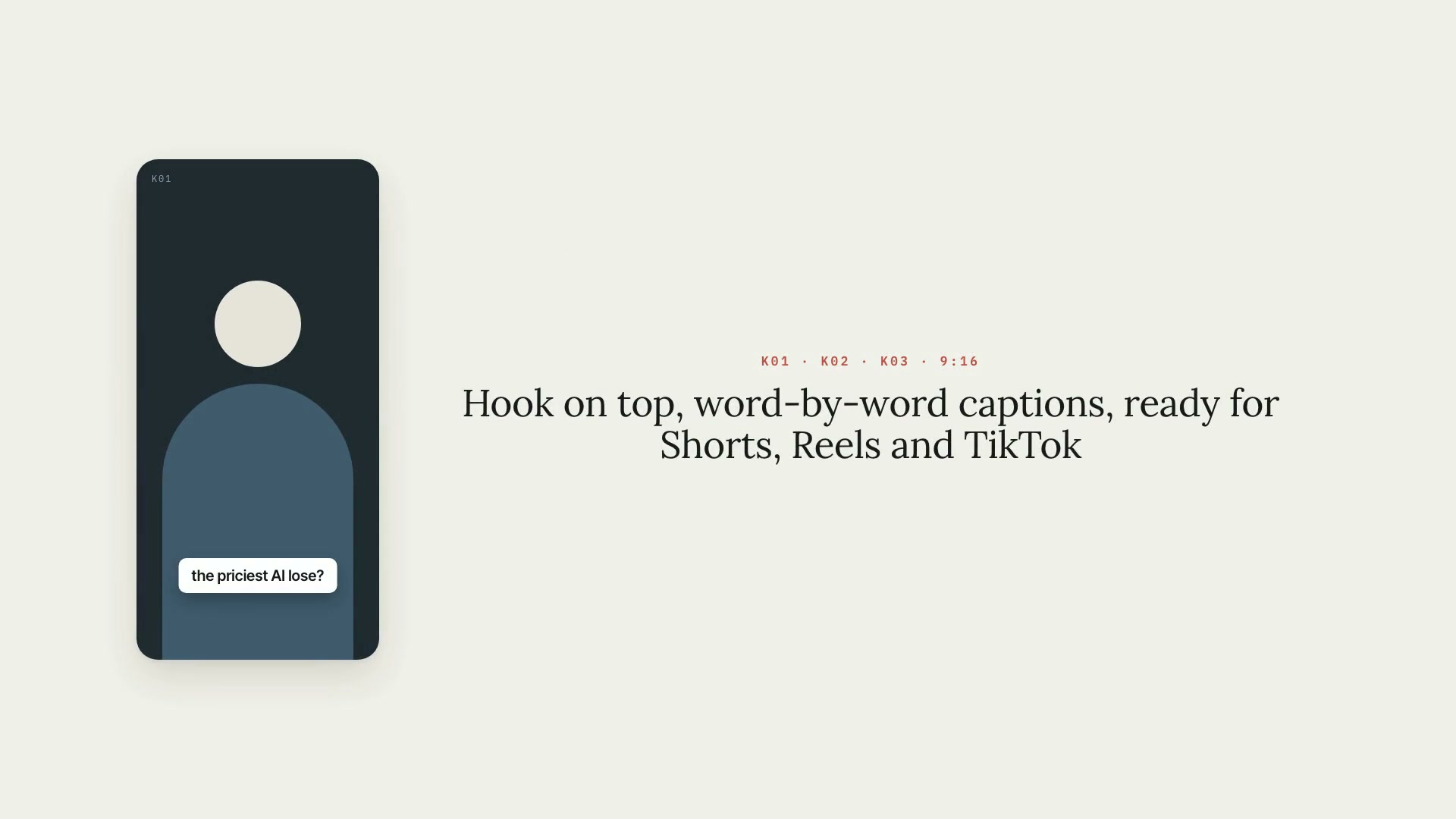 ProVertical clips9:16 vertical clips from a long video: full-sentence segments, face-based framing, captions, a hook, and a plan you approve.ShortsReelsIntermediate
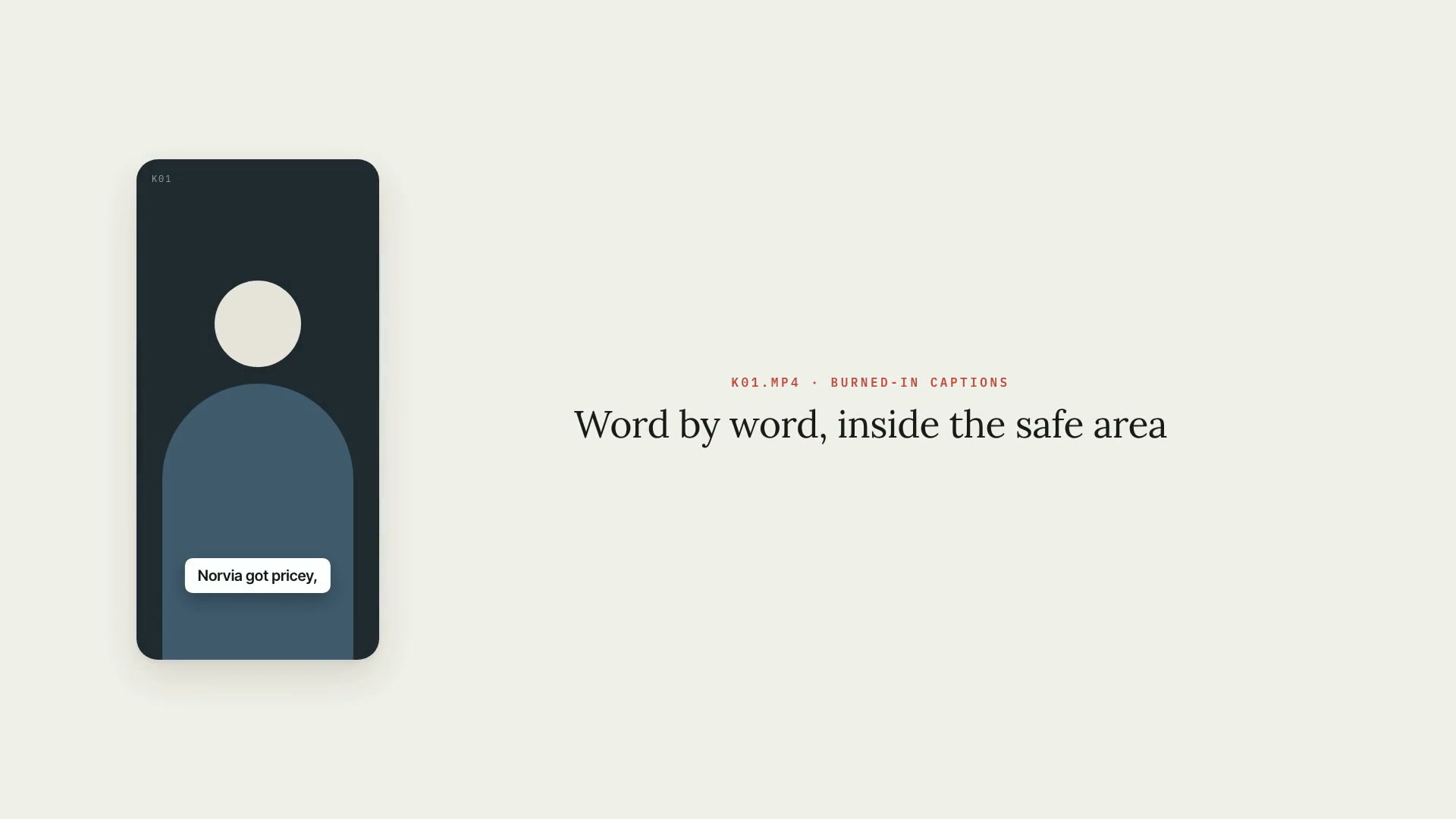 ProCaptionsWord-by-word burned-in captions for Shorts, Reels, and TikTok, in the art direction's style and always inside the safe area, with .srt and .vtt.PythonShortsIntermediate
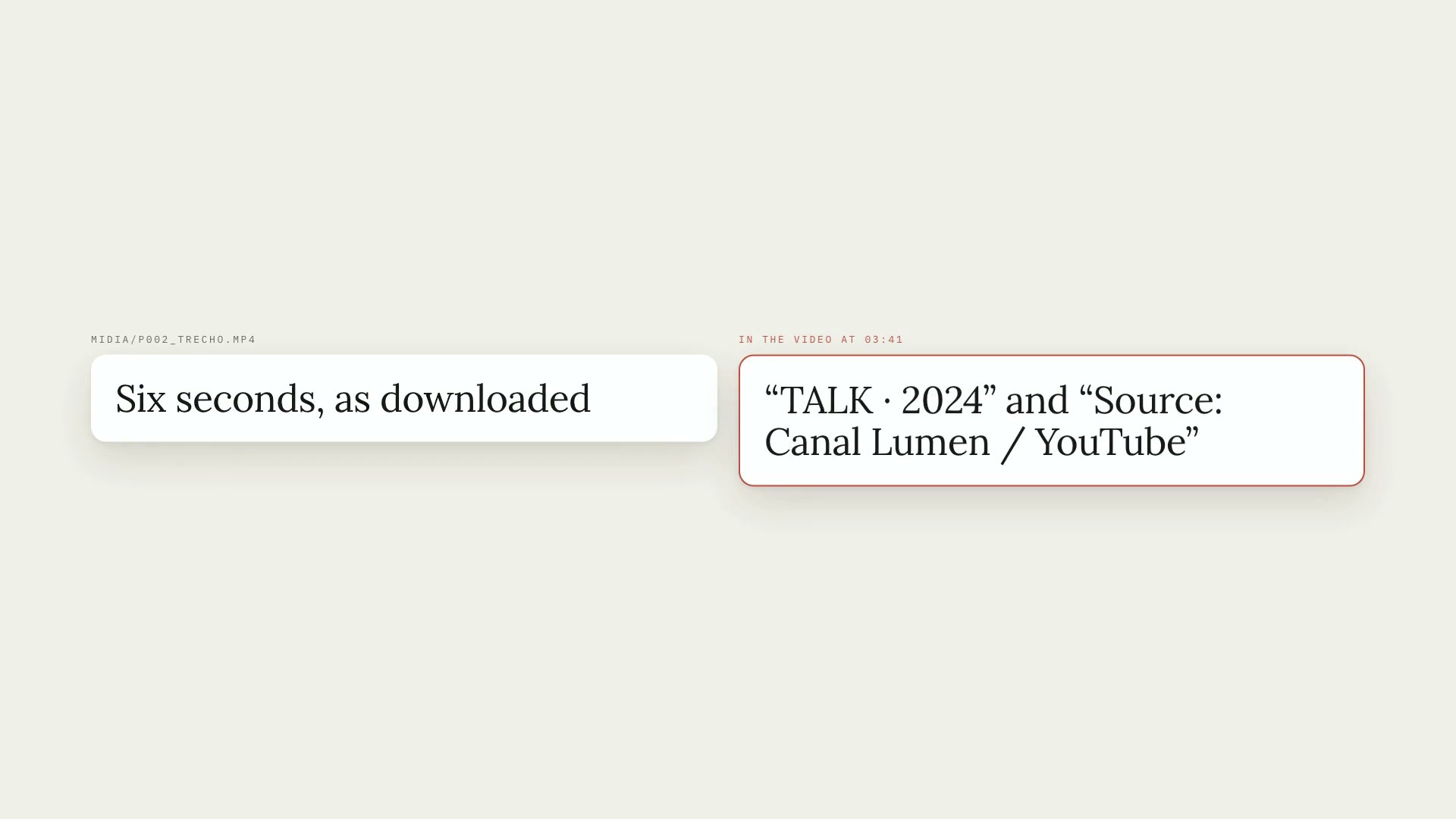 ProMedia request listFrom the commented script to the media list: each request becomes an item, with YouTube and Google Images searches, and only what you approve gets downloaded.ScriptYouTubeIntermediate