// Agents and skills //
Script in your speaking style
Presentation · runs in Claude Code
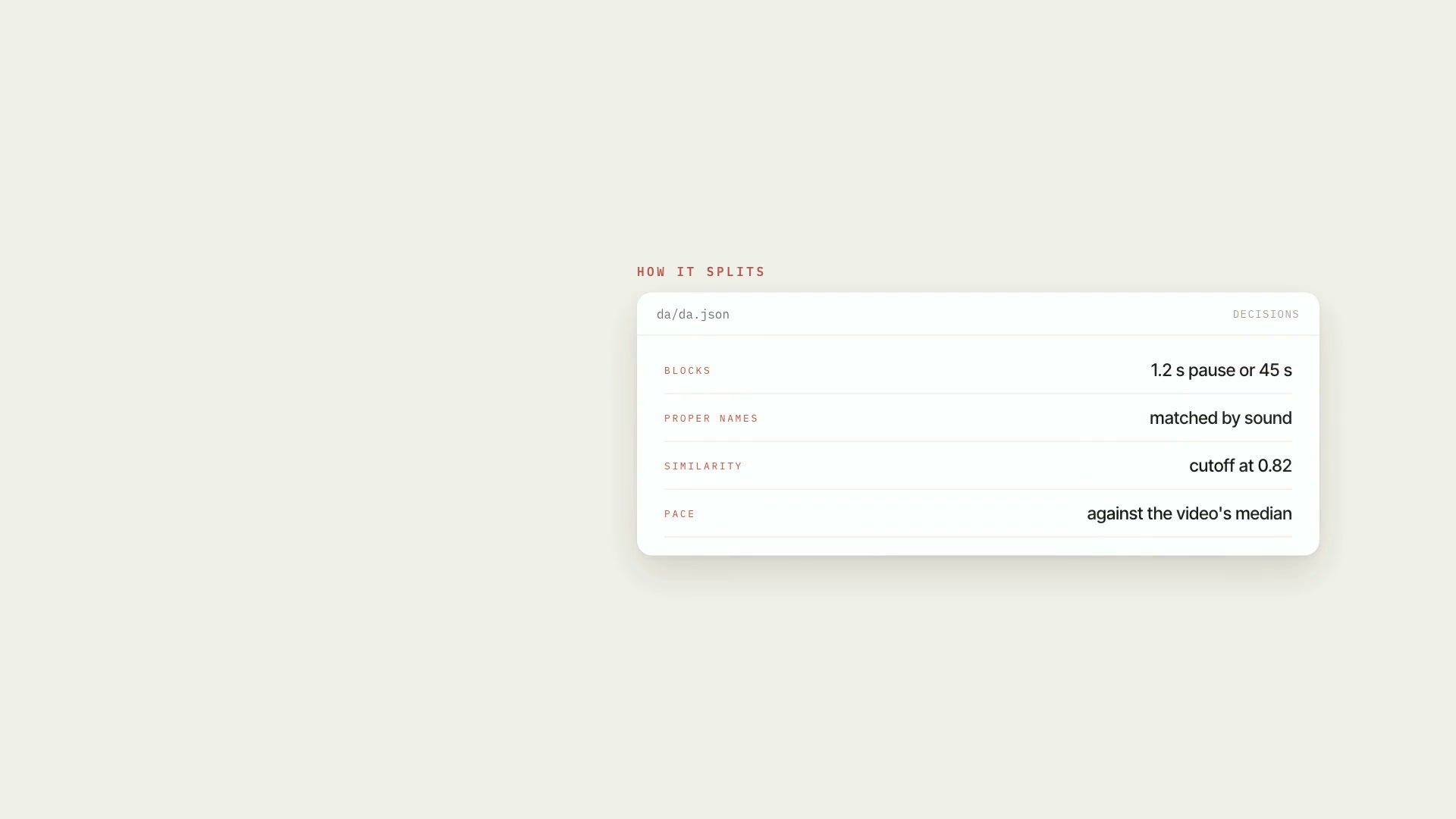
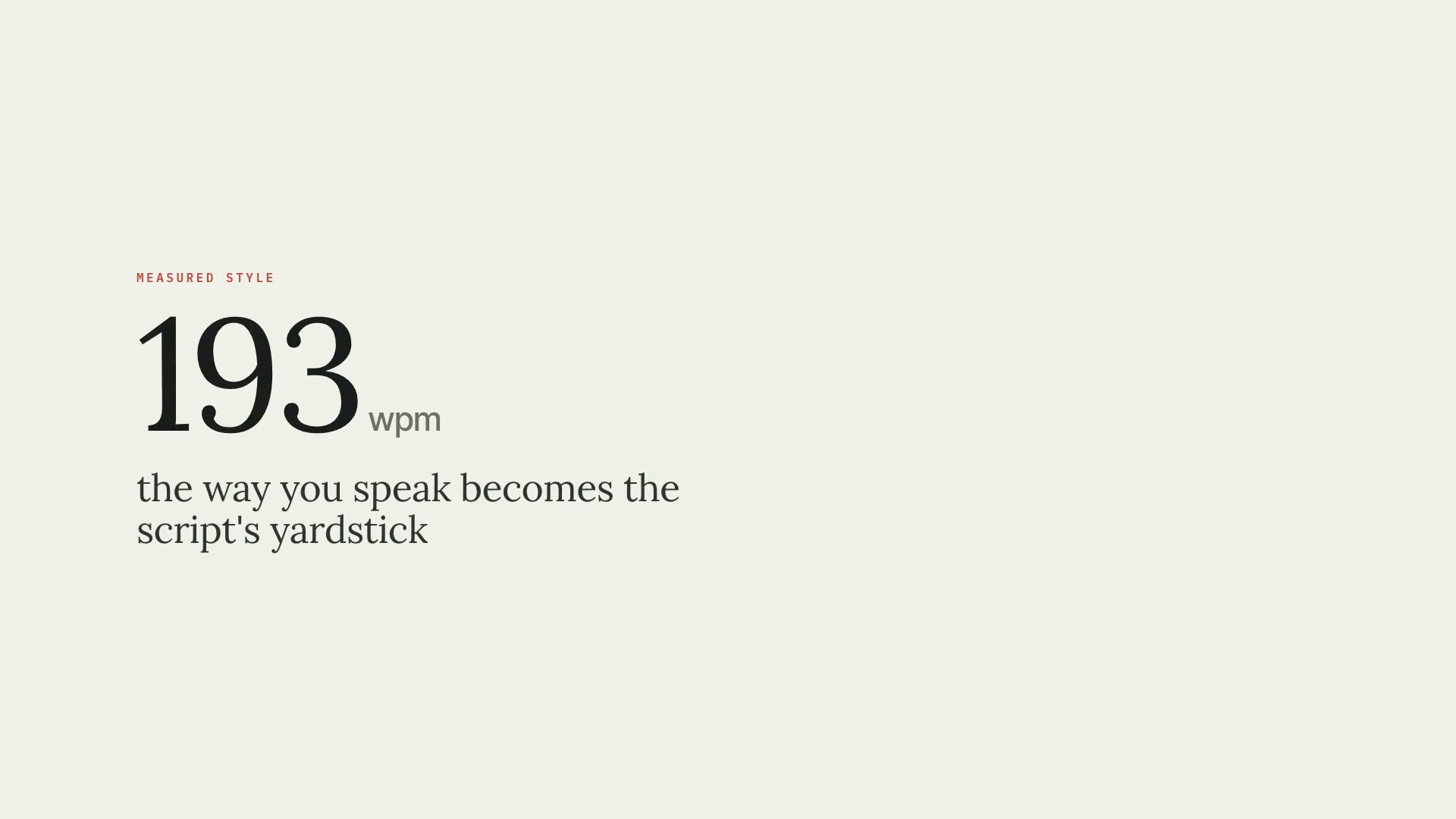
It takes 3 to 10 transcripts of the speaker's past videos and the research material for the new video. First the skill **measures the way they talk**: words per minute, word budget by duration, sentence length, pause rhythm, filler words, pivots, catchphrases, and real openings and closings. That becomes a sheet the scriptwriter reads before the first line. Then the script comes out in **two files**: the clean narration, only what comes out of the speaker's mouth, with no markup getting in the way of whoever's recording; and the editing script, subsection by subsection, with what goes on screen, on which sentence it comes in, and where to find each piece of media — plus `edicao.json` for the next skills. For long videos, a scriptwriter agent writes each part in parallel, and the seam check rejects missing parts, subsections without a screen, blocks pointing to speech that doesn't exist, and sentences repeated across parts.
- Presentation
- Runs in Claude Code
- Intermediate
It takes 3 to 10 transcripts of the speaker's past videos and the research material for the new video. First the skill **measures the way they talk**: words per minute, word budget by duration, sentence length, pause rhythm, filler words, pivots, catchphrases, and real openings and closings. That becomes a sheet the scriptwriter reads before the first line. Then the script comes out in **two files**: the clean narration, only what comes out of the speaker's mouth, with no markup getting in the way of whoever's recording; and the editing script, subsection by subsection, with what goes on screen, on which sentence it comes in, and where to find each piece of media — plus `edicao.json` for the next skills. For long videos, a scriptwriter agent writes each part in parallel, and the seam check rejects missing parts, subsections without a screen, blocks pointing to speech that doesn't exist, and sentences repeated across parts.
How to use
01
Copy the prompt
Use the Copy prompt button on this page.
02
Paste it into your AI
Open Claude Code in the project folder and paste the prompt.
03
Install the skill you downloaded
Install the downloaded file in Claude and call the skill in any chat.
In the package
- Prompt ready to copy and paste
- Skill as a .zip to install in Claude
Goes with
 ProAI fact researchA fact sheet for AI videos: every number, price, date, and model name in the script needs a primary source, a verified excerpt, and an expiry date.Fact-checkingSourcesIntermediate
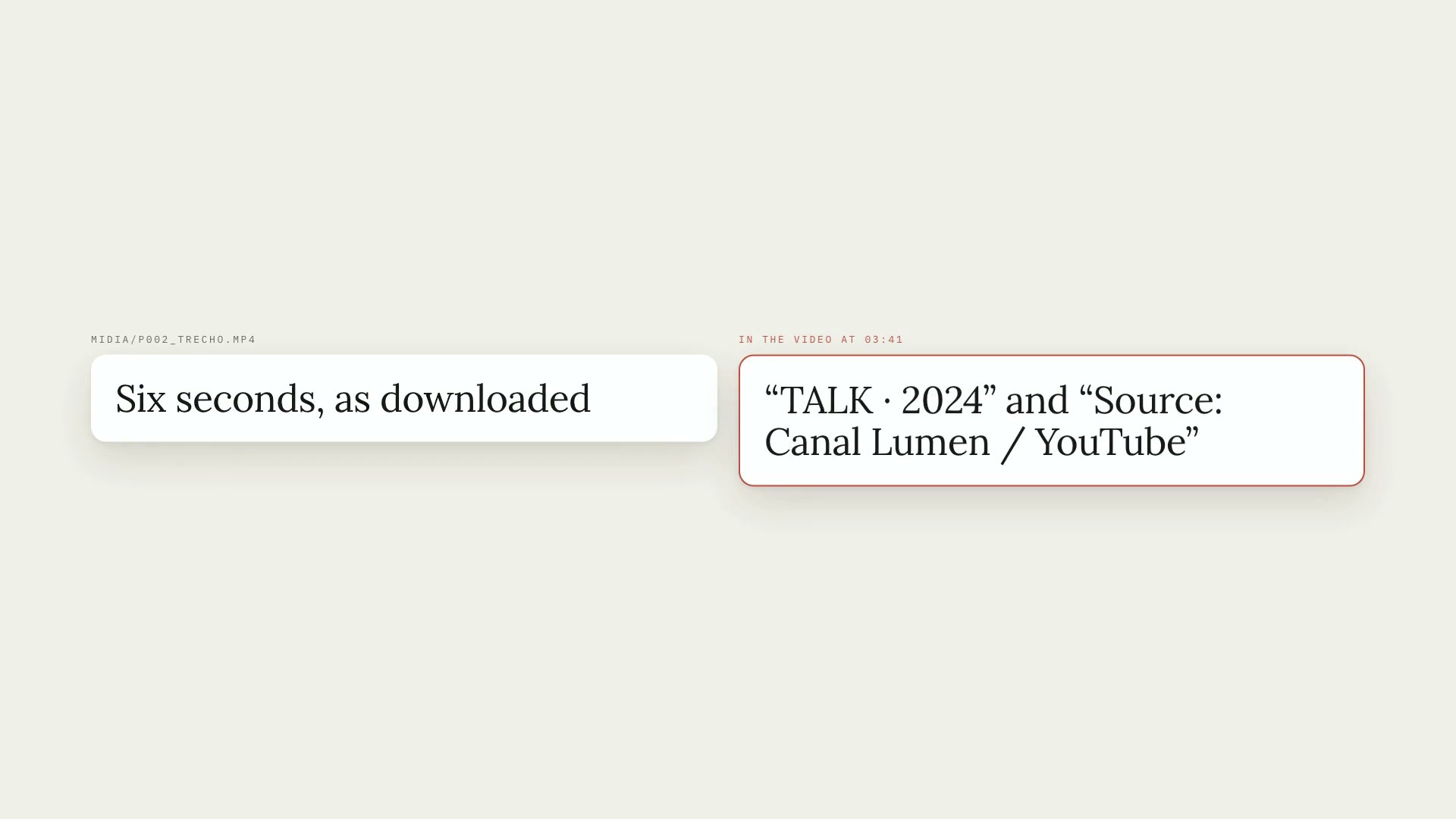 ProMedia request listFrom the commented script to the media list: each request becomes an item, with YouTube and Google Images searches, and only what you approve gets downloaded.ScriptYouTubeIntermediate
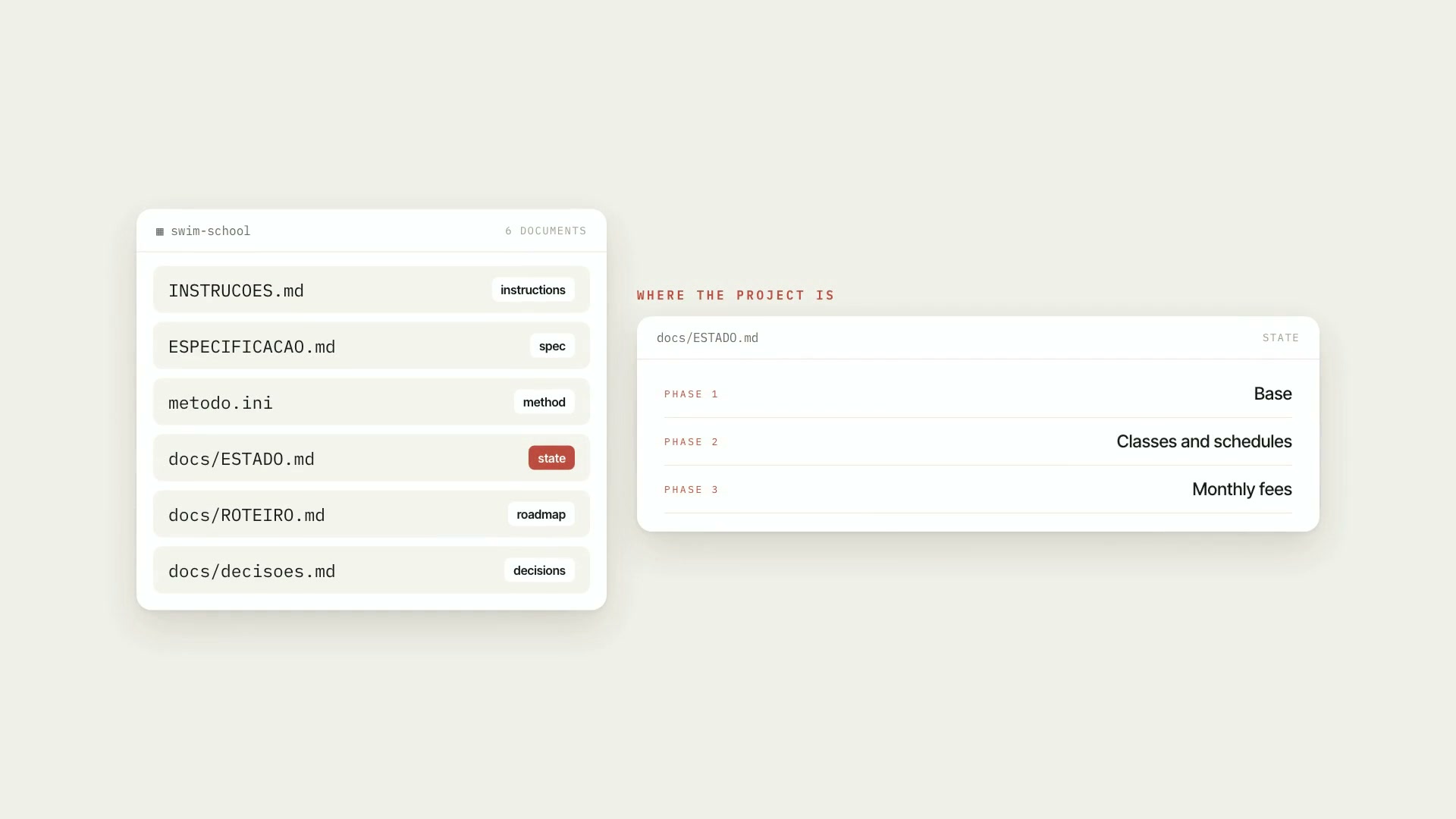 ProProject engineeringA method for taking a software project from idea to production with Claude Code, on any stack, for people who've never coded and for experienced devs.MethodSpecificationBeginner