// Agents and skills · Editorial //
Media sourcing in free stock libraries
runs in Claude Code
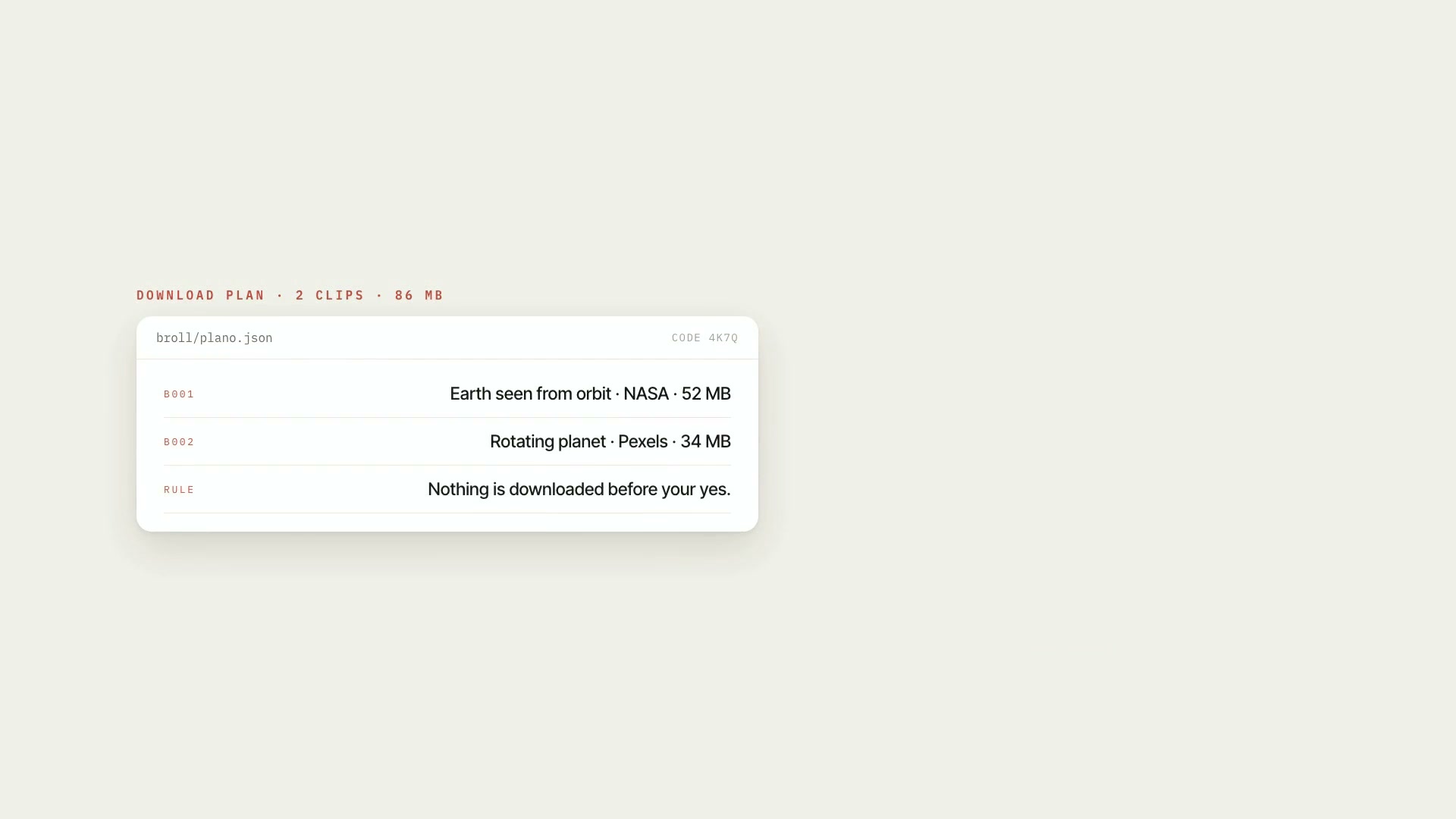
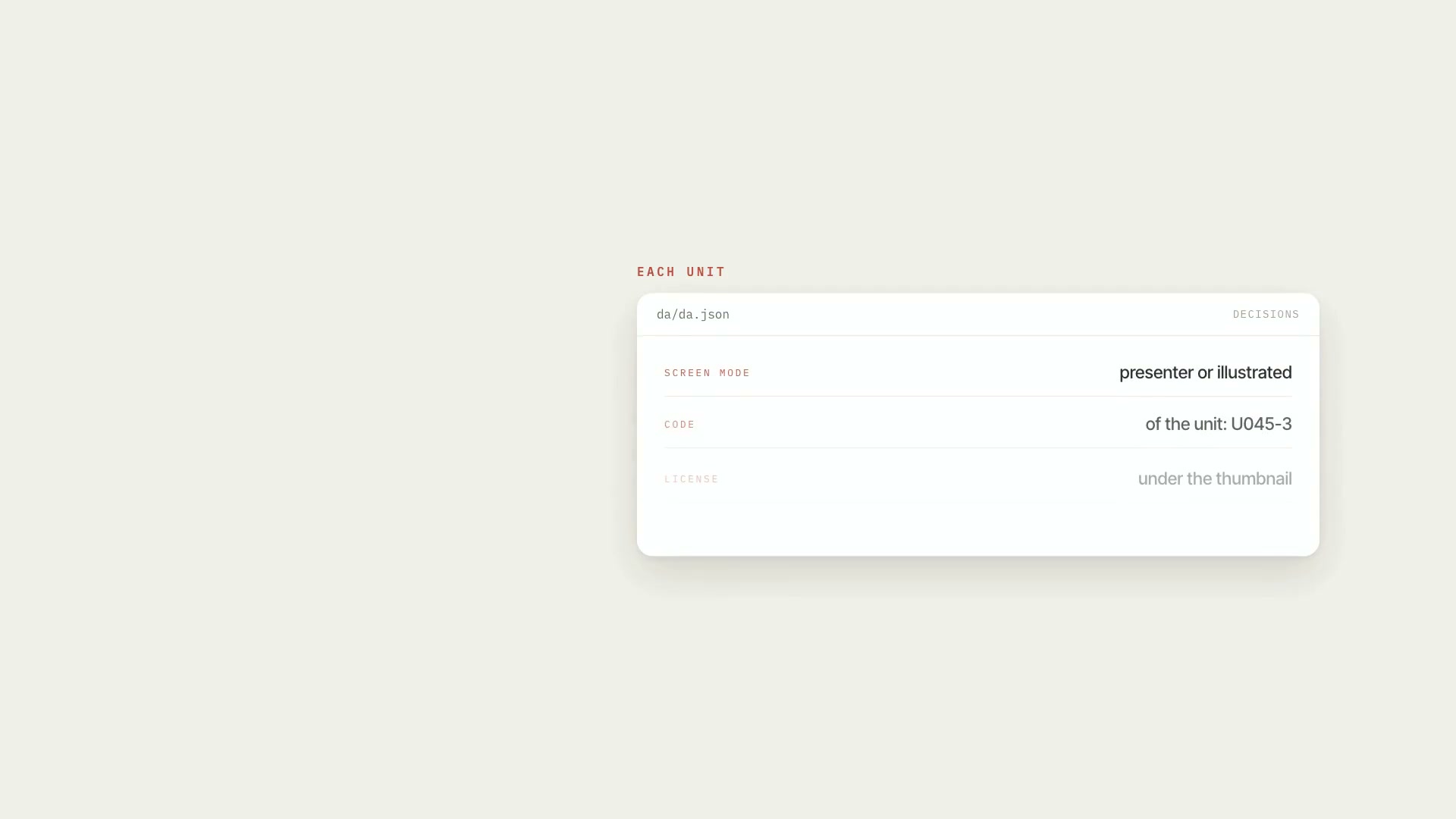
It takes what the video needs to show — from the script's media list or written by hand — and each item becomes a **numbered need with a category**: person, place, document, event, object, or setting. The category is what sets the order of the sources, and the sources are queried one at a time, with a pause between requests. It outputs the list of candidates for each need with license and an identity verdict (checked against the source's caption, never the author field), the sources and pause configuration, `creditos.md` with the license and credit for everything **before** any download, and the download command ready to paste. The search runs inside a project that already has an art direction (`da/da.json`): without it the command exits with code 2. It's for people who build videos with third-party media and need to know where each image came from and whether they can use it. YouTube video only comes in as a short, muted quote with on-screen credit.
- Runs in Claude Code
- Intermediate
It takes what the video needs to show — from the script's media list or written by hand — and each item becomes a **numbered need with a category**: person, place, document, event, object, or setting. The category is what sets the order of the sources, and the sources are queried one at a time, with a pause between requests. It outputs the list of candidates for each need with license and an identity verdict (checked against the source's caption, never the author field), the sources and pause configuration, `creditos.md` with the license and credit for everything **before** any download, and the download command ready to paste. The search runs inside a project that already has an art direction (`da/da.json`): without it the command exits with code 2. It's for people who build videos with third-party media and need to know where each image came from and whether they can use it. YouTube video only comes in as a short, muted quote with on-screen credit.
How to use
01
Copy the prompt
Use the Copy prompt button on this page.
02
Paste it into your AI
Open Claude Code in the project folder and paste the prompt.
03
Install the skill you downloaded
Install the downloaded file in Claude and call the skill in any chat.
In the package
- Prompt ready to copy and paste
- Skill as a .zip to install in Claude
Goes with
 ProB-rollFree b-roll you're allowed to use: searches six collections, downloads only what you approve, logs the license, and styles it to match your video.B-rollStock footageIntermediate
 ProReference board: units and contact sheetsBreaks the script into numbered units and builds a contact sheet for each one, with the code above and the license below every thumbnail.ScriptCatalogIntermediate
 ProAI fact researchA fact sheet for AI videos: every number, price, date, and model name in the script needs a primary source, a verified excerpt, and an expiry date.Fact-checkingSourcesIntermediate