// Agents and skills //
AI fact research
runs in Claude Code
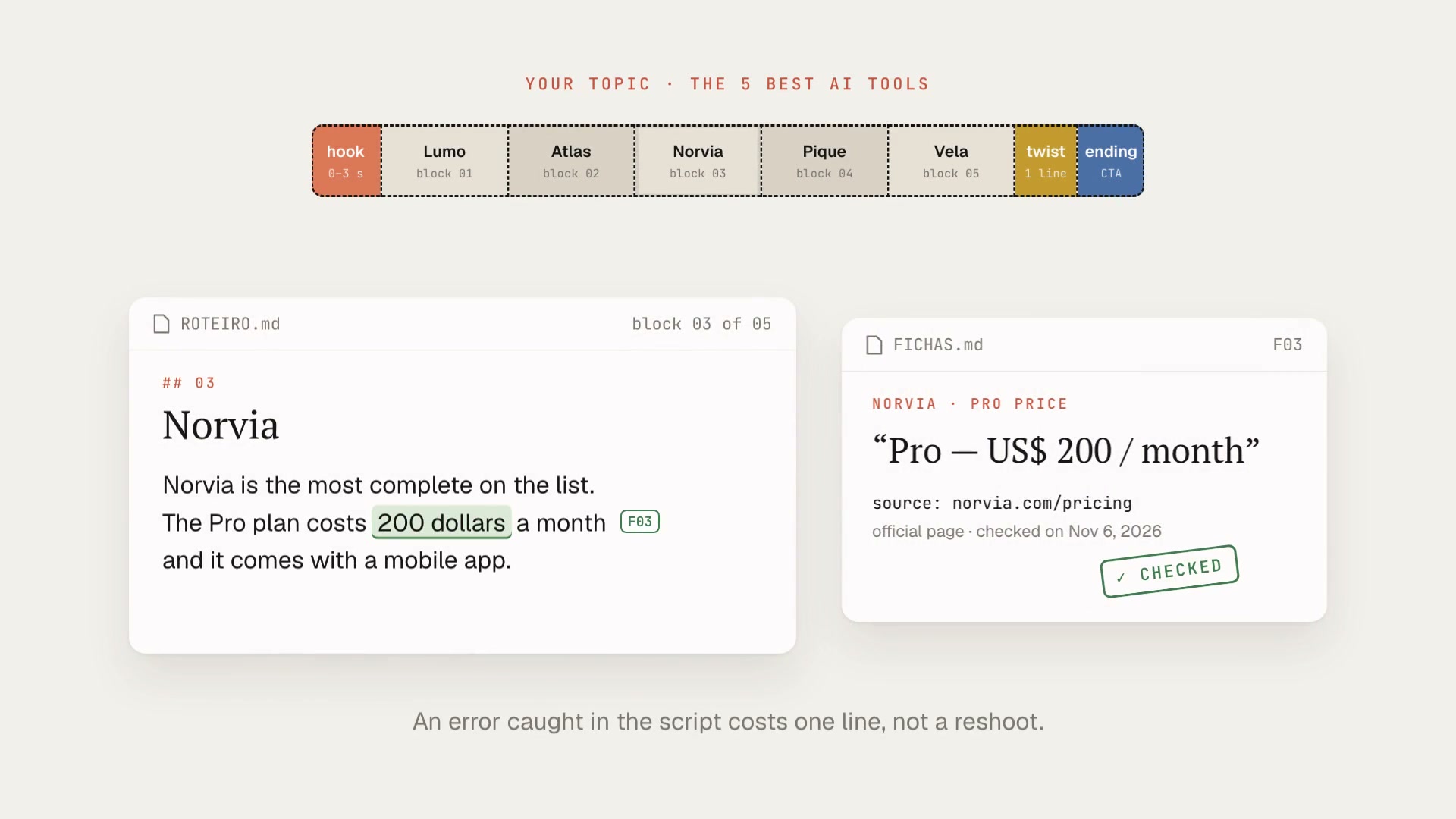
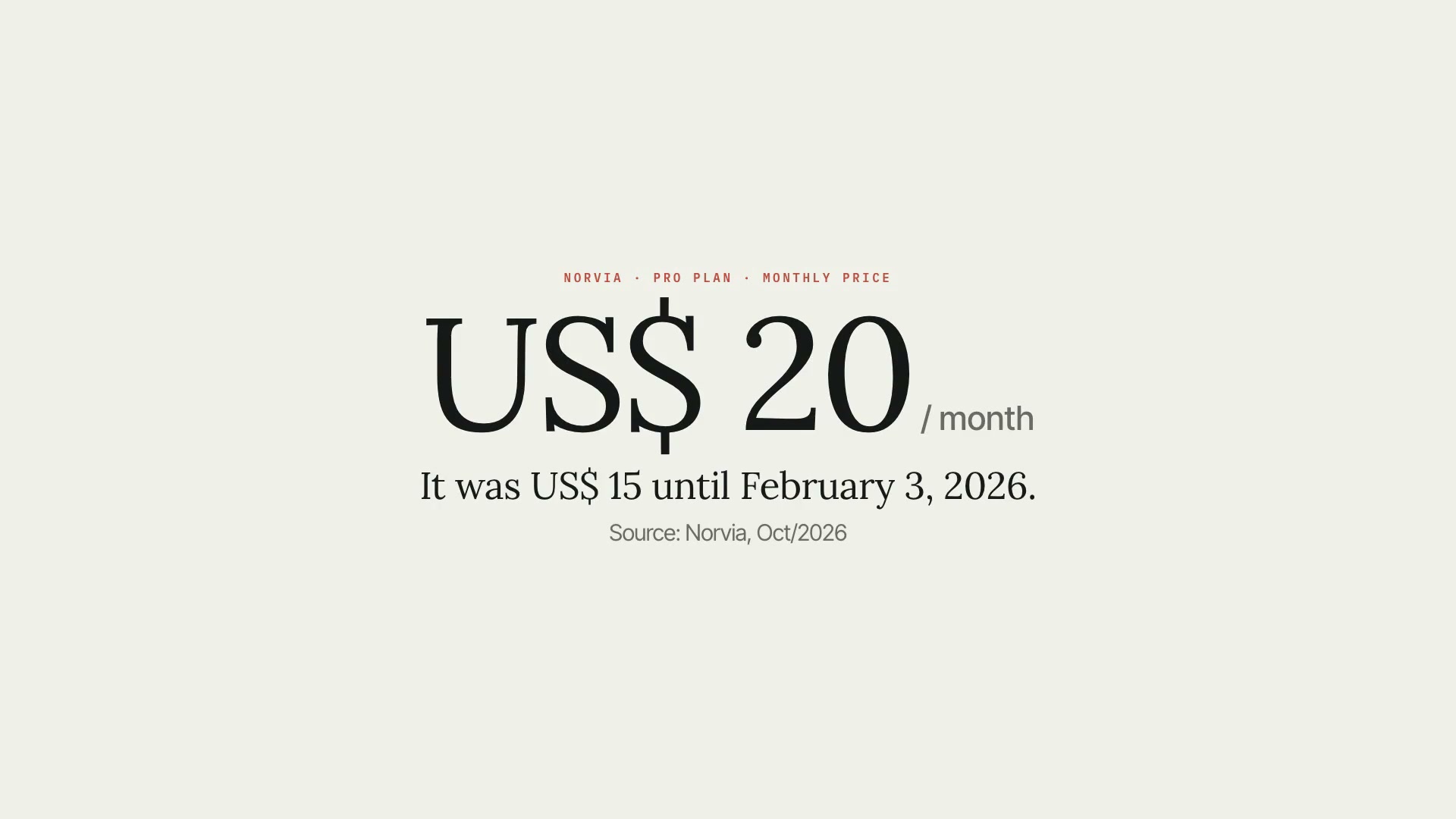
A Claude Code skill that prevents factual errors in videos about artificial intelligence. It turns every checkable claim in the script (model, price, benchmark, date, history) into a registered fact with a primary source, a literal excerpt verified on the page, the access date, and the date it expires. Then it checks the script against this sheet and rejects any sentence that brings a number without a source. There's only one core rule: Claude never answers from memory about models, prices, or benchmarks. Data only goes into the video if it comes from a page opened that same day. What it delivers: the fact sheet in JSON and in readable form, the list of sources ready to paste into the description (with a short version for Shorts, Reels, and TikTok), the script check (sentences with data but no fact, numbers that don't match the source, expired facts), the on-screen credit in the format "Source: Publisher, month/year", and revalidation on publishing day. Limitations: the script checker works by text patterns. It sees numbers, dates, money, percentages, superlatives, and model names, and doesn't see conceptual claims without a number; it reduces errors, it doesn't replace reading. Some pages block automated reading, and in those cases the check is manual, with a note. Requirements: Python 3.9 or newer, with no packages to install. To install, unzip the .zip into ~/.claude/skills/.
- Runs in Claude Code
- Intermediate
A Claude Code skill that prevents factual errors in videos about artificial intelligence. It turns every checkable claim in the script (model, price, benchmark, date, history) into a registered fact with a primary source, a literal excerpt verified on the page, the access date, and the date it expires. Then it checks the script against this sheet and rejects any sentence that brings a number without a source. There's only one core rule: Claude never answers from memory about models, prices, or benchmarks. Data only goes into the video if it comes from a page opened that same day. What it delivers: the fact sheet in JSON and in readable form, the list of sources ready to paste into the description (with a short version for Shorts, Reels, and TikTok), the script check (sentences with data but no fact, numbers that don't match the source, expired facts), the on-screen credit in the format "Source: Publisher, month/year", and revalidation on publishing day. Limitations: the script checker works by text patterns. It sees numbers, dates, money, percentages, superlatives, and model names, and doesn't see conceptual claims without a number; it reduces errors, it doesn't replace reading. Some pages block automated reading, and in those cases the check is manual, with a note. Requirements: Python 3.9 or newer, with no packages to install. To install, unzip the .zip into ~/.claude/skills/.
How to use
01
Copy the prompt
Use the Copy prompt button on this page.
02
Paste it into your AI
Open Claude Code in the project folder and paste the prompt.
03
Install the skill you downloaded
Install the downloaded file in Claude and call the skill in any chat.
In the package
- Prompt ready to copy and paste
- Skill as a .zip to install in Claude
Goes with
 ProFact-checking speech against the sourceCross-checks what you said in the video against your research and documents, and flags what doesn't match the source, with mm:ss and the evidence alongside.Fact-checkingSourcesAdvanced
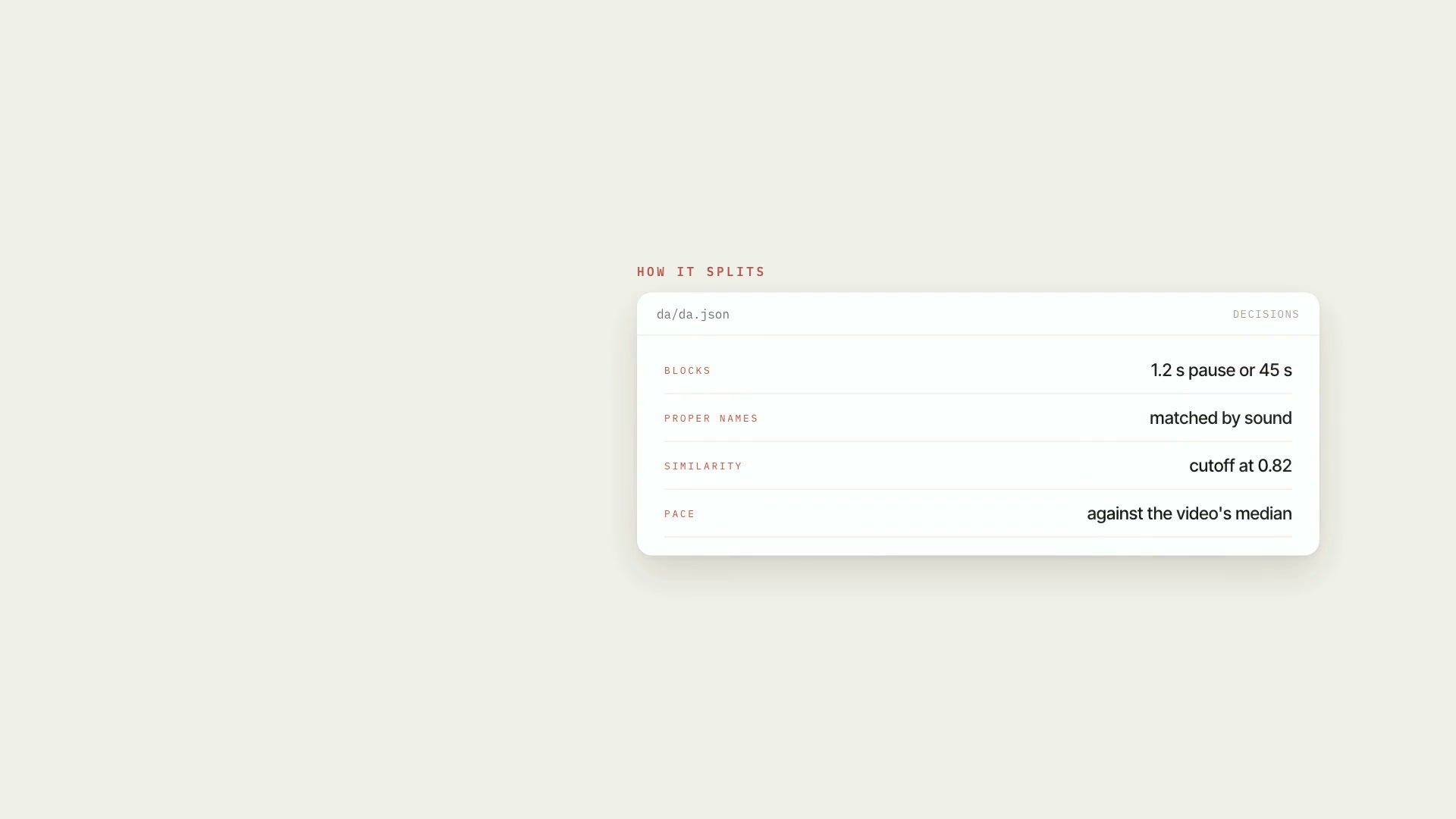 ProSpeech map of the videoTurns the transcript into an inventory of what was said: blocks, people mentioned, numbers, dates, pace, stumbles, and speech × script, with mm:ss.ScriptResearchIntermediate
 ProScript in your speaking styleMeasures how you talk from your past transcripts and writes the script in that style, in two files: the clean narration and the editing script.ScriptResearchIntermediate