// Agents and skills //
B-roll
runs in Claude Code
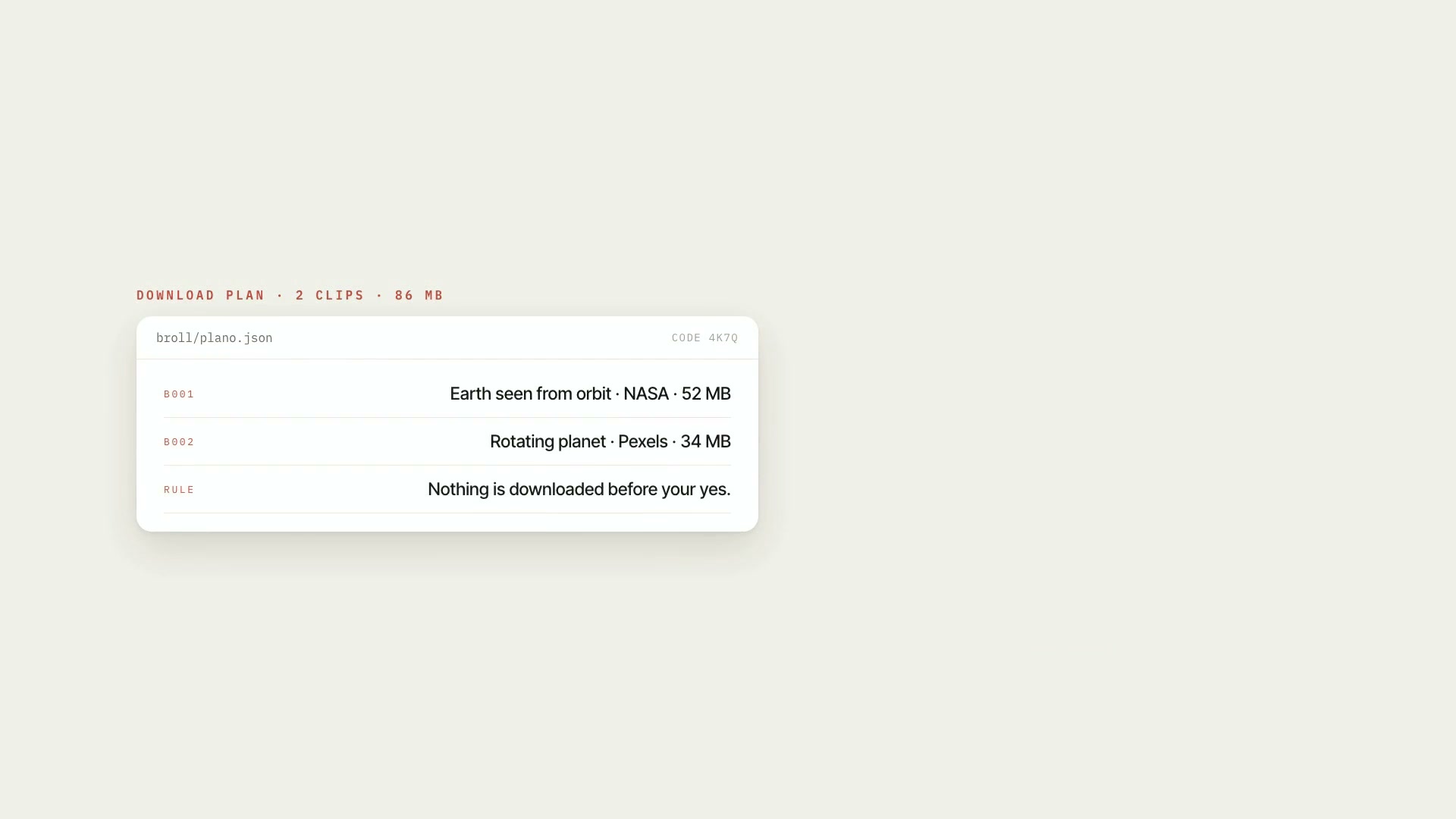
A Claude Code skill that finds free b-roll you're allowed to use for your script, on Pexels, Pixabay, NASA, Wikimedia Commons, Internet Archive, and Openverse. The candidates show up on a contact sheet with duration, resolution, and a license signal, and only what you approve gets downloaded, through a plan with codes. Then it treats the material in the project's art direction: trim, speed, horizontal or vertical format, color, grain, frame, label, and on-screen credit. That way images from different sources look like they belong to the same video. What it delivers: the candidate sheet, the download plan with the size, license, and risk of each item, the approved material, the license log, credits ready for the description, and the treated b-roll, with a before-and-after to check. Limitations: non-commercial, no-derivatives, or unknown licenses are rejected by default; it's a conservative operating rule, not legal advice. Internet Archive, Openverse, and Wikimedia don't guarantee the license declared by the uploader, and the skill flags those items for review. During development, downloading was tested against a local server, and Pexels and Pixabay with simulated responses: keep an eye on the first real download. Requirements: the Project art direction skill installed alongside it, Python 3 with Pillow and numpy, and ffmpeg. Optional: your Pexels and Pixabay keys and a contact (email or website), which Wikimedia requires. To install, unzip the .zip into ~/.claude/skills/.
- Runs in Claude Code
- Intermediate
A Claude Code skill that finds free b-roll you're allowed to use for your script, on Pexels, Pixabay, NASA, Wikimedia Commons, Internet Archive, and Openverse. The candidates show up on a contact sheet with duration, resolution, and a license signal, and only what you approve gets downloaded, through a plan with codes. Then it treats the material in the project's art direction: trim, speed, horizontal or vertical format, color, grain, frame, label, and on-screen credit. That way images from different sources look like they belong to the same video. What it delivers: the candidate sheet, the download plan with the size, license, and risk of each item, the approved material, the license log, credits ready for the description, and the treated b-roll, with a before-and-after to check. Limitations: non-commercial, no-derivatives, or unknown licenses are rejected by default; it's a conservative operating rule, not legal advice. Internet Archive, Openverse, and Wikimedia don't guarantee the license declared by the uploader, and the skill flags those items for review. During development, downloading was tested against a local server, and Pexels and Pixabay with simulated responses: keep an eye on the first real download. Requirements: the Project art direction skill installed alongside it, Python 3 with Pillow and numpy, and ffmpeg. Optional: your Pexels and Pixabay keys and a contact (email or website), which Wikimedia requires. To install, unzip the .zip into ~/.claude/skills/.
How to use
01
Copy the prompt
Use the Copy prompt button on this page.
02
Paste it into your AI
Open Claude Code in the project folder and paste the prompt.
03
Install the skill you downloaded
Install the downloaded file in Claude and call the skill in any chat.
In the package
- Prompt ready to copy and paste
- Skill as a .zip to install in Claude
Goes with
 ProMedia sourcing in free stock librariesLists missing visuals, searches free libraries in the right order, checks who's in the photo, logs license and credit. Nothing downloads without your "yes."SourcesResearchIntermediate
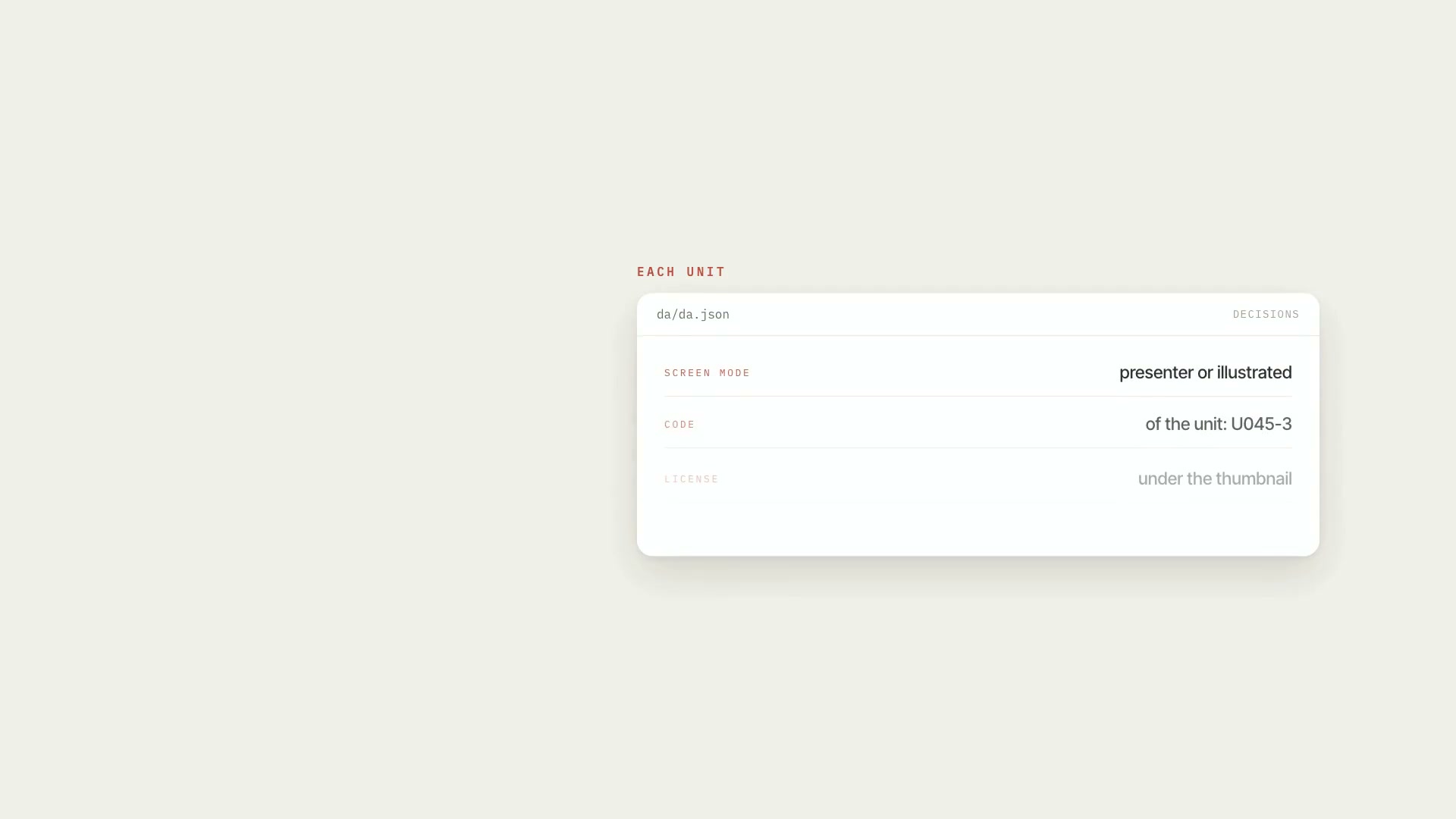 ProReference board: units and contact sheetsBreaks the script into numbered units and builds a contact sheet for each one, with the code above and the license below every thumbnail.ScriptCatalogIntermediate
 ProMedia request listFrom the commented script to the media list: each request becomes an item, with YouTube and Google Images searches, and only what you approve gets downloaded.ScriptYouTubeIntermediate