// Agents and skills · Editorial //
Reference board: units and contact sheets
runs in Claude Code
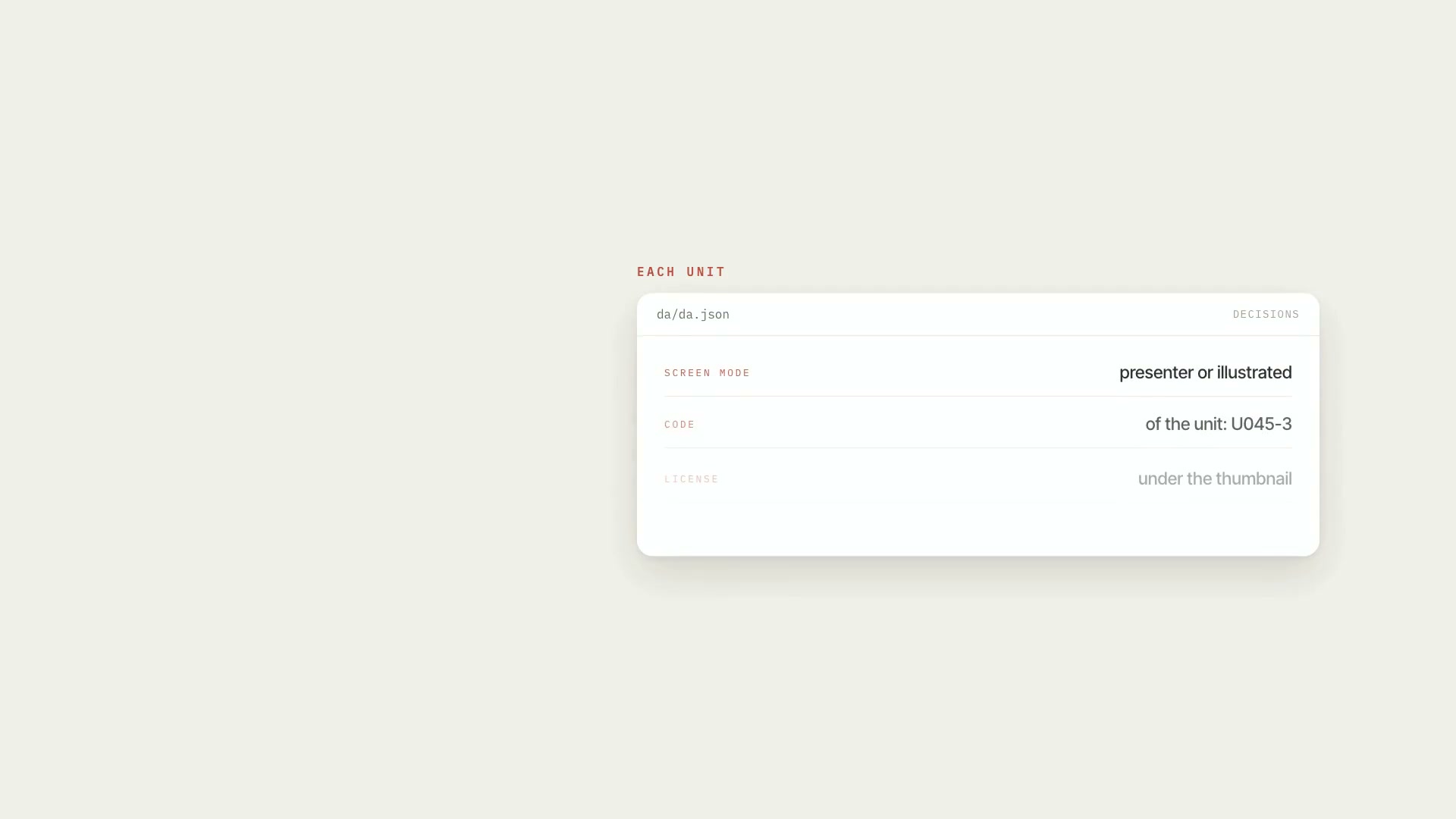
It takes the editing script (and, even better, the word-by-word transcript of what was recorded). The skill breaks everything into **numbered units** — U001, U002, U003… — each with the screen type, the words for that part, the media it needs with the orientation already set by the art direction, and a readable editing-script line. With the transcript, each unit is found in the speech by fuzzy matching, because the host paraphrases, and gets in and out times; whatever was said that wasn't written becomes a separate improv file, with timestamps. Then each unit gets a **contact sheet**: the options side by side, the code above (`U045-3`), and the license below, with a color signal. It's for whoever is going to edit: it's the document the editor works from. You look at the sheet, call out the numbers, and only then does anything get downloaded.
- Runs in Claude Code
- Intermediate
It takes the editing script (and, even better, the word-by-word transcript of what was recorded). The skill breaks everything into **numbered units** — U001, U002, U003… — each with the screen type, the words for that part, the media it needs with the orientation already set by the art direction, and a readable editing-script line. With the transcript, each unit is found in the speech by fuzzy matching, because the host paraphrases, and gets in and out times; whatever was said that wasn't written becomes a separate improv file, with timestamps. Then each unit gets a **contact sheet**: the options side by side, the code above (`U045-3`), and the license below, with a color signal. It's for whoever is going to edit: it's the document the editor works from. You look at the sheet, call out the numbers, and only then does anything get downloaded.
How to use
01
Copy the prompt
Use the Copy prompt button on this page.
02
Paste it into your AI
Open Claude Code in the project folder and paste the prompt.
03
Install the skill you downloaded
Install the downloaded file in Claude and call the skill in any chat.
In the package
- Prompt ready to copy and paste
- Skill as a .zip to install in Claude
Goes with
 ProMedia request listFrom the commented script to the media list: each request becomes an item, with YouTube and Google Images searches, and only what you approve gets downloaded.ScriptYouTubeIntermediate
 ProMedia sourcing in free stock librariesLists missing visuals, searches free libraries in the right order, checks who's in the photo, logs license and credit. Nothing downloads without your "yes."SourcesResearchIntermediate
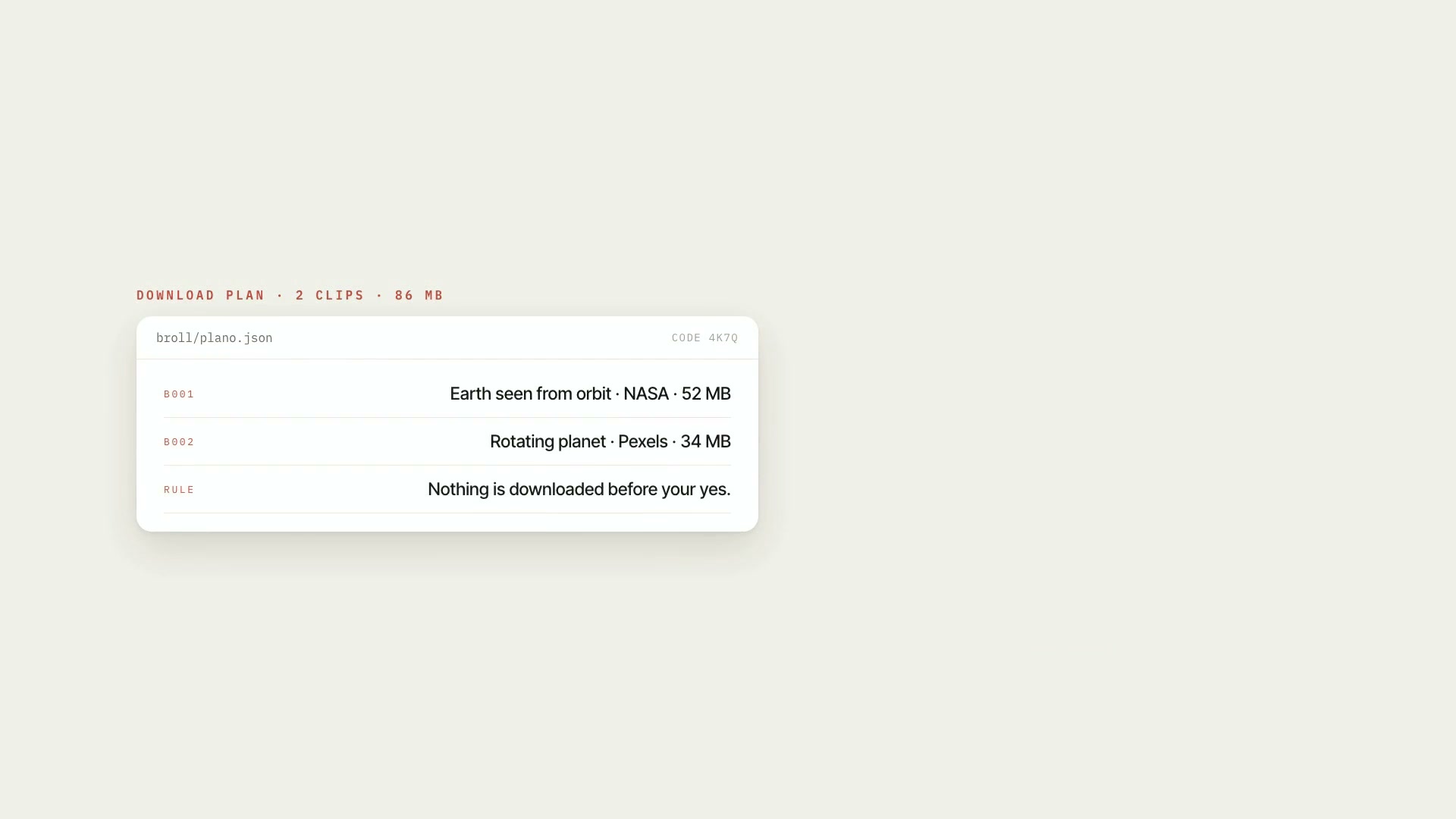 ProB-rollFree b-roll you're allowed to use: searches six collections, downloads only what you approve, logs the license, and styles it to match your video.B-rollStock footageIntermediate