// Agents and skills //
Fact-checking speech against the source
Data · runs in Claude Code
It takes the word-by-word transcript and whatever sources the project already has: the `pesquisa/fatos.json` fact sheet and/or documents in `.md`, `.txt`, `.csv`, `.json`, and `.pdf`. It outputs `qa/checagem.md` (sorted by severity, for reading) and `qa/checagem.json`, flagging numbers that don't match the source, quotes that don't exist, data that in the source belongs to a different case, misattributions, unsupported claims, and facts the sheet marks as unconfirmed or expired — each item with the timestamp, the sentence as spoken, the source excerpt, and what to do. Any passage that pairs a person's name with an accusatory word gets flagged as sensitive, even when everything else is right. It's a sieve, not a verdict: nothing gets corrected automatically, and the summary lists the documents it couldn't read. For anyone who publishes content with data and quotes and wants to check before, not after.
- Data
- Runs in Claude Code
- Advanced
It takes the word-by-word transcript and whatever sources the project already has: the `pesquisa/fatos.json` fact sheet and/or documents in `.md`, `.txt`, `.csv`, `.json`, and `.pdf`. It outputs `qa/checagem.md` (sorted by severity, for reading) and `qa/checagem.json`, flagging numbers that don't match the source, quotes that don't exist, data that in the source belongs to a different case, misattributions, unsupported claims, and facts the sheet marks as unconfirmed or expired — each item with the timestamp, the sentence as spoken, the source excerpt, and what to do. Any passage that pairs a person's name with an accusatory word gets flagged as sensitive, even when everything else is right. It's a sieve, not a verdict: nothing gets corrected automatically, and the summary lists the documents it couldn't read. For anyone who publishes content with data and quotes and wants to check before, not after.
How to use
01
Copy the prompt
Use the Copy prompt button on this page.
02
Paste it into your AI
Open Claude Code in the project folder and paste the prompt.
03
Install the skill you downloaded
Install the downloaded file in Claude and call the skill in any chat.
In the package
- Prompt ready to copy and paste
- Skill as a .zip to install in Claude
Goes with
 ProAI fact researchA fact sheet for AI videos: every number, price, date, and model name in the script needs a primary source, a verified excerpt, and an expiry date.Fact-checkingSourcesIntermediate
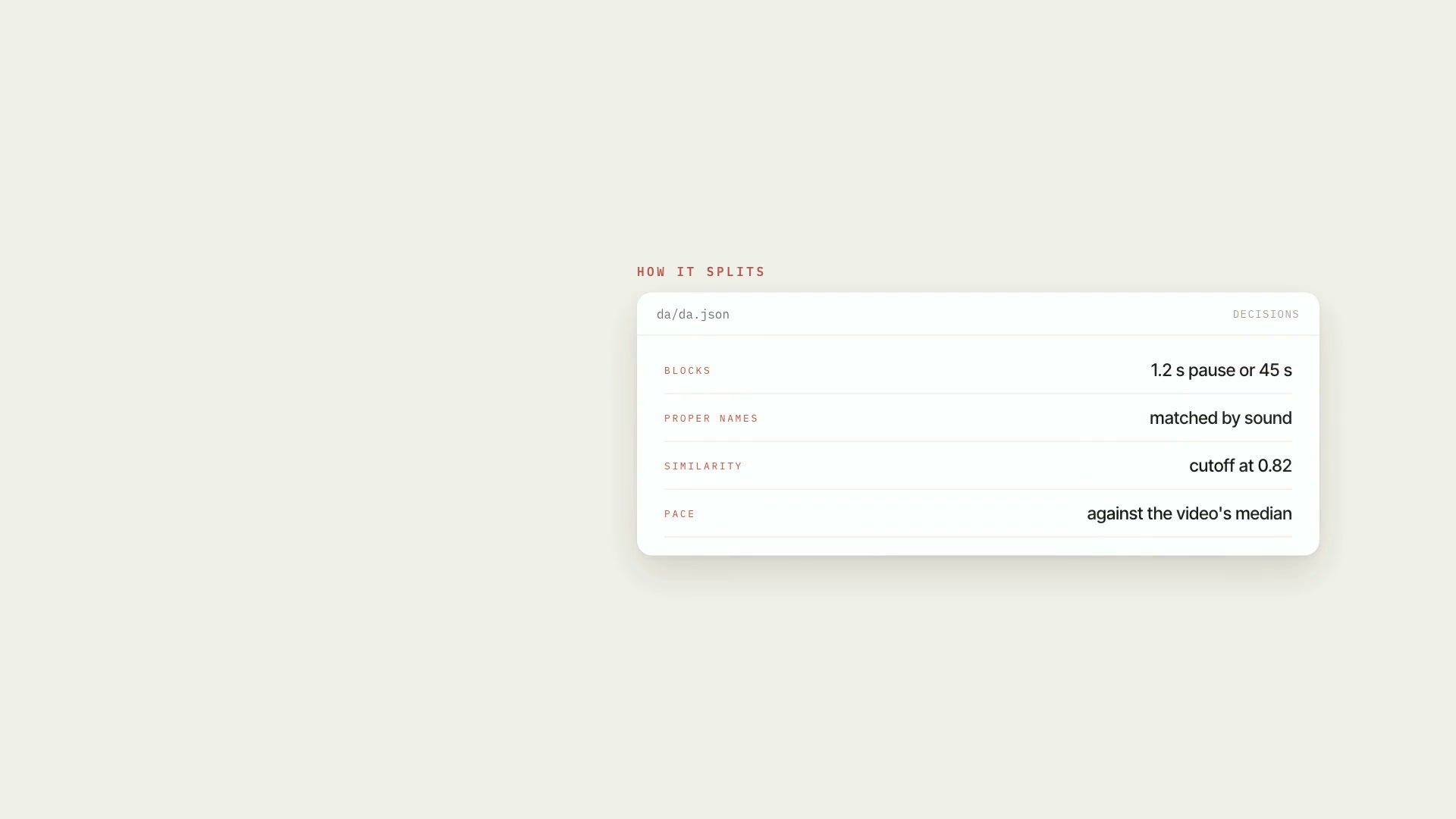 ProSpeech map of the videoTurns the transcript into an inventory of what was said: blocks, people mentioned, numbers, dates, pace, stumbles, and speech × script, with mm:ss.ScriptResearchIntermediate
 ProMedia sourcing in free stock librariesLists missing visuals, searches free libraries in the right order, checks who's in the photo, logs license and credit. Nothing downloads without your "yes."SourcesResearchIntermediate