// Agents and skills //
Project art direction
runs in Claude Code
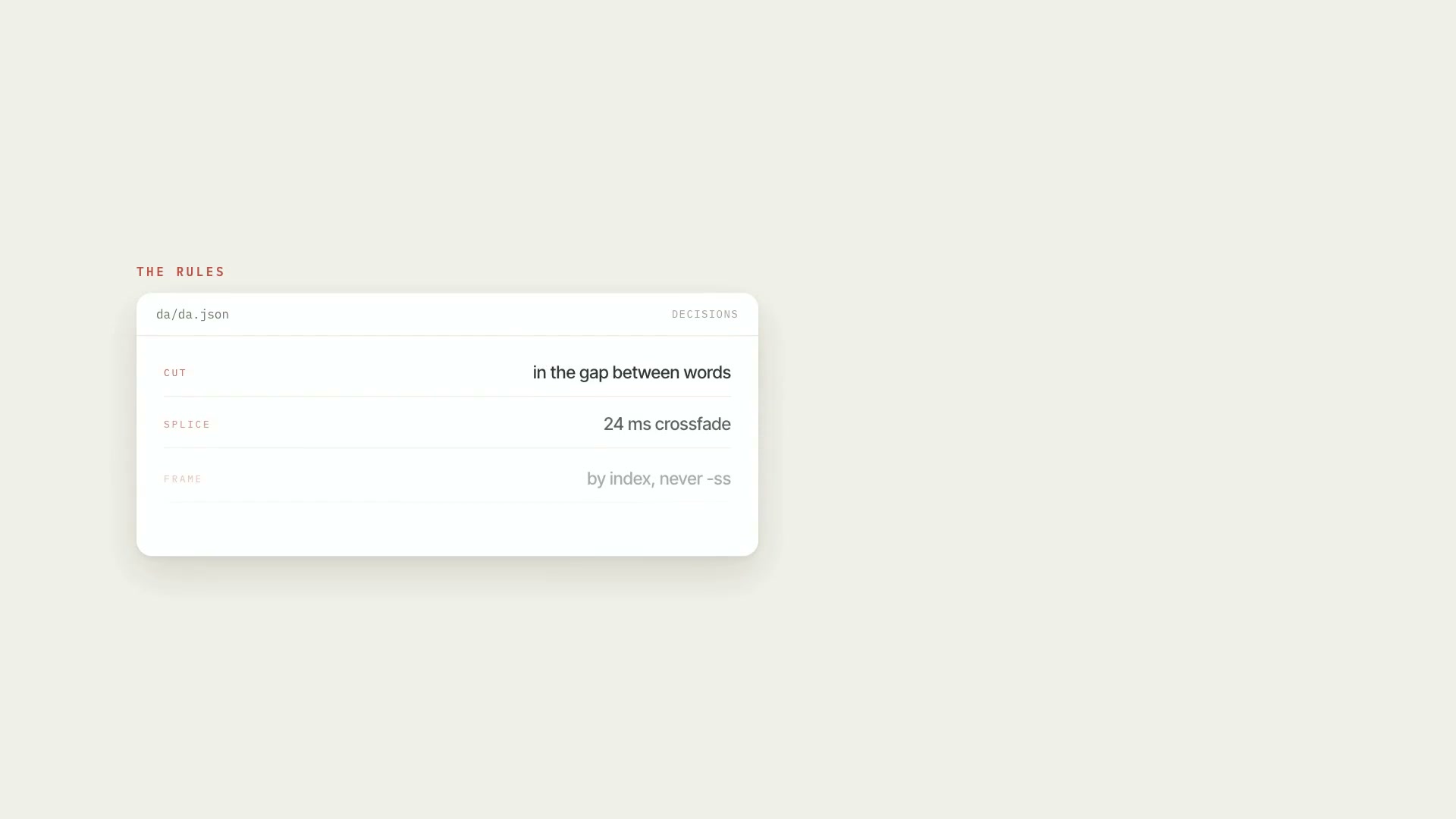
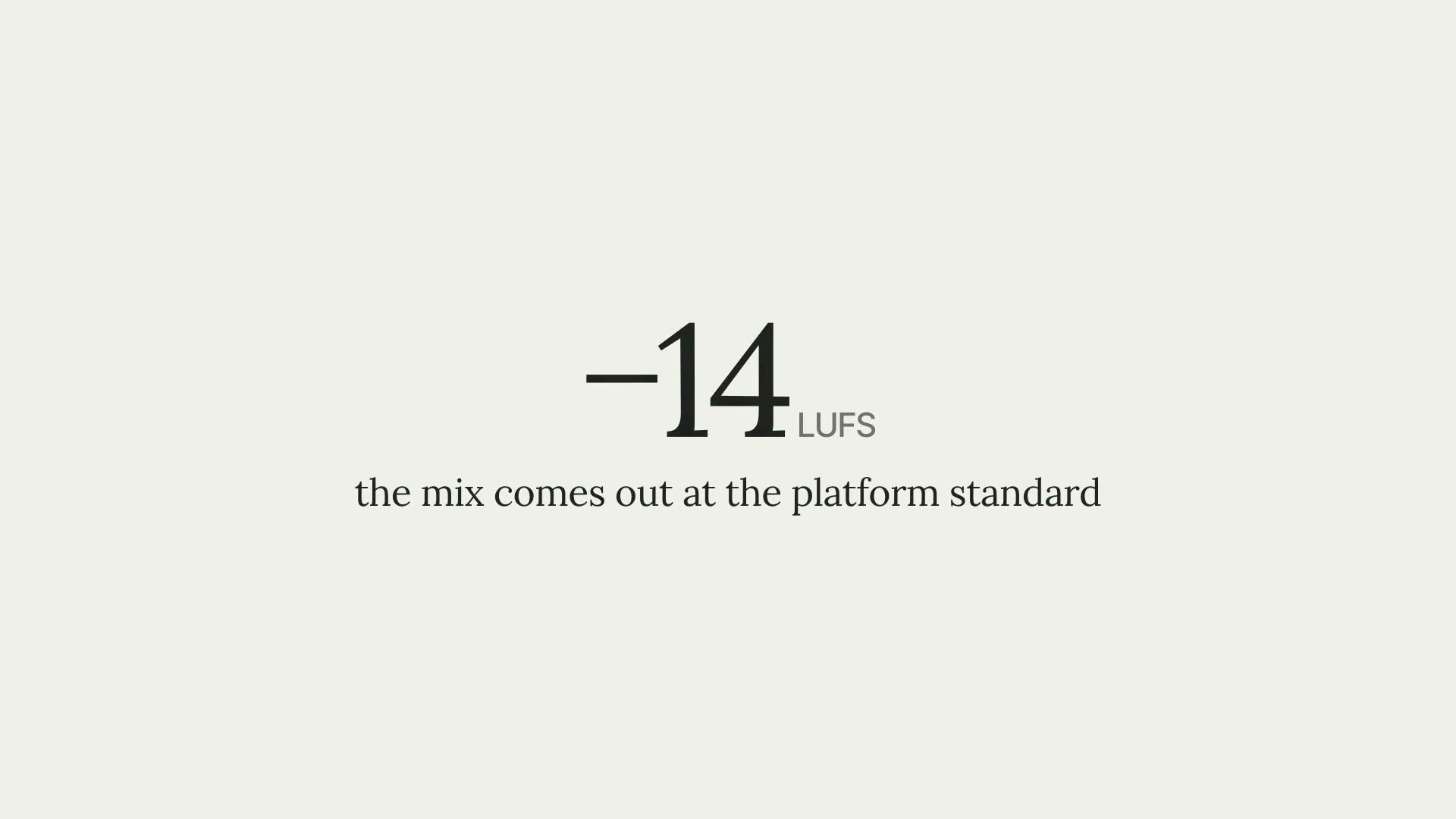
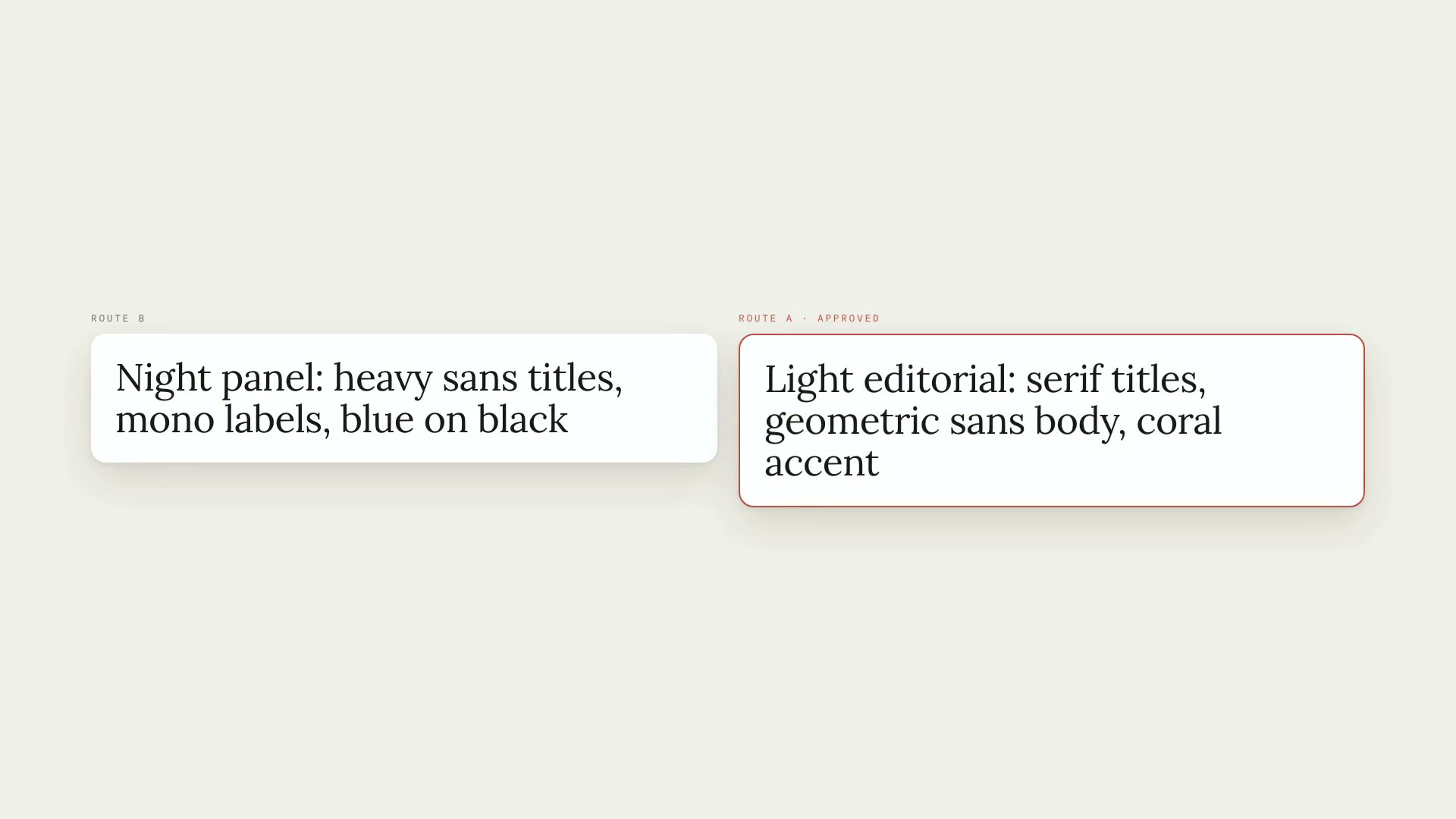
A Claude Code skill that gives each video project a single art direction, stored in da/da.json: palette, typography, motion, image treatment, captions, safe margins, and sound. It's built methodically (briefing, reading the references, two or three routes compared side by side, a style board, and approval) and then applies to everything the project produces. It's the foundation of the crIAbr set of video skills: animation, captions, b-roll, clips, and publishing read the tokens through its kit and stamp each piece with the version of the art direction used. Without an art direction nothing gets rendered; hand-written colors or fonts get rejected; a piece made with an old version gets flagged. What it delivers: da.json from five presets or from a preset for your channel; the style board (palette with contrast, typography, lower thirds and captions at real scale, safe areas for Reels, TikTok, and Shorts); a motion test; the kit with an HTML render engine for image and video, text, and ffmpeg; and the final check before publishing (approved art direction, stamps, loudness, and platform limits), which writes the report used by the publishing skill. The thumbnail also comes out of the kit. Limitations: the final check measures file, audio, and stamps, but doesn't open the frame to see what's on screen. Platform limits were verified on October 5, 2026, and need review every three months. The kit was tested on a Mac with Apple Silicon; it hasn't been tested on other systems. Requirements: Python 3.10 or newer with Pillow and numpy, ffmpeg, Node 18 or newer, and Playwright's headless Chromium for the render engine. To install, unzip the .zip into ~/.claude/skills/.
- Runs in Claude Code
- Intermediate
A Claude Code skill that gives each video project a single art direction, stored in da/da.json: palette, typography, motion, image treatment, captions, safe margins, and sound. It's built methodically (briefing, reading the references, two or three routes compared side by side, a style board, and approval) and then applies to everything the project produces. It's the foundation of the crIAbr set of video skills: animation, captions, b-roll, clips, and publishing read the tokens through its kit and stamp each piece with the version of the art direction used. Without an art direction nothing gets rendered; hand-written colors or fonts get rejected; a piece made with an old version gets flagged. What it delivers: da.json from five presets or from a preset for your channel; the style board (palette with contrast, typography, lower thirds and captions at real scale, safe areas for Reels, TikTok, and Shorts); a motion test; the kit with an HTML render engine for image and video, text, and ffmpeg; and the final check before publishing (approved art direction, stamps, loudness, and platform limits), which writes the report used by the publishing skill. The thumbnail also comes out of the kit. Limitations: the final check measures file, audio, and stamps, but doesn't open the frame to see what's on screen. Platform limits were verified on October 5, 2026, and need review every three months. The kit was tested on a Mac with Apple Silicon; it hasn't been tested on other systems. Requirements: Python 3.10 or newer with Pillow and numpy, ffmpeg, Node 18 or newer, and Playwright's headless Chromium for the render engine. To install, unzip the .zip into ~/.claude/skills/.
How to use
01
Copy the prompt
Use the Copy prompt button on this page.
02
Paste it into your AI
Open Claude Code in the project folder and paste the prompt.
03
Install the skill you downloaded
Install the downloaded file in Claude and call the skill in any chat.
In the package
- Prompt ready to copy and paste
- Skill as a .zip to install in Claude
Goes with
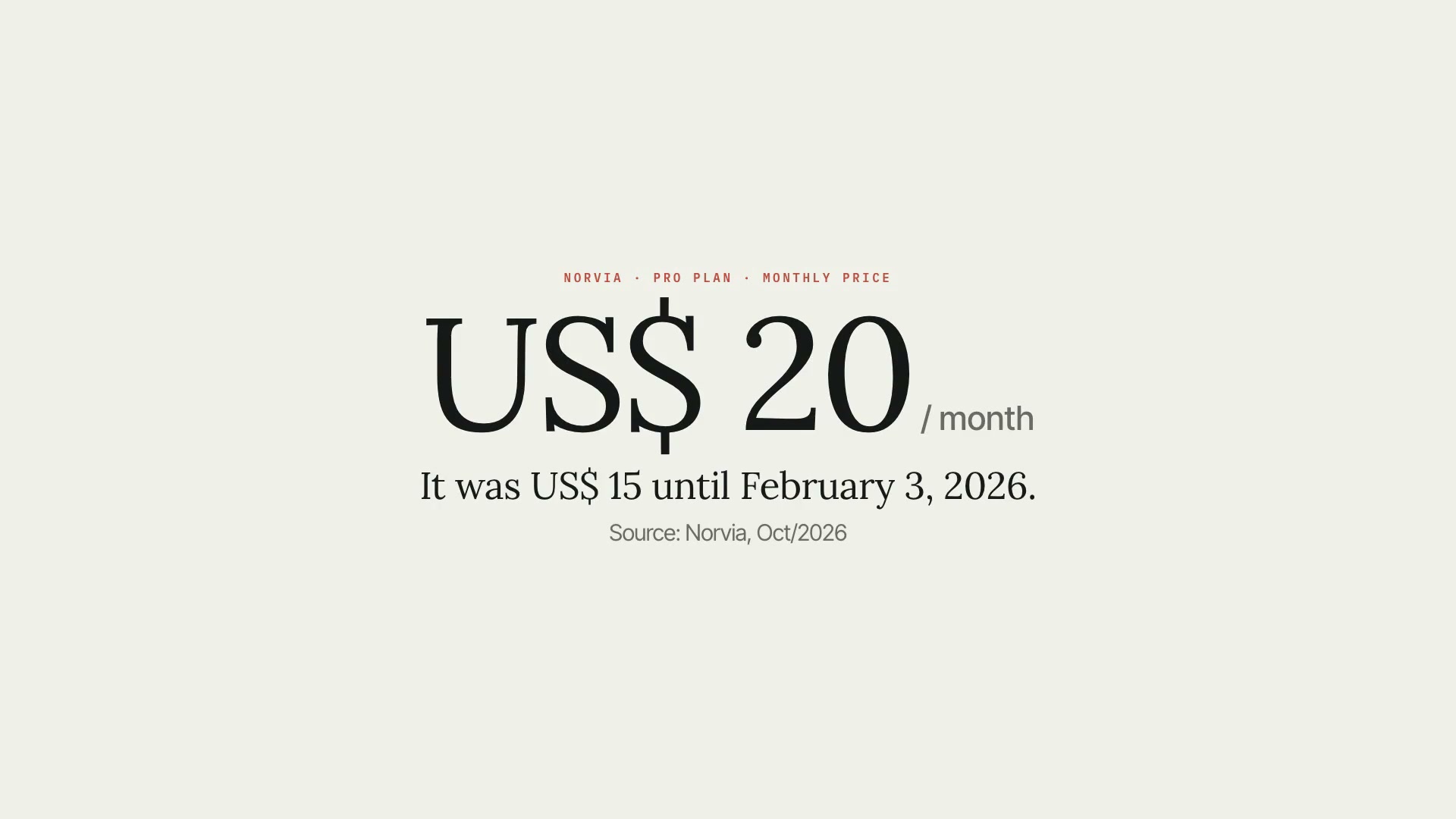 ProAI fact researchA fact sheet for AI videos: every number, price, date, and model name in the script needs a primary source, a verified excerpt, and an expiry date.Fact-checkingSourcesIntermediate
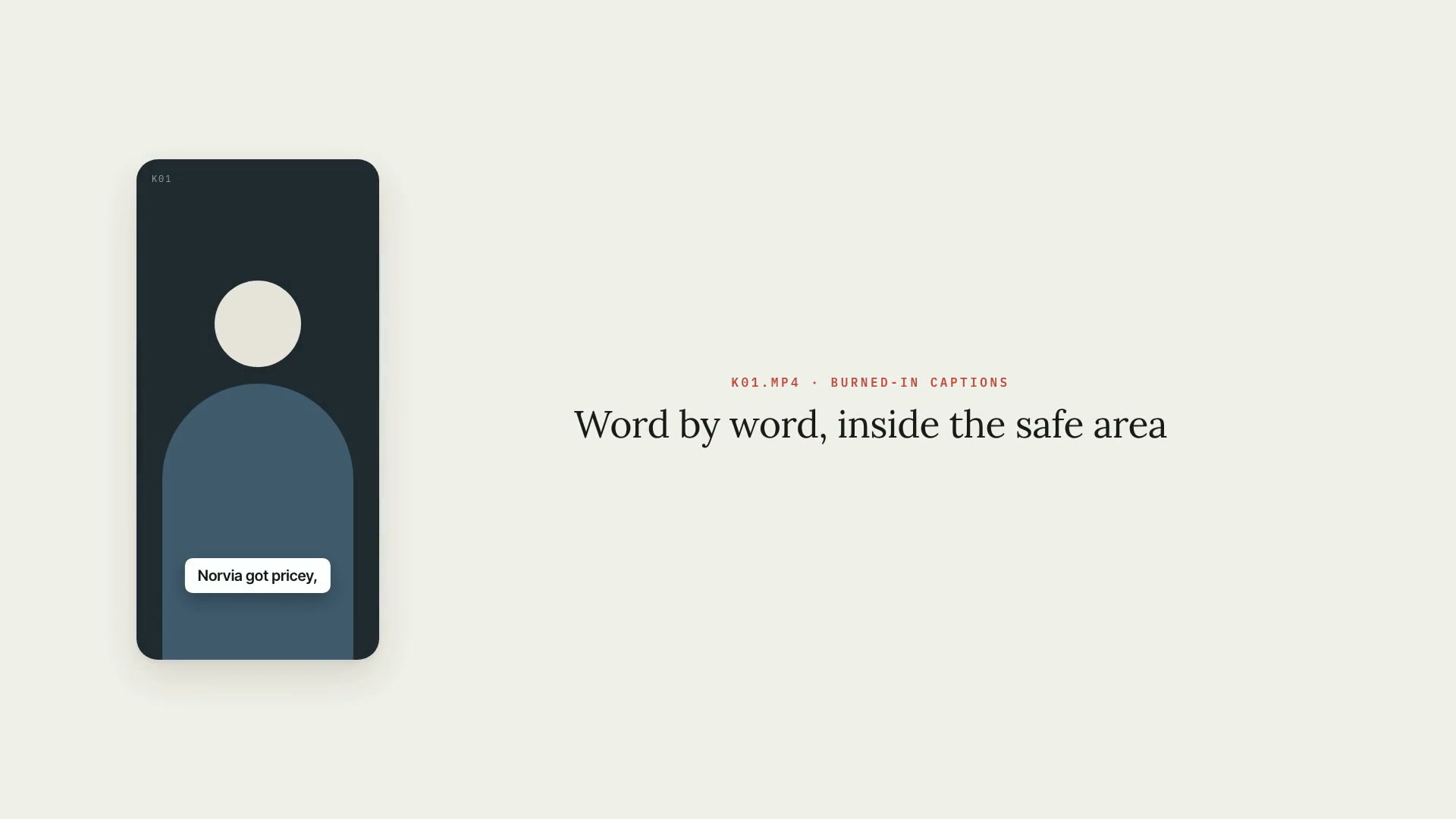 ProCaptionsWord-by-word burned-in captions for Shorts, Reels, and TikTok, in the art direction's style and always inside the safe area, with .srt and .vtt.PythonShortsIntermediate
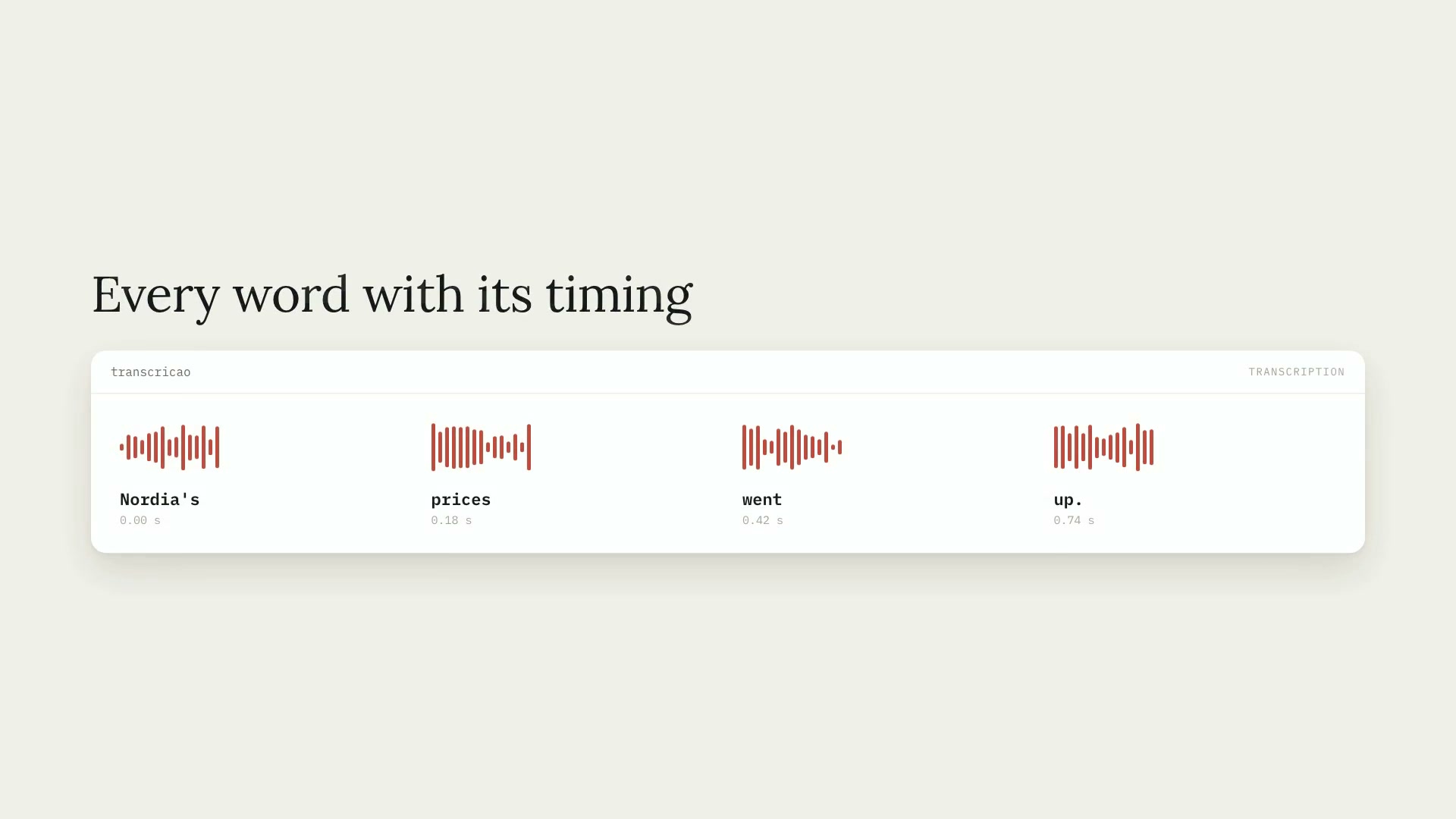 ProWord-by-word transcriptionTranscribes audio and video (Portuguese by default) with the timing of every word, installs Whisper on its own, and handles hour-long videos in chunks.PythonCaptionsIntermediate