// Agents and skills //
Captions
runs in Claude Code
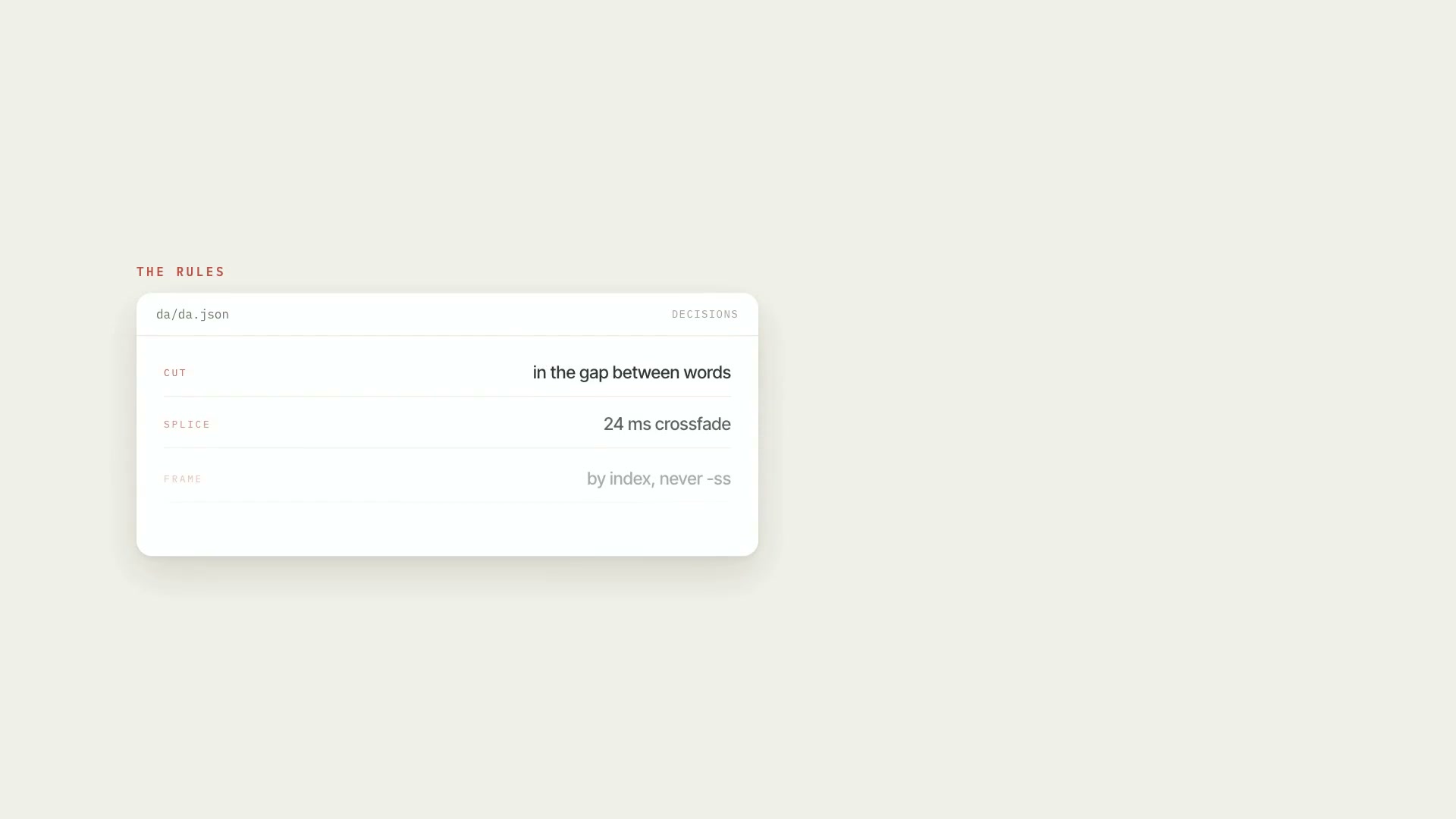
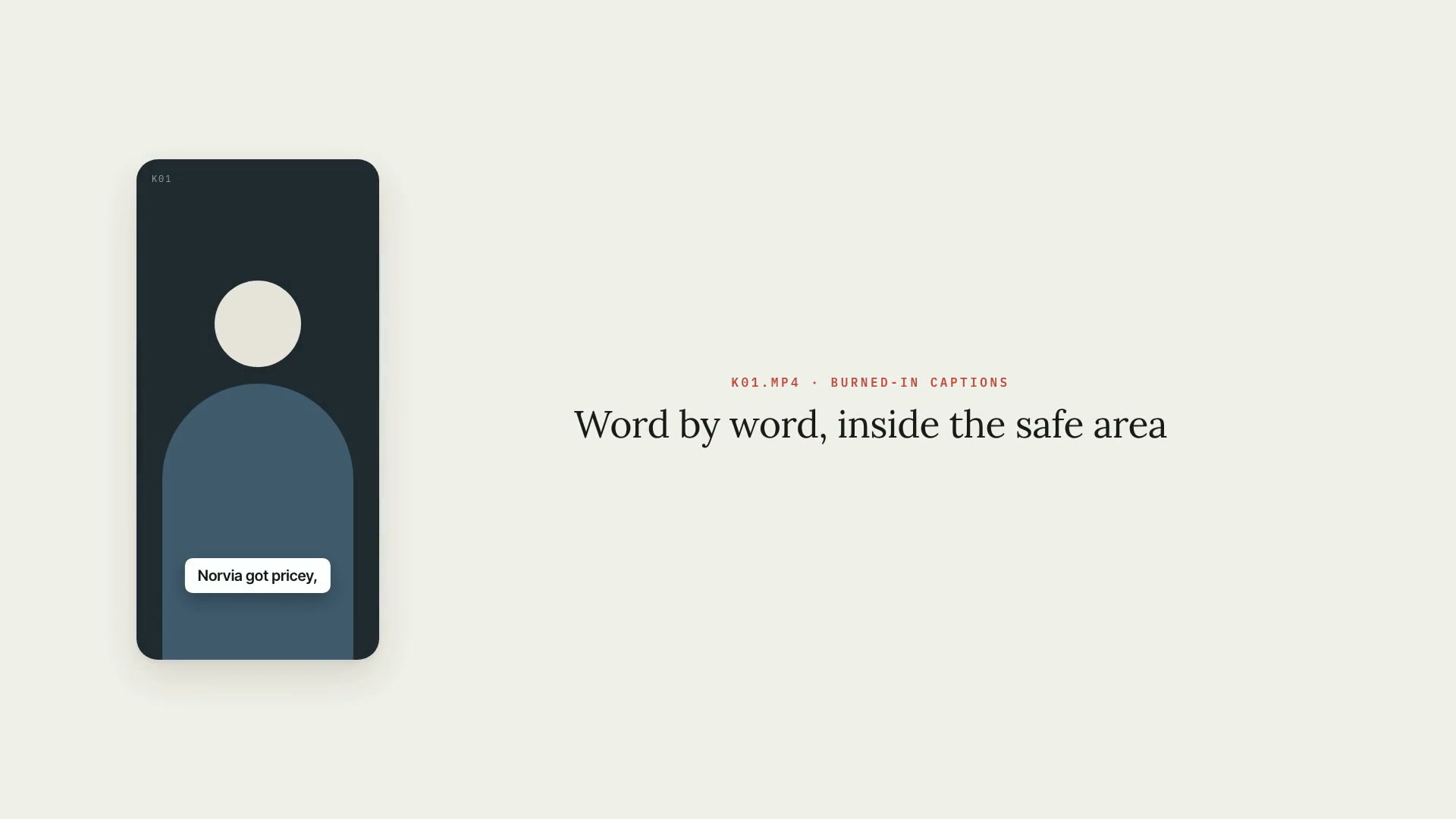
A Claude Code skill that burns captions into video: word-by-word karaoke, one word at a time, or in blocks, for Shorts, Reels, TikTok, and segments of long videos. The style comes from the project's art direction, and the captions always stay inside the platform's safe area, away from the app's buttons. It starts from the timed transcript, groups words by pause, punctuation, and meaning, and applies the project glossary: spelling replacements, name censoring, numbers as digits, and highlights. What it delivers: the captioned video with the audio preserved; the captions in a file you can correct word by word; .srt and .vtt files with full sentences, to upload as closed captions; a transparent track for people who prefer to composite in their editor; the preview as a contact sheet; and a check on every run (safe area, minimum size, contrast against the actual video, captions that are too fast, and low-confidence words). Limitations: the captions are only as good as the transcript, so it's worth reading the full text once. Long names with particles may break badly across two captions and get fixed by hand. The transparent track was checked by compositing in ffmpeg and hasn't been opened in editors like Premiere, DaVinci, Final Cut, or CapCut. Requirements: the Project art direction skill installed alongside it (its kit draws the captions), Python 3 with Pillow and numpy, ffmpeg, and the word-by-word transcript of the video. To install, unzip the .zip into ~/.claude/skills/.
- Runs in Claude Code
- Intermediate
A Claude Code skill that burns captions into video: word-by-word karaoke, one word at a time, or in blocks, for Shorts, Reels, TikTok, and segments of long videos. The style comes from the project's art direction, and the captions always stay inside the platform's safe area, away from the app's buttons. It starts from the timed transcript, groups words by pause, punctuation, and meaning, and applies the project glossary: spelling replacements, name censoring, numbers as digits, and highlights. What it delivers: the captioned video with the audio preserved; the captions in a file you can correct word by word; .srt and .vtt files with full sentences, to upload as closed captions; a transparent track for people who prefer to composite in their editor; the preview as a contact sheet; and a check on every run (safe area, minimum size, contrast against the actual video, captions that are too fast, and low-confidence words). Limitations: the captions are only as good as the transcript, so it's worth reading the full text once. Long names with particles may break badly across two captions and get fixed by hand. The transparent track was checked by compositing in ffmpeg and hasn't been opened in editors like Premiere, DaVinci, Final Cut, or CapCut. Requirements: the Project art direction skill installed alongside it (its kit draws the captions), Python 3 with Pillow and numpy, ffmpeg, and the word-by-word transcript of the video. To install, unzip the .zip into ~/.claude/skills/.
How to use
01
Copy the prompt
Use the Copy prompt button on this page.
02
Paste it into your AI
Open Claude Code in the project folder and paste the prompt.
03
Install the skill you downloaded
Install the downloaded file in Claude and call the skill in any chat.
In the package
- Prompt ready to copy and paste
- Skill as a .zip to install in Claude
Goes with
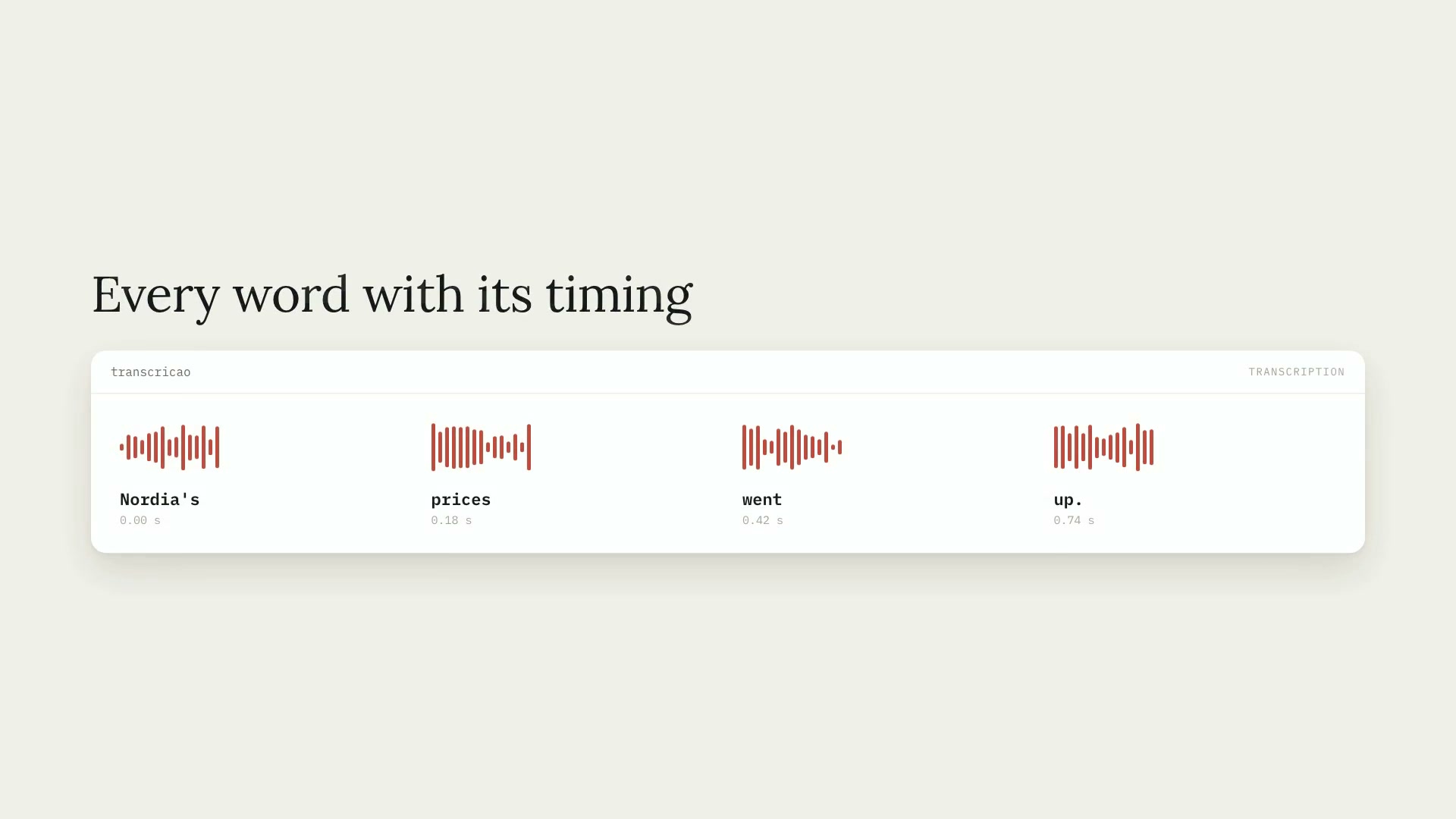 ProWord-by-word transcriptionTranscribes audio and video (Portuguese by default) with the timing of every word, installs Whisper on its own, and handles hour-long videos in chunks.PythonCaptionsIntermediate
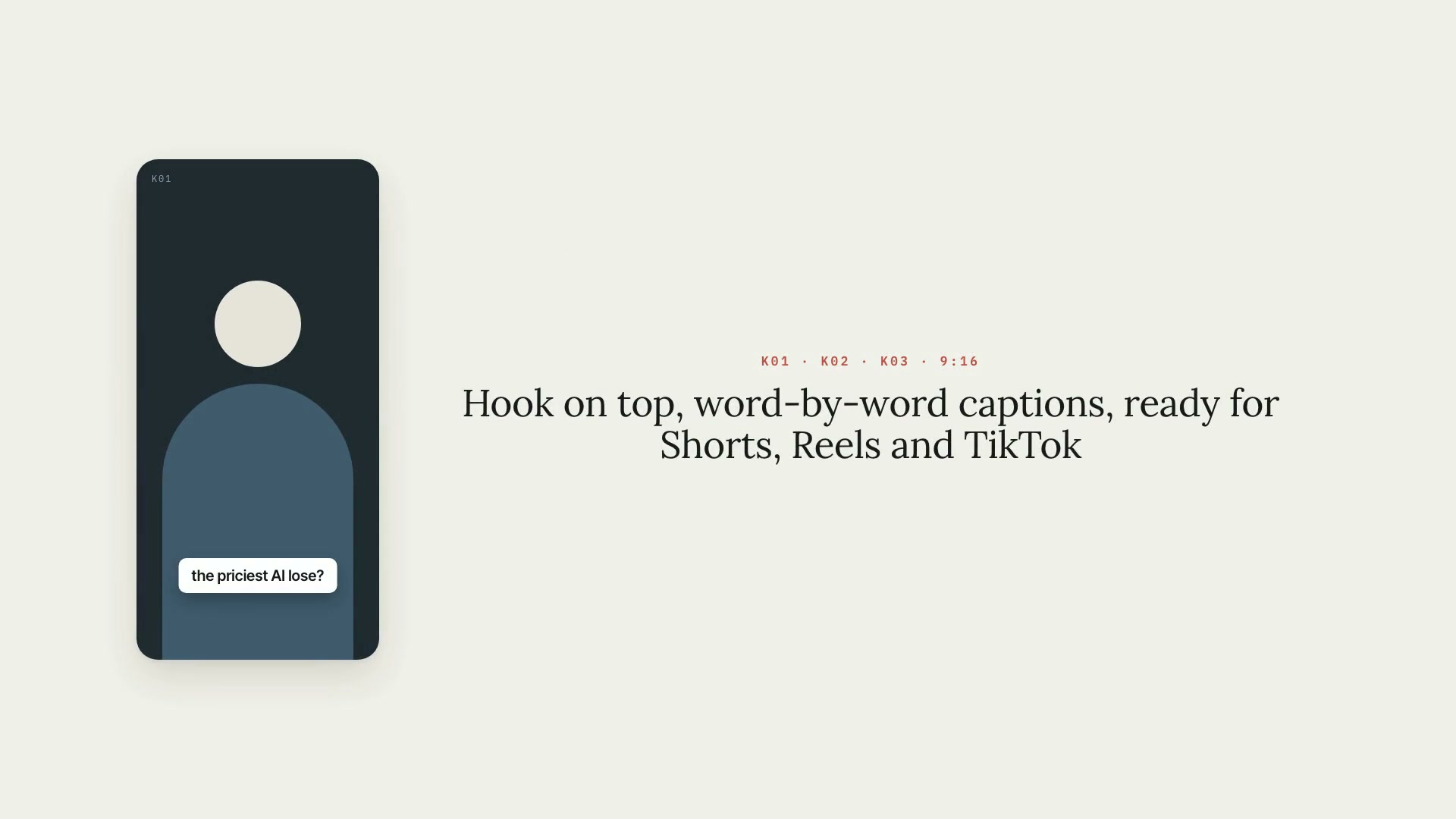 ProVertical clips9:16 vertical clips from a long video: full-sentence segments, face-based framing, captions, a hook, and a plan you approve.ShortsReelsIntermediate
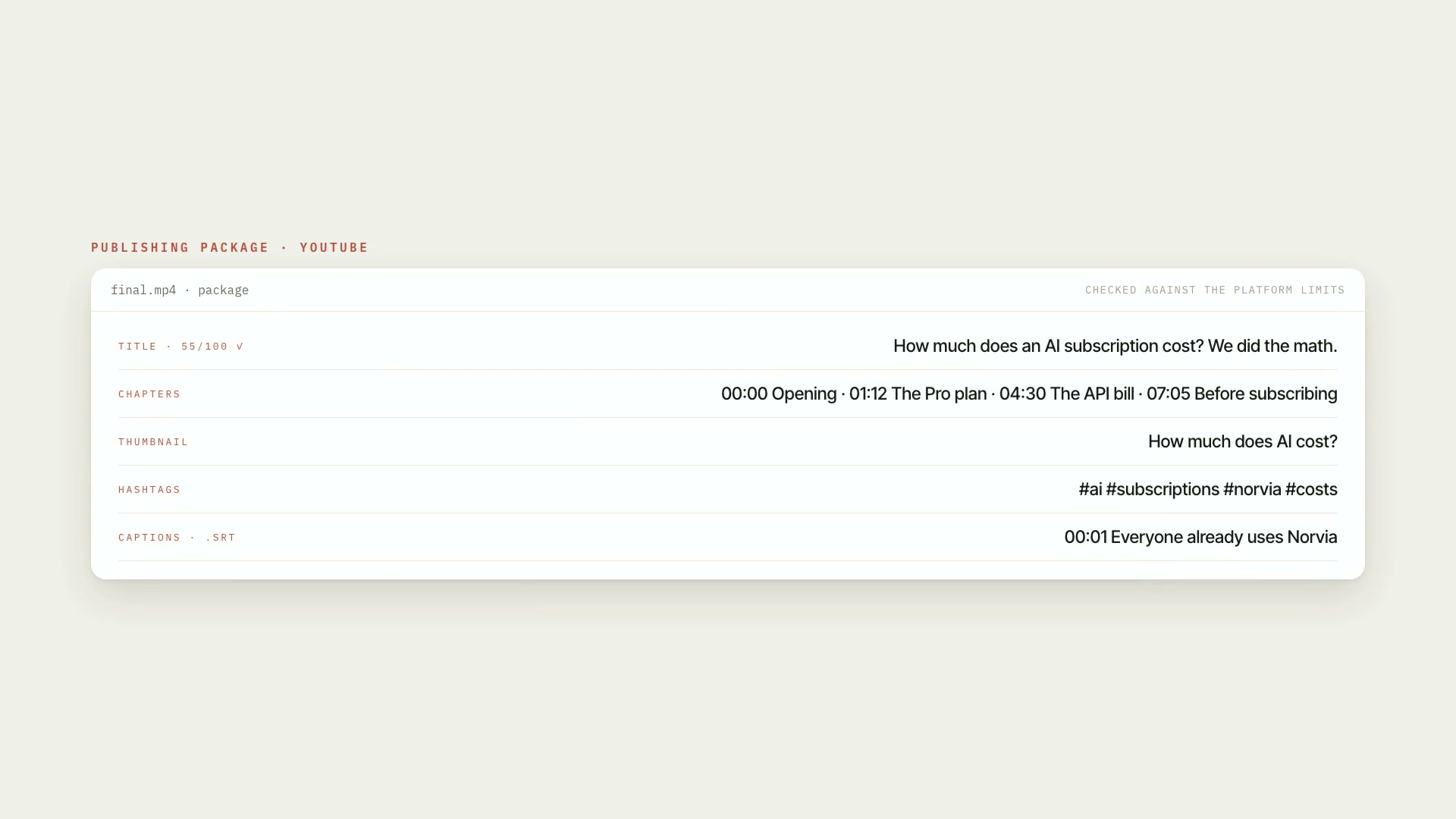 ProPublishingA publishing package for YouTube, Shorts, Reels, and TikTok, checked against each platform's limits. Nothing goes up without a check and your OK.PublishingYouTubeIntermediate