// Agents and skills //
Vertical clips
runs in Claude Code
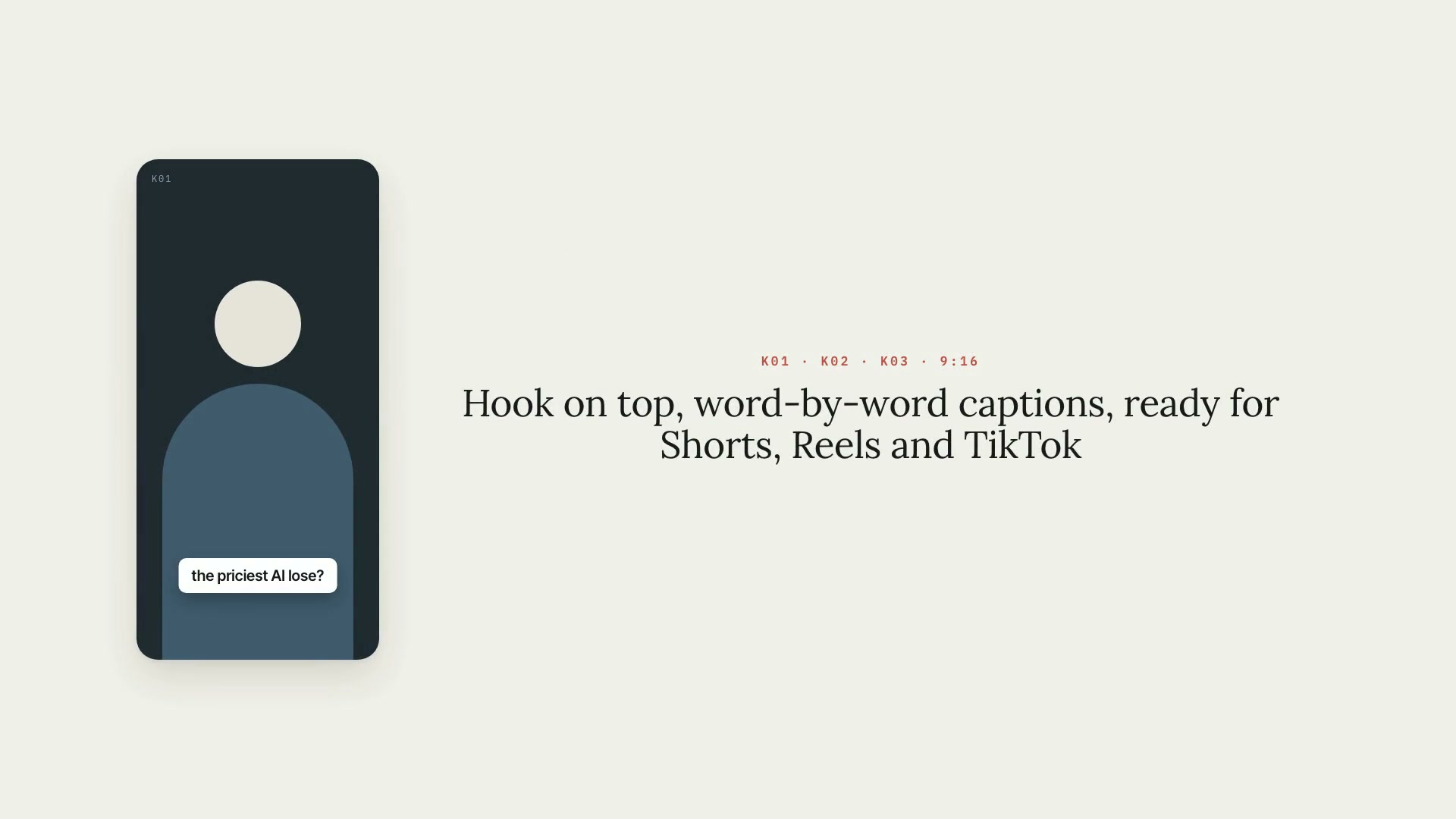
A Claude Code skill that pulls 9:16 vertical clips from a long 16:9 video, for Shorts, Reels, and TikTok. It lists candidate segments from the transcript, always from the start to the end of a sentence and within each platform's length limit, and records the choice in a plan you approve before any render. The framing finds the faces: the crop follows the person without jitter, two hosts get stacked one above the other, or the whole frame goes over a blurred background. Each clip comes out with burned-in captions, an optional hook in the first few seconds, short-form loudness, and the look of the project's art direction. What it delivers: the list of segments with the signals to judge them by, the clip plan, the preview as a contact sheet, the finished clip, and the captions as .srt. Limitations: face detection uses the Vision framework and only exists on macOS; on other machines the focus is set by hand. The crop only adjusts horizontally. Lower thirds and captions already burned into the long video get cut off, so ideally you clip from a clean render. The crop movement was tested with numbers and with stationary hosts; a person walking around the set hasn't been tested on real video. Choosing the segments is up to you: the score on the list only sorts them. Requirements: the Project art direction and Captions skills installed alongside it, the word-by-word transcript of the video, Python 3 with Pillow and numpy, ffmpeg, and, for face detection, macOS with the Command Line Tools. To install, unzip the .zip into ~/.claude/skills/.
- Runs in Claude Code
- Intermediate
A Claude Code skill that pulls 9:16 vertical clips from a long 16:9 video, for Shorts, Reels, and TikTok. It lists candidate segments from the transcript, always from the start to the end of a sentence and within each platform's length limit, and records the choice in a plan you approve before any render. The framing finds the faces: the crop follows the person without jitter, two hosts get stacked one above the other, or the whole frame goes over a blurred background. Each clip comes out with burned-in captions, an optional hook in the first few seconds, short-form loudness, and the look of the project's art direction. What it delivers: the list of segments with the signals to judge them by, the clip plan, the preview as a contact sheet, the finished clip, and the captions as .srt. Limitations: face detection uses the Vision framework and only exists on macOS; on other machines the focus is set by hand. The crop only adjusts horizontally. Lower thirds and captions already burned into the long video get cut off, so ideally you clip from a clean render. The crop movement was tested with numbers and with stationary hosts; a person walking around the set hasn't been tested on real video. Choosing the segments is up to you: the score on the list only sorts them. Requirements: the Project art direction and Captions skills installed alongside it, the word-by-word transcript of the video, Python 3 with Pillow and numpy, ffmpeg, and, for face detection, macOS with the Command Line Tools. To install, unzip the .zip into ~/.claude/skills/.
How to use
01
Copy the prompt
Use the Copy prompt button on this page.
02
Paste it into your AI
Open Claude Code in the project folder and paste the prompt.
03
Install the skill you downloaded
Install the downloaded file in Claude and call the skill in any chat.
In the package
- Prompt ready to copy and paste
- Skill as a .zip to install in Claude
Goes with
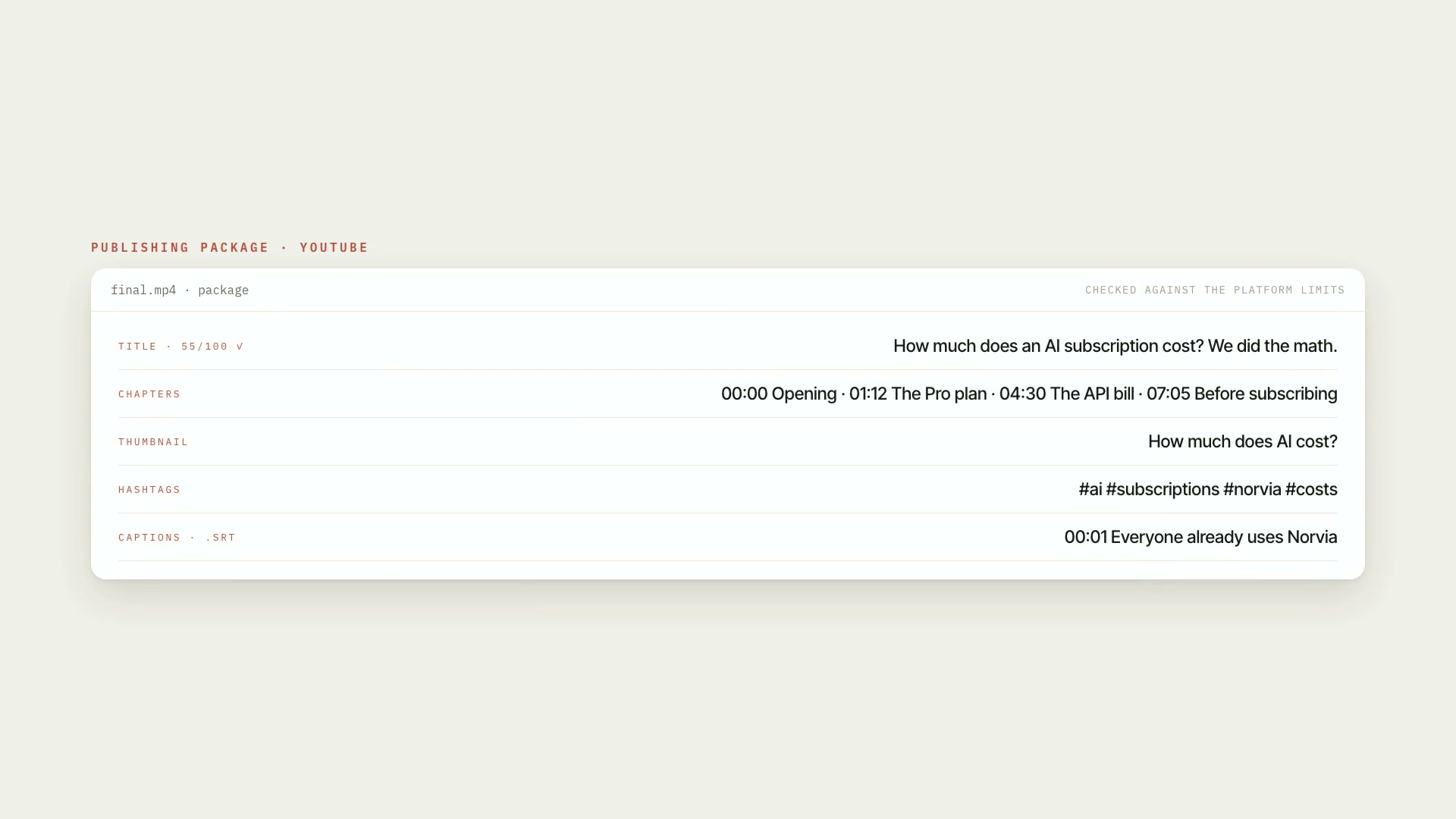 ProPublishingA publishing package for YouTube, Shorts, Reels, and TikTok, checked against each platform's limits. Nothing goes up without a check and your OK.PublishingYouTubeIntermediate
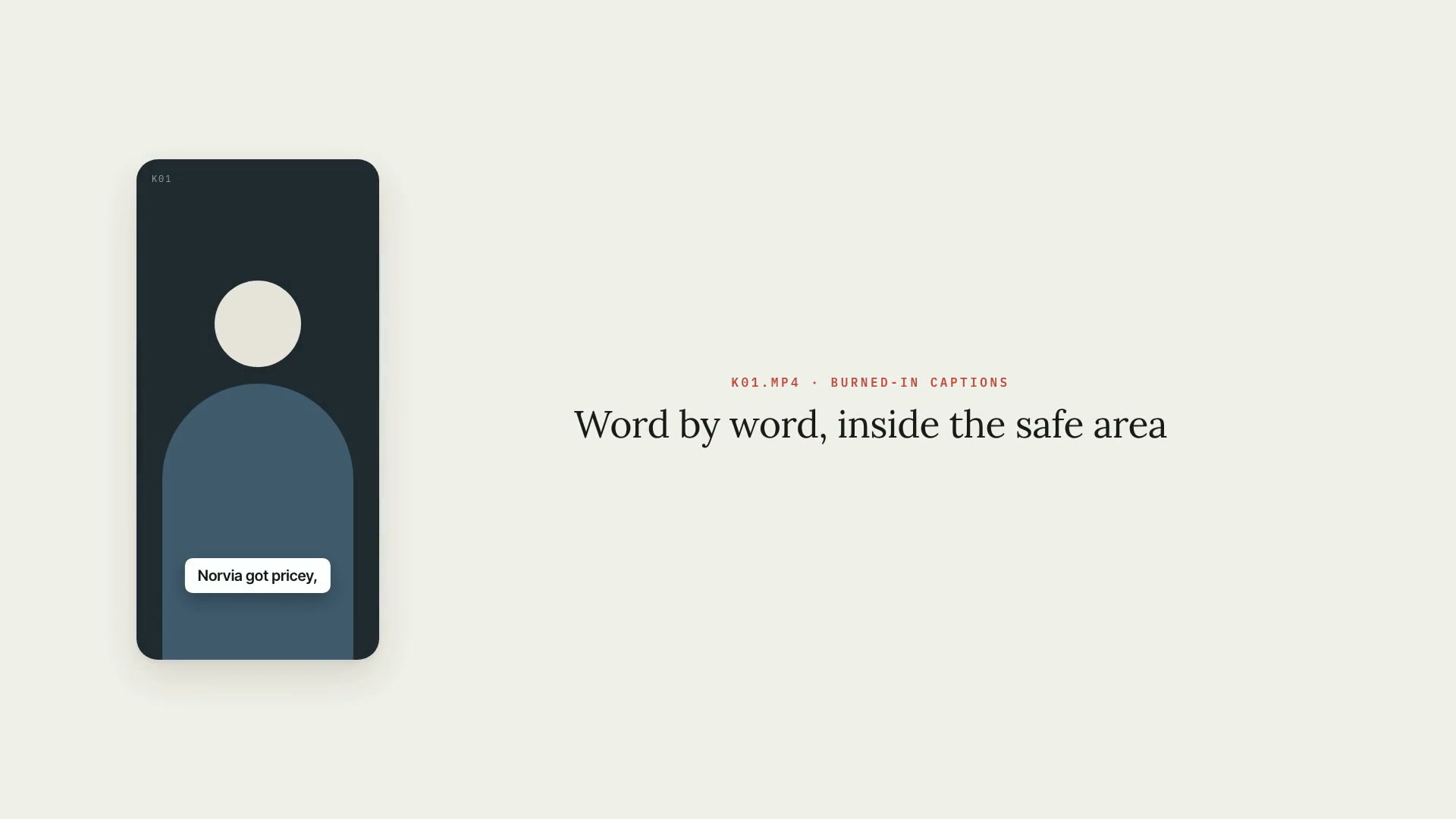 ProCaptionsWord-by-word burned-in captions for Shorts, Reels, and TikTok, in the art direction's style and always inside the safe area, with .srt and .vtt.PythonShortsIntermediate
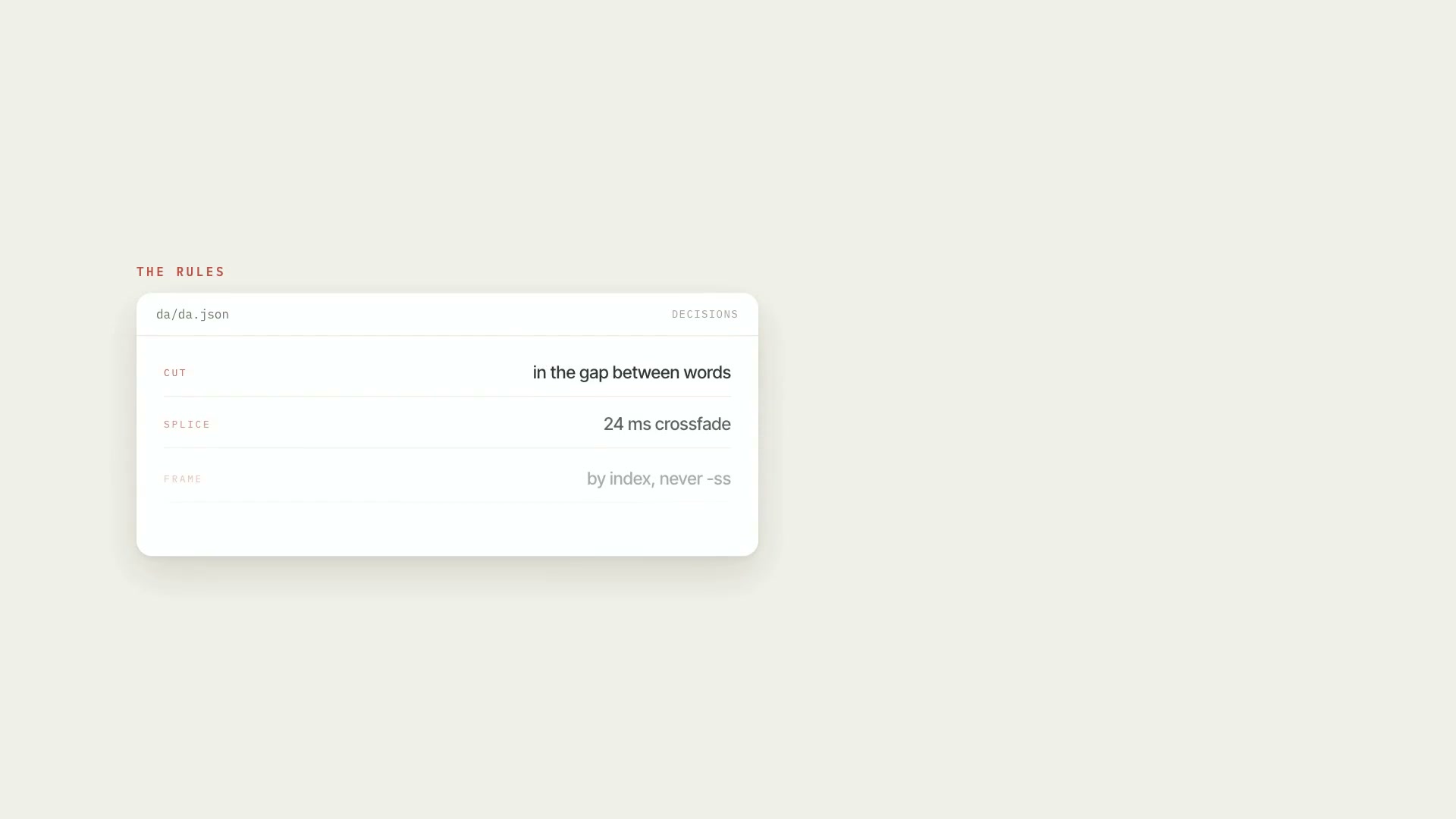 ProRough cut of the raw footageCleans up raw footage: cuts behind-the-scenes chatter, abandoned takes, stumbles, and dead air, keeps the last good take, and delivers an EDL, render, and QA.PythonProductionAdvanced