// Agents and skills //
Looking at the camera or reading
Data · runs in Claude Code
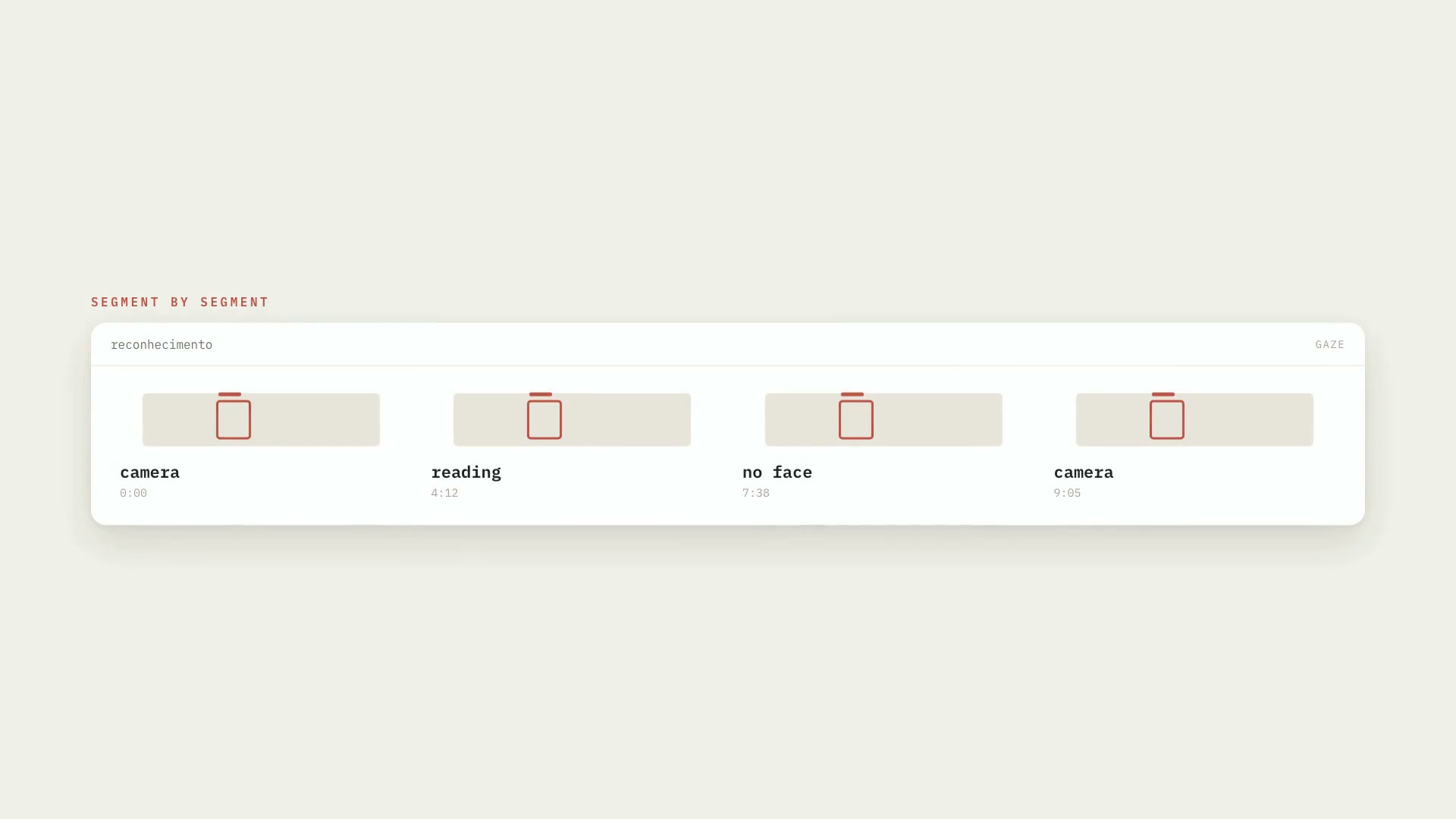
It takes the raw recording; the measurement is local, with what already runs on the machine — Apple's Vision on the Mac and OpenCV on Linux and Windows. It outputs `transcricao/olhar.json` and `olhar.md` with the segments (`camera`, `lendo` for reading, `sem_rosto` for no face), the confidence, the seconds per state, and each sample with head angle and gaze direction; with `--folha` it also outputs a contact sheet of the two groups so you can point out which one is the camera group. It doesn't use a fixed threshold: it splits the material itself into two groups, warns in big letters when the label is a guess, and learns the answer from a Premiere XML in which the editor marked the right clips. It doesn't identify who the person is or store biometric data. For people who edit long videos and follow the golden rule: a passage that's read never appears on screen; animation or b-roll goes over it.
- Data
- Runs in Claude Code
- Intermediate
It takes the raw recording; the measurement is local, with what already runs on the machine — Apple's Vision on the Mac and OpenCV on Linux and Windows. It outputs `transcricao/olhar.json` and `olhar.md` with the segments (`camera`, `lendo` for reading, `sem_rosto` for no face), the confidence, the seconds per state, and each sample with head angle and gaze direction; with `--folha` it also outputs a contact sheet of the two groups so you can point out which one is the camera group. It doesn't use a fixed threshold: it splits the material itself into two groups, warns in big letters when the label is a guess, and learns the answer from a Premiere XML in which the editor marked the right clips. It doesn't identify who the person is or store biometric data. For people who edit long videos and follow the golden rule: a passage that's read never appears on screen; animation or b-roll goes over it.
How to use
01
Copy the prompt
Use the Copy prompt button on this page.
02
Paste it into your AI
Open Claude Code in the project folder and paste the prompt.
03
Install the skill you downloaded
Install the downloaded file in Claude and call the skill in any chat.
In the package
- Prompt ready to copy and paste
- Skill as a .zip to install in Claude
Goes with
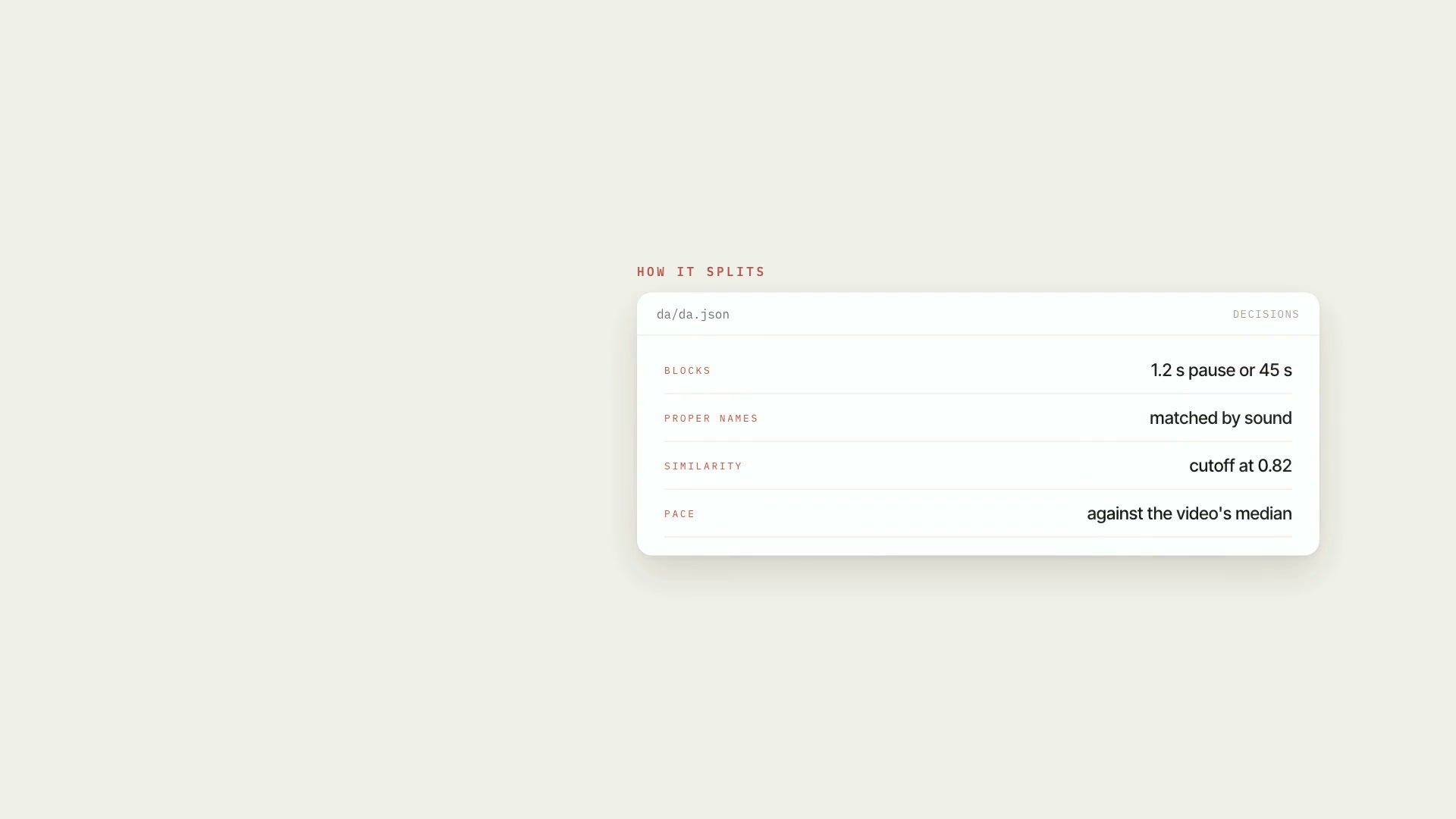 ProSpeech map of the videoTurns the transcript into an inventory of what was said: blocks, people mentioned, numbers, dates, pace, stumbles, and speech × script, with mm:ss.ScriptResearchIntermediate
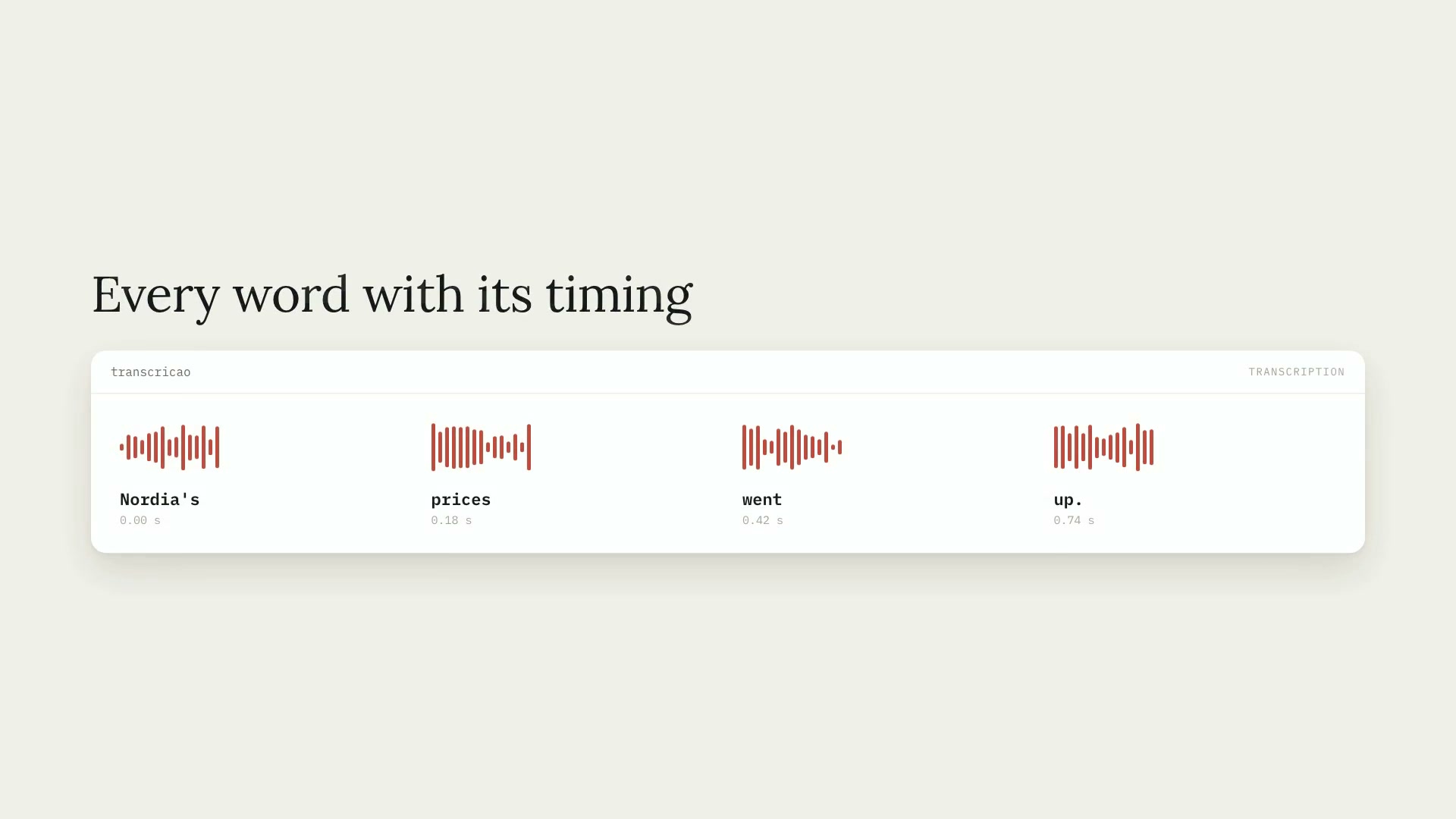 ProWord-by-word transcriptionTranscribes audio and video (Portuguese by default) with the timing of every word, installs Whisper on its own, and handles hour-long videos in chunks.PythonCaptionsIntermediate
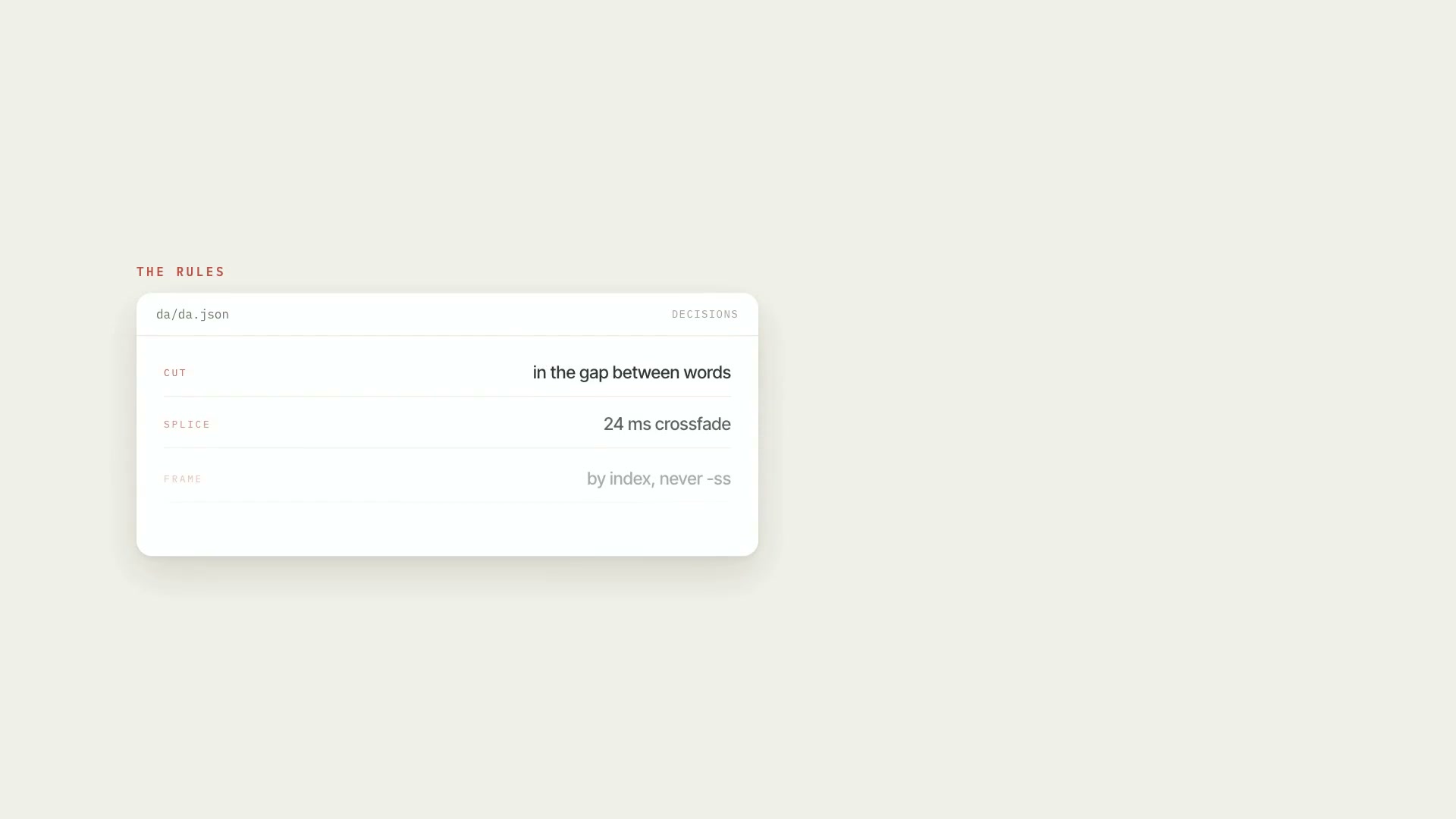 ProRough cut of the raw footageCleans up raw footage: cuts behind-the-scenes chatter, abandoned takes, stumbles, and dead air, keeps the last good take, and delivers an EDL, render, and QA.PythonProductionAdvanced