// Agents and skills //
Project engineering
runs in Claude Code
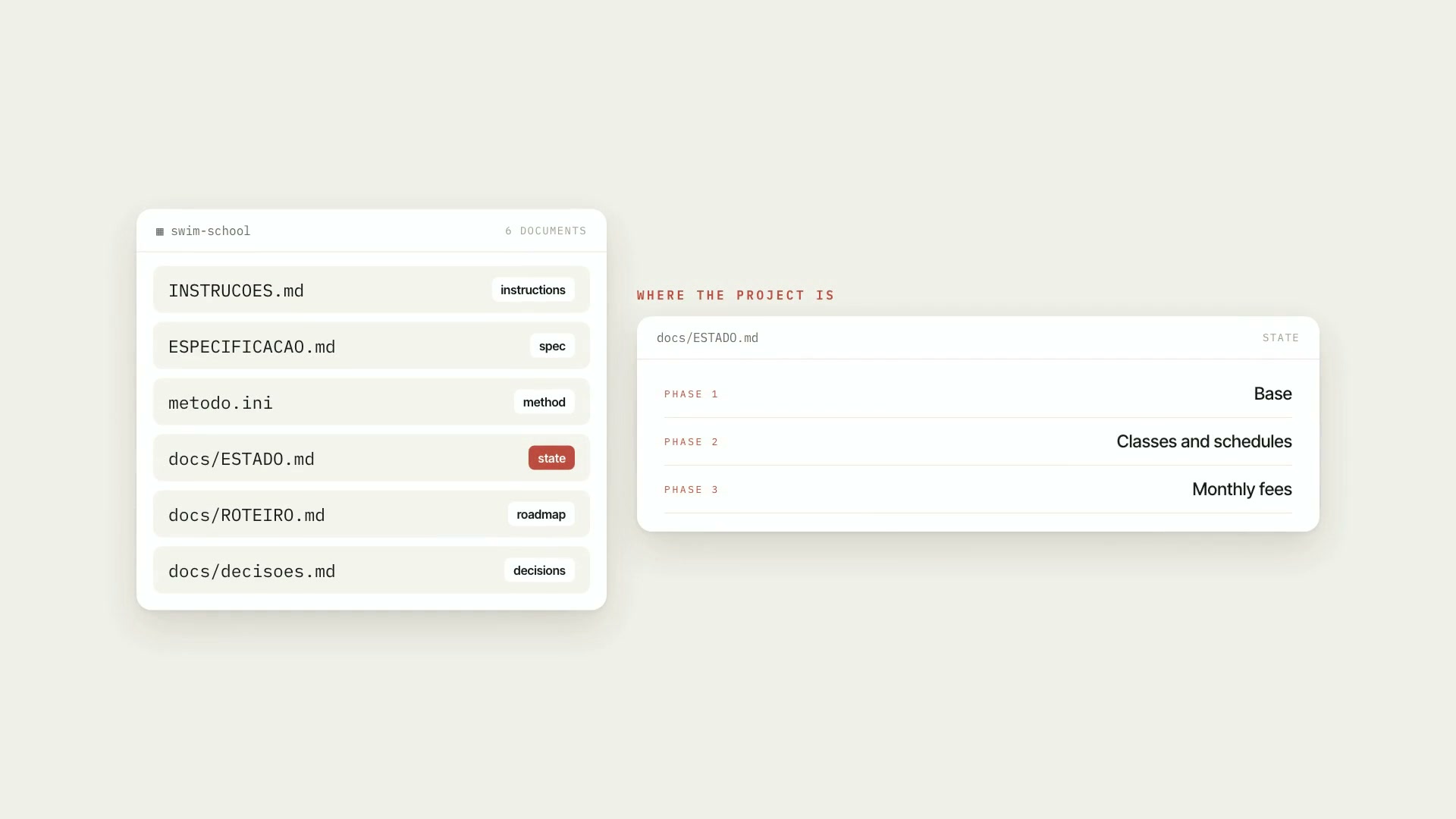
A Claude Code skill that has Claude run a software project methodically, on any stack. It's for people who have never coded and want to get a product off the ground, and for experienced devs who want rigor without bureaucracy. The core rule: the project's state lives in documents with a fixed home inside the repository itself. The tenth session starts like the first, because Claude reads where the project stands instead of guessing. It decides what's engineering and asks the owner about what's theirs: product, production, and money. It always starts by figuring out the situation. A script reads the folder, without changing anything, and says which of five situations the project is in: from scratch (interview, spec, stack with a decision log, data and permissions before screens, phases with "done when"); existing project (read-only survey and the minimum documents to get started); phase or change (implement locally, verify, review, small commit); going to production (gates, a list of what only the owner does, the order database, data, then code, and a check as a visitor); and resuming (reads the state from disk, rechecks anything with a date, and reports). What it delivers: six documents in the project, created from templates and never overwritten (metodo.ini, the spec, the instructions file, the decision log, the phase roadmap, and the state); the verification ladder, with the project's commands in steps (lint, types, tests, build, end-to-end) and the evidence recorded, where the report separates what ran from what was inferred; the pre-push check, which looks for secrets, forbidden files, and stale evidence in what's about to go out, and only reads, never pushes; architecture rules turned into checks, with a checker that reads the source code and flags anyone who crossed a boundary; 23 reference sheets, one per topic, of which Claude opens only the one for the step it's on; and 17 document templates, a fictional sample project already filled in, and 11 code templates for web apps with a relational database. Limitations: the skill runs the method; it doesn't write the product on its own or choose the stack for you without asking about what's your call. No script touches production, pushes code, or accesses the network: everything remote depends on your OK. The boundary checker reads code as text: it sees restricted names and forbidden text, but doesn't resolve imports or call order. The secret search covers known key formats; not finding something doesn't prove it isn't there. The code templates apply to web apps with a relational database; for other kinds of projects the skill gives the equivalents, marked as adaptations to check. The scripts were tested on macOS with Python 3.14; Linux and Python 3.8 follow the same syntax but weren't run. Requirements: Python 3.8 or newer and git. The six scripts use only the standard library, don't access the network, and don't send anything. To install, unzip the .zip into ~/.claude/skills/, so that ~/.claude/skills/engenharia-do-projeto/SKILL.md exists.
- Runs in Claude Code
- Beginner
A Claude Code skill that has Claude run a software project methodically, on any stack. It's for people who have never coded and want to get a product off the ground, and for experienced devs who want rigor without bureaucracy. The core rule: the project's state lives in documents with a fixed home inside the repository itself. The tenth session starts like the first, because Claude reads where the project stands instead of guessing. It decides what's engineering and asks the owner about what's theirs: product, production, and money. It always starts by figuring out the situation. A script reads the folder, without changing anything, and says which of five situations the project is in: from scratch (interview, spec, stack with a decision log, data and permissions before screens, phases with "done when"); existing project (read-only survey and the minimum documents to get started); phase or change (implement locally, verify, review, small commit); going to production (gates, a list of what only the owner does, the order database, data, then code, and a check as a visitor); and resuming (reads the state from disk, rechecks anything with a date, and reports). What it delivers: six documents in the project, created from templates and never overwritten (metodo.ini, the spec, the instructions file, the decision log, the phase roadmap, and the state); the verification ladder, with the project's commands in steps (lint, types, tests, build, end-to-end) and the evidence recorded, where the report separates what ran from what was inferred; the pre-push check, which looks for secrets, forbidden files, and stale evidence in what's about to go out, and only reads, never pushes; architecture rules turned into checks, with a checker that reads the source code and flags anyone who crossed a boundary; 23 reference sheets, one per topic, of which Claude opens only the one for the step it's on; and 17 document templates, a fictional sample project already filled in, and 11 code templates for web apps with a relational database. Limitations: the skill runs the method; it doesn't write the product on its own or choose the stack for you without asking about what's your call. No script touches production, pushes code, or accesses the network: everything remote depends on your OK. The boundary checker reads code as text: it sees restricted names and forbidden text, but doesn't resolve imports or call order. The secret search covers known key formats; not finding something doesn't prove it isn't there. The code templates apply to web apps with a relational database; for other kinds of projects the skill gives the equivalents, marked as adaptations to check. The scripts were tested on macOS with Python 3.14; Linux and Python 3.8 follow the same syntax but weren't run. Requirements: Python 3.8 or newer and git. The six scripts use only the standard library, don't access the network, and don't send anything. To install, unzip the .zip into ~/.claude/skills/, so that ~/.claude/skills/engenharia-do-projeto/SKILL.md exists.
How to use
01
Copy the prompt
Use the Copy prompt button on this page.
02
Paste it into your AI
Open Claude Code in the project folder and paste the prompt.
03
Install the skill you downloaded
Install the downloaded file in Claude and call the skill in any chat.
In the package
- Prompt ready to copy and paste
- Skill as a .zip to install in Claude
Goes with
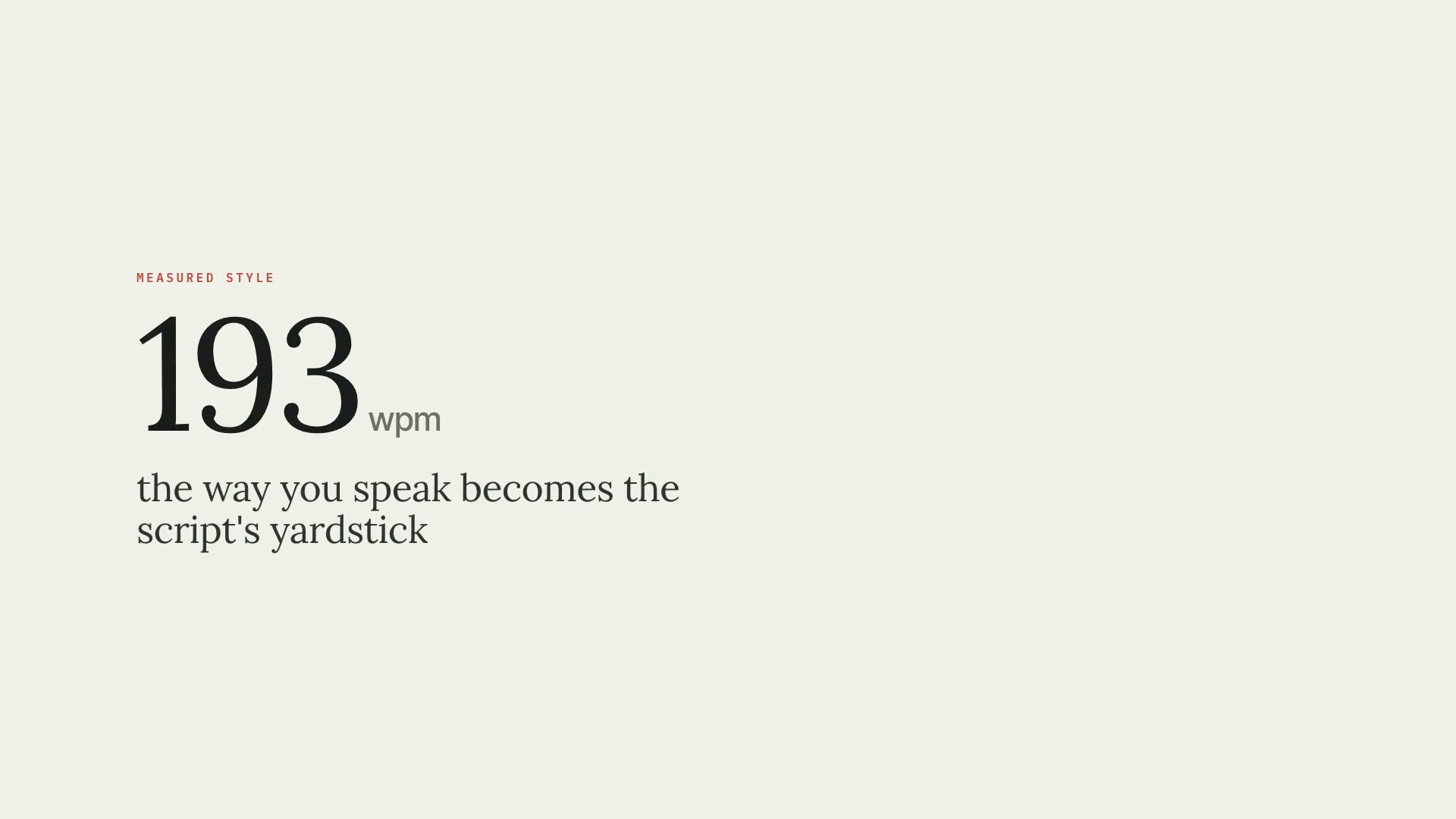 ProScript in your speaking styleMeasures how you talk from your past transcripts and writes the script in that style, in two files: the clean narration and the editing script.ScriptResearchIntermediate
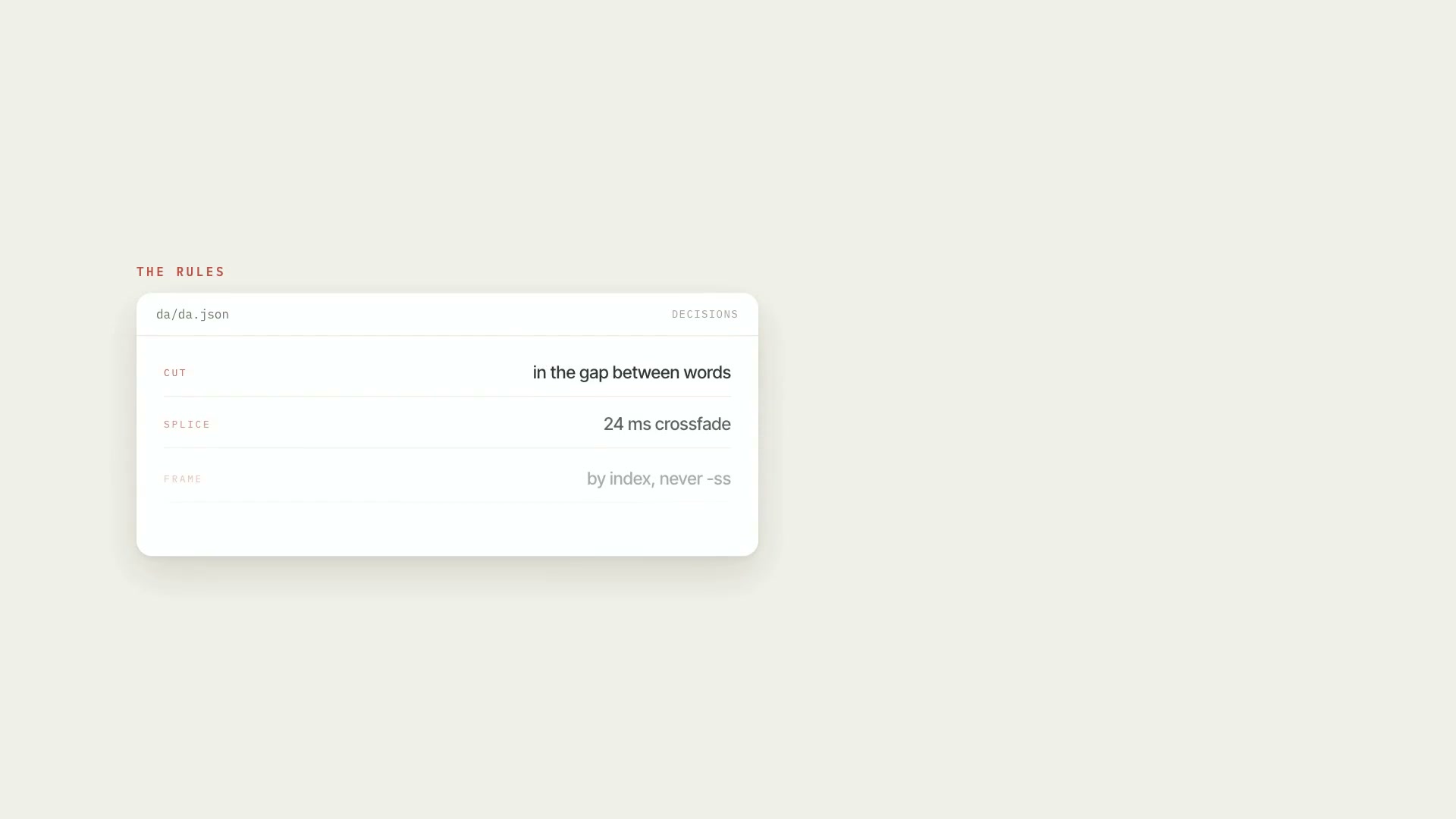 ProRough cut of the raw footageCleans up raw footage: cuts behind-the-scenes chatter, abandoned takes, stumbles, and dead air, keeps the last good take, and delivers an EDL, render, and QA.PythonProductionAdvanced
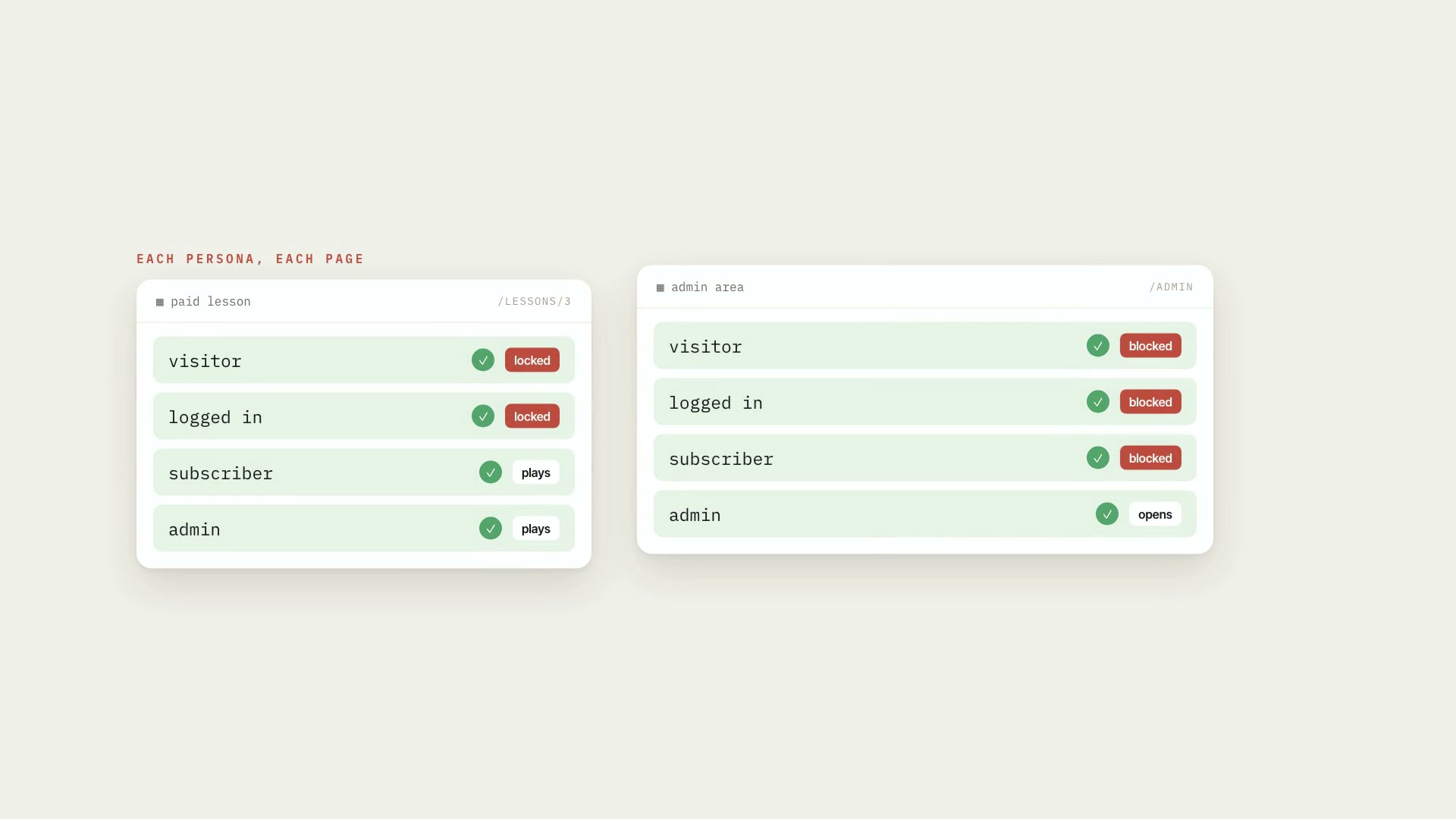 ProEnd-to-end testing with personasPlaywright end-to-end tests that use the app as visitor, logged-in user, subscriber, and admin, on desktop and mobile, switching persona in one line.TestsPlaywrightAdvanced