// Agents and skills //
Speech-cued animated scene engine
Data · runs in Claude Code
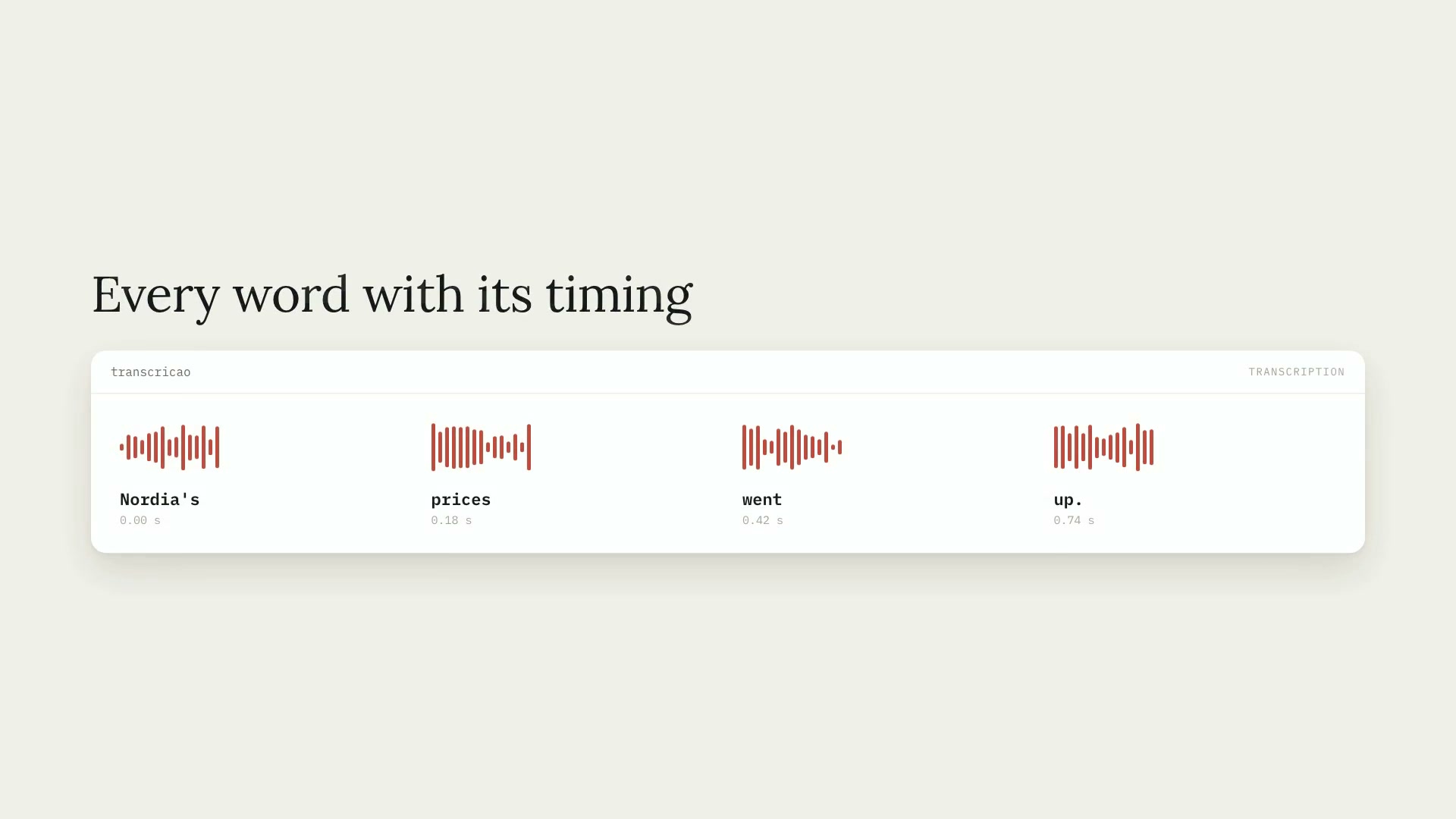
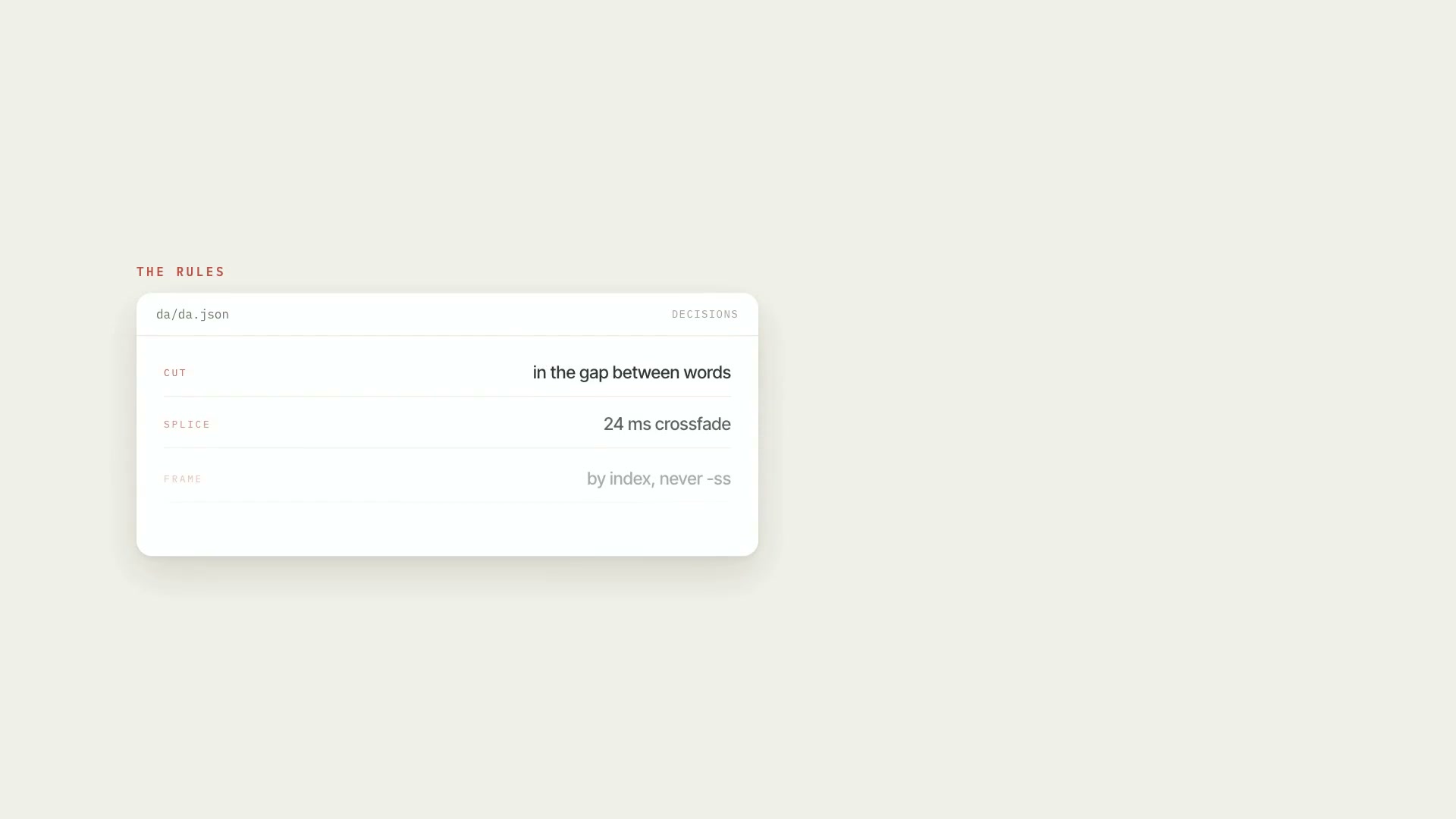
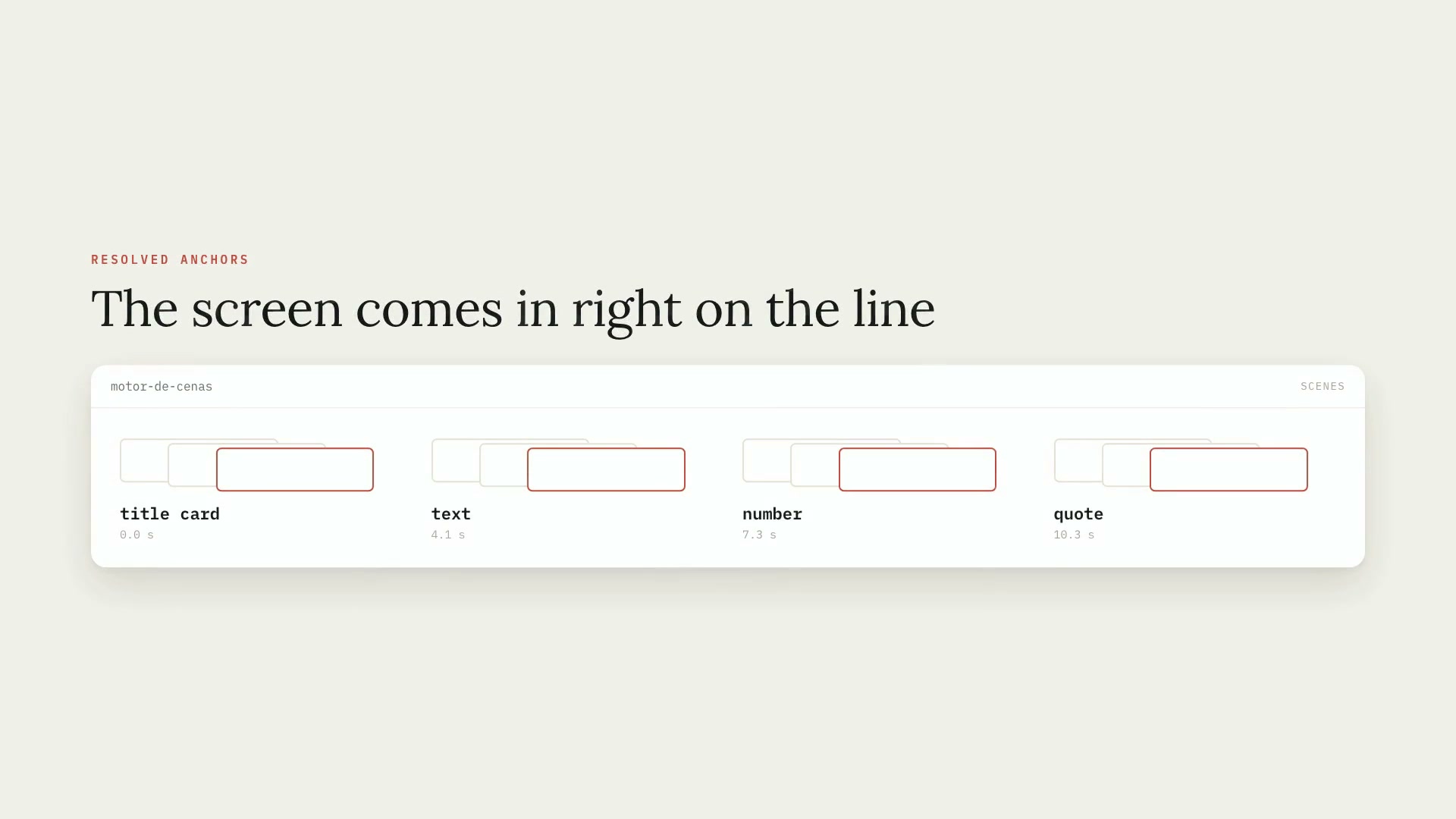
**What goes in:** the word-by-word transcript (from video-transcricao), the project's art direction (`da/da.json`, from video-direcao-de-arte — both come inside the zip), and a list of scenes where you don't write times — you write **the line the person says**. **What comes out:** the table of resolved anchors (each scene with the second it comes in, its duration, and what it matched in the speech), a preview PNG per scene for you to look at before spending render time, the scene as an MP4 — or a MOV with alpha, for badges and inserts — and `som/eventos_motor.json` with the points where the entrance sound should hit. There are 13 ready-made scenes: photo, typewritten text with highlight, counting number, headline, quote with stamp, board of people connected by strings, timeline, document, infographic, map, insert, title card, and badge. No literal colors or fonts — everything comes from the art direction tokens. **Who it's for:** people who narrate on video and want the screens to stick to the speech, with the same look from start to finish.
- Data
- Runs in Claude Code
- Intermediate
**What goes in:** the word-by-word transcript (from video-transcricao), the project's art direction (`da/da.json`, from video-direcao-de-arte — both come inside the zip), and a list of scenes where you don't write times — you write **the line the person says**. **What comes out:** the table of resolved anchors (each scene with the second it comes in, its duration, and what it matched in the speech), a preview PNG per scene for you to look at before spending render time, the scene as an MP4 — or a MOV with alpha, for badges and inserts — and `som/eventos_motor.json` with the points where the entrance sound should hit. There are 13 ready-made scenes: photo, typewritten text with highlight, counting number, headline, quote with stamp, board of people connected by strings, timeline, document, infographic, map, insert, title card, and badge. No literal colors or fonts — everything comes from the art direction tokens. **Who it's for:** people who narrate on video and want the screens to stick to the speech, with the same look from start to finish.
How to use
01
Copy the prompt
Use the Copy prompt button on this page.
02
Paste it into your AI
Open Claude Code in the project folder and paste the prompt.
03
Install the skill you downloaded
Install the downloaded file in Claude and call the skill in any chat.
In the package
- Prompt ready to copy and paste
- Skill as a .zip to install in Claude
Goes with
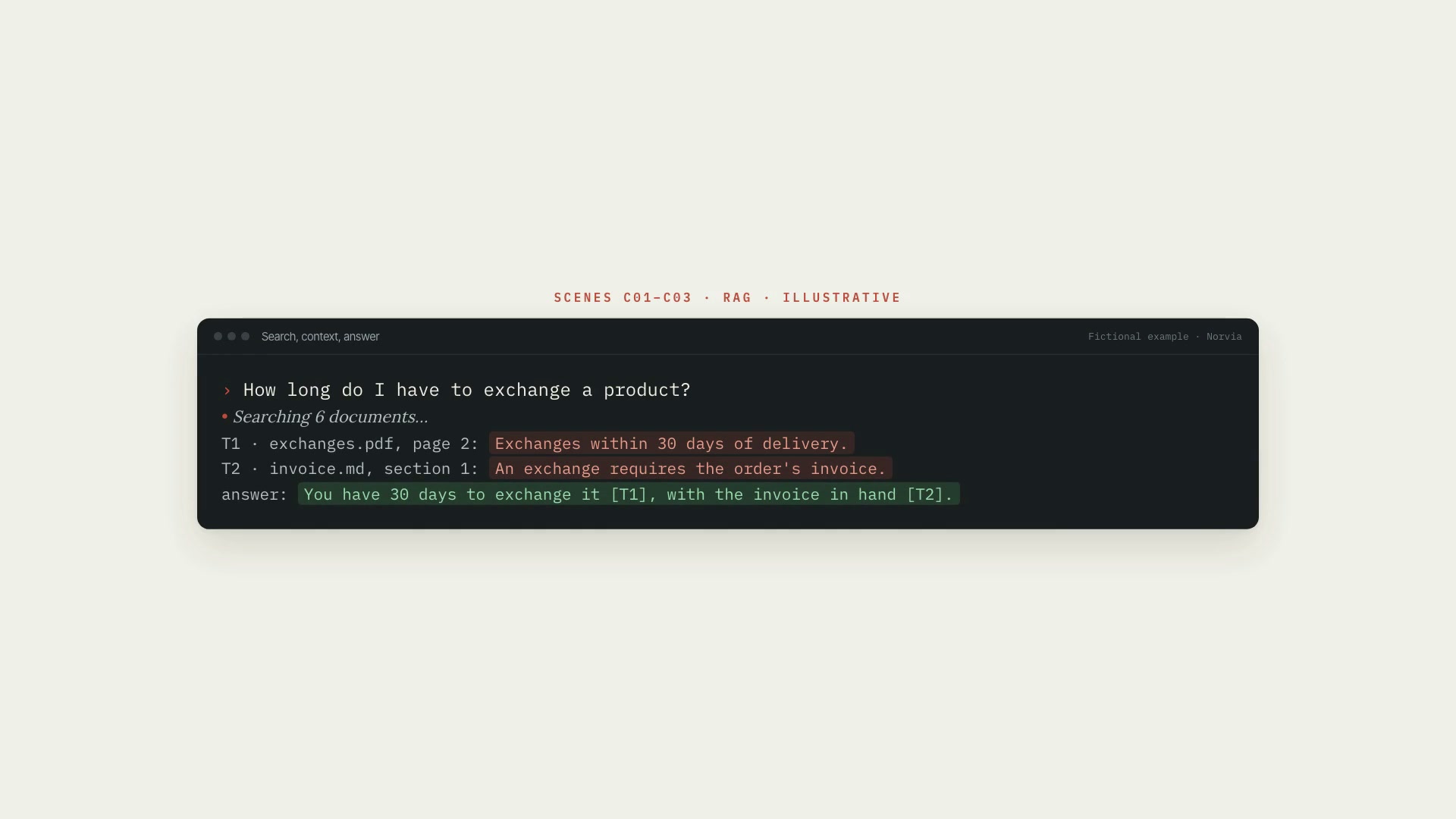 ProExplainer animation19 animated scenes that explain AI, from tokenization to RAG and agents, with a storyboard, a preview to approve, and the project's art direction.ExplainerAnimationIntermediate
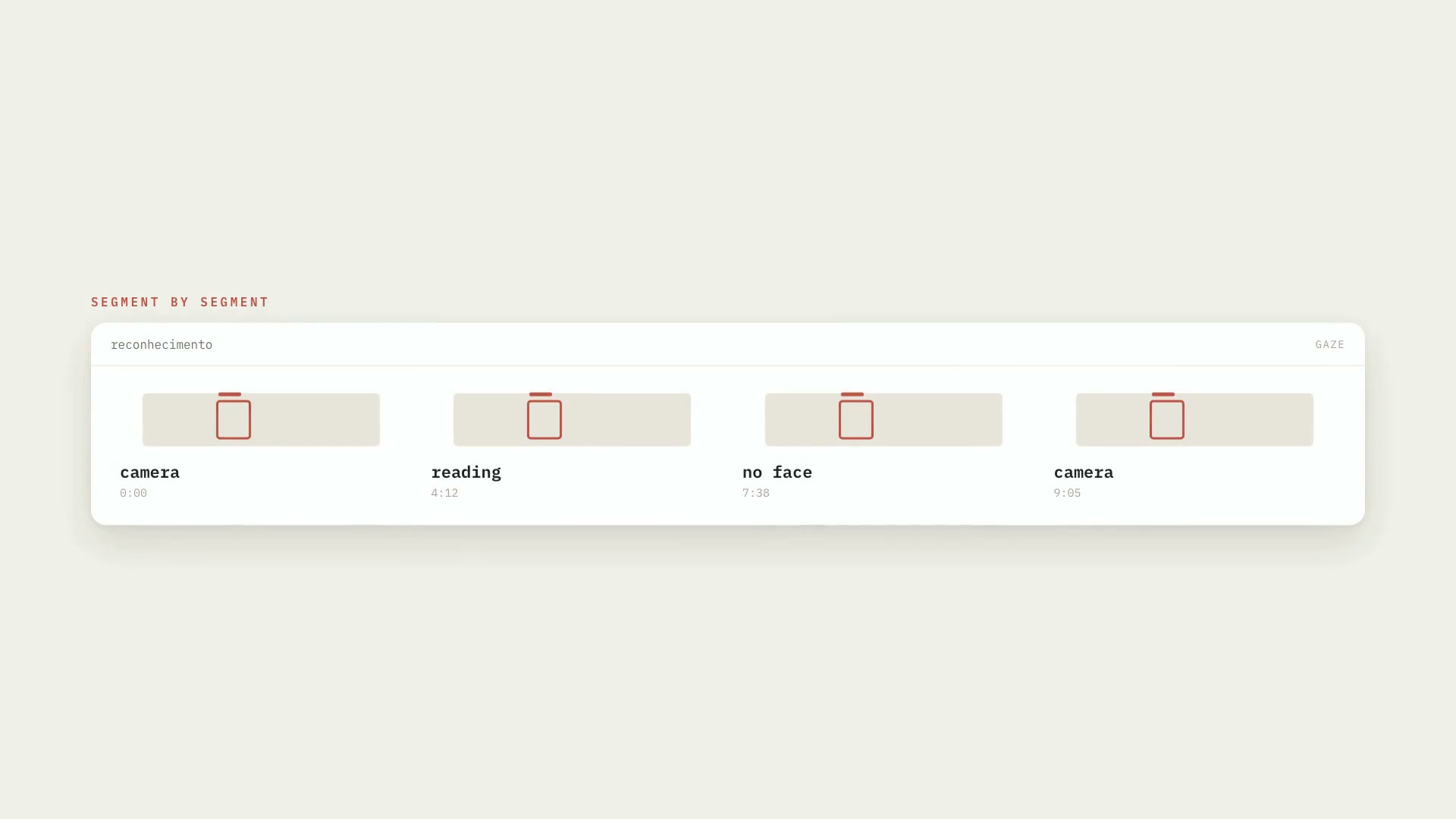 ProLooking at the camera or readingMarks, segment by segment, where the person looks at the camera, where they're reading, and where there's no face in the frame, with timestamps.PythonProductionIntermediate
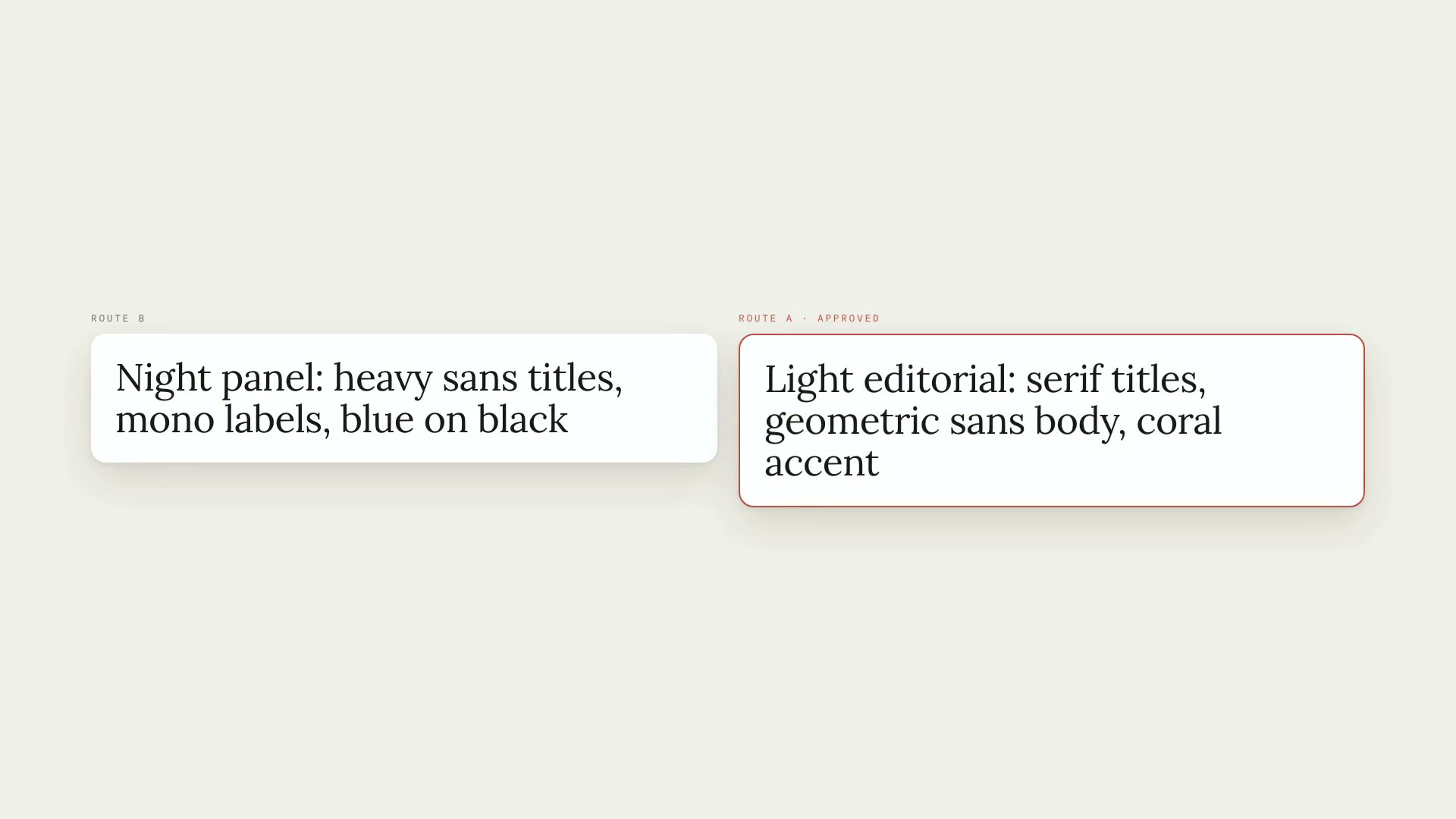 ProProject art directionOne art direction per video project: palette, typography, motion, and captions in a single file that every other skill follows.TypographyPythonIntermediate