Layered Painting
Presentation · 9:16 · 14 s
Details- Presentation · 9:16 · 14 s
- Runs in Claude Code
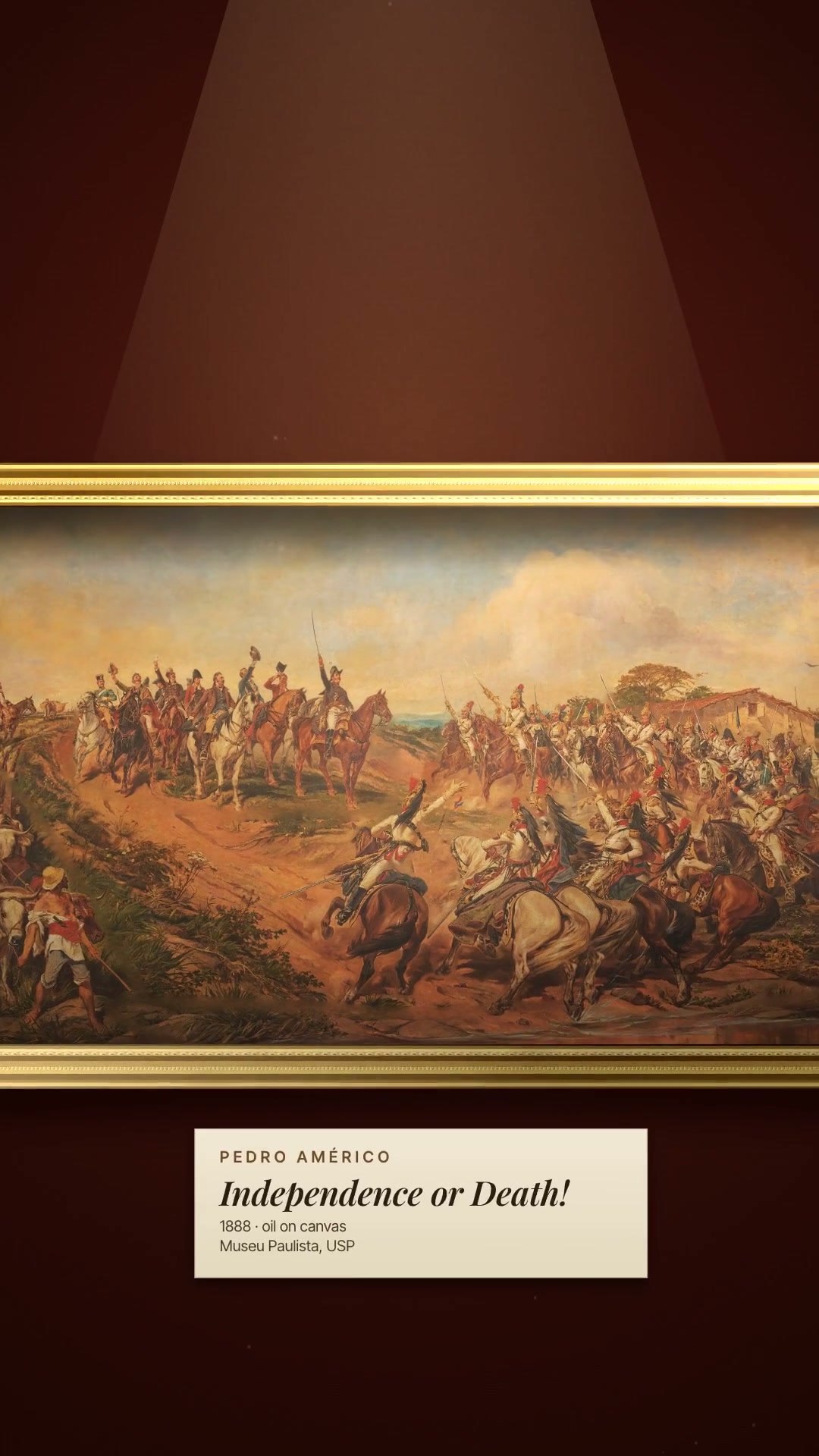
A classic painting in a museum: the camera passes through the frame into the work, split into layers with parallax and focus, and stops on the main figure.
A classic painting in a museum: the camera passes through the frame into the work, split into layers with parallax and focus, and stops on the main figure.
Details
The look has three signatures. A classic painting appears in full, hanging in a museum (dark wall, gilded frame, a warm spotlight and a placard), and the camera, in a single shot with no cuts, goes through the frame: the frame flies out of the picture and the wall dissolves. The work has been split into depth layers, and the continuous dolly creates a true 2.5D parallax: the foreground grows and slides out faster than the background, and behind each cutout the painting has been filled back in, so no holes open up. To close, depth of field and museum lighting: a heavily blurred foreground, a sharp main figure, dark corners, and the video stops on it with an elegant title. The skill includes the tool that cuts out the figures (macOS Vision and polygons), rebuilds the background behind them by inpainting and extends the work to fit the vertical frame. The render is frame by frame, in canvas, with Playwright and ffmpeg, and the sound is synthesized (museum footsteps, wind, gallop, strings and timpani). Requirements: Node 20 or newer, ffmpeg and python3. Automatic cutout uses Vision on macOS 14 or newer; outside the Mac, the masks come only from hand-drawn polygons.
- Runs in Claude Code
- Editorial
- Level: Advanced
How to use
Install the skill
In the terminal, in the download folder, run
unzip pintura-em-camadas.zip -d ~/.claude/skills/to use it in every project (or -d .claude/skills/ for a single project).