Editorial Cutout
Presentation · 9:16 · 14 s
Details- Presentation · 9:16 · 14 s
- Runs in Claude Code
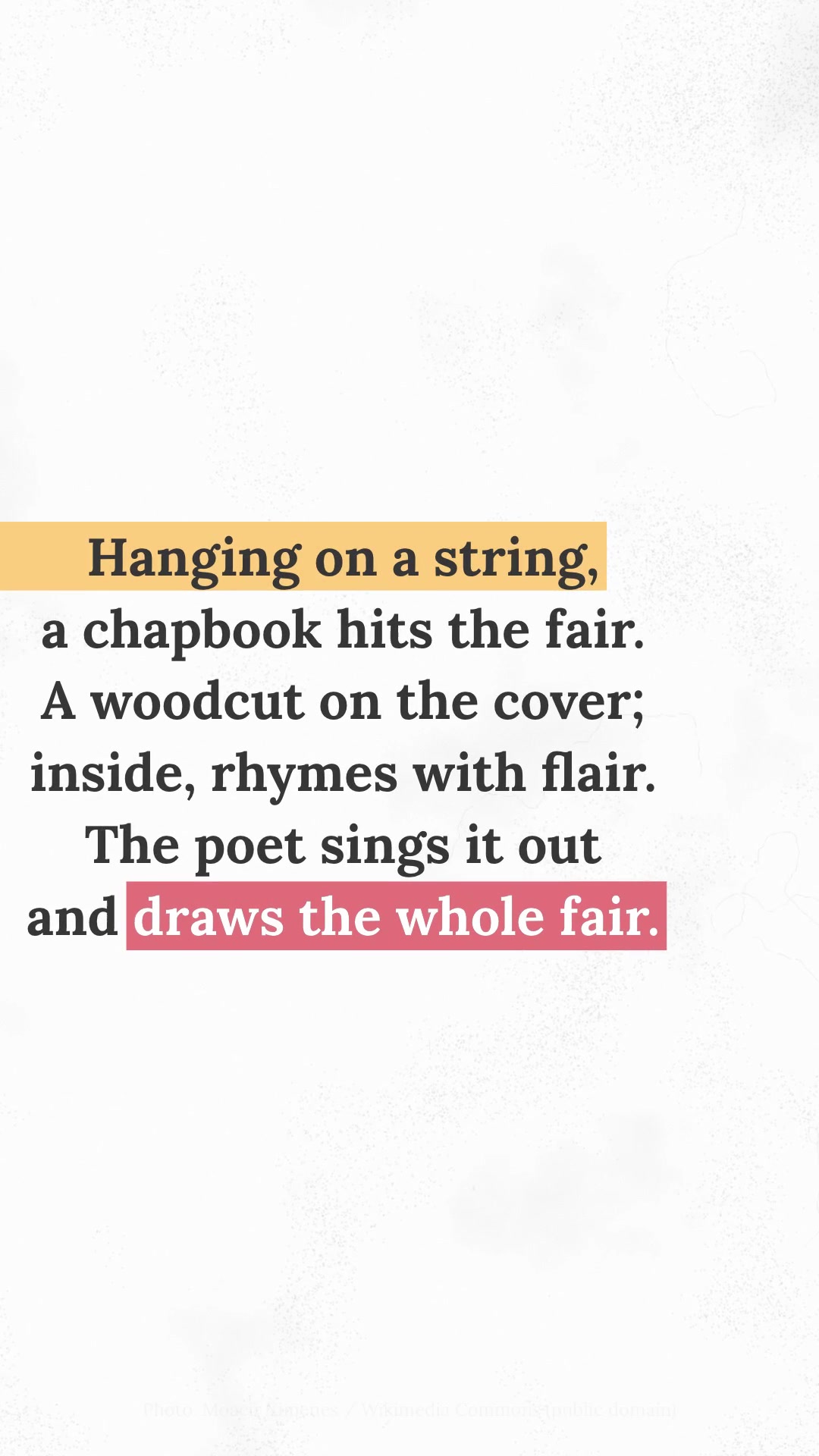
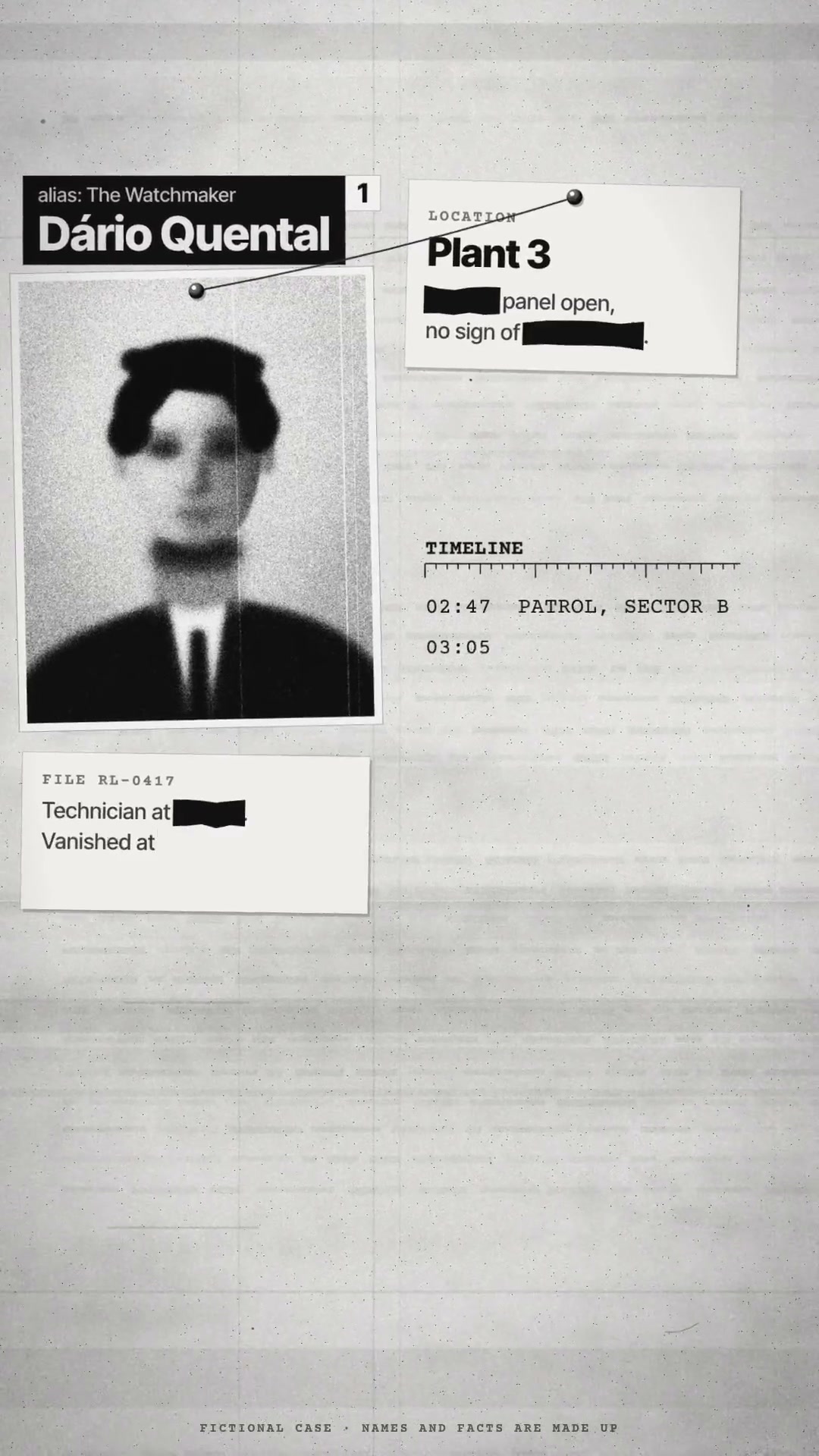
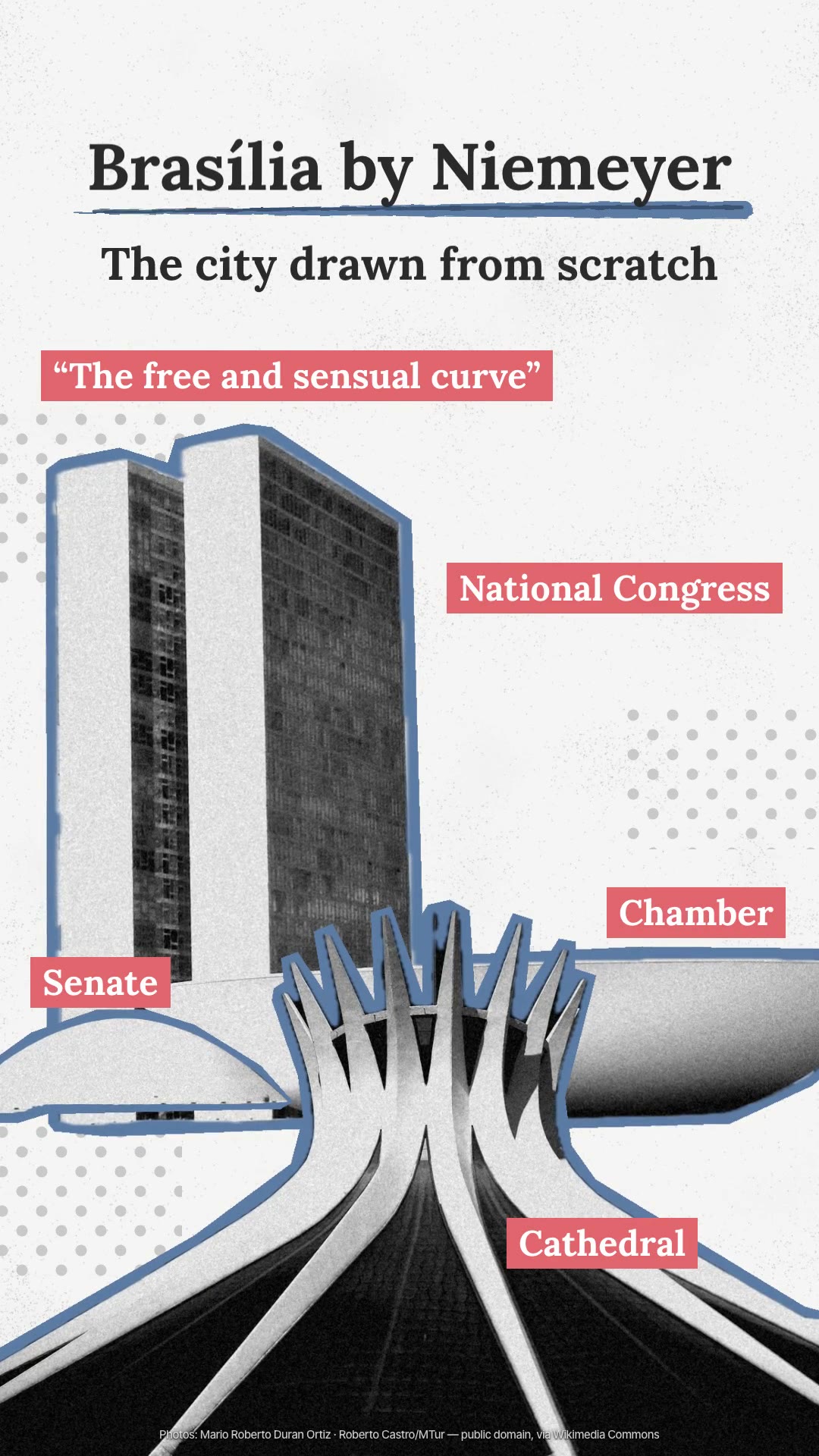
Black-and-white photos cut out with a scissor-cut blue border, a serif title, and coral tags that build word by word, pointing at parts of the image.
Black-and-white photos cut out with a scissor-cut blue border, a serif title, and coral tags that build word by word, pointing at parts of the image.
Details
The look comes from three signatures. Real black-and-white photos are cut out as a single silhouette, with a slate-blue border cut with scissors, on near-white paper with a gray halftone dot pattern. The title is serif (Lora), with a blue brush underline, and the subtitle rises word by word. The live motion is in the coral tags: a stroke becomes a band that grows, the words appear loose in black and hop inside one by one, turning white, to point at the parts of the image. It is a single shot, the camera barely moves, and the frame fills up with annotations. The skill finds free photos on Wikimedia Commons, cuts them out with credit, and synthesizes the sound. Requirements: Node 20 or newer, ffmpeg, and python3, with internet access to find the photos. Automatic cutout uses Vision on macOS 14 or newer (and swiftc, via xcode-select --install); off the Mac, cut out the photos in another program.
- Runs in Claude Code
- Editorial
- Level: Intermediate
How to use
Install the skill
In the terminal, in the download folder, run
unzip editorial-recortado.zip -d ~/.claude/skills/to use it in every project (or -d .claude/skills/ for a single project).Ask in plain English