Explainer Collage
Presentation · 9:16 · 14 s
Details- Presentation · 9:16 · 14 s
- Runs in Claude Code
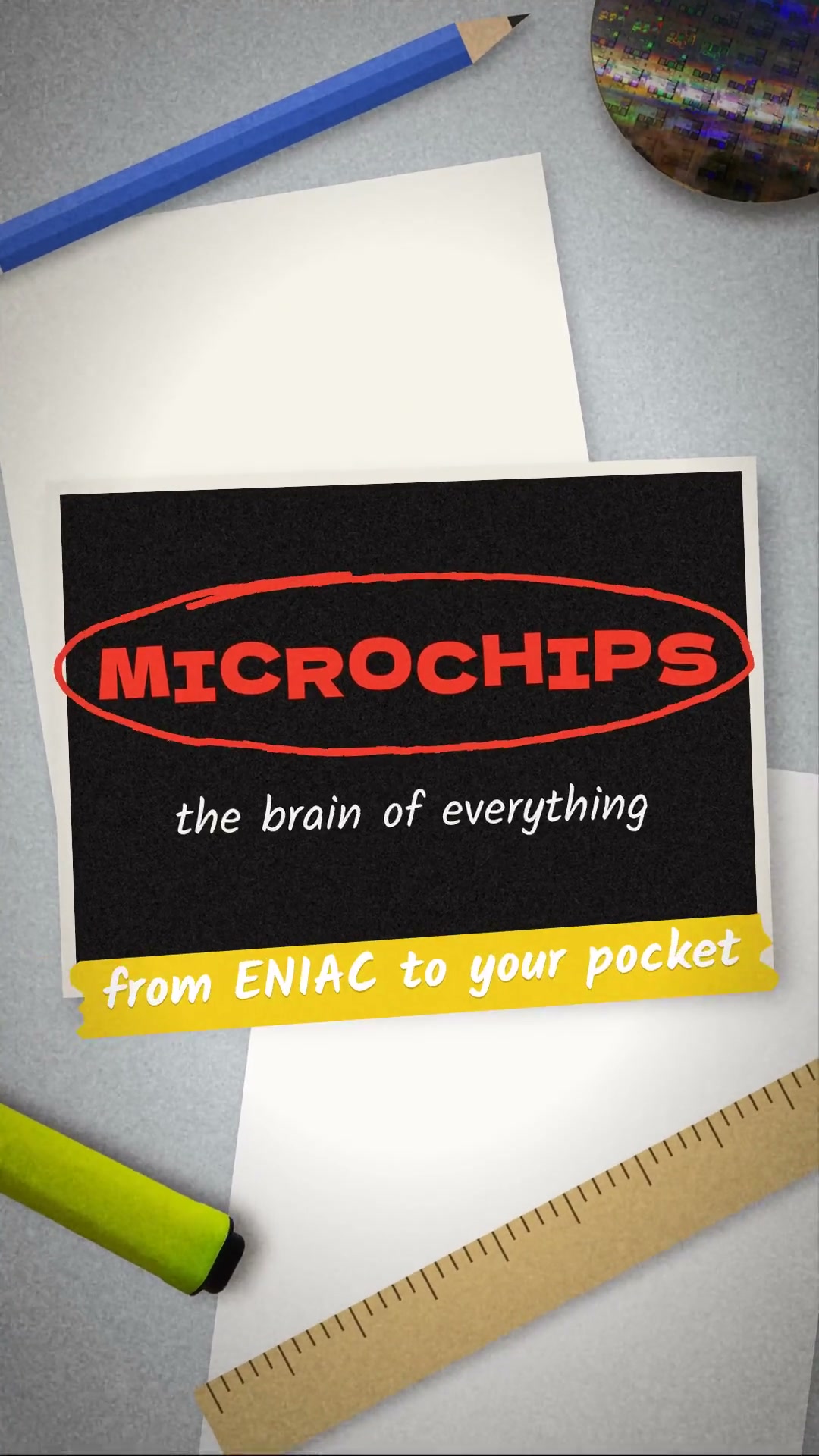
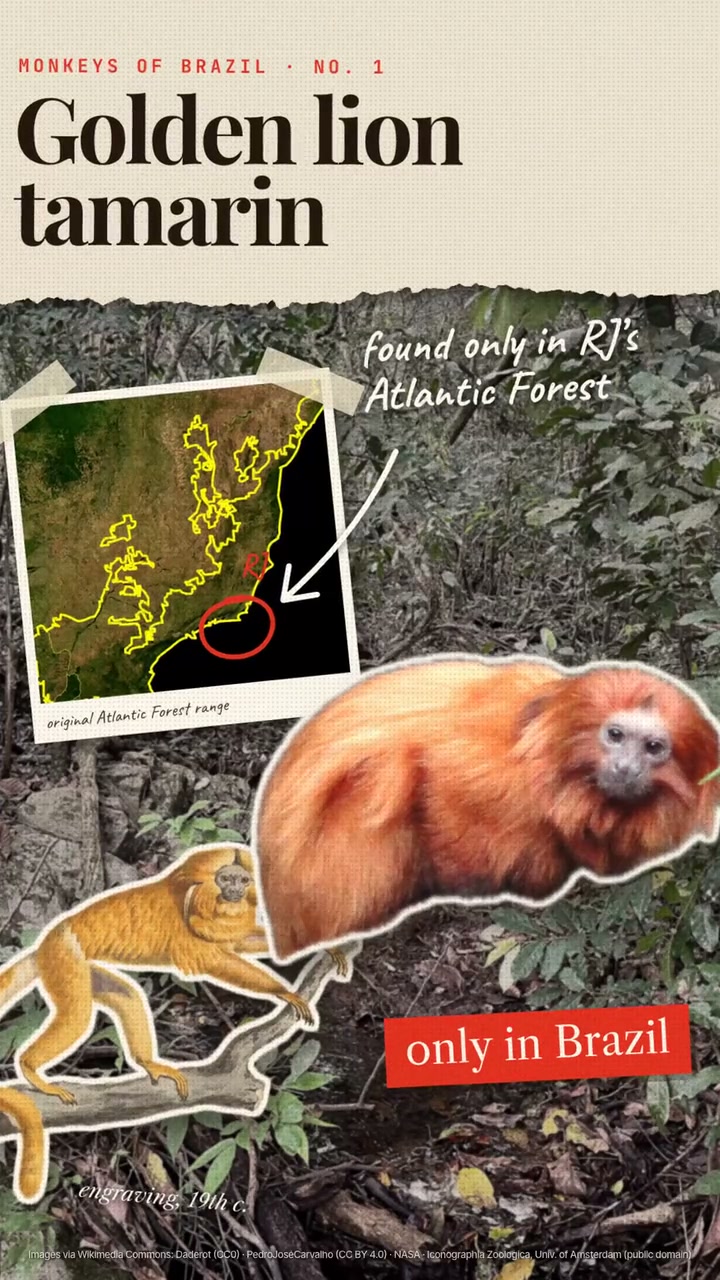
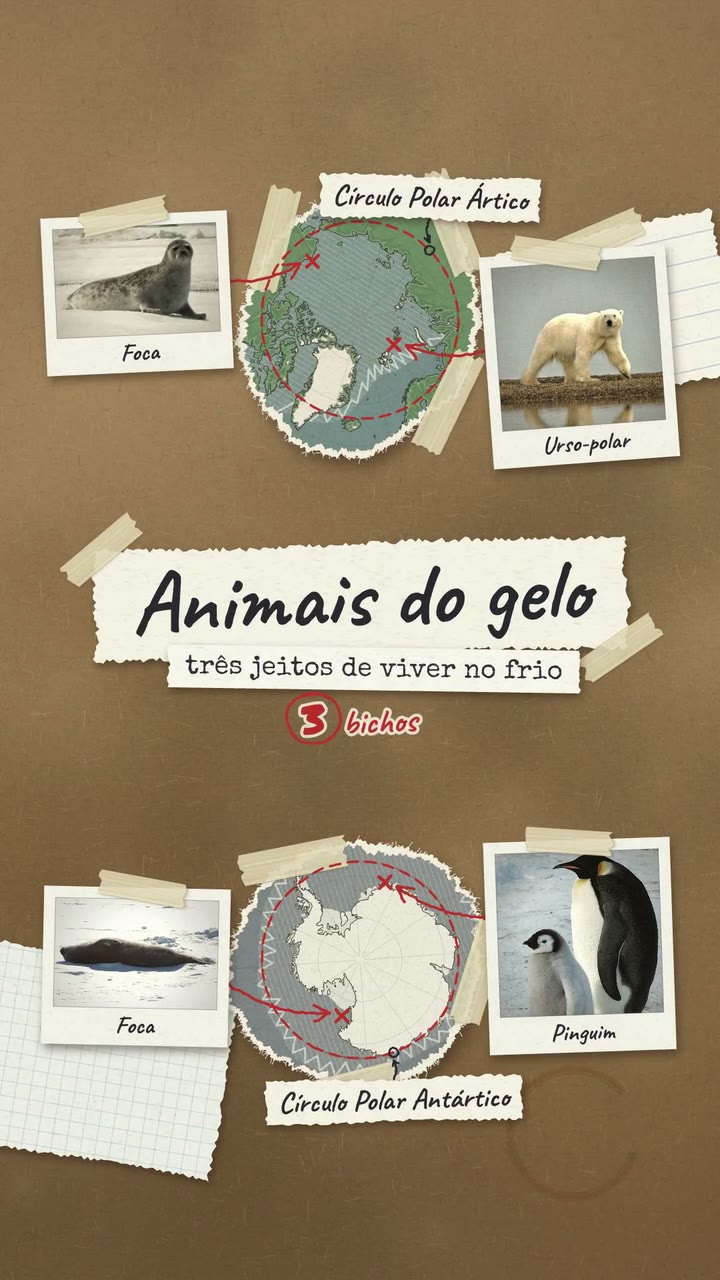
Collage explainer on gray recycled paper: each scene builds piece by piece in stop-motion, with white-bordered B&W photos, flat icons, and a headline.
Collage explainer on gray recycled paper: each scene builds piece by piece in stop-motion, with white-bordered B&W photos, flat icons, and a headline.
Details
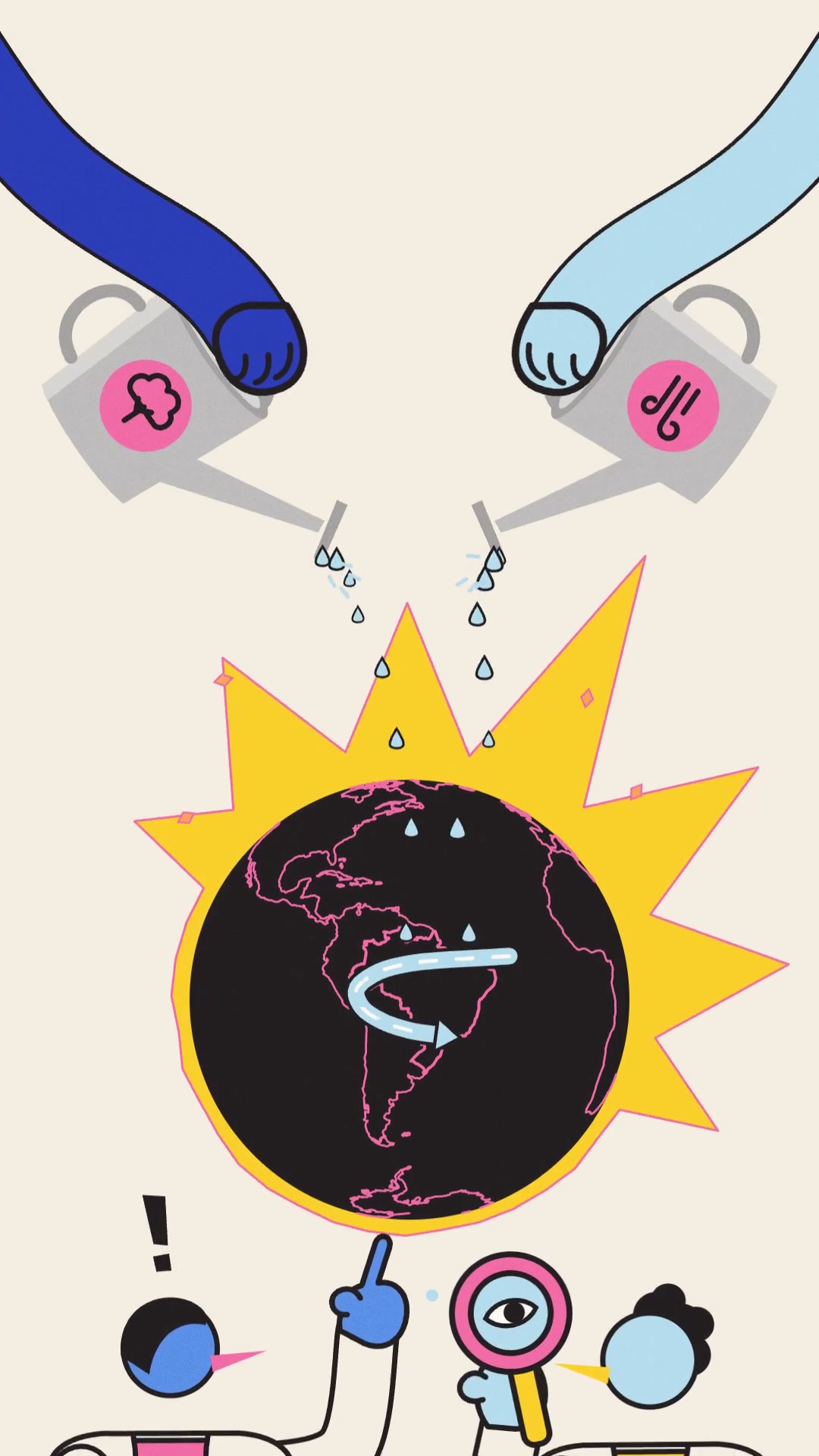
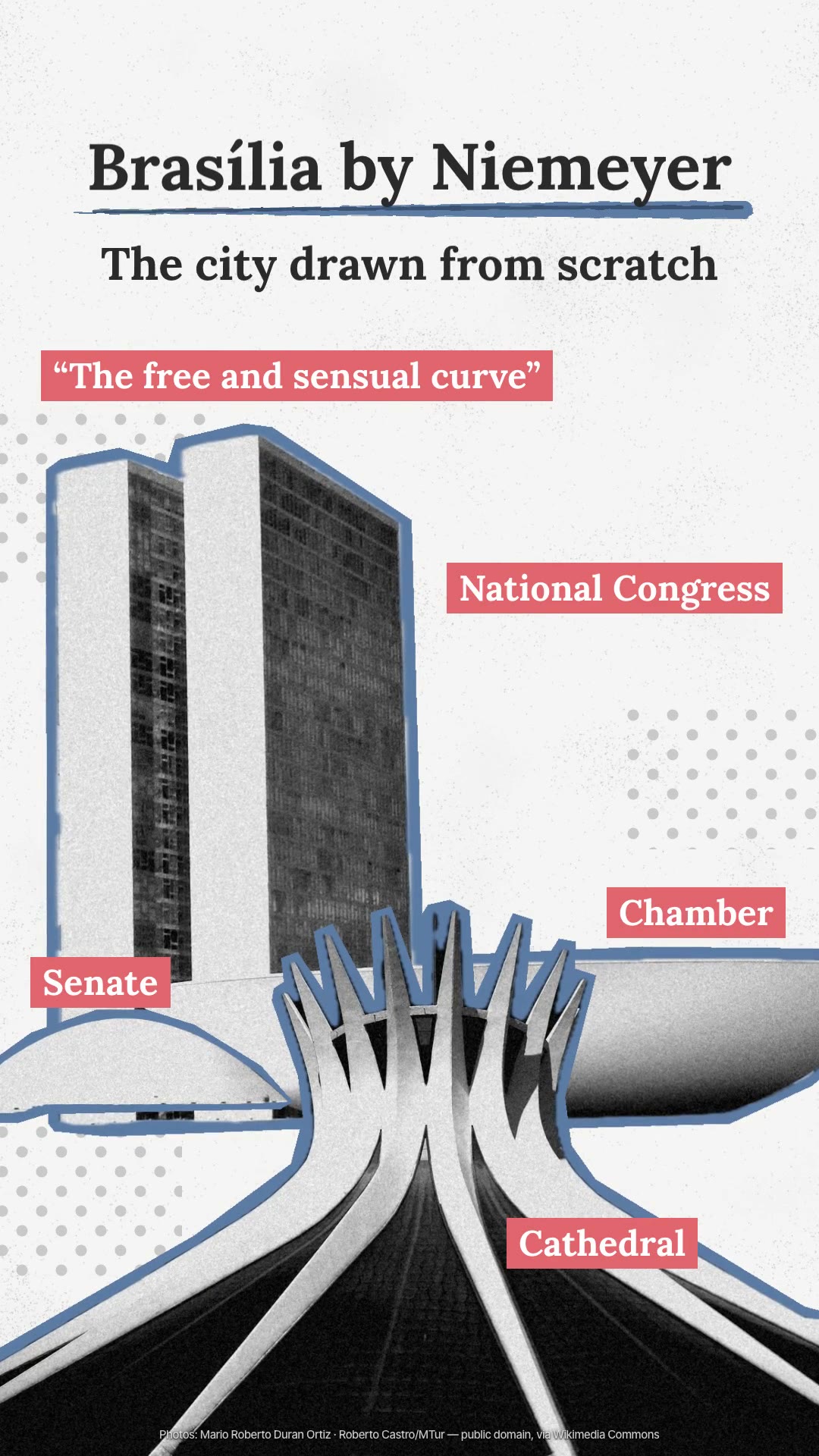
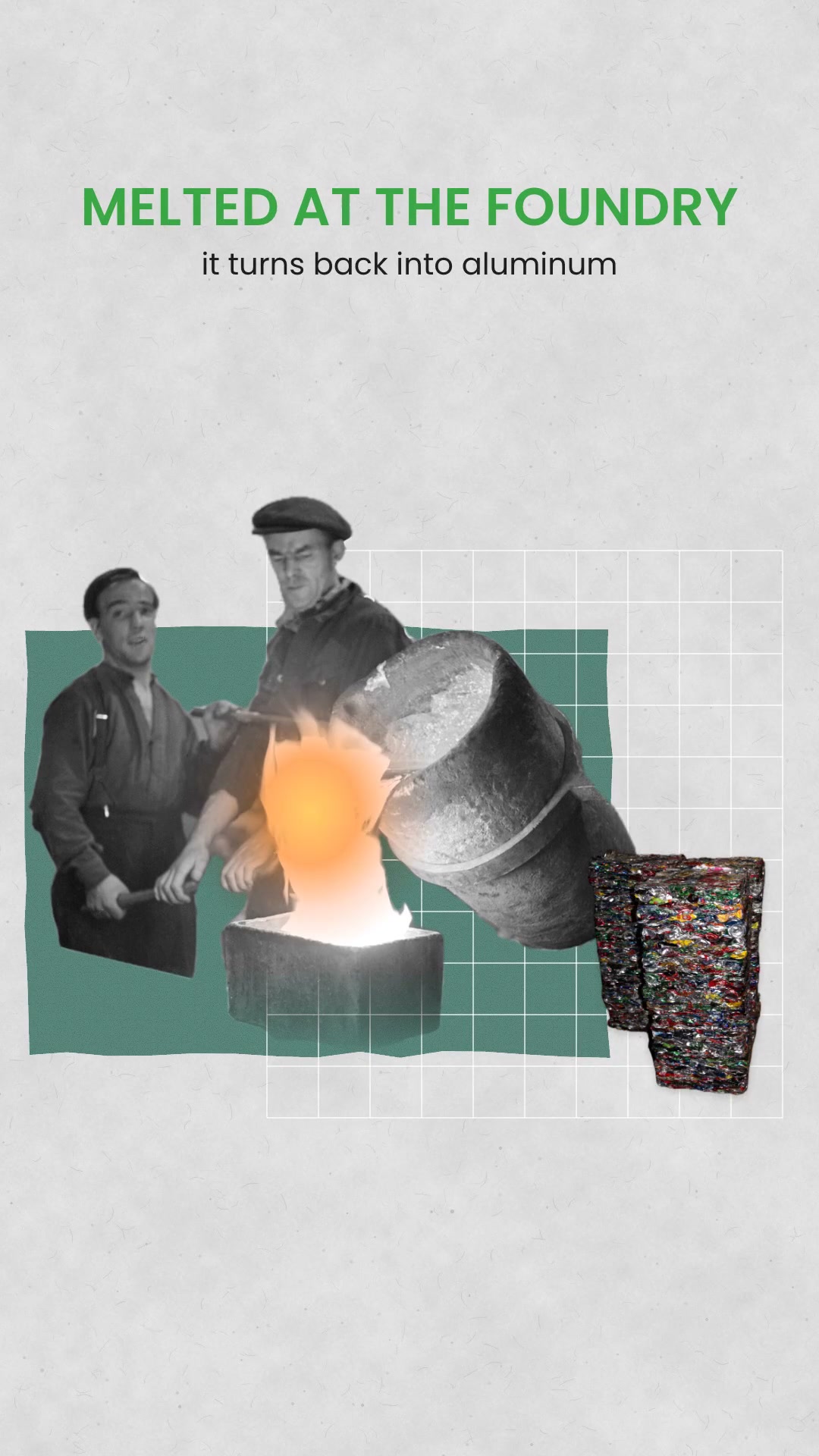
The look has three signatures. The background is an empty sheet of gray recycled paper that only boils slightly, with no frame, vignette, or camera. Three materials share the same collage: people and vehicles as B&W photos with a thick white border, places and things as cut-out color photos, and flat vector icons with paper grain (planet, bins, pine trees, sun, cans), plus ink blots, a thin white grid, and a dashed circle. And each scene builds piece by piece in 12-frames-per-second stop-motion: pieces rise from below, grow from a point on the ground, pop in a ring, and drop with a bounce. There is little text: a green, all-caps Poppins headline that enters big and shrinks, and a short line beneath it, one sentence per scene. Scenes change with a hard cut or a sideways pan. The skill builds everything as HTML pages animated frame by frame (GSAP, Playwright, and ffmpeg), includes the tools to find photos on Wikimedia Commons, cut them out, and treat them, and synthesizes a light explainer soundtrack and the effects (paper, pop, can). Requirements: Node 20 or newer, ffmpeg, and python3. Automatic photo cutout uses Vision on macOS 14 or newer; off the Mac, you need to cut out the photos in another program and save them as PNG with transparency.
- Runs in Claude Code
- Handmade
- Level: Intermediate
How to use
Install the skill
In the terminal, in the download folder, run
unzip colagem-explicativa.zip -d ~/.claude/skills/to use it in every project (or -d .claude/skills/ for a single project).