// Content production · Editorial //
Highlighted Text
Captions · 9:16 · 8 s
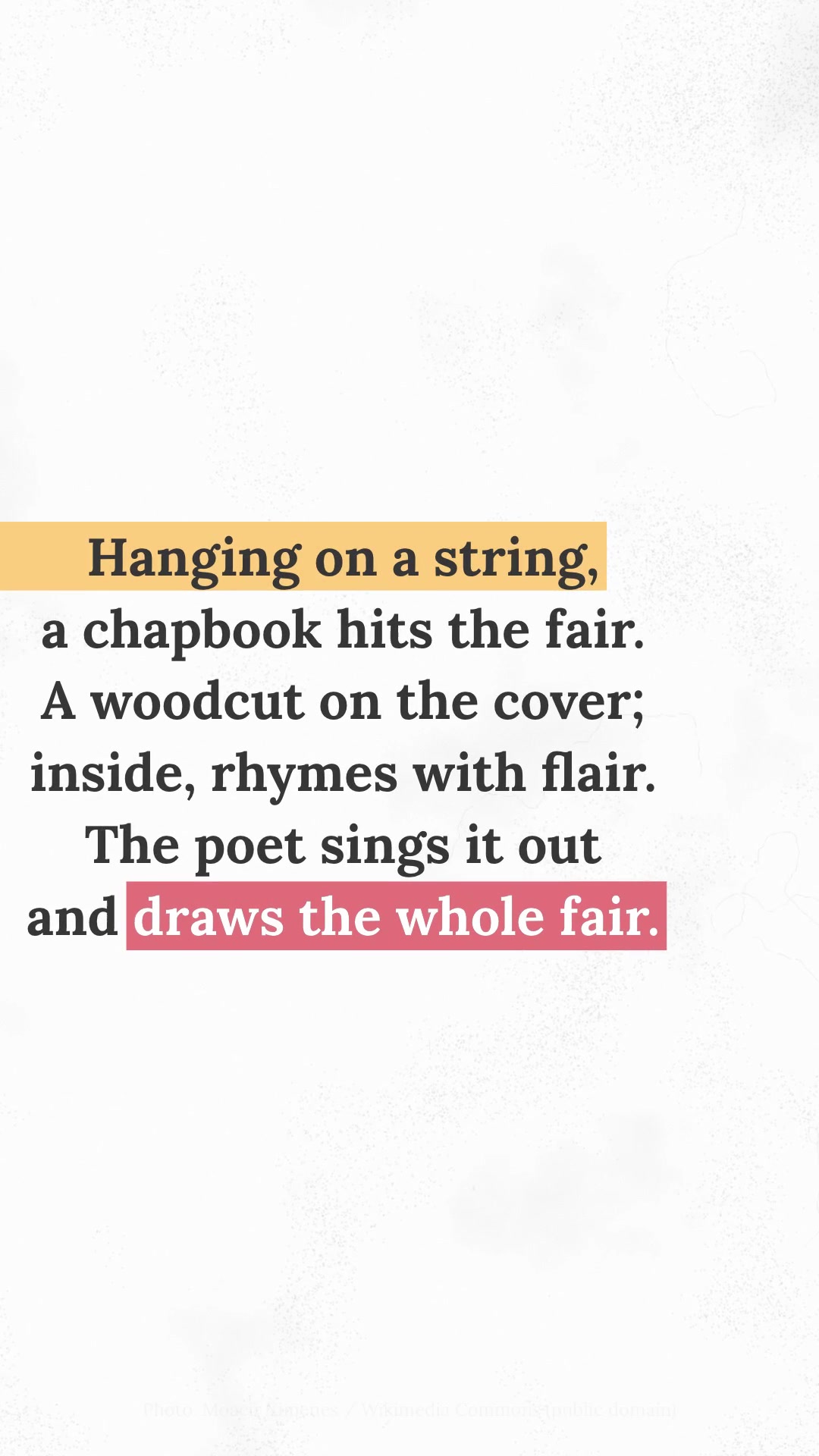
DetailsA serif paragraph written word by word, with a yellow highlighter bleeding in from the edge and a red block on the key phrase, after an editorial collage.
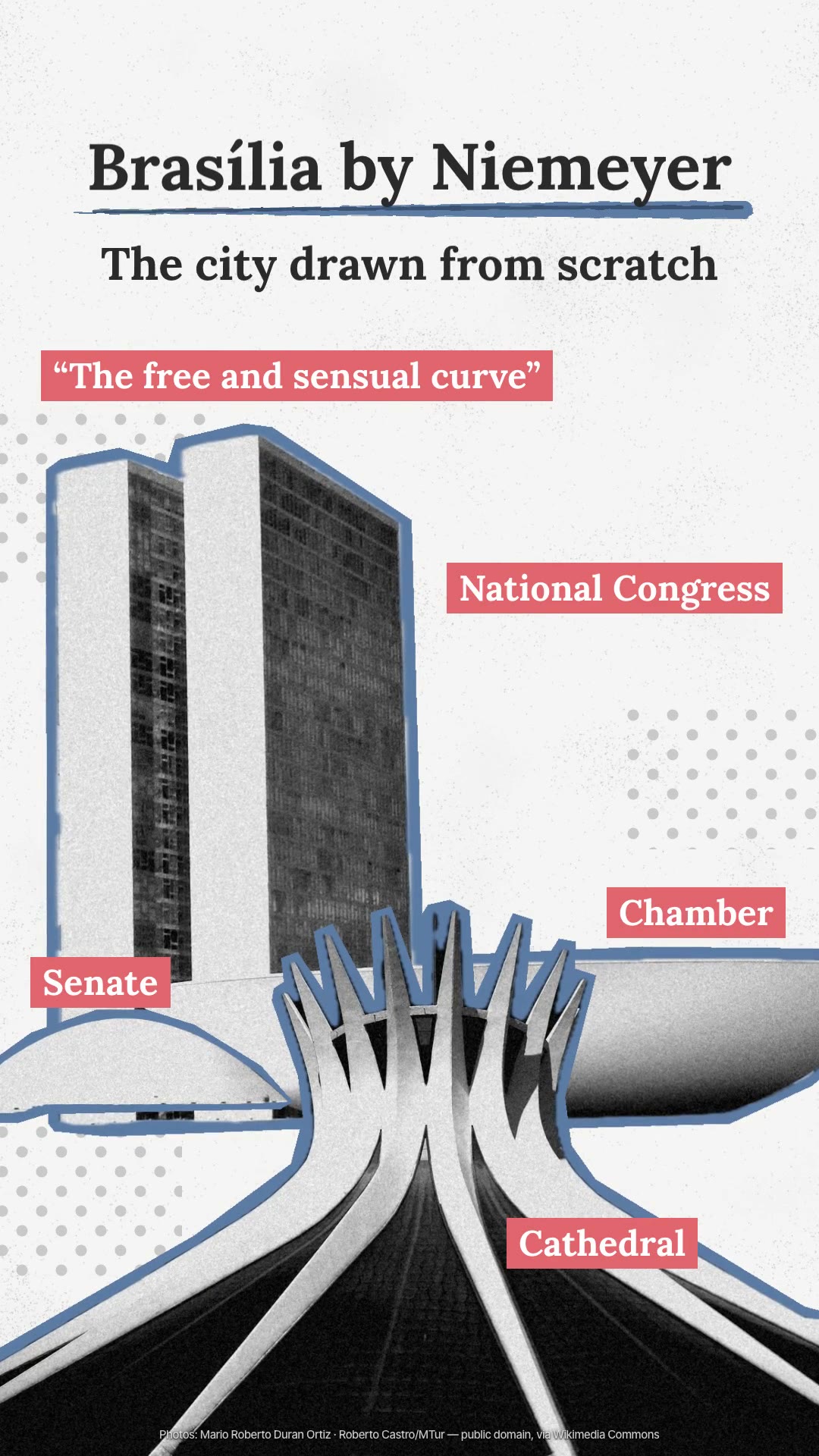
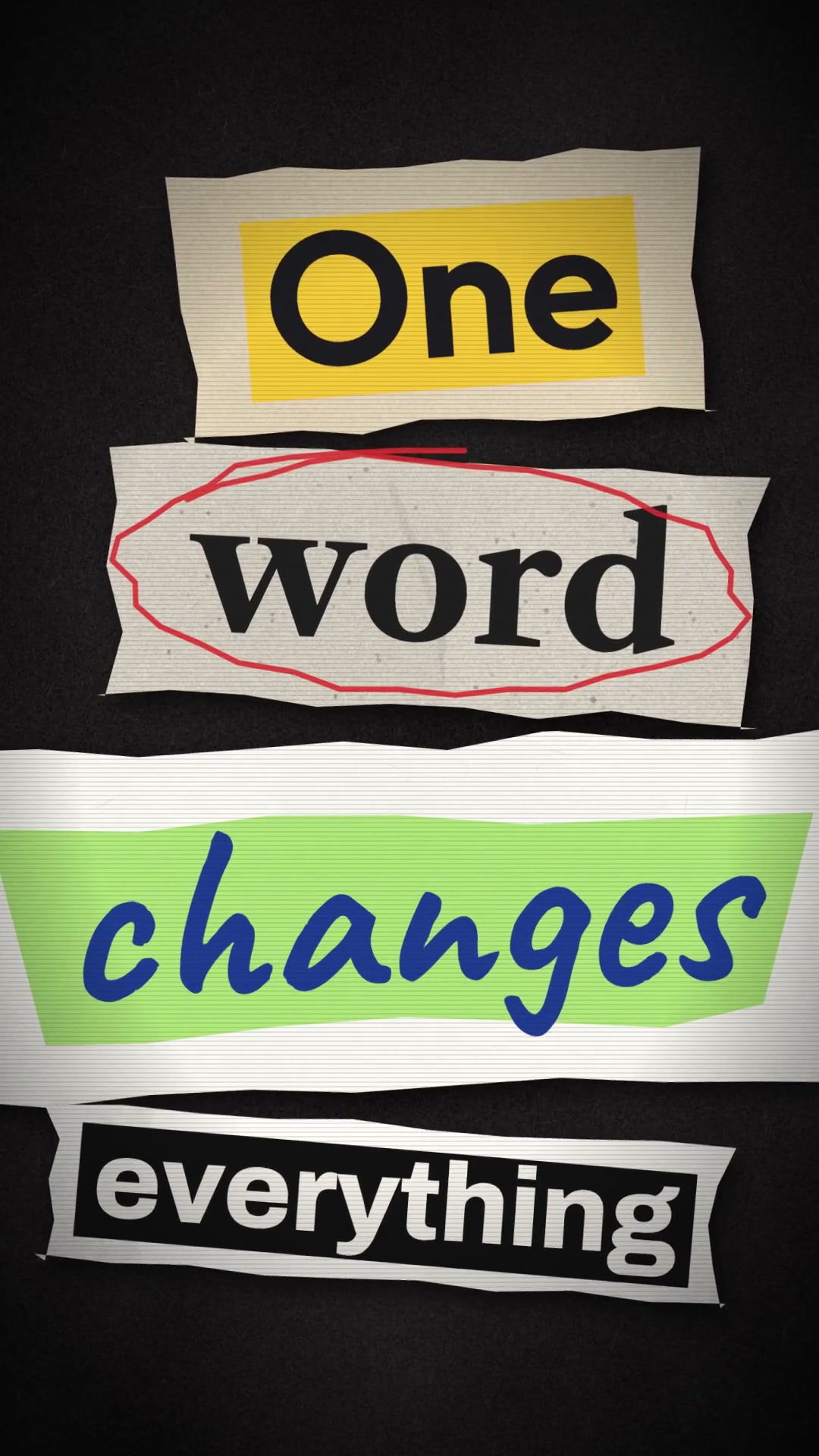
The look has three signatures. A serif paragraph (Lora Bold, dark gray on almost-white paper) is written word by word: each word sprouts slightly below the line and rises, while the camera chases the text and then pushes in slowly. A yellow highlighter bleeding in from the left edge of the screen marks the first sentence and, at the end, a red block grows over the key phrase and turns the text white. And the video opens with an editorial collage (a B&W photo cutout with a thick yellow outline, a gray halftone dot pattern, a title with a brushstroke underline) whose highlight turns, in a horizontal whip, into the paragraph's highlight. Almost nothing else moves, and everything animates at 12 frames per second. The skill builds everything in HTML pages animated frame by frame (GSAP, Playwright and ffmpeg), includes the tools to find and cut out the photo on Wikimedia Commons and synthesizes the sound: the pencil on each word, the highlighter's felt tip and a light soundtrack. Requirements: Node 20 or newer, ffmpeg and python3. Automatic photo cutout uses Vision on macOS 14 or newer; outside the Mac, the mask comes from polygons or from a cutout made in another program.
- Captions · 9:16 · 8 s
- Runs in Claude Code
- Beginner
The look has three signatures. A serif paragraph (Lora Bold, dark gray on almost-white paper) is written word by word: each word sprouts slightly below the line and rises, while the camera chases the text and then pushes in slowly. A yellow highlighter bleeding in from the left edge of the screen marks the first sentence and, at the end, a red block grows over the key phrase and turns the text white. And the video opens with an editorial collage (a B&W photo cutout with a thick yellow outline, a gray halftone dot pattern, a title with a brushstroke underline) whose highlight turns, in a horizontal whip, into the paragraph's highlight. Almost nothing else moves, and everything animates at 12 frames per second. The skill builds everything in HTML pages animated frame by frame (GSAP, Playwright and ffmpeg), includes the tools to find and cut out the photo on Wikimedia Commons and synthesizes the sound: the pencil on each word, the highlighter's felt tip and a light soundtrack. Requirements: Node 20 or newer, ffmpeg and python3. Automatic photo cutout uses Vision on macOS 14 or newer; outside the Mac, the mask comes from polygons or from a cutout made in another program.
How to use
01
Copy the prompt
Use the Copy prompt button on this page.
02
Paste it into your AI
Open Claude Code in the project folder and paste the prompt.
03
Get the video
Claude delivers an MP4 ready to post.
In the package
- Prompt ready to copy and paste
- Video in 9:16, 8 s
- Skill as a .zip to install in Claude