// Content production · Editorial //
Mixed Media
Presentation · 9:16 · 7.9 s
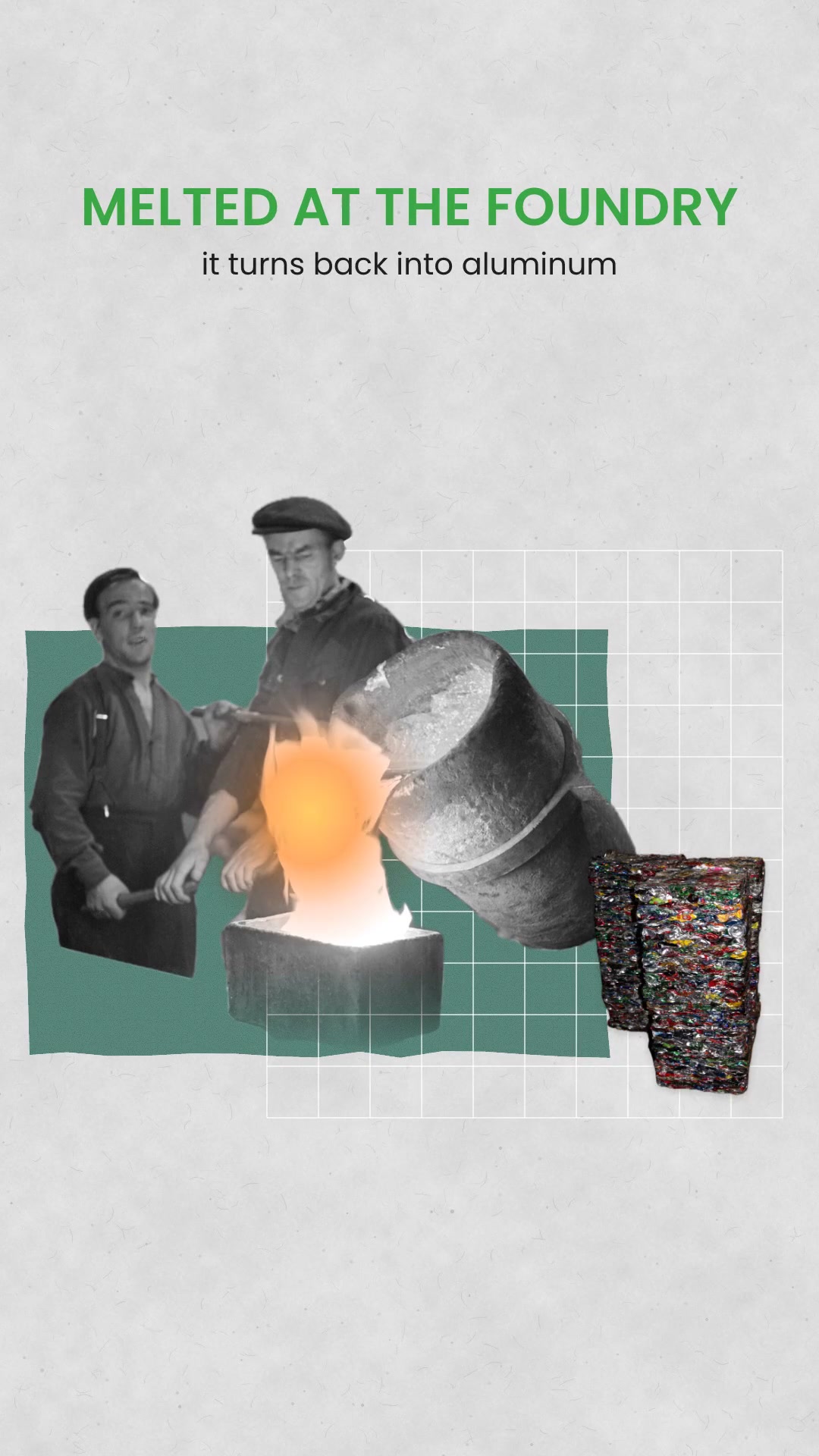
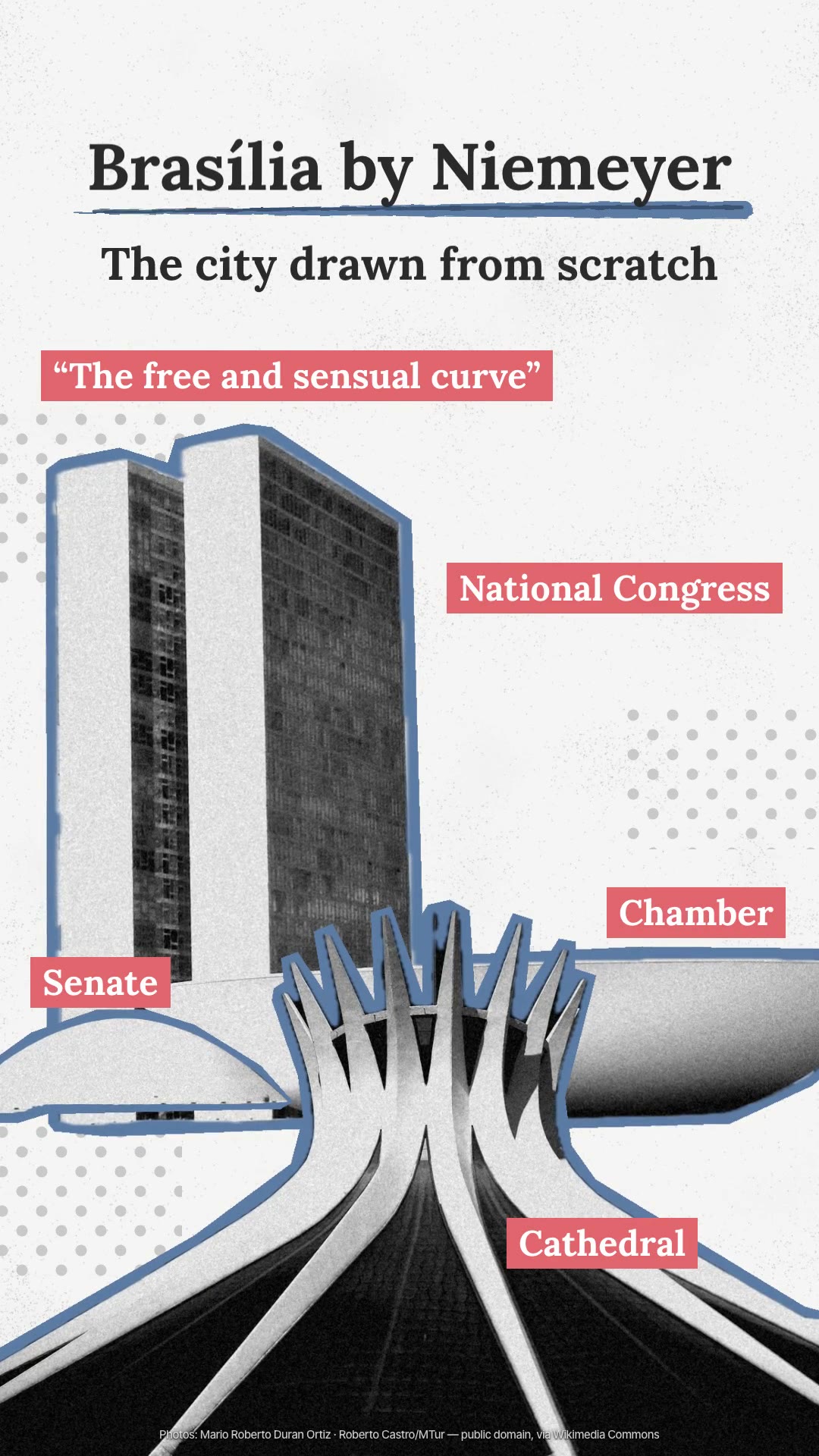
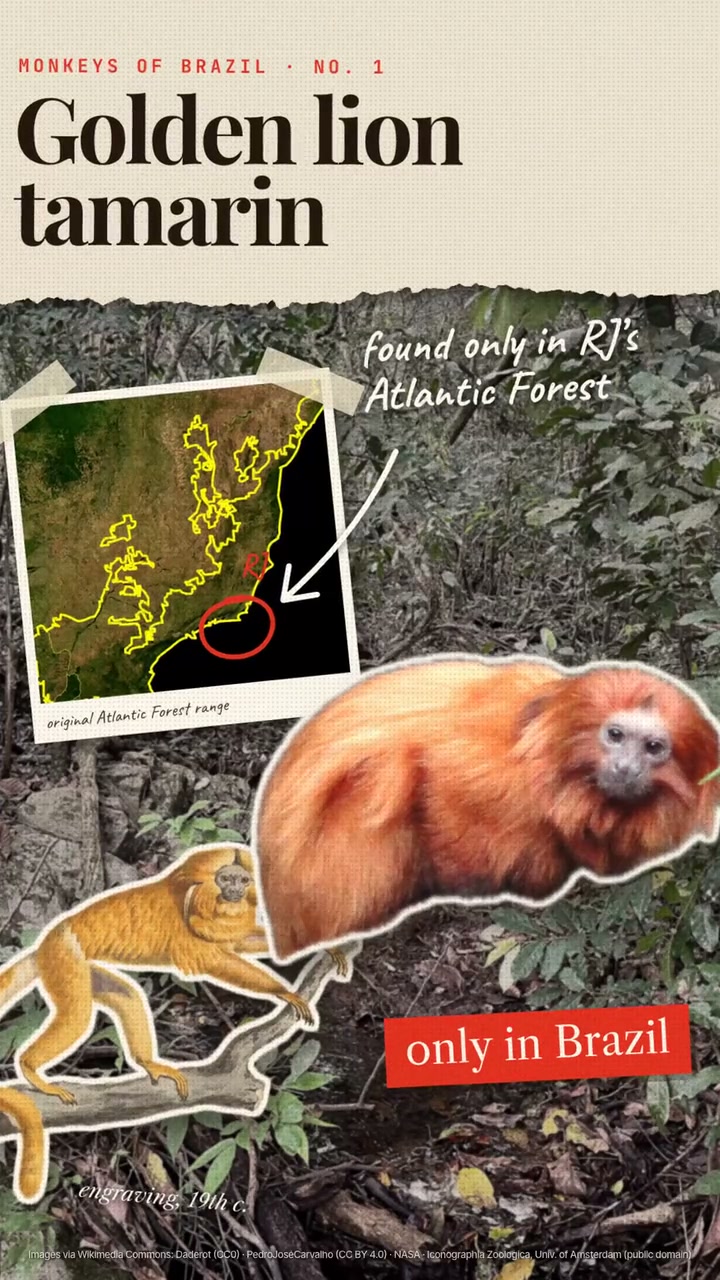
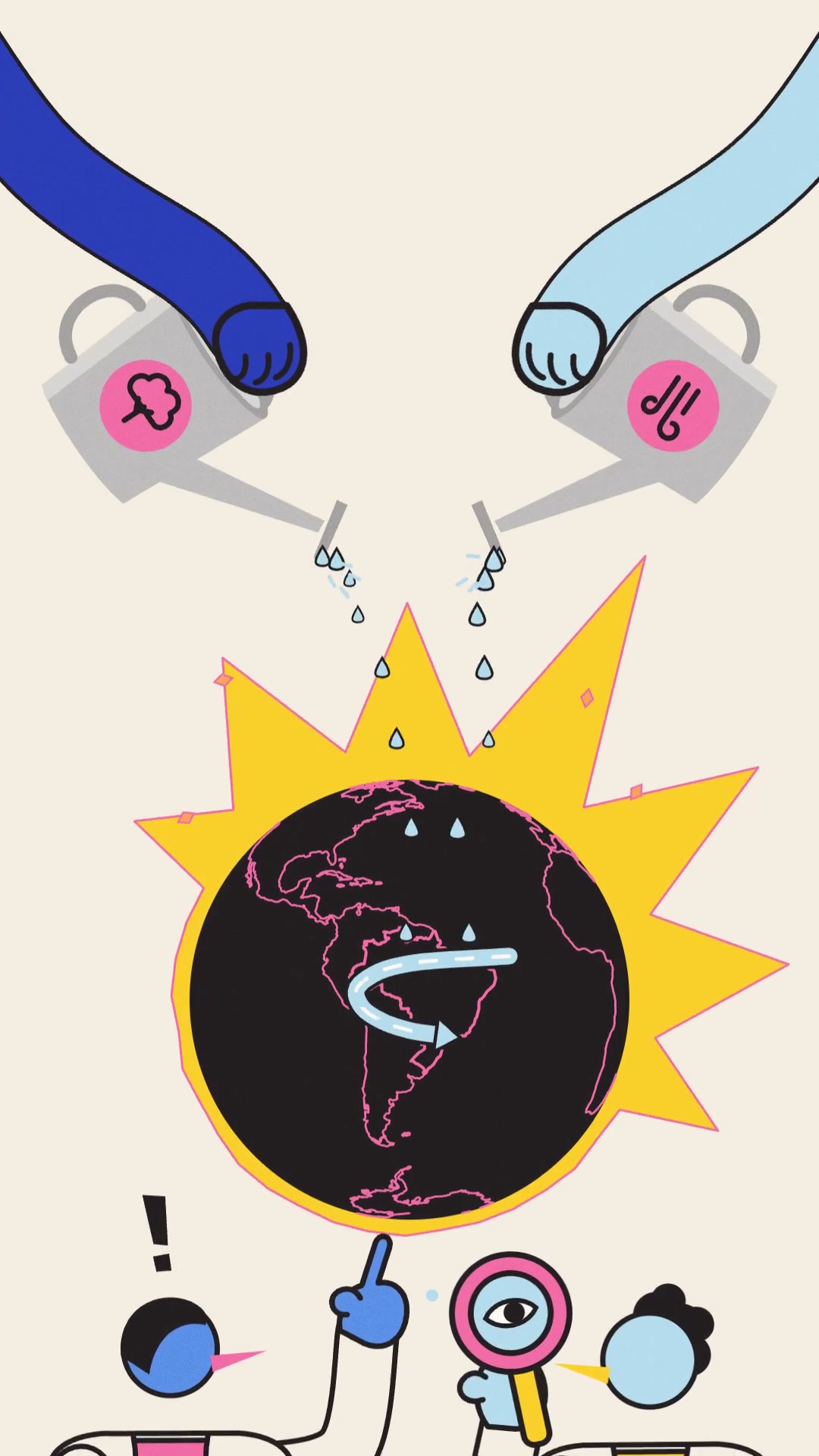
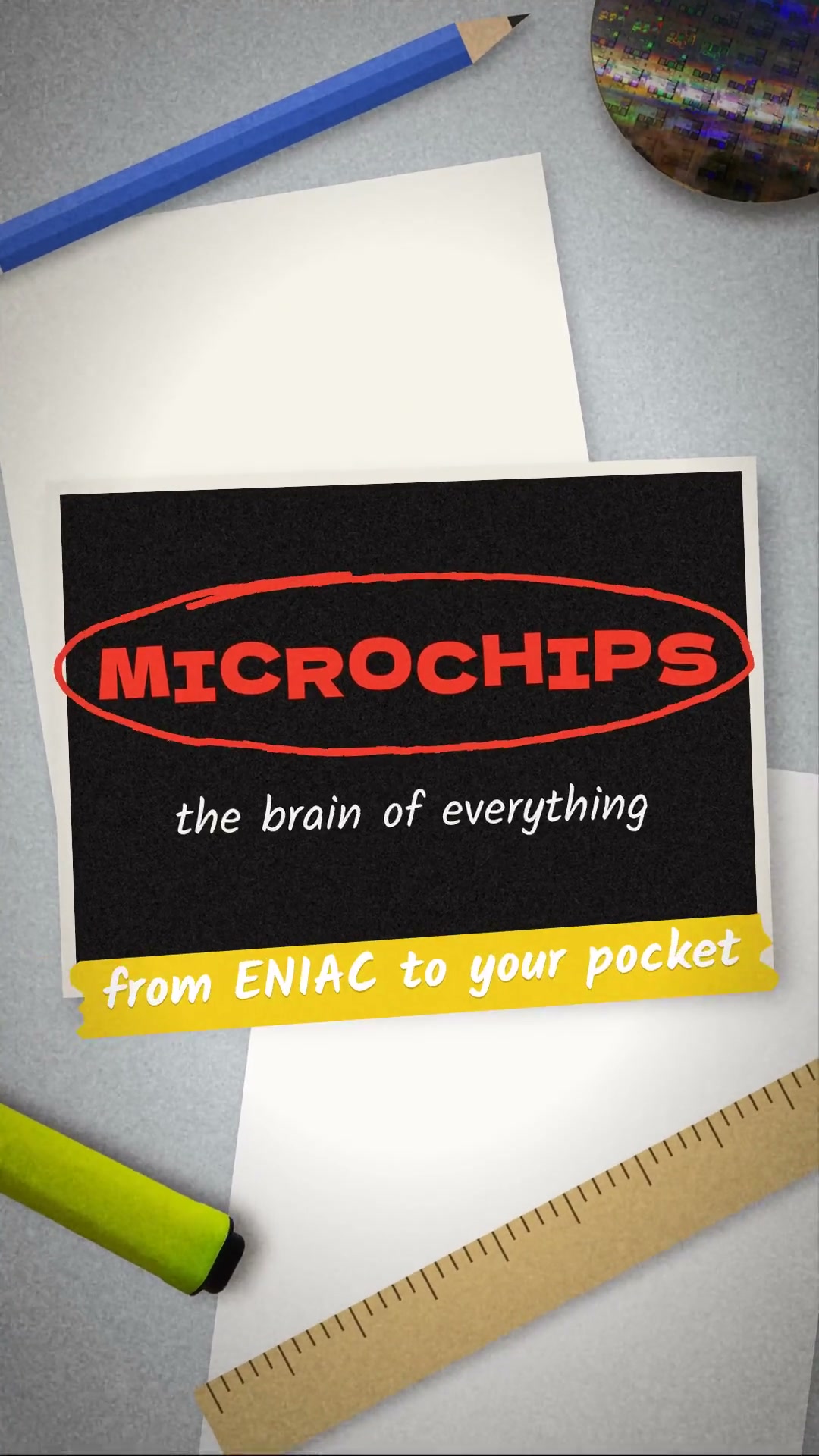
DetailsReal cut-out photos on paper, fabric and wood, with torn tape, hand-drawn marker and whip and kaleidoscope transitions. A 7-scene explainer.
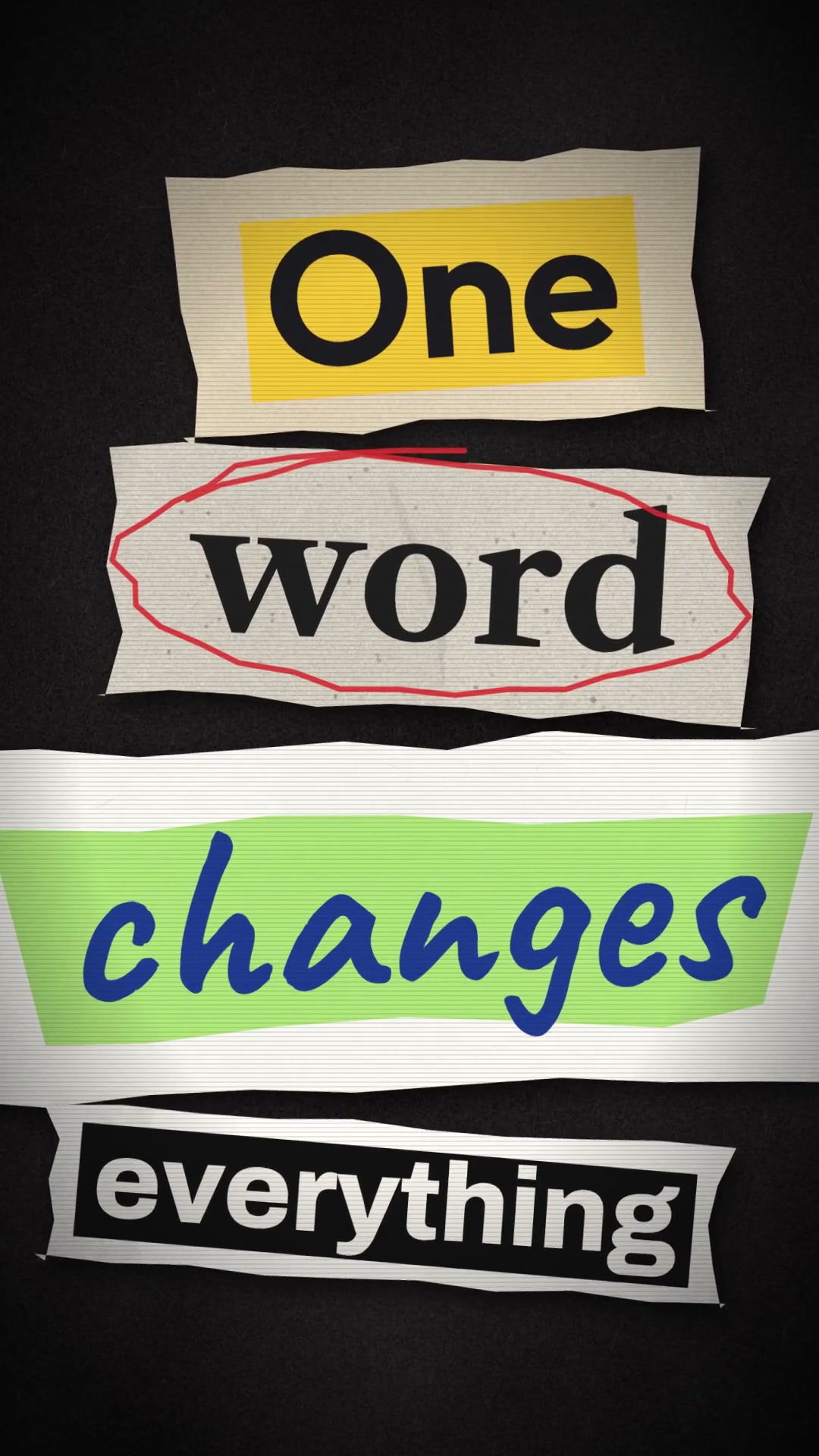
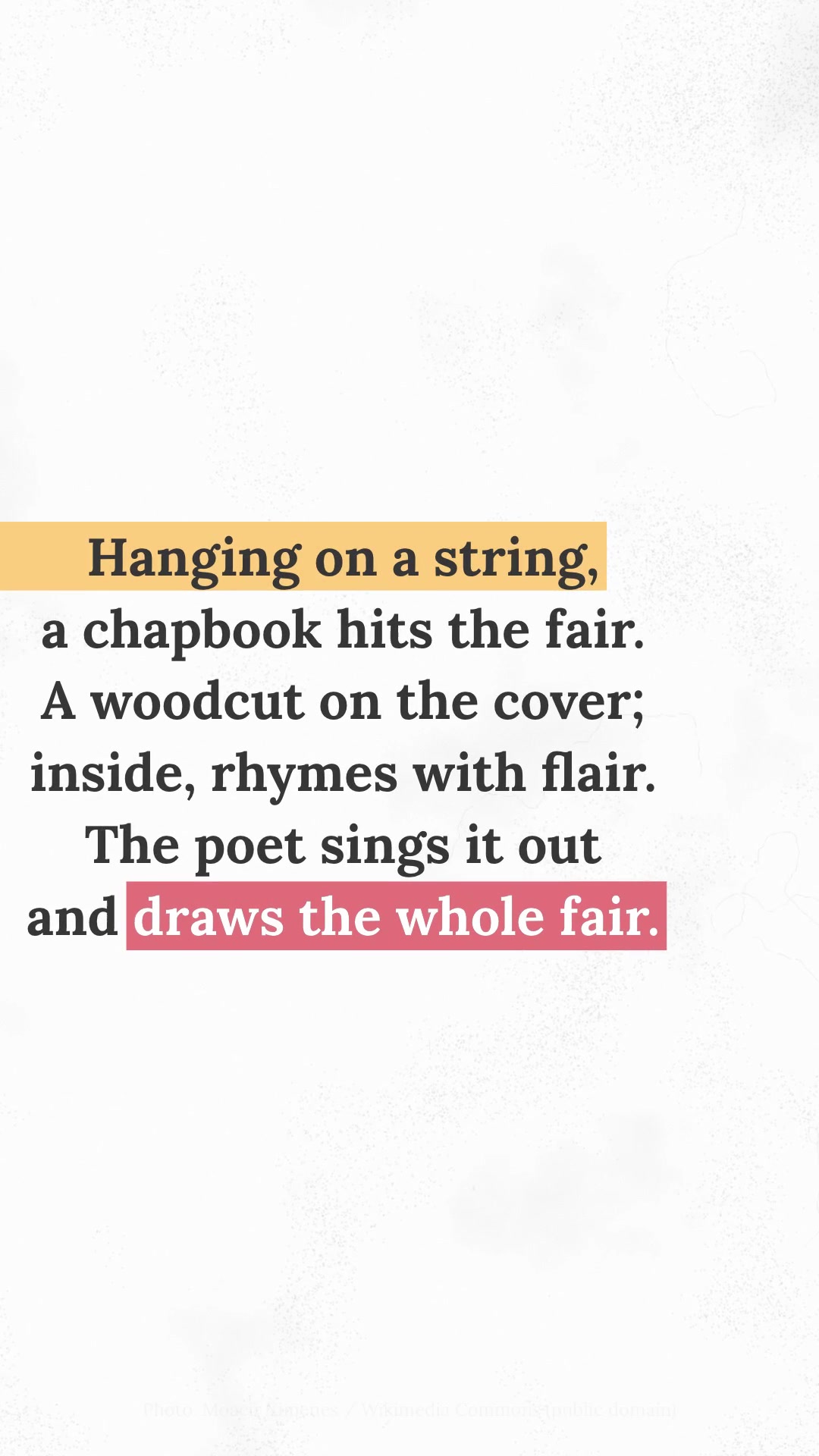
It's a 7-to-8-second explainer in which real objects land on a table in stop-motion, get annotated by hand, and the camera runs from scene to scene with transitions that are always different. The scenes: a typewritten title, a pattern of parts with a photo crossed out by a highlighter X, a wooden table with blurred hands, a sticker shower, an object exploded in 3D, a kaleidoscope into a photo on a card with a caption, and a final chalkboard. The materials are real: photos cut out over gray paper, dark fabric, wood and a drafting table, with torn yellow tape and handwriting, loops, arrows and highlighter X's. The skill finds free photos on Wikimedia Commons with credit, cuts them out with Vision, generates the textures and synthesizes the soundtrack and effects, without narration. Requirements: macOS 14 or newer (the cutout uses Vision), Node 18, ffmpeg, python3 and swiftc (xcode-select --install).
- Presentation · 9:16 · 7.9 s
- Runs in Claude Code
- Advanced
It's a 7-to-8-second explainer in which real objects land on a table in stop-motion, get annotated by hand, and the camera runs from scene to scene with transitions that are always different. The scenes: a typewritten title, a pattern of parts with a photo crossed out by a highlighter X, a wooden table with blurred hands, a sticker shower, an object exploded in 3D, a kaleidoscope into a photo on a card with a caption, and a final chalkboard. The materials are real: photos cut out over gray paper, dark fabric, wood and a drafting table, with torn yellow tape and handwriting, loops, arrows and highlighter X's. The skill finds free photos on Wikimedia Commons with credit, cuts them out with Vision, generates the textures and synthesizes the soundtrack and effects, without narration. Requirements: macOS 14 or newer (the cutout uses Vision), Node 18, ffmpeg, python3 and swiftc (xcode-select --install).
How to use
01
Copy the prompt
Use the Copy prompt button on this page.
02
Paste it into your AI
Open Claude Code in the project folder and paste the prompt.
03
Get the video
Claude delivers an MP4 ready to post.
In the package
- Prompt ready to copy and paste
- Video in 9:16, 7.9 s
- Skill as a .zip to install in Claude