// Content production · Editorial //
Semi-realistic 3D miniature
9:16 · 5 s
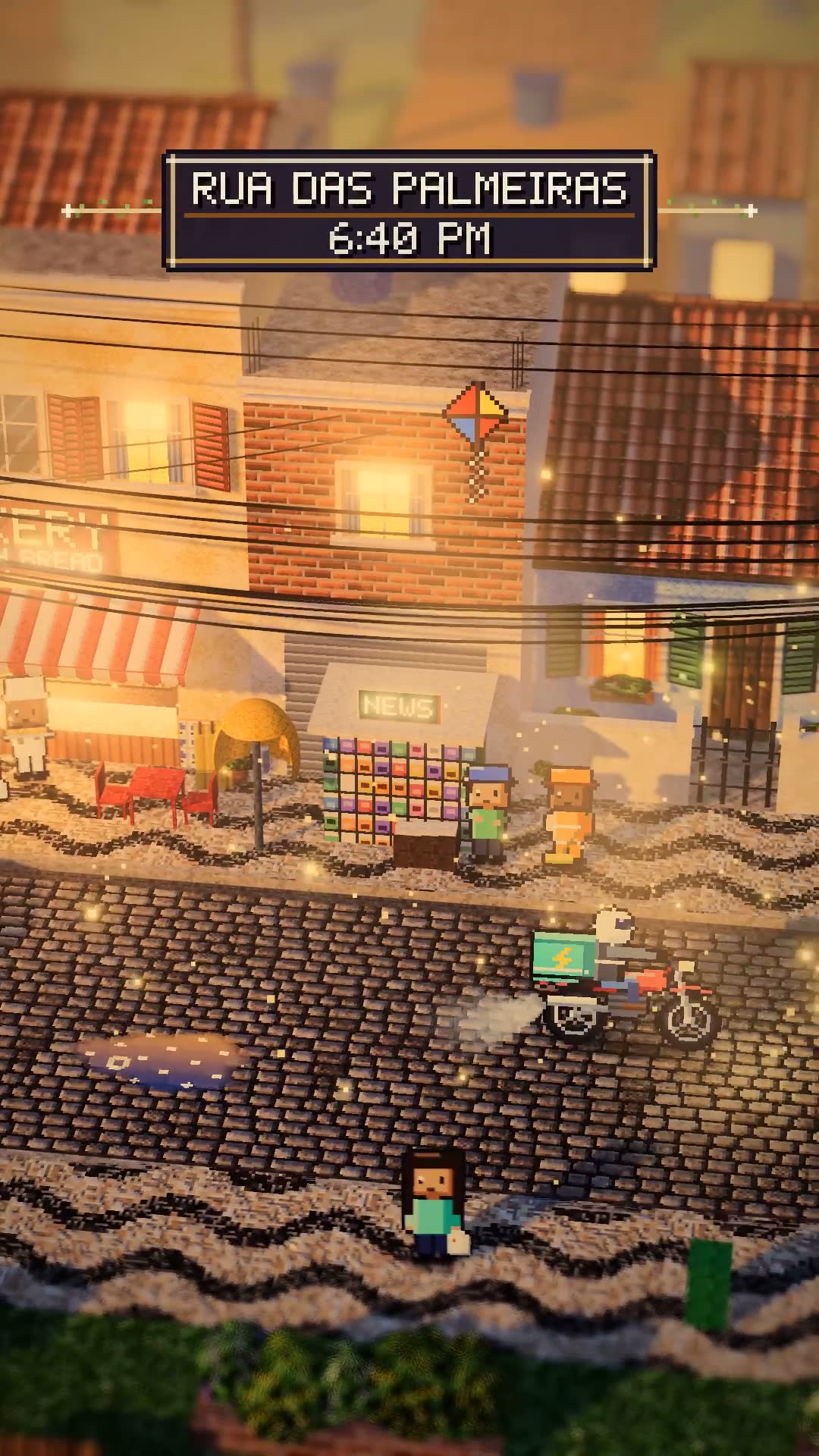
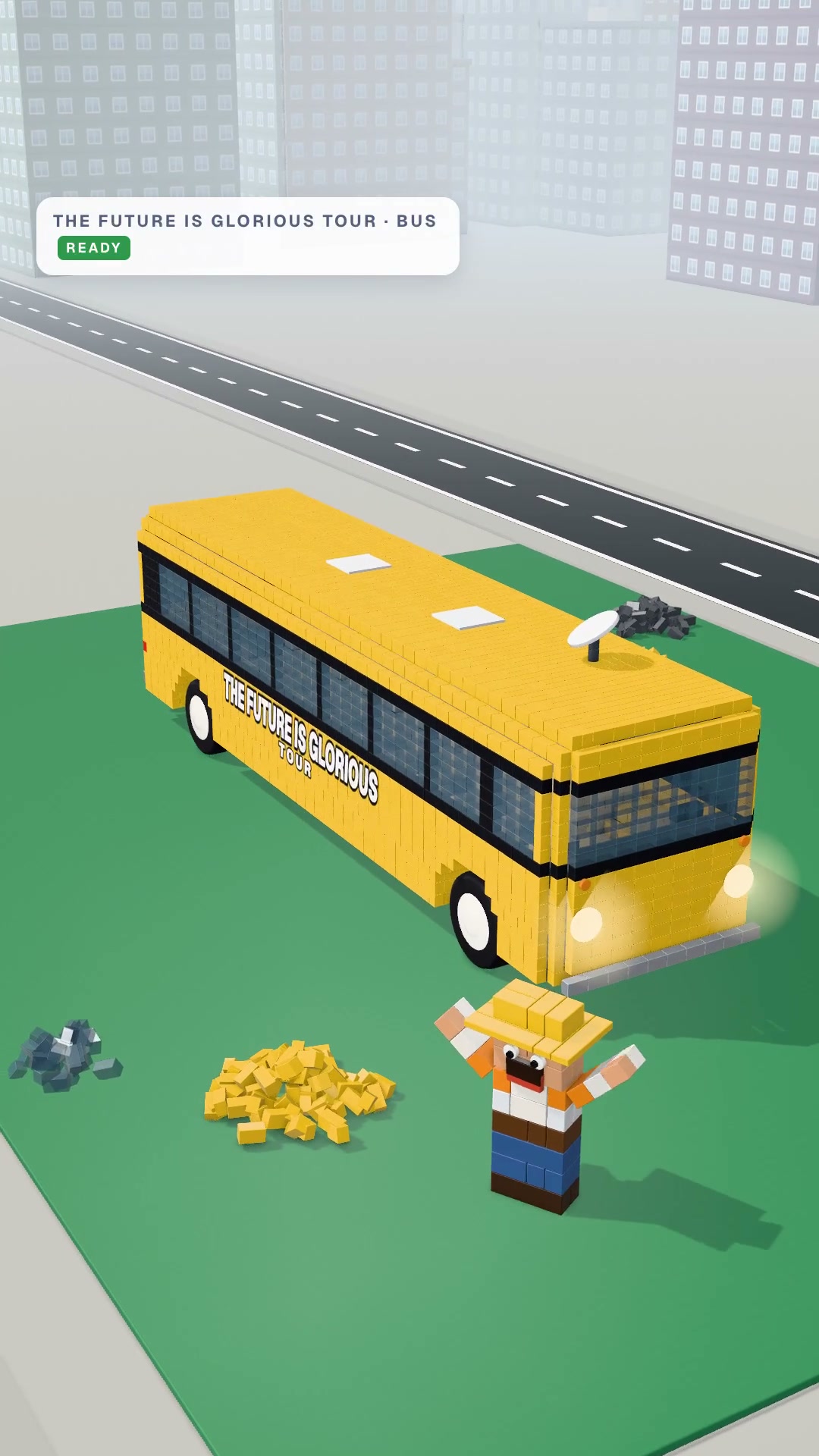
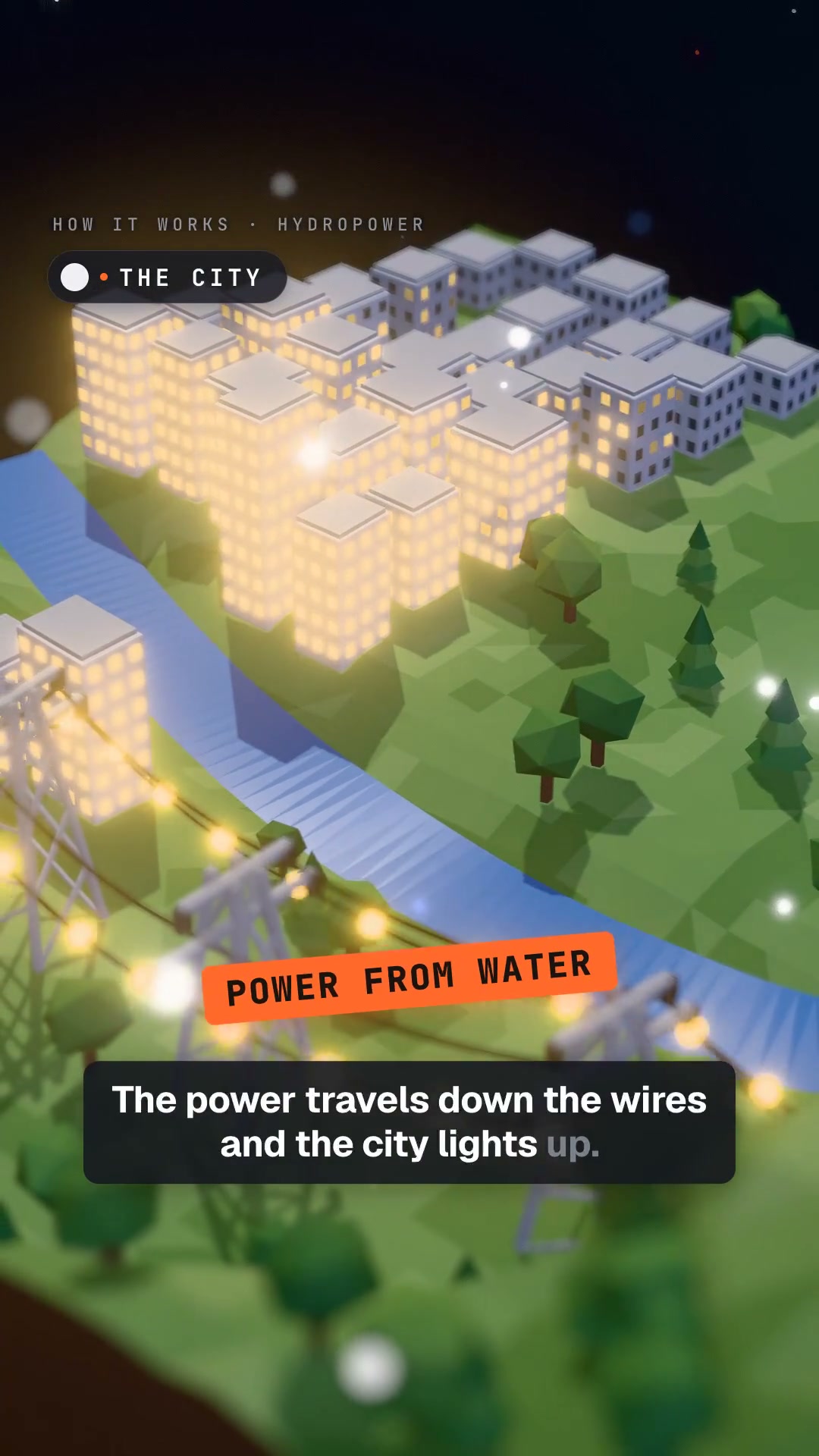
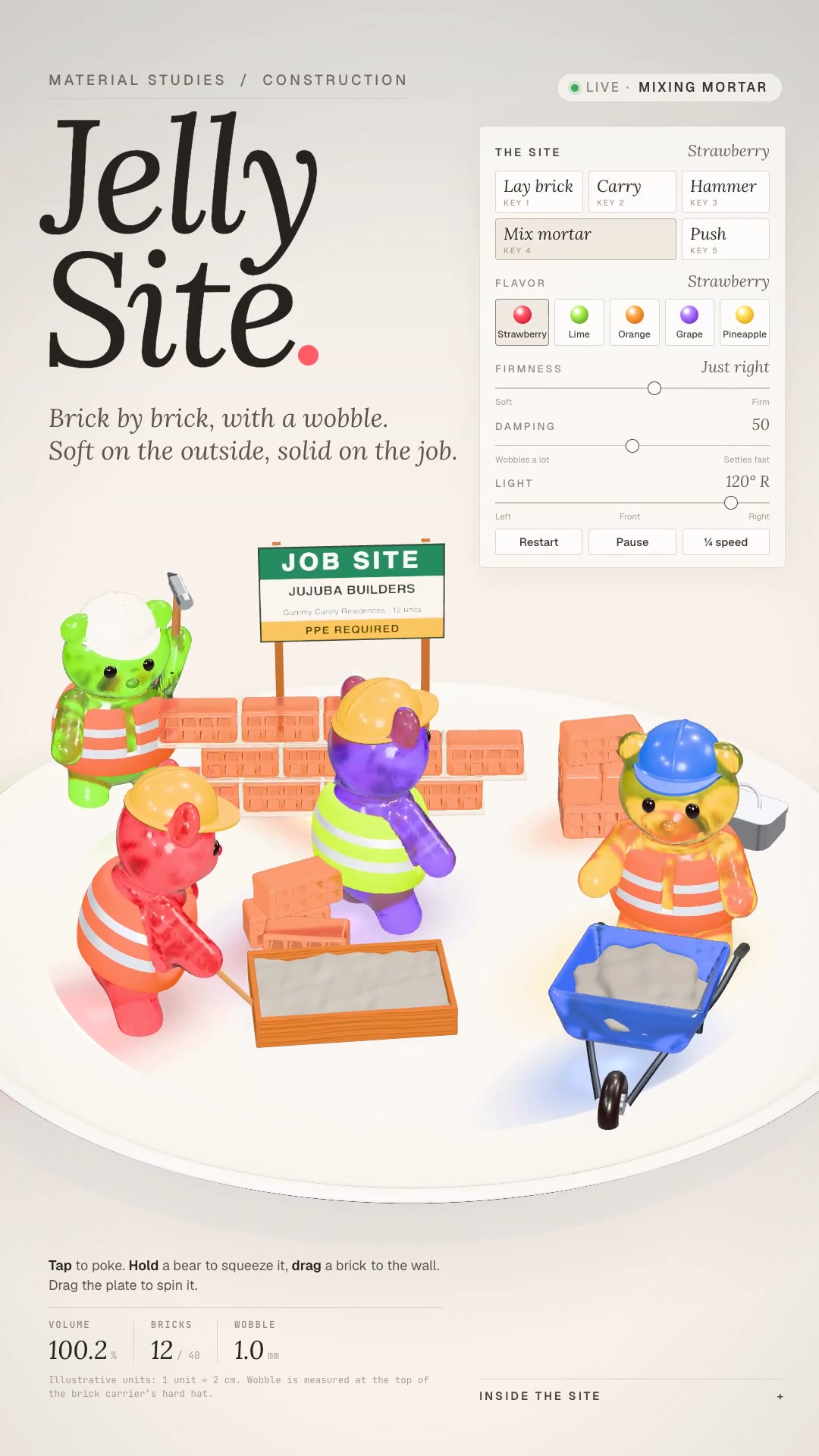
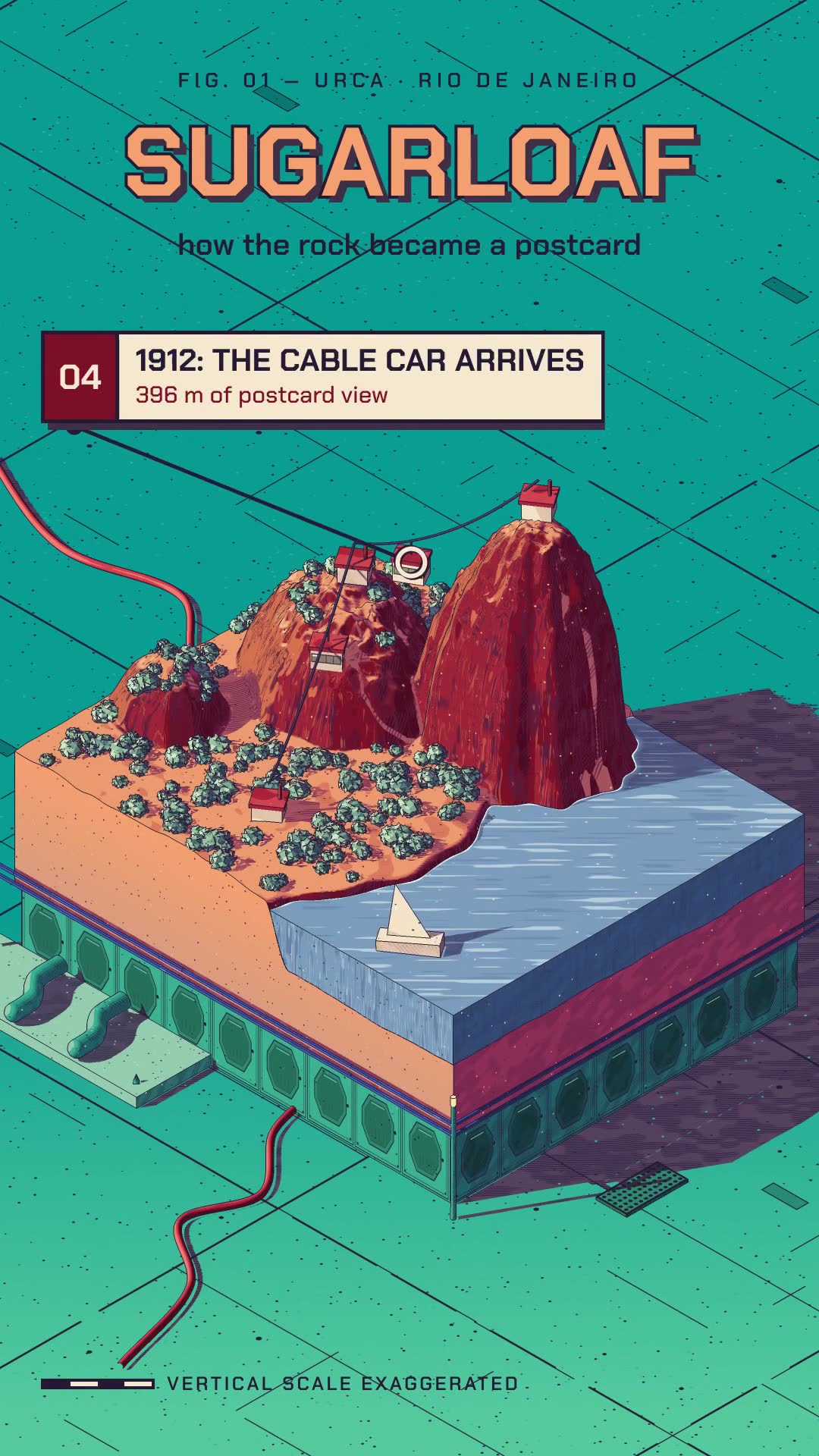
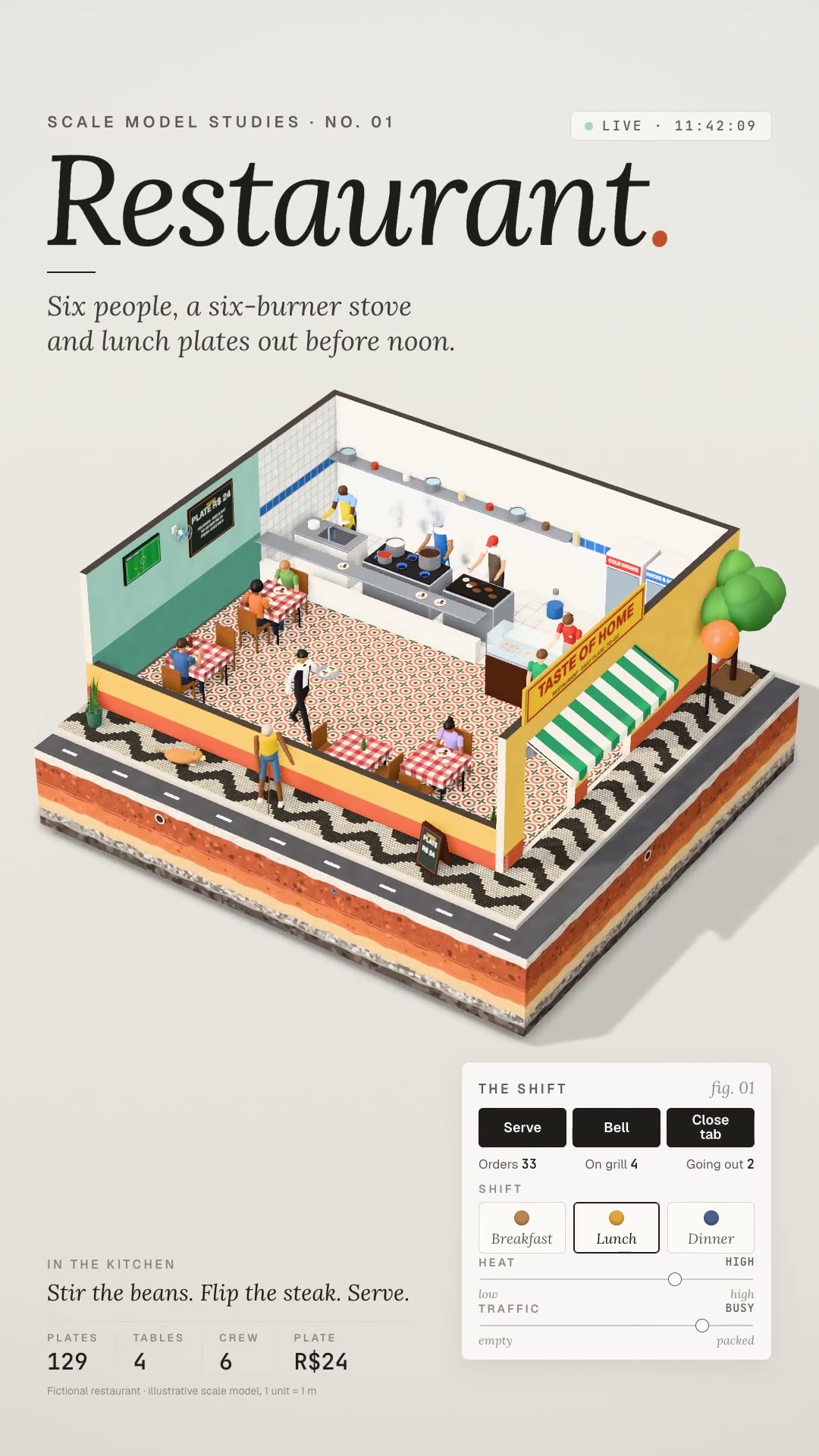
Details9:16 Reels of an entire place in miniature: a floating diorama block, ground strata on view, little figures at work and an editorial HUD.
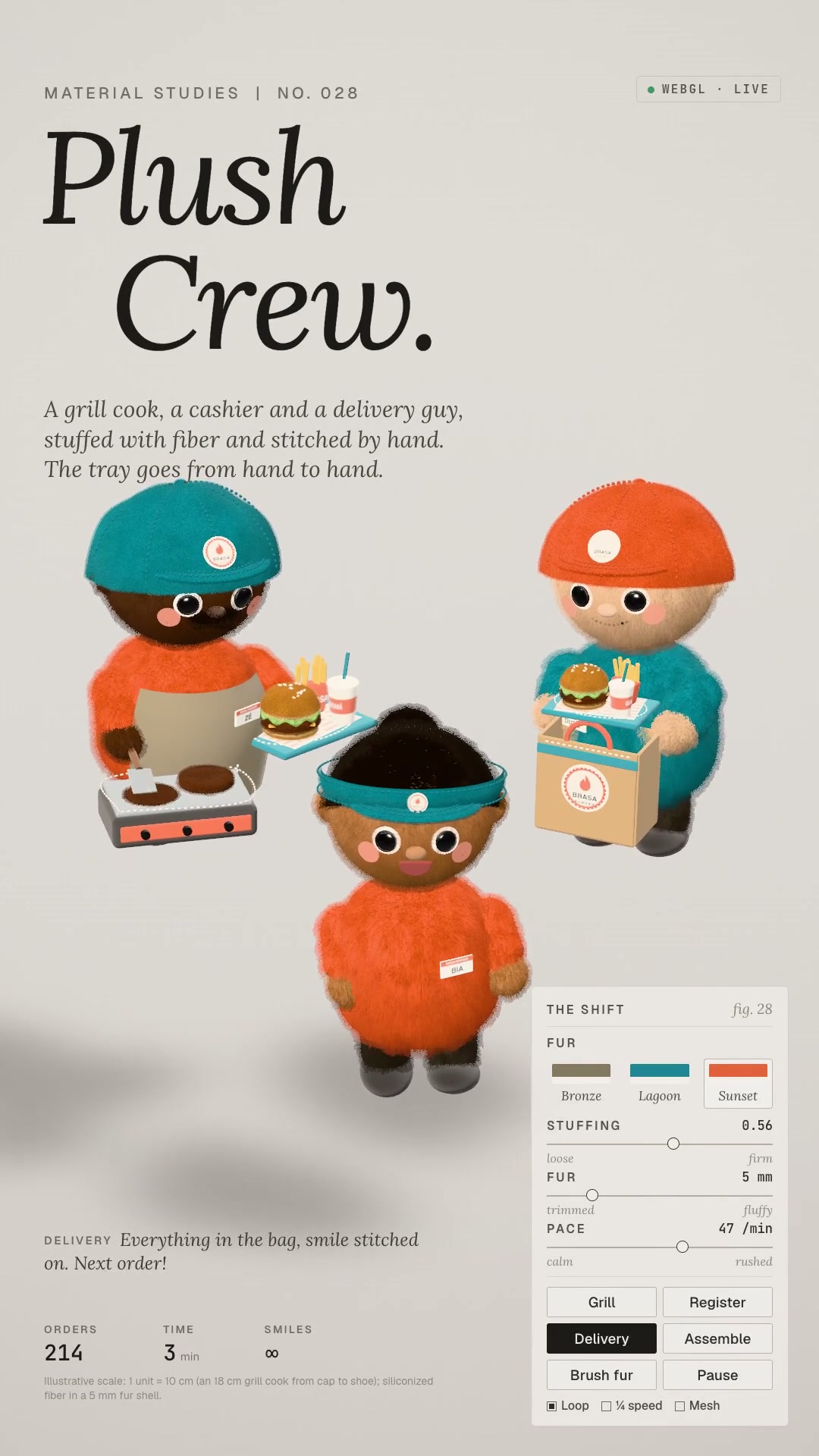
You describe the place: the floor plan, where each person stands and what they do. The skill builds in three.js the diorama block floating in a cream studio, with its sides cut away to show the **ground strata** (asphalt, concrete, red soil with roots and pipes, clay, sand, gravel, bedrock), the roof removed, the near walls cut low and faceless scale-model figures doing looping actions. On top sits the light editorial HUD — a small-caps label, an italic serif title, a "LIVE" badge and a control panel. The camera only orbits slowly: it's contemplative on purpose. Out come the video page, the preview sheet, the 9:16 MP4 at 1080×1920 (plus 16:9) in `yuv420p` with music and ambience, and the library with procedural textures, furniture, an action catalog, steam, studio lighting and ambient occlusion. For anyone who shows a business from the inside: restaurant, workshop, store, construction site, office, school.
- 9:16 · 5 s
- Runs in Claude Code
- Advanced
You describe the place: the floor plan, where each person stands and what they do. The skill builds in three.js the diorama block floating in a cream studio, with its sides cut away to show the **ground strata** (asphalt, concrete, red soil with roots and pipes, clay, sand, gravel, bedrock), the roof removed, the near walls cut low and faceless scale-model figures doing looping actions. On top sits the light editorial HUD — a small-caps label, an italic serif title, a "LIVE" badge and a control panel. The camera only orbits slowly: it's contemplative on purpose. Out come the video page, the preview sheet, the 9:16 MP4 at 1080×1920 (plus 16:9) in `yuv420p` with music and ambience, and the library with procedural textures, furniture, an action catalog, steam, studio lighting and ambient occlusion. For anyone who shows a business from the inside: restaurant, workshop, store, construction site, office, school.
How to use
01
Copy the prompt
Use the Copy prompt button on this page.
02
Paste it into your AI
Open Claude Code in the project folder and paste the prompt.
03
Get the video
Claude delivers an MP4 ready to post.
In the package
- Prompt ready to copy and paste
- Video in 9:16, 5 s
- Skill as a .zip to install in Claude