// Content production · Playful //
Short-pile plush
Bumpers · 9:16 · 5 s
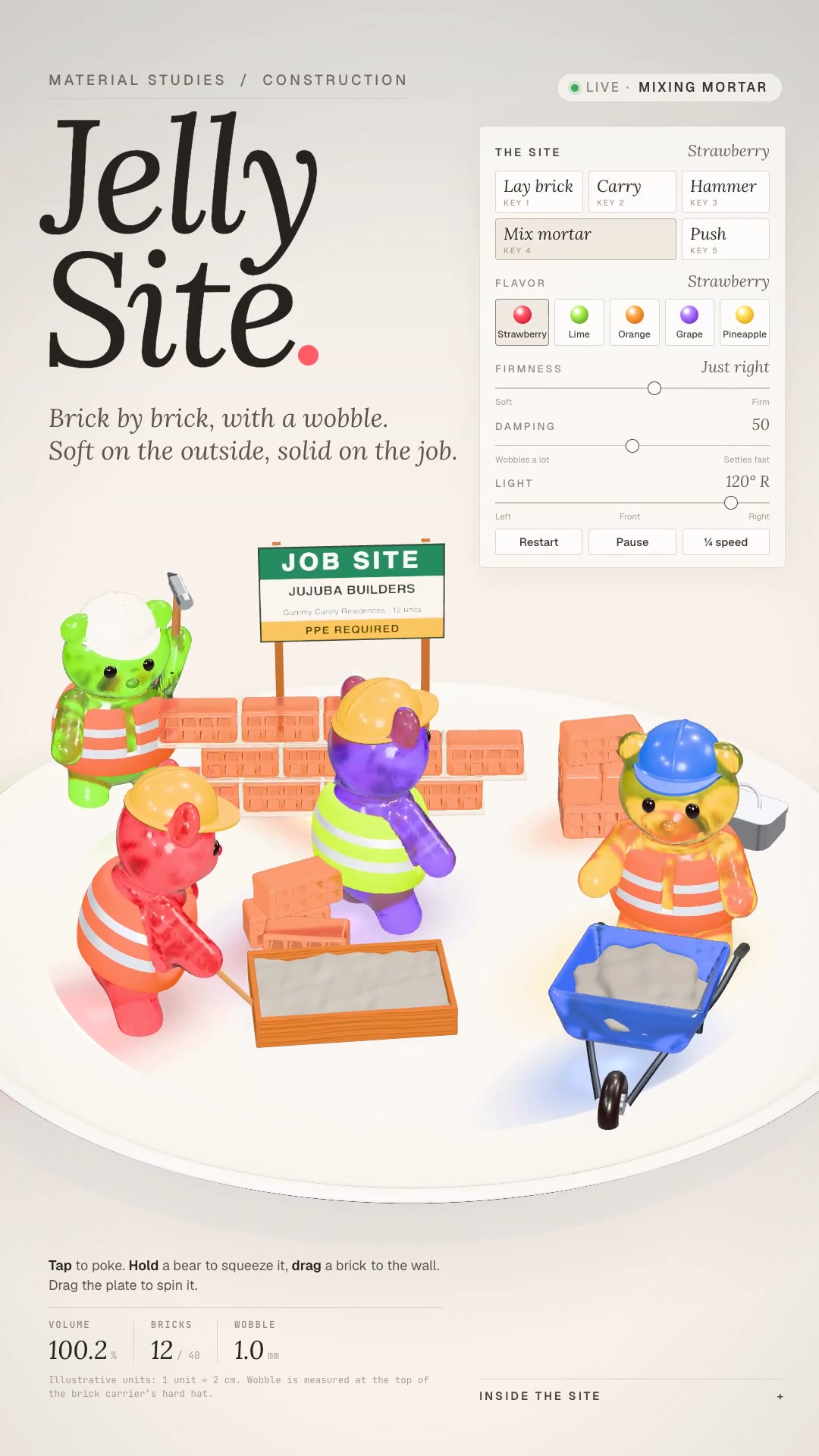
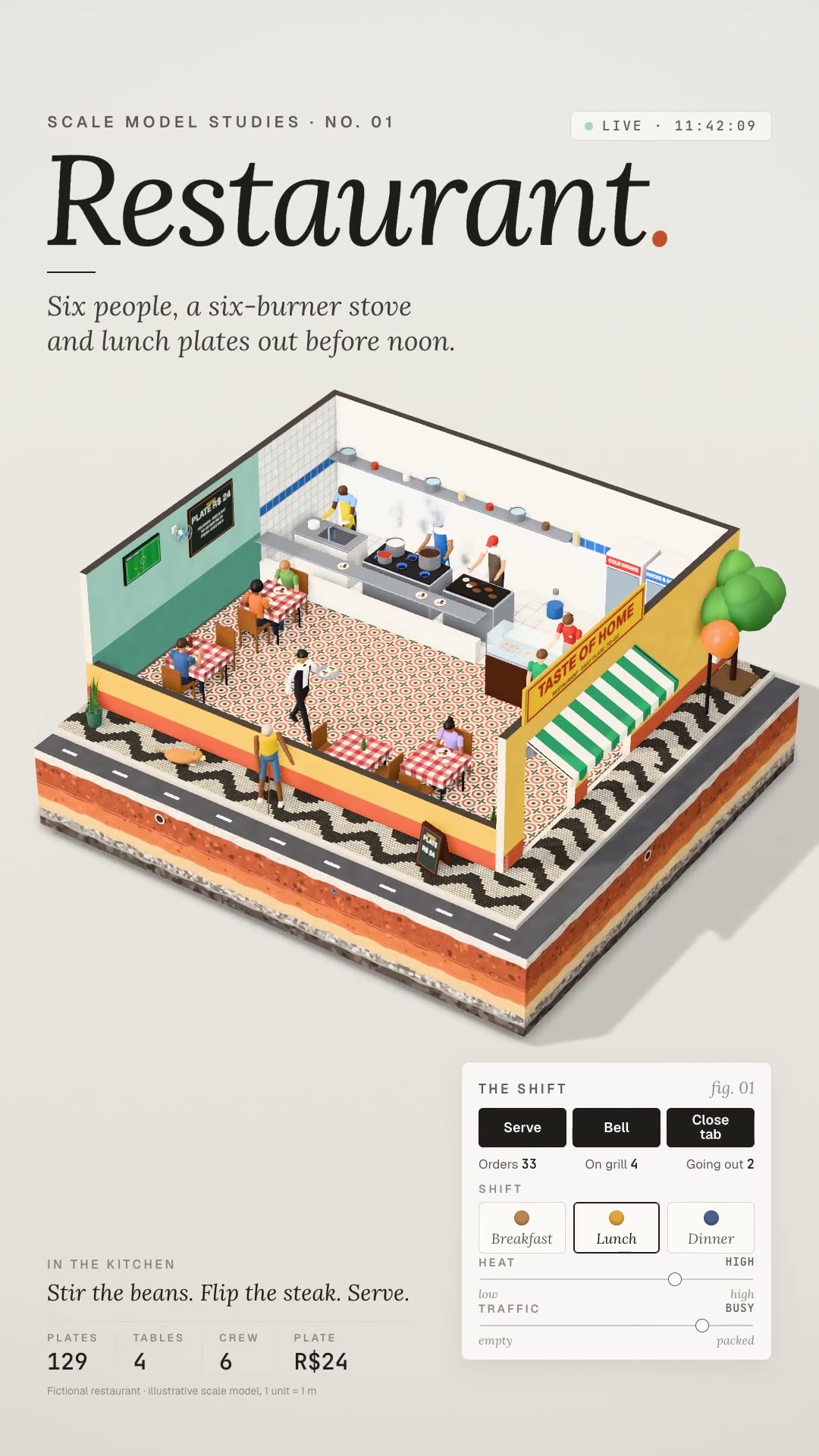
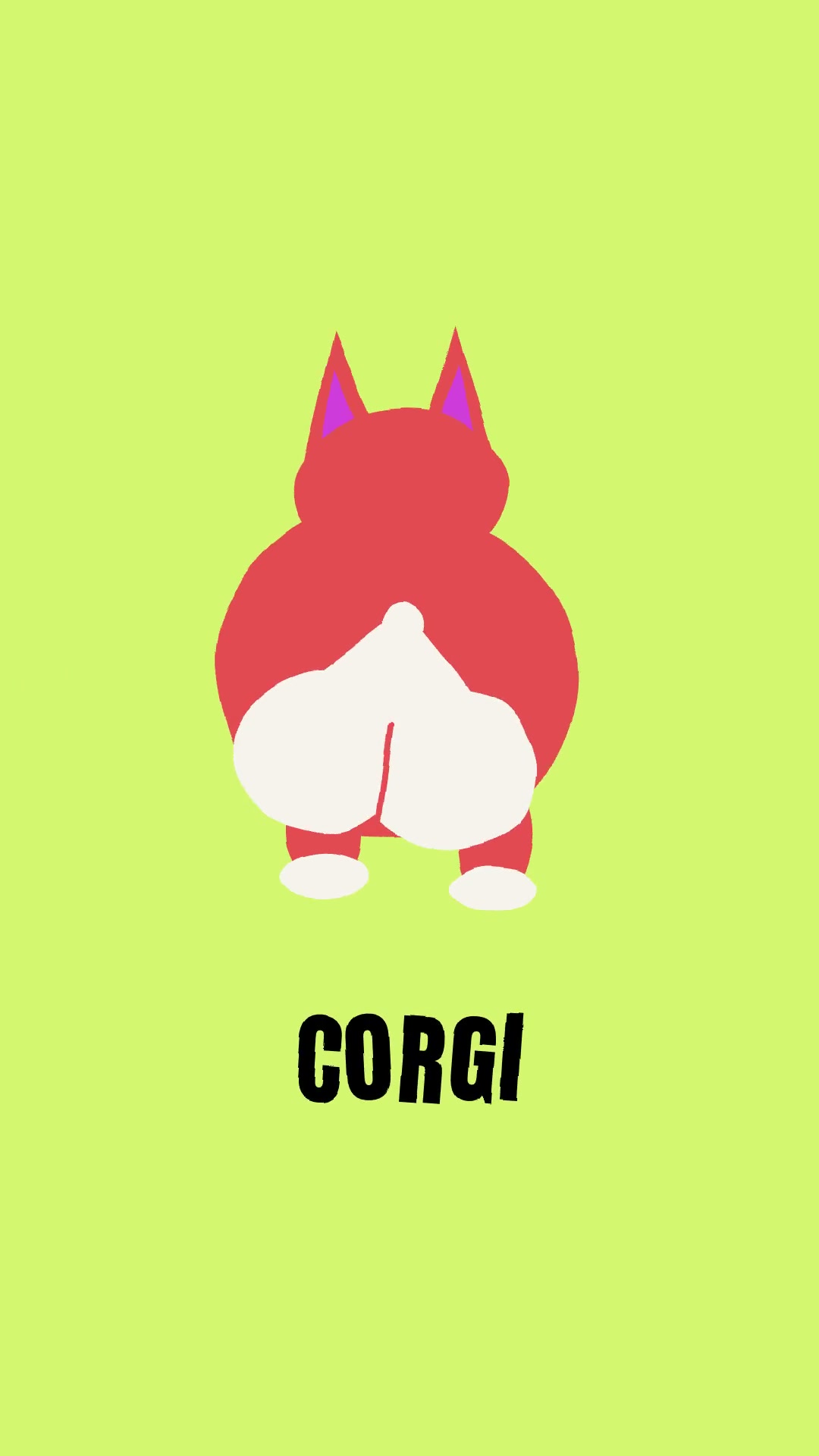
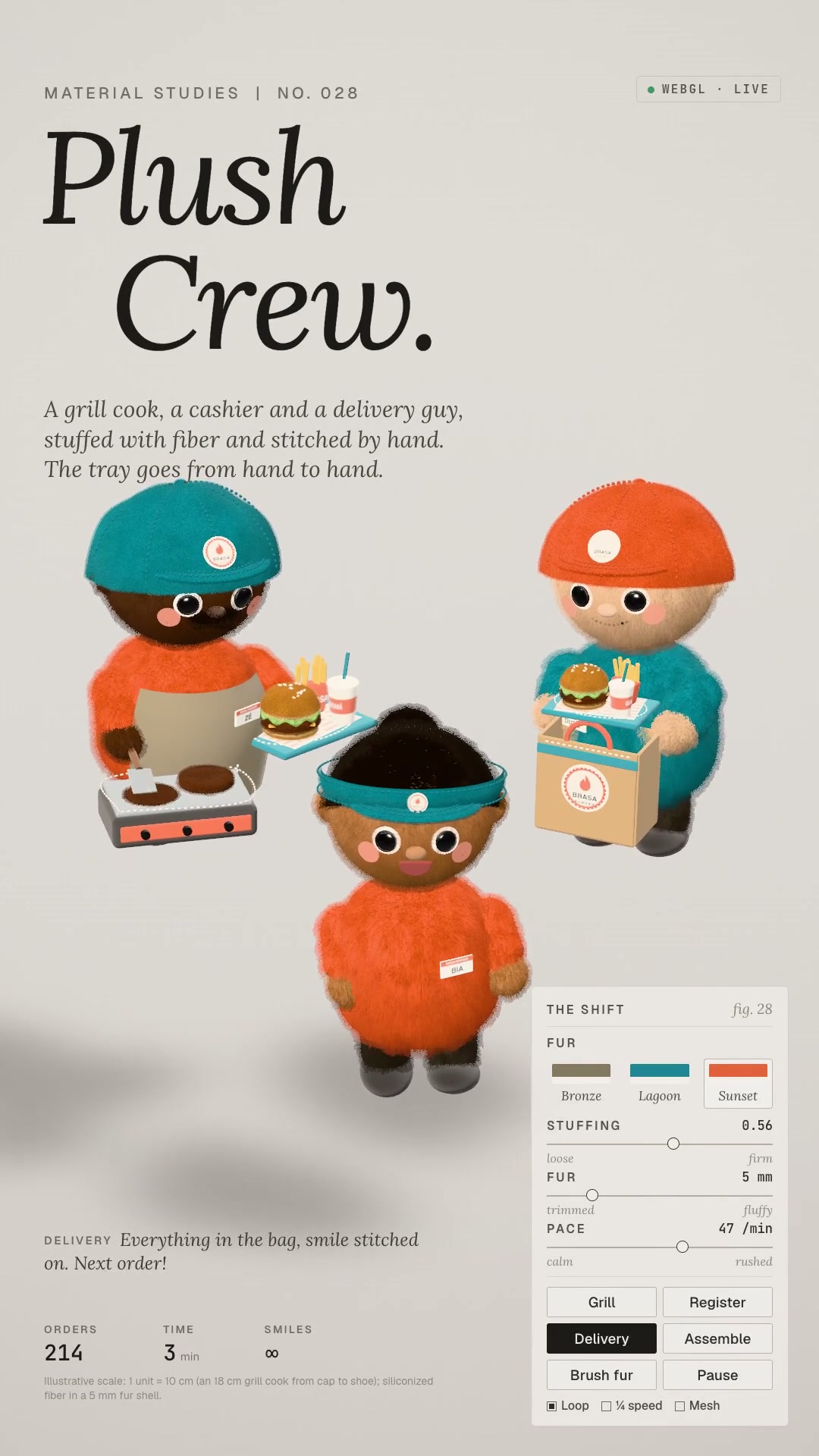
Details9:16 Reels in plush: short-pile figures with fibers visible on the silhouette, button eyes and felt, in a cream studio with a huge shadow.
Makes the whole vertical reel in plush style: figures, animals and objects with real short fur — fibers that show on the silhouette, dark roots and light tips, velvet sheen on the edges — with button eyes, little thread stitches and matte felt. **What goes in:** the idea in one sentence and the cast, with what each one does nonstop and which object passes between them. **What comes out:** the three.js scene's `index.html`, the preview sheet and the individual frames, `cues.json`, the synthesized soundtrack and the 1080×1920 mp4 at 30 fps, in a perfect loop. The studio is the other half of the style: an almost flat cream background, a long product-photography lens, a huge, very blurred shadow on the floor (the figure floats) and the editorial material-study HUD. **Who it's for:** anyone who wants a cute mascot, a channel bumper or a product piece that looks like a soft toy, with no stock library and no API key.
- Bumpers · 9:16 · 5 s
- Runs in Claude Code
- Intermediate
Makes the whole vertical reel in plush style: figures, animals and objects with real short fur — fibers that show on the silhouette, dark roots and light tips, velvet sheen on the edges — with button eyes, little thread stitches and matte felt. **What goes in:** the idea in one sentence and the cast, with what each one does nonstop and which object passes between them. **What comes out:** the three.js scene's `index.html`, the preview sheet and the individual frames, `cues.json`, the synthesized soundtrack and the 1080×1920 mp4 at 30 fps, in a perfect loop. The studio is the other half of the style: an almost flat cream background, a long product-photography lens, a huge, very blurred shadow on the floor (the figure floats) and the editorial material-study HUD. **Who it's for:** anyone who wants a cute mascot, a channel bumper or a product piece that looks like a soft toy, with no stock library and no API key.
How to use
01
Copy the prompt
Use the Copy prompt button on this page.
02
Paste it into your AI
Open Claude Code in the project folder and paste the prompt.
03
Get the video
Claude delivers an MP4 ready to post.
In the package
- Prompt ready to copy and paste
- Video in 9:16, 5 s
- Skill as a .zip to install in Claude