// Content production · Playful //
Wobbly jelly
Bumpers · 9:16 · 5 s
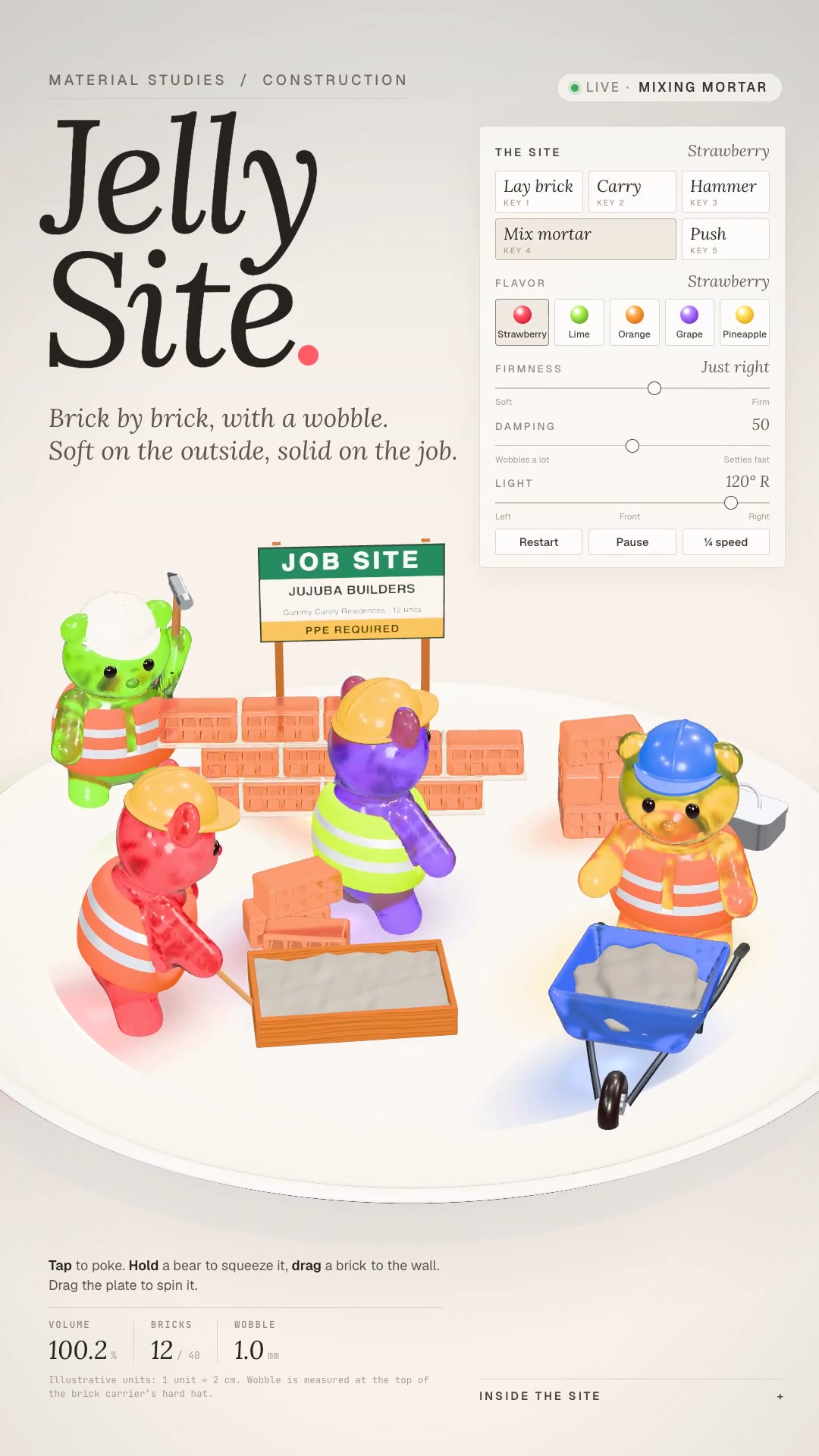
Details9:16 Reels in jelly: translucent gummy-candy characters that really wobble on a porcelain plate, with a material-study HUD.
Makes the whole vertical Reel in the jelly style: creatures and objects of translucent, saturated gummy candy, with a dense rim, a glowing core, a glaze with a white highlight, and tiny bubbles suspended in the body. **What goes in:** the idea in one sentence, the cast, and what each one does in a cycle. **What comes out:** the scene's `index.html` in three.js, the preview sheet for you to check before the render, the sound events in `cues.json`, the synthesized soundtrack, and the 1080×1920 mp4 at 30 fps with AAC audio, in a perfect loop. The style's signature is the wobble: everything made of gummy reacts to steps and impacts with squash & stretch and waves that travel up the body and die out, and the colored shadow breathes along with it, in an editorial showcase from a candy lab. **Who it's for:** anyone who makes cute short-form content, a channel bumper, or an animated mascot and wants a polished 3D look, without relying on stock libraries or API keys.
- Bumpers · 9:16 · 5 s
- Runs in Claude Code
- Intermediate
Makes the whole vertical Reel in the jelly style: creatures and objects of translucent, saturated gummy candy, with a dense rim, a glowing core, a glaze with a white highlight, and tiny bubbles suspended in the body. **What goes in:** the idea in one sentence, the cast, and what each one does in a cycle. **What comes out:** the scene's `index.html` in three.js, the preview sheet for you to check before the render, the sound events in `cues.json`, the synthesized soundtrack, and the 1080×1920 mp4 at 30 fps with AAC audio, in a perfect loop. The style's signature is the wobble: everything made of gummy reacts to steps and impacts with squash & stretch and waves that travel up the body and die out, and the colored shadow breathes along with it, in an editorial showcase from a candy lab. **Who it's for:** anyone who makes cute short-form content, a channel bumper, or an animated mascot and wants a polished 3D look, without relying on stock libraries or API keys.
How to use
01
Copy the prompt
Use the Copy prompt button on this page.
02
Paste it into your AI
Open Claude Code in the project folder and paste the prompt.
03
Get the video
Claude delivers an MP4 ready to post.
In the package
- Prompt ready to copy and paste
- Video in 9:16, 5 s
- Skill as a .zip to install in Claude