Airpainting
Data · 9:16 · 14 s
Details- Data · 9:16 · 14 s
- Runs in Claude Code
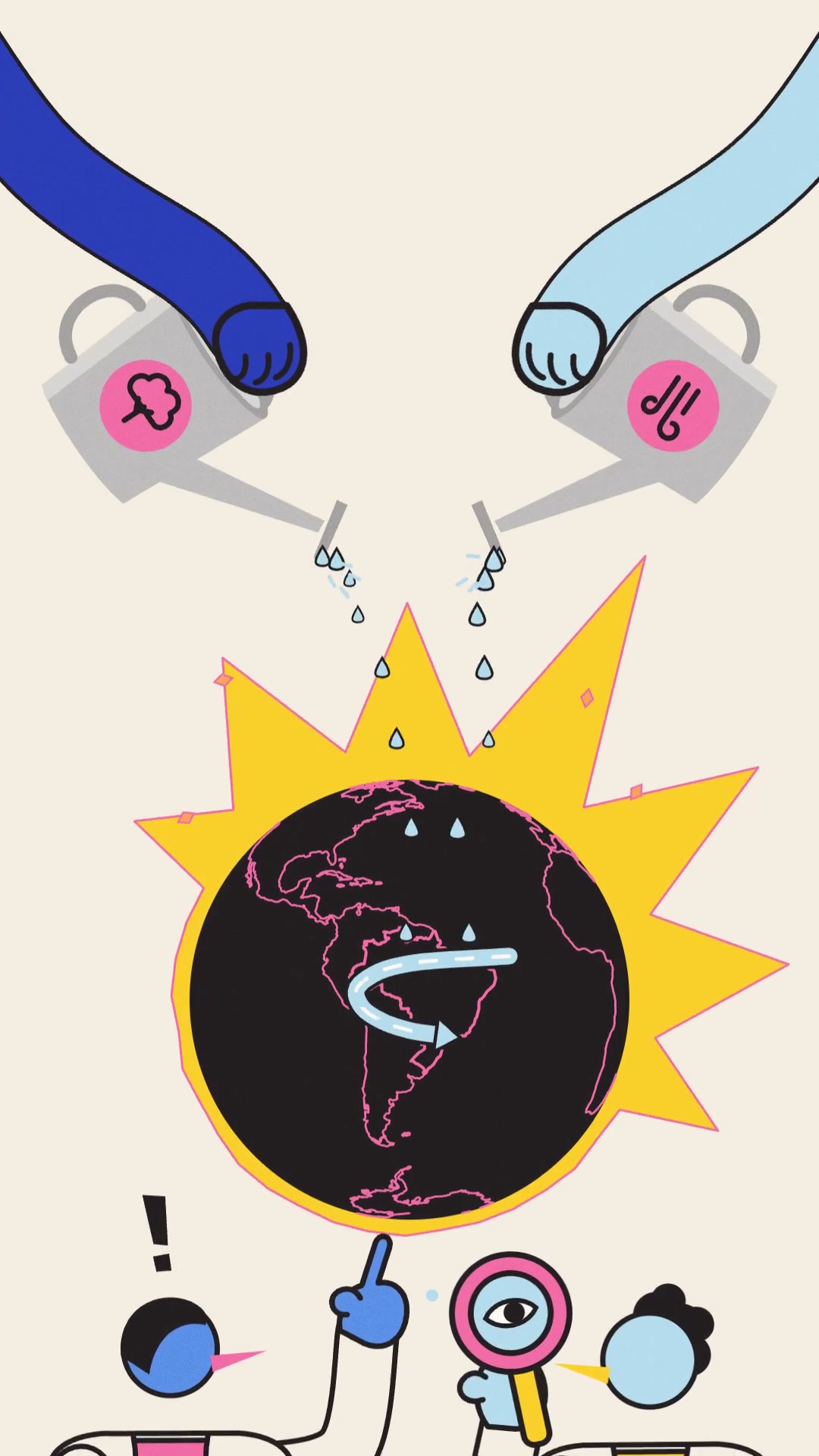
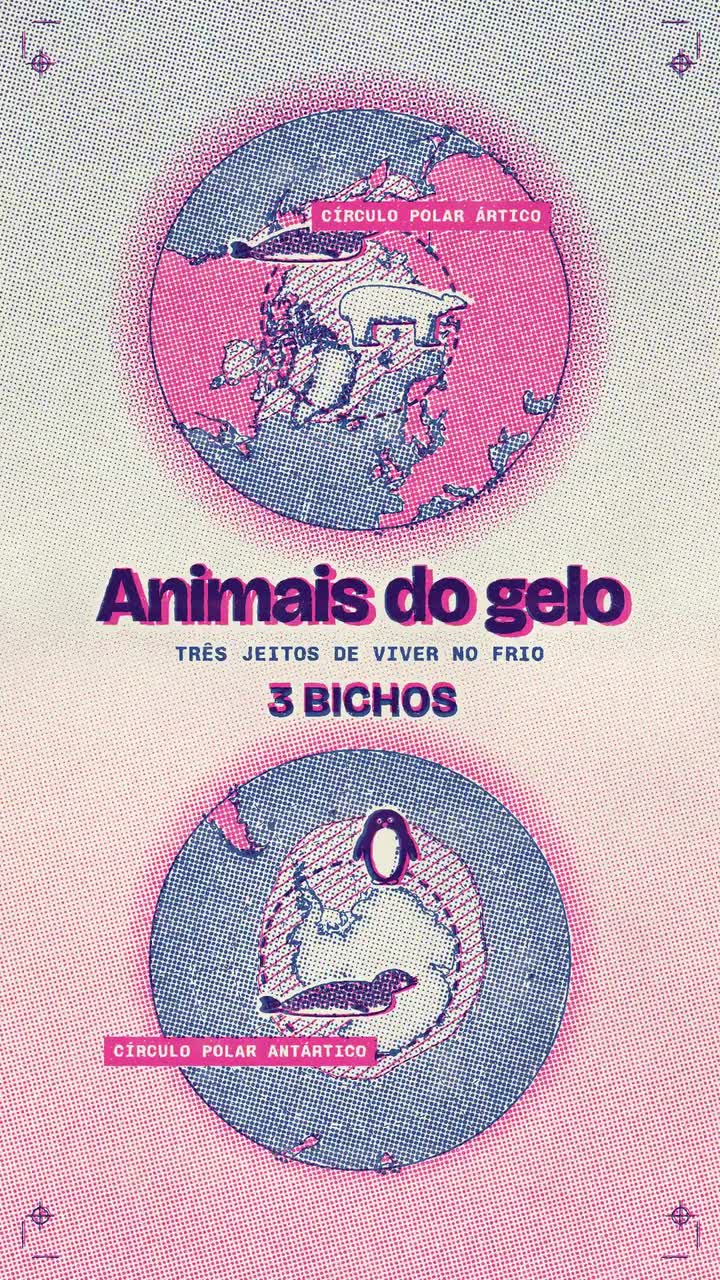
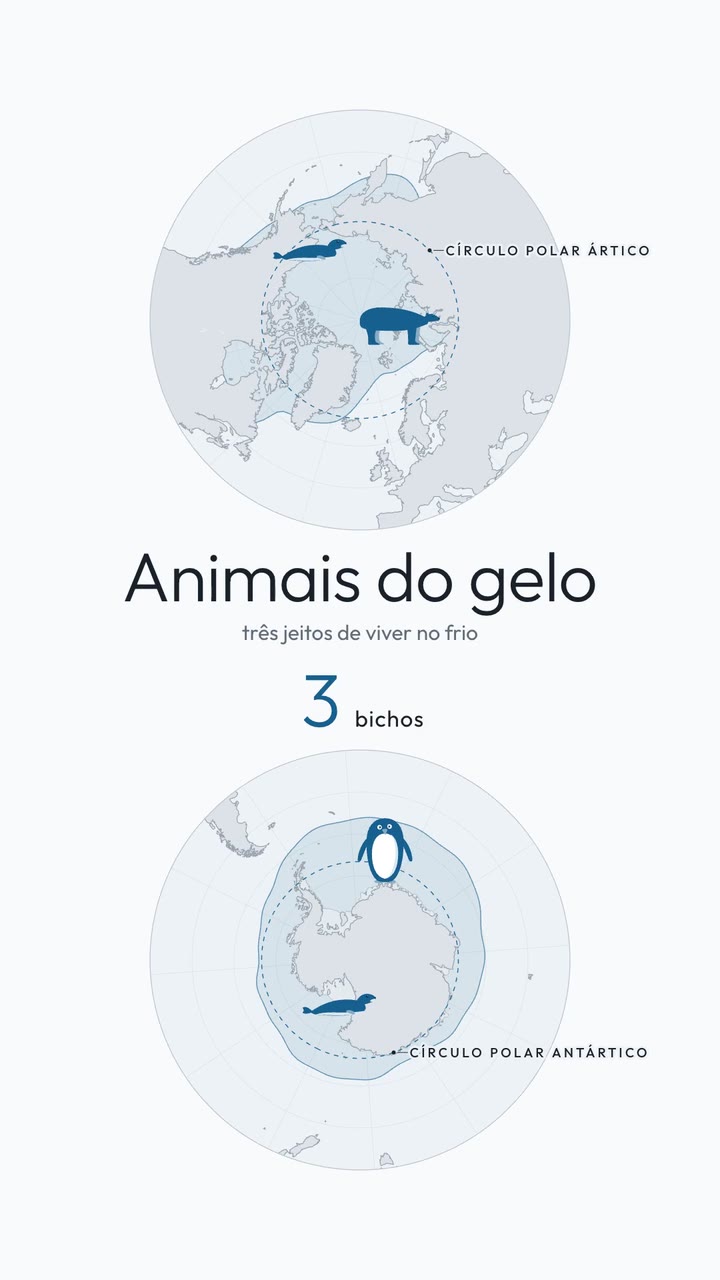
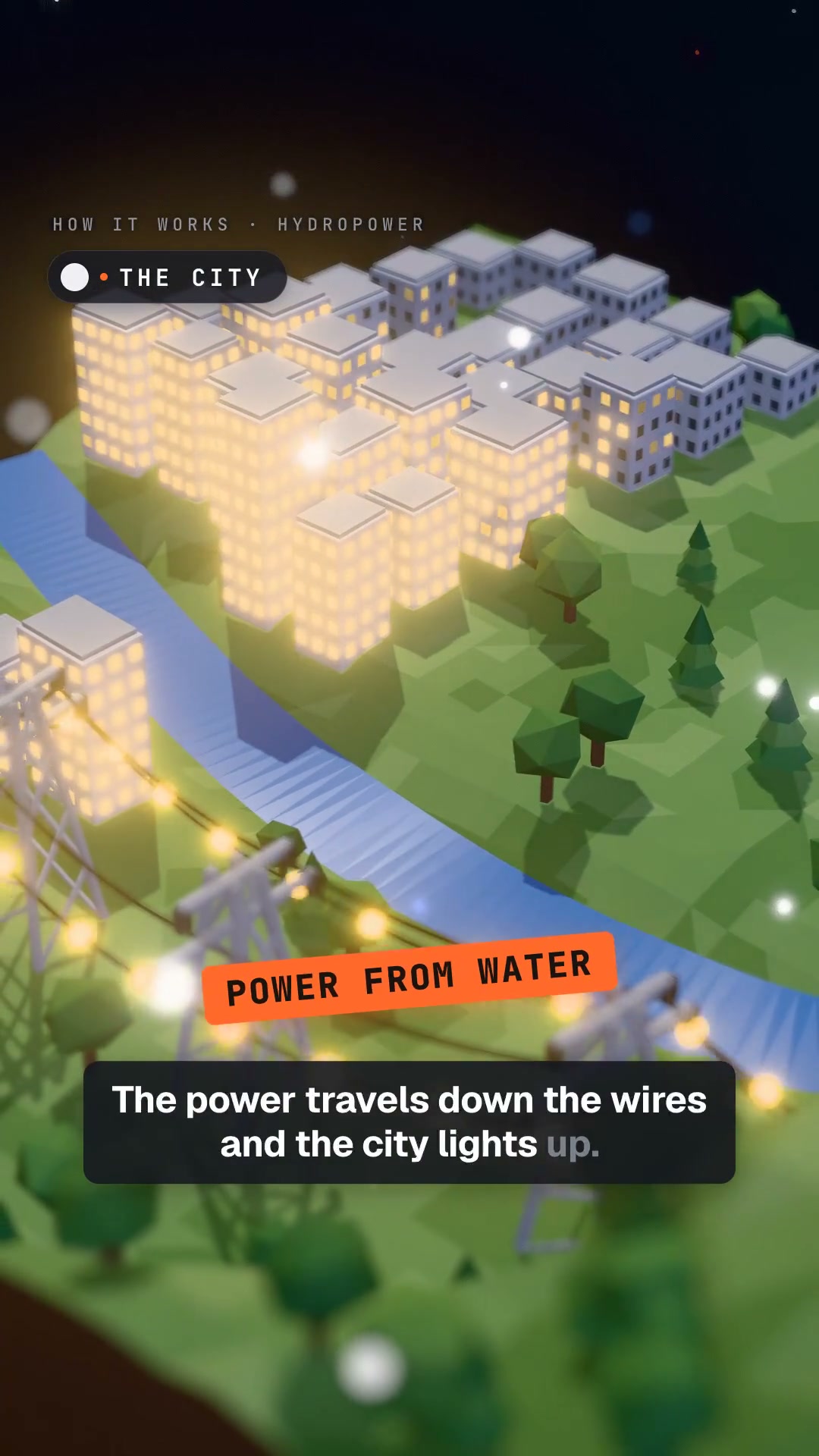
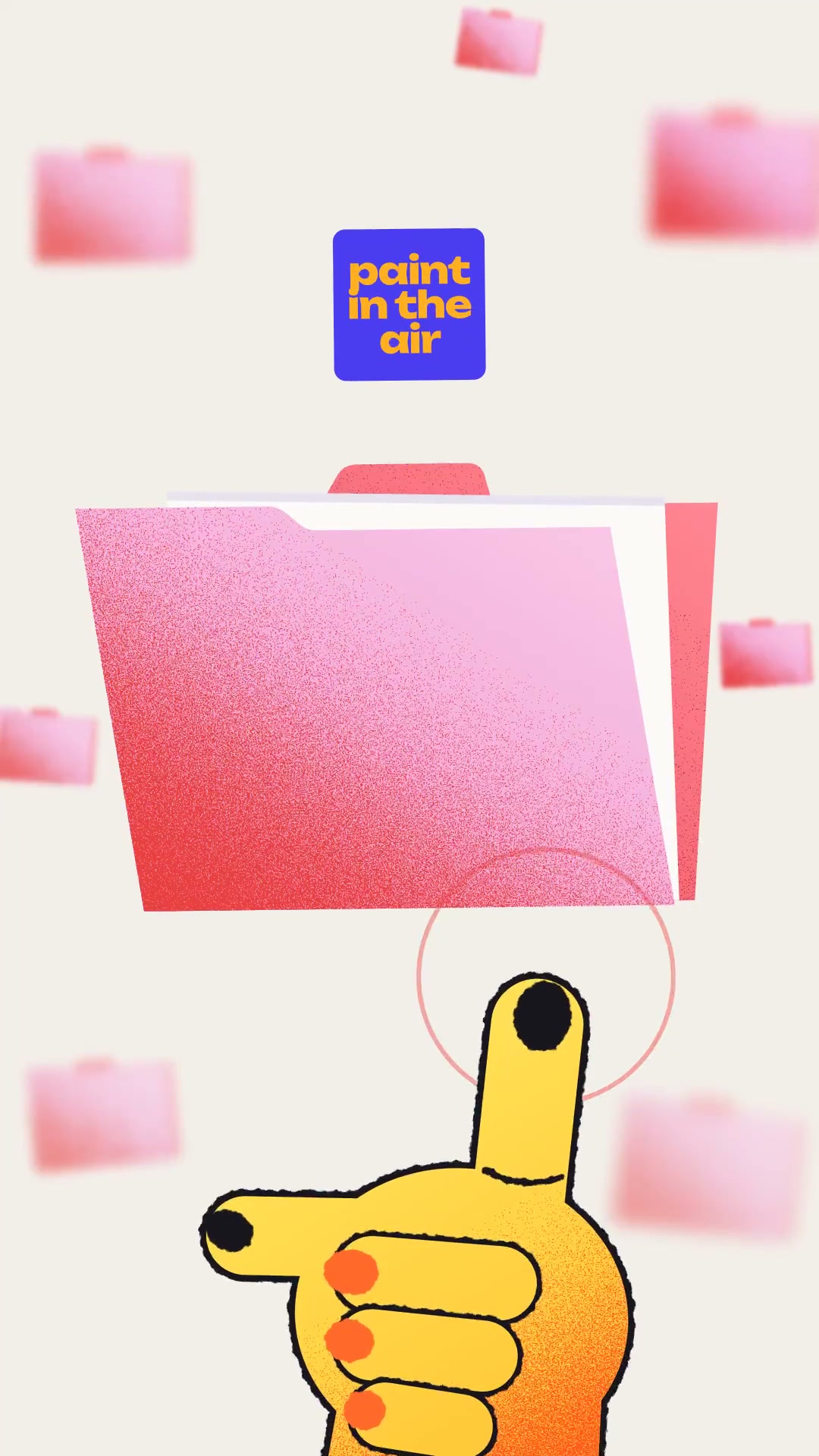
Light paper, big objects with a dotted risograph gradient, and a cartoon hand that paints in the air. A badge changes text and the video ends on a chart.
Light paper, big objects with a dotted risograph gradient, and a cartoon hand that paints in the air. A badge changes text and the video ends on a chart.
Details
The look brings together five ingredients: warm, light, nearly empty paper; big flat objects with a dotted risograph gradient; small, blurred copies in the background; a cartoon hand with a chalky outline that touches the object; and a violet badge with orange lettering that counts the steps. The touch is the heart of the style: the hand presses in, a ring opens, and the new color spreads in a circle from the fingertip while the badge changes text at the same instant. The video explains in steps: what it is, what you do, a rule, the result, and the brand. It ends on an infographic of objects stacked by color, with numbers that count up and heights proportional to the value. The skill draws everything in SVG with ready-made pieces (folder, card, phone, box, pizza, hand, badge, background, and stacks) and renders the MP4 with a synthesized soundtrack and sound effects. Requirements: Node 18 or newer, ffmpeg, and python3.
- Runs in Claude Code
- Minimal
- Level: Intermediate
How to use
Install the skill
In the terminal, in the download folder, run
unzip airpainting.zip -d ~/.claude/skills/to use it in every project (or -d .claude/skills/ for a single project).Ask in plain English