// Agents and skills · Minimal //
Dubbing one passage with a matched splice
runs in Claude Code
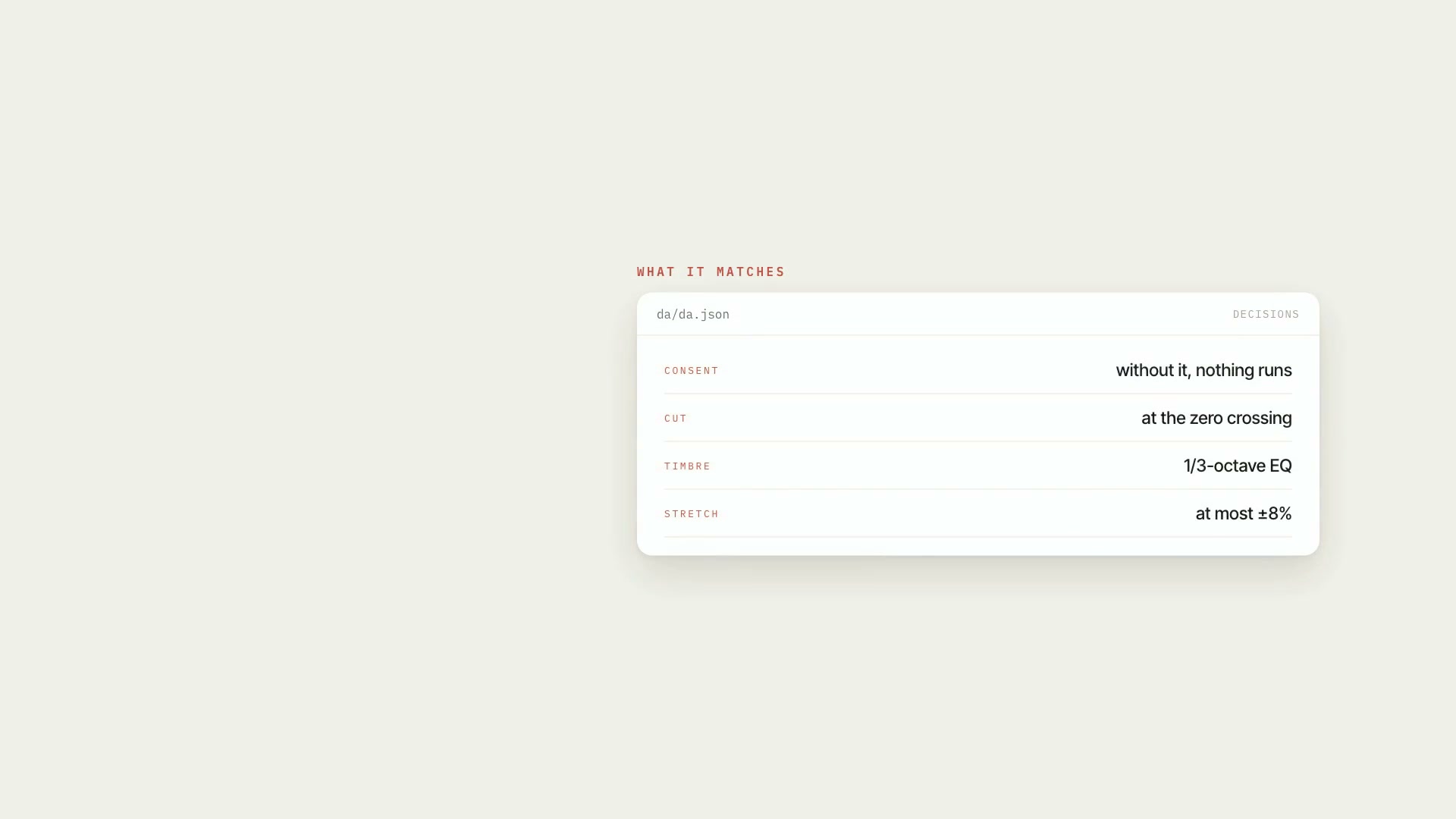
**What goes in:** the full speech, the start and end of the wrong passage (taken from the word-by-word transcript), the new audio — re-recorded by you, made in another tool, or generated by AI with the host's voice (through ElevenLabs, **a paid, optional API, using the subscriber's own key** — without a key, that path exits with code 2 and the other two carry on) — and, before anything else, consent recorded in writing. **What comes out:** `som/dublagem/voz_dublada.wav` with only that passage replaced and a report that answers four questions: is there a click at the splice, does the level match what's around it, did the timeline shift, and will the lips sync or does the passage need to be covered. Without a filled-in `som/dublagem/consentimento.json`, **nothing runs** — every script exits with code 2. **Who it's for:** people who got a number or a name wrong in the middle of a finished video and aren't going to re-record the whole thing.
- Runs in Claude Code
- Advanced
**What goes in:** the full speech, the start and end of the wrong passage (taken from the word-by-word transcript), the new audio — re-recorded by you, made in another tool, or generated by AI with the host's voice (through ElevenLabs, **a paid, optional API, using the subscriber's own key** — without a key, that path exits with code 2 and the other two carry on) — and, before anything else, consent recorded in writing. **What comes out:** `som/dublagem/voz_dublada.wav` with only that passage replaced and a report that answers four questions: is there a click at the splice, does the level match what's around it, did the timeline shift, and will the lips sync or does the passage need to be covered. Without a filled-in `som/dublagem/consentimento.json`, **nothing runs** — every script exits with code 2. **Who it's for:** people who got a number or a name wrong in the middle of a finished video and aren't going to re-record the whole thing.
How to use
01
Copy the prompt
Use the Copy prompt button on this page.
02
Paste it into your AI
Open Claude Code in the project folder and paste the prompt.
03
Install the skill you downloaded
Install the downloaded file in Claude and call the skill in any chat.
In the package
- Prompt ready to copy and paste
- Skill as a .zip to install in Claude
Goes with
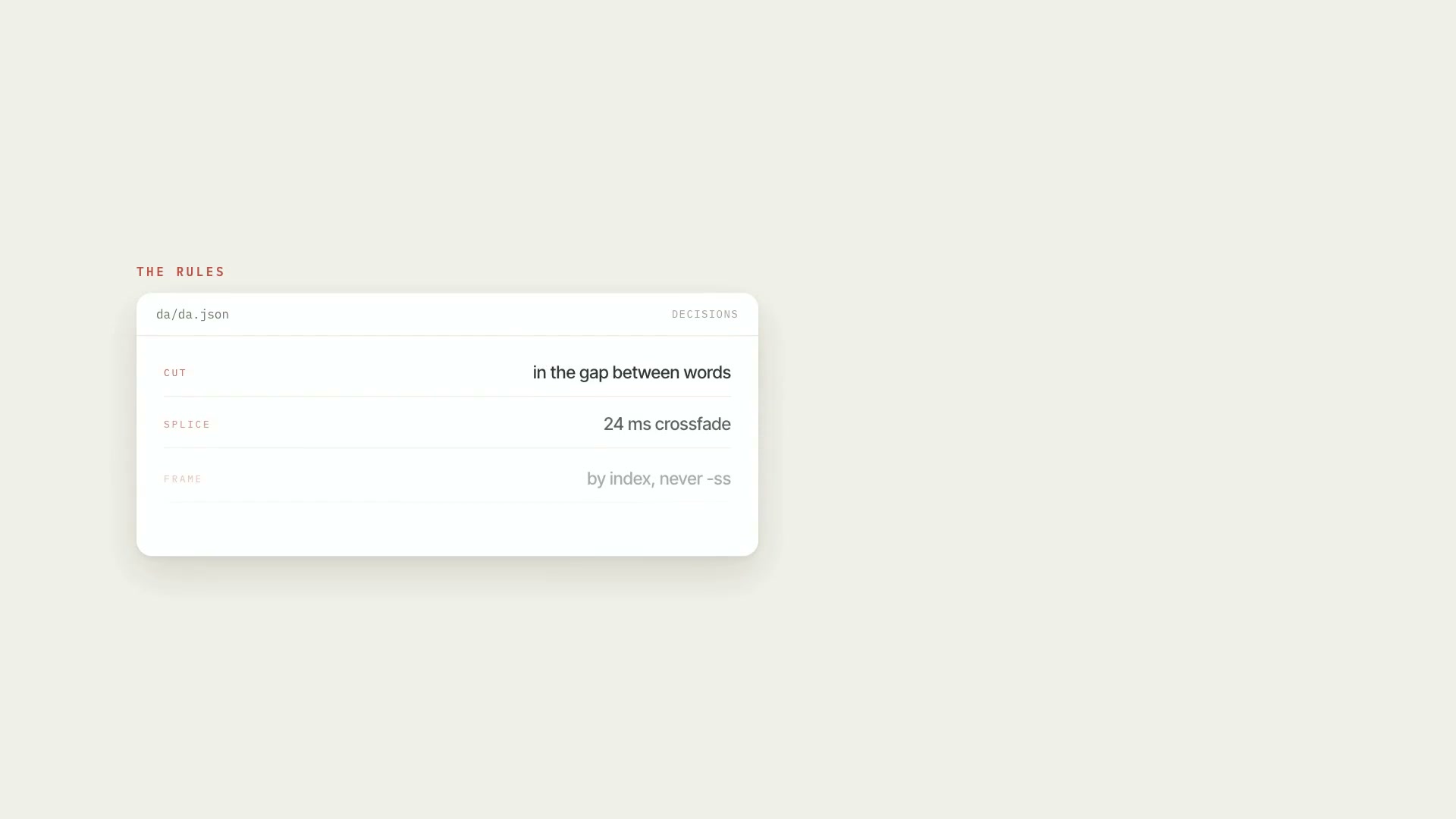 ProRough cut of the raw footageCleans up raw footage: cuts behind-the-scenes chatter, abandoned takes, stumbles, and dead air, keeps the last good take, and delivers an EDL, render, and QA.PythonProductionAdvanced
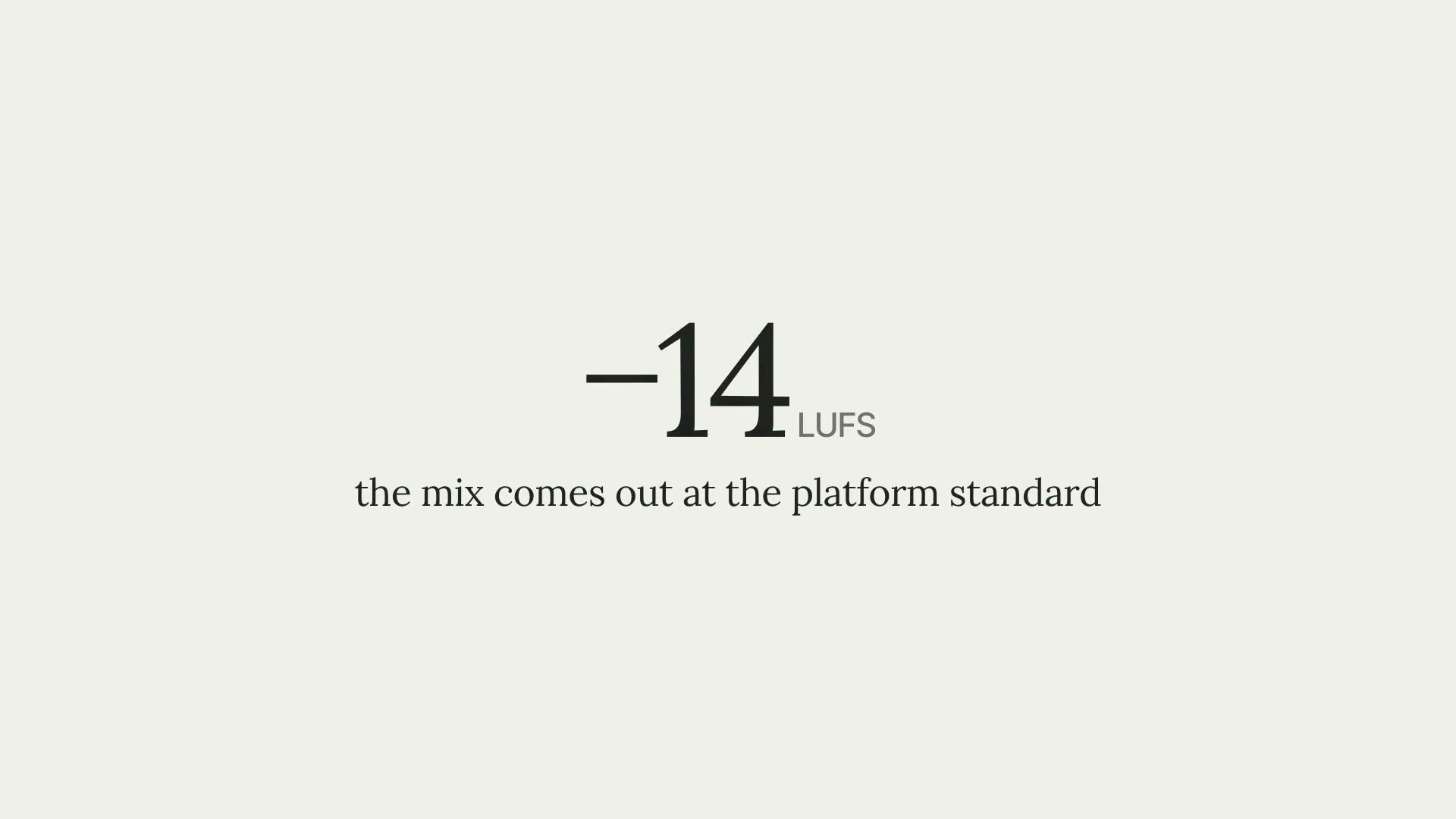 ProSoundtrack and final video mixA soundtrack synthesized in five moods and a mix at −14 LUFS, with the voice up front, ducking proven in the diagnostics, and stems for the editor.PythonProductionIntermediate
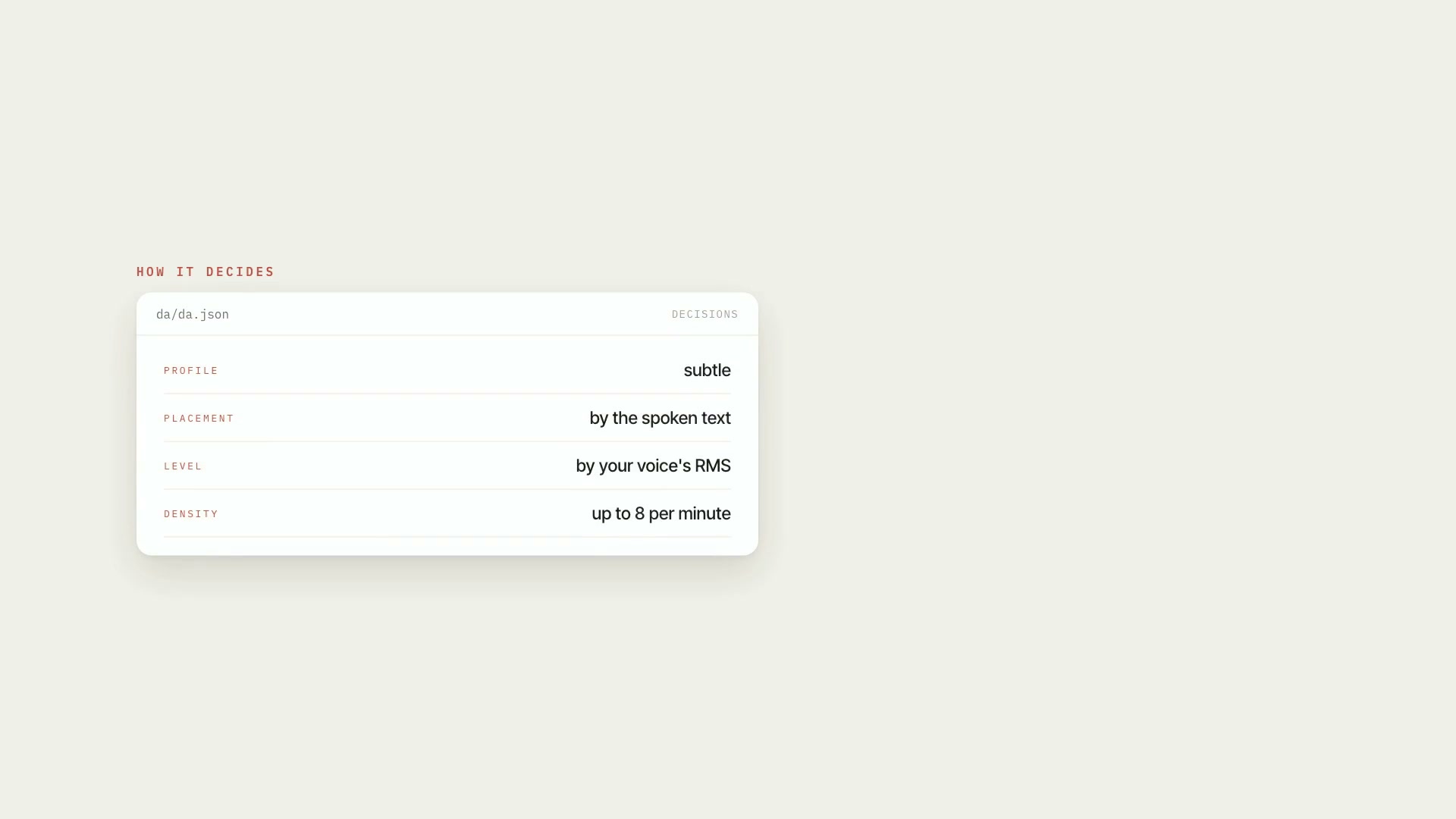 ProSound effects matched to your voice levelSynthesizes 34 effects in pure numpy, places each one by what's being said, and calibrates its peak against the RMS of your voice.PythonProductionIntermediate