// Agents and skills //
Security audit
runs in Claude Code
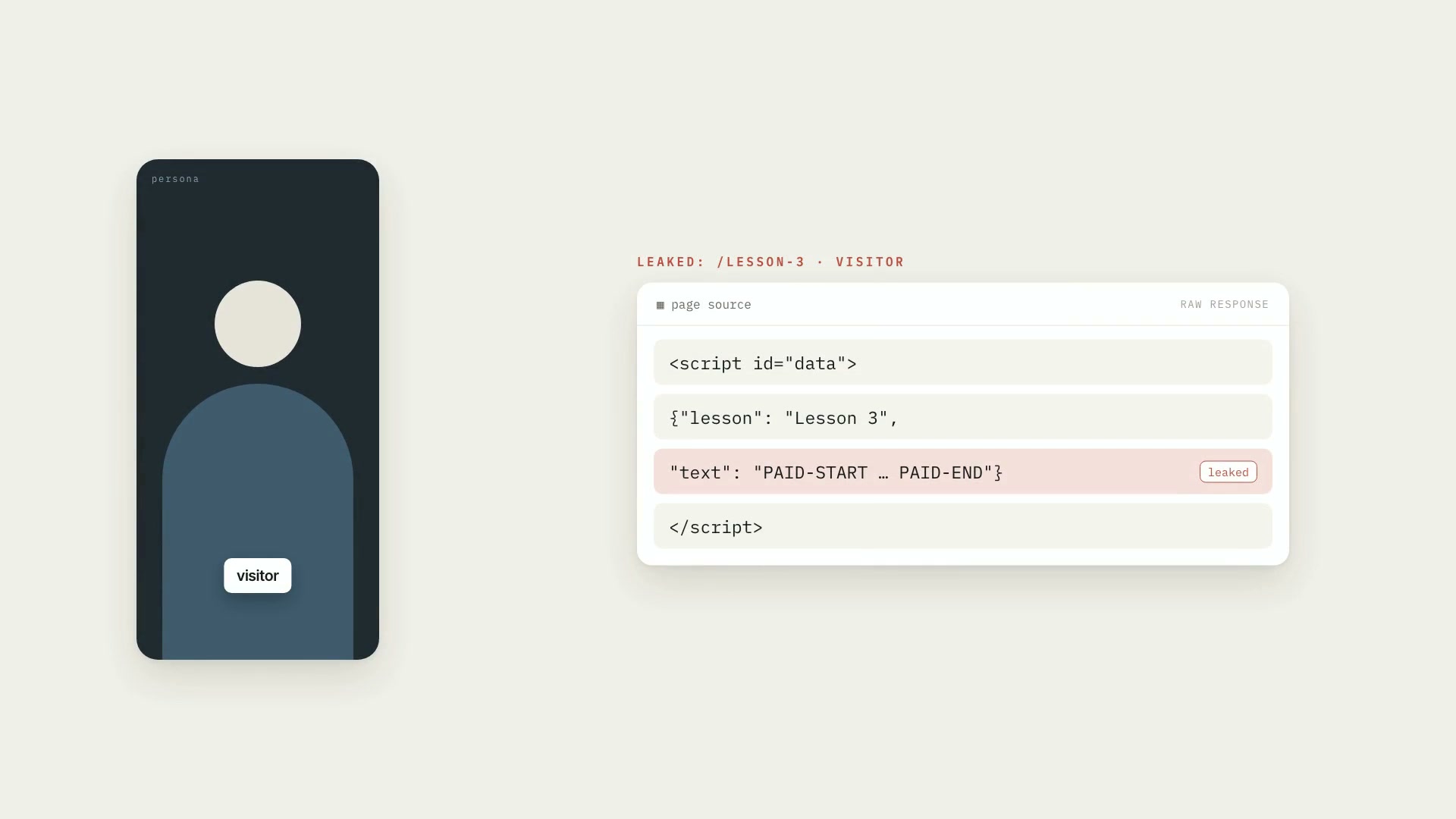
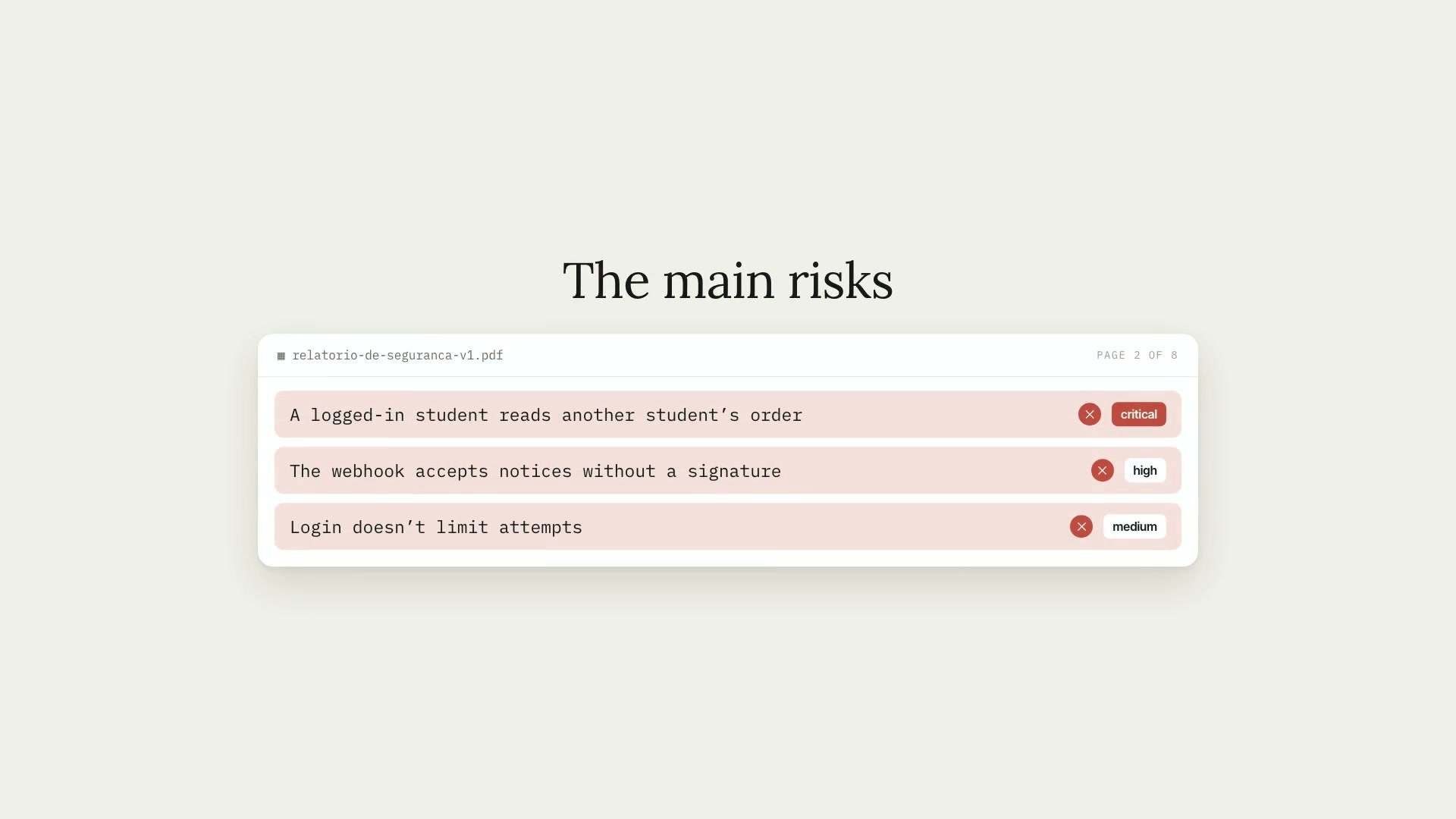
A Claude Code skill that has Claude audit the security of the requester's own web app and deliver a PDF report. It's for people about to launch who want to know what to fix first, and for people already live who have never looked at this methodically. It's defensive use: it only audits systems that belong to the owner, starts with a confirmed scope agreement, and runs no destructive tests. It doesn't replace a professional penetration test or guarantee the absence of flaws. The workflow has seven steps: settle scope and authorization in writing (without it, the skill stops); sweep the project with a script that only reads the files and points out where to look; read by area, across 14 of them (other users' data, database permissions, unguarded routes, secrets, webhooks, input, upload, payment, session, cache, headers, rate limiting, errors, and dependencies); prove findings safely, only in a local or staging environment and with a positive control alongside; write up and rate each finding, with severity coming from two questions (what can someone do, and what do they need to have to do it); generate the PDF report; and recheck after the fix, issuing the report again with the updated status. What it delivers: the report in PDF and Markdown, with a cover, a one-page executive summary, scope and method, findings by severity, a remediation plan, and what the audit doesn't cover; the findings file, with each problem in a fixed format (where it is, what someone can do, what they need, the evidence, whether it was proven by a test or only found by reading, the fix, and the effort); the filled-in, confirmed scope agreement; five reference sheets (scope and limits, the areas, proving, the finding, and the report) and two scripts with no dependencies at all, the sweep and the PDF generator. Limitations: it only audits the requester's own systems; it refuses third-party sites or systems. It doesn't do brute force, denial of service, load testing, or aggressive scanning, and production only comes in on explicit request, and only for non-destructive reads. The areas sheet gives each area's question and where to read; the detail of how each flaw shows up in code isn't in the skill, which points to the public OWASP ASVS standard and to the sister skills. The sweep reads text and knows few patterns: it points out where to look, doesn't prove a vulnerability, and not finding something doesn't prove it isn't there. The PDF is text only, with no images or tables, and emoji and non-Latin alphabets turn into "?". The scripts were tested on macOS with Python 3.14; the skill hasn't been run through a complete audit of a real system. Requirements: Python 3.8 or newer. Both scripts use only the standard library and don't access the network, and the sweep never opens environment files or prints a key's value. To install, unzip the .zip into ~/.claude/skills/.
- Runs in Claude Code
- Advanced
A Claude Code skill that has Claude audit the security of the requester's own web app and deliver a PDF report. It's for people about to launch who want to know what to fix first, and for people already live who have never looked at this methodically. It's defensive use: it only audits systems that belong to the owner, starts with a confirmed scope agreement, and runs no destructive tests. It doesn't replace a professional penetration test or guarantee the absence of flaws. The workflow has seven steps: settle scope and authorization in writing (without it, the skill stops); sweep the project with a script that only reads the files and points out where to look; read by area, across 14 of them (other users' data, database permissions, unguarded routes, secrets, webhooks, input, upload, payment, session, cache, headers, rate limiting, errors, and dependencies); prove findings safely, only in a local or staging environment and with a positive control alongside; write up and rate each finding, with severity coming from two questions (what can someone do, and what do they need to have to do it); generate the PDF report; and recheck after the fix, issuing the report again with the updated status. What it delivers: the report in PDF and Markdown, with a cover, a one-page executive summary, scope and method, findings by severity, a remediation plan, and what the audit doesn't cover; the findings file, with each problem in a fixed format (where it is, what someone can do, what they need, the evidence, whether it was proven by a test or only found by reading, the fix, and the effort); the filled-in, confirmed scope agreement; five reference sheets (scope and limits, the areas, proving, the finding, and the report) and two scripts with no dependencies at all, the sweep and the PDF generator. Limitations: it only audits the requester's own systems; it refuses third-party sites or systems. It doesn't do brute force, denial of service, load testing, or aggressive scanning, and production only comes in on explicit request, and only for non-destructive reads. The areas sheet gives each area's question and where to read; the detail of how each flaw shows up in code isn't in the skill, which points to the public OWASP ASVS standard and to the sister skills. The sweep reads text and knows few patterns: it points out where to look, doesn't prove a vulnerability, and not finding something doesn't prove it isn't there. The PDF is text only, with no images or tables, and emoji and non-Latin alphabets turn into "?". The scripts were tested on macOS with Python 3.14; the skill hasn't been run through a complete audit of a real system. Requirements: Python 3.8 or newer. Both scripts use only the standard library and don't access the network, and the sweep never opens environment files or prints a key's value. To install, unzip the .zip into ~/.claude/skills/.
How to use
01
Copy the prompt
Use the Copy prompt button on this page.
02
Paste it into your AI
Open Claude Code in the project folder and paste the prompt.
03
Install the skill you downloaded
Install the downloaded file in Claude and call the skill in any chat.
In the package
- Prompt ready to copy and paste
- Skill as a .zip to install in Claude
Goes with
 ProFact-checking speech against the sourceCross-checks what you said in the video against your research and documents, and flags what doesn't match the source, with mm:ss and the evidence alongside.Fact-checkingSourcesAdvanced
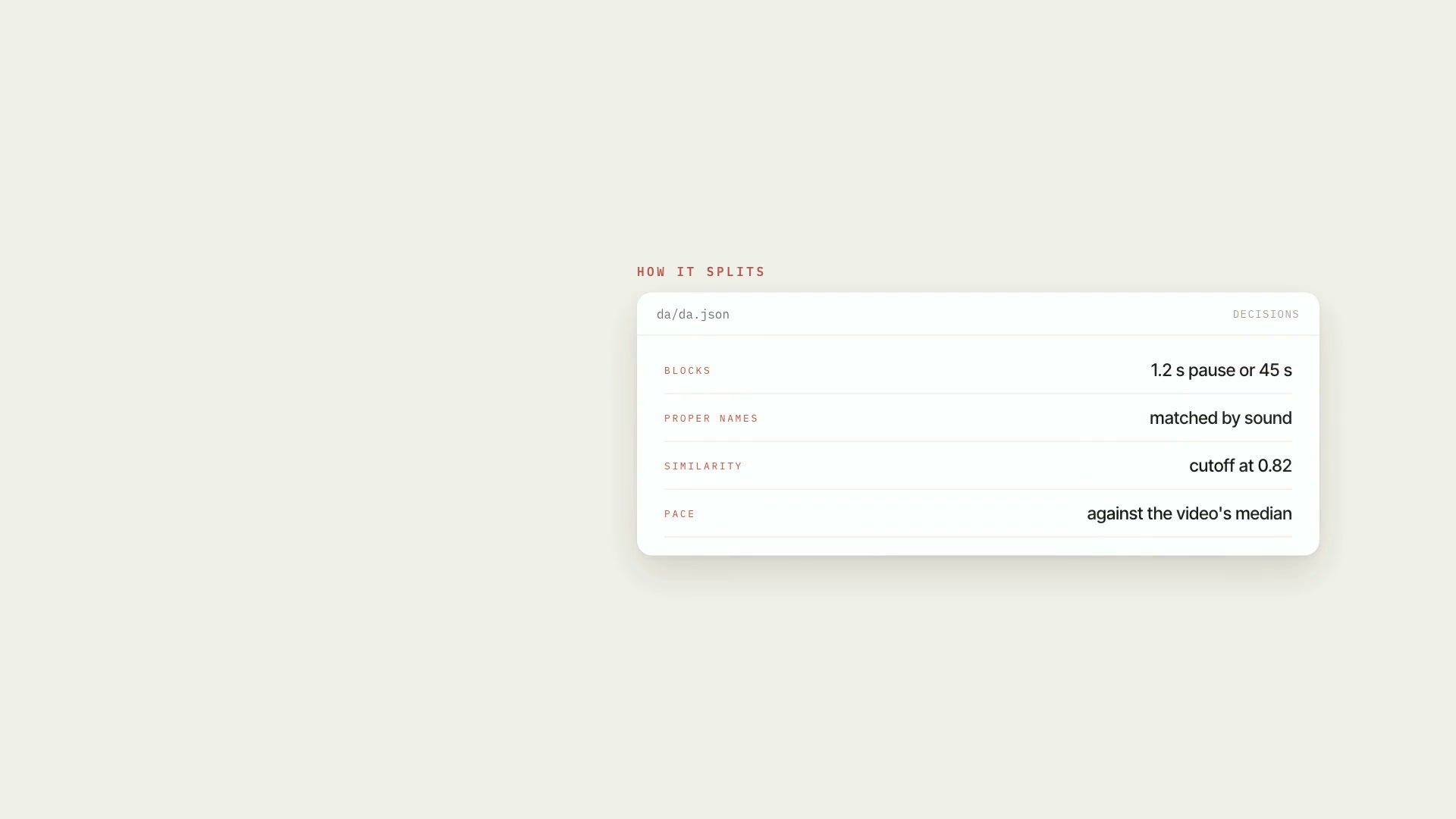 ProSpeech map of the videoTurns the transcript into an inventory of what was said: blocks, people mentioned, numbers, dates, pace, stumbles, and speech × script, with mm:ss.ScriptResearchIntermediate
 ProLooking at the camera or readingMarks, segment by segment, where the person looks at the camera, where they're reading, and where there's no face in the frame, with timestamps.PythonProductionIntermediate