Explainer animation
Runs in Claude Code
- Runs in Claude Code
19 animated scenes that explain AI, from tokenization to RAG and agents, with a storyboard, a preview to approve, and the project's art direction.
Details
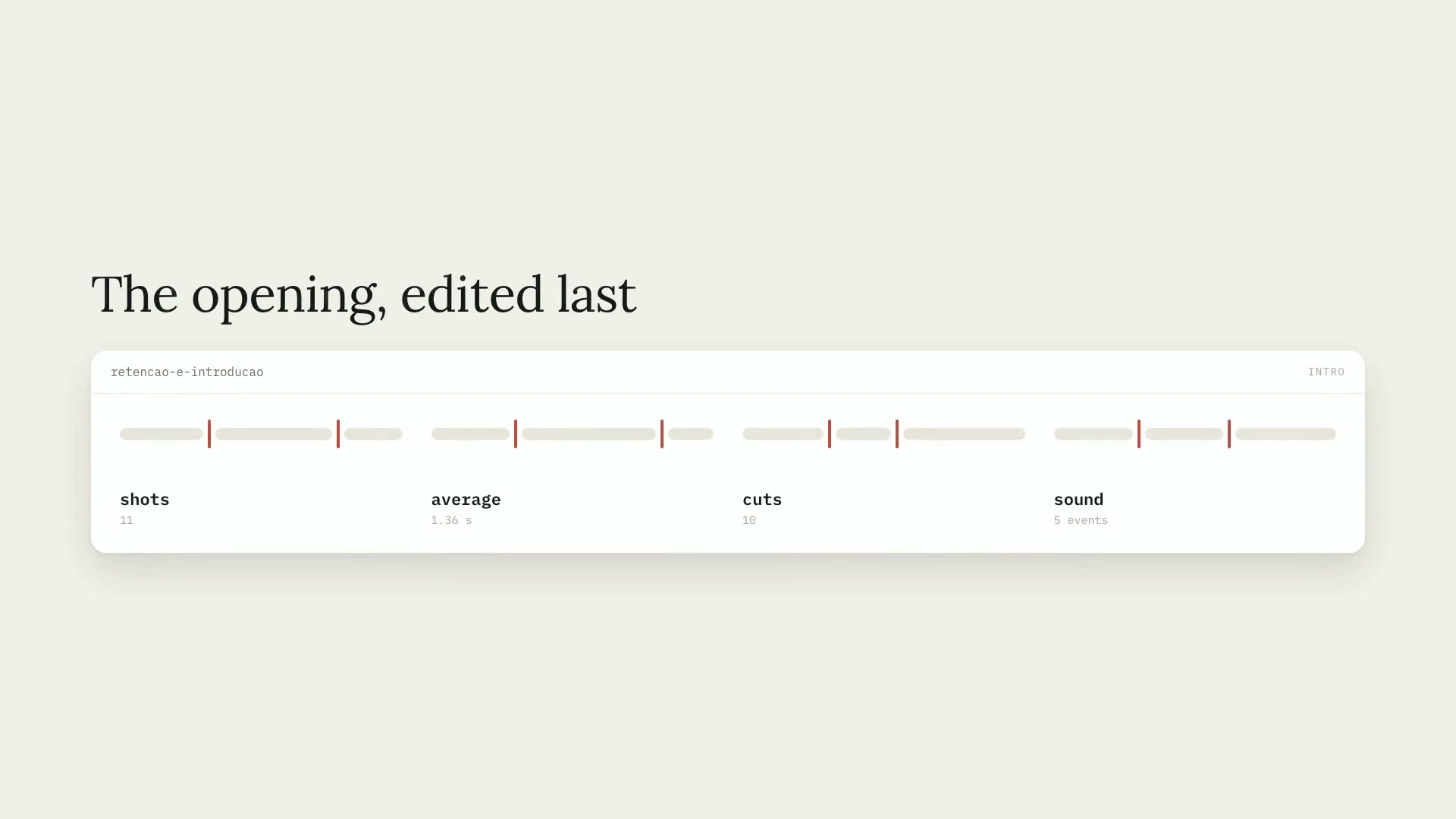
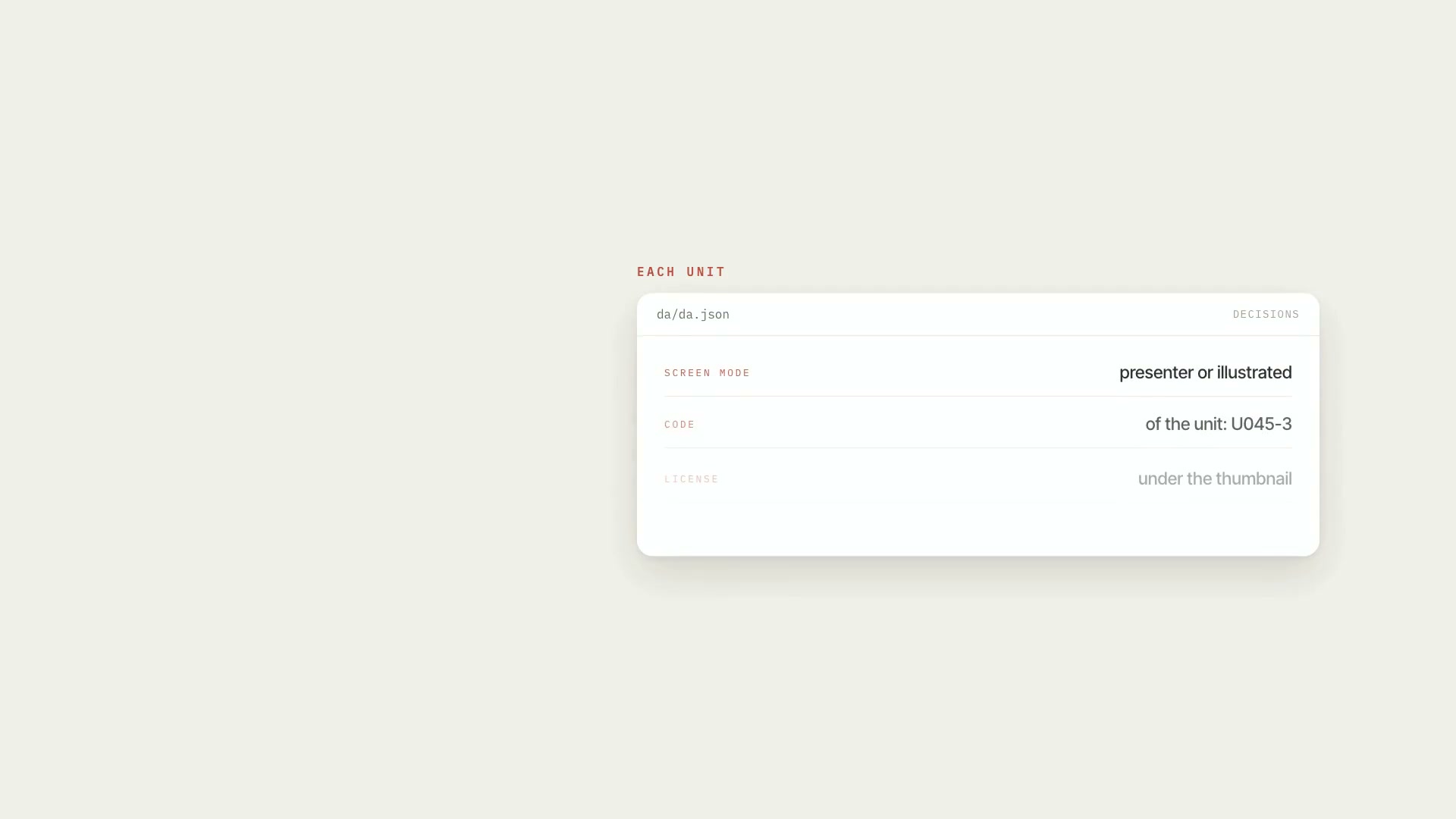
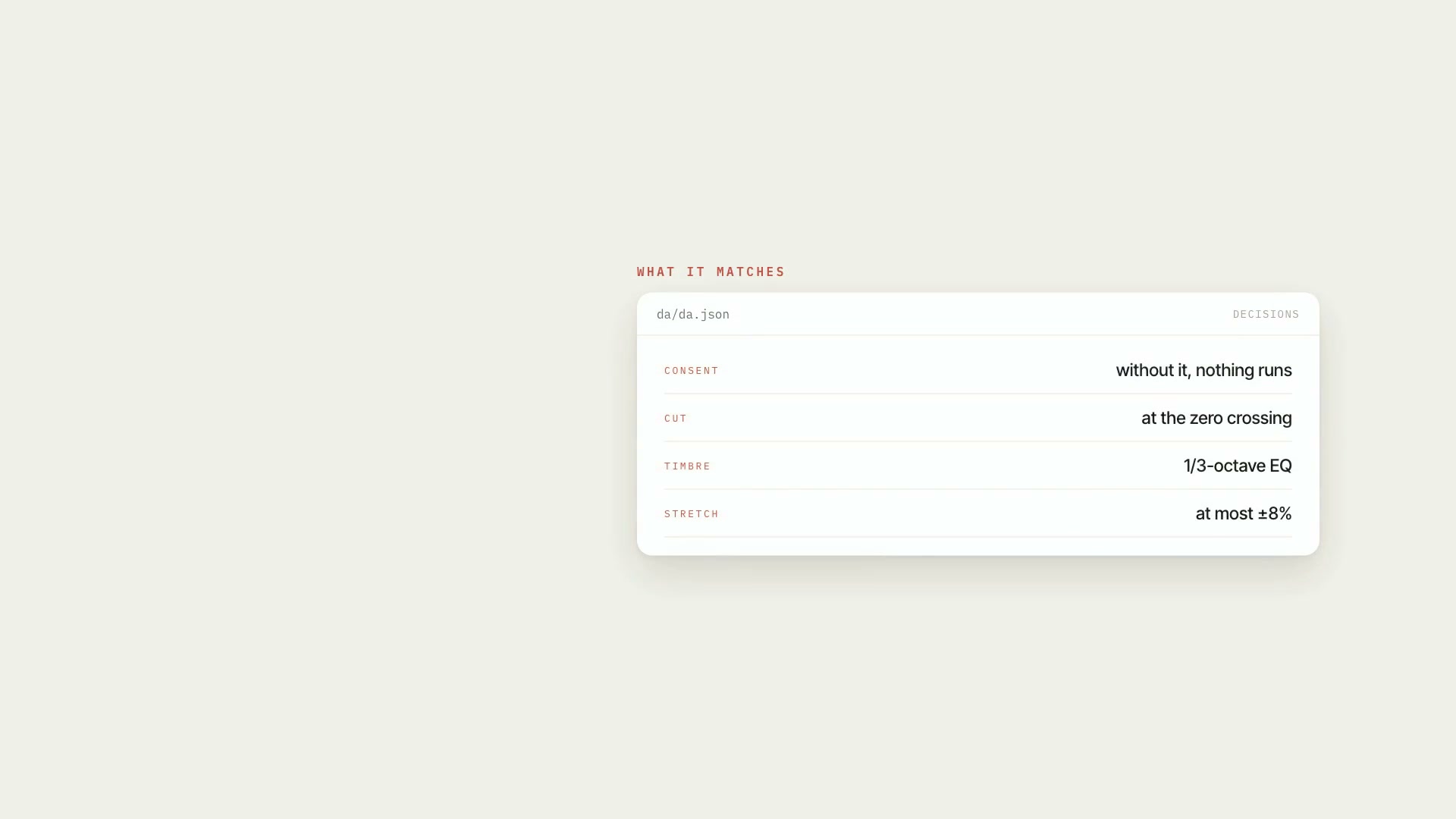
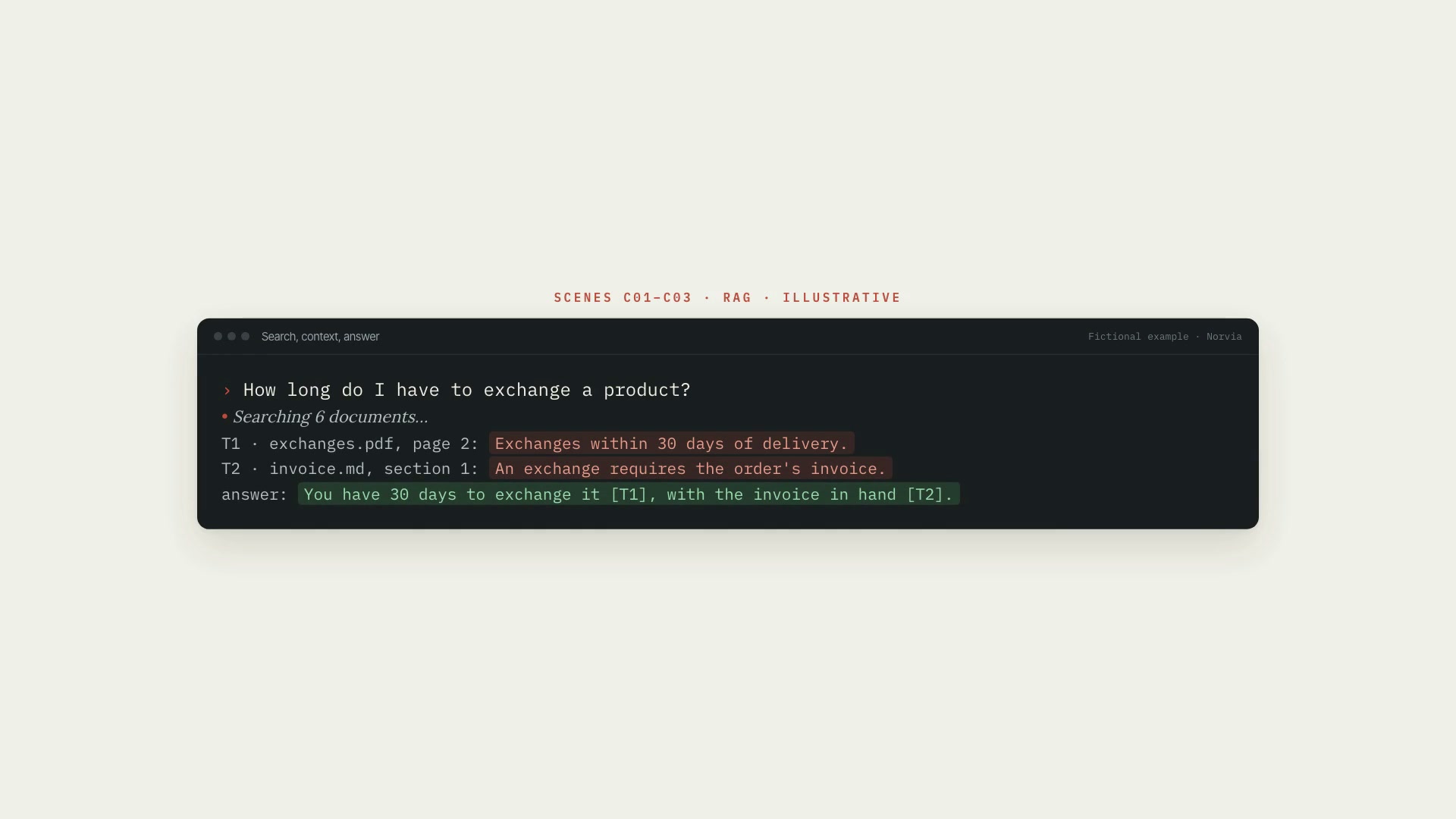
A Claude Code skill with a library of 19 animated scenes that explain artificial intelligence: tokenization, embeddings, attention, next token and temperature, neural network, training, context window, diffusion, RAG, agent with tools, chat, terminal, comparison, timeline, number, and more. Every scene comes out in the colors, fonts, and motion of the project's art direction, in horizontal, vertical, or square. A storyboard ties each part of the script to a scene, generates the preview for you to approve, and only then renders. A scene can start and move to its next step on words you mark in the narration. The core rule: explain without making things up. An example created to illustrate comes out with an "illustrative" badge; real data only goes in with a source and a registered fact. A guide spells out what the narration can't claim based on each scene. What it delivers: the storyboard, the preview sheet, one animation per scene and format, and the timestamp of each step for sound design and editing. Limitations: the scenes are simplifications (attention shows up as a query with weights, RAG with four documents). The automatic checker reads color, font, and motion; cut-off text only shows up for whoever looks at the preview, which is why approval is mandatory. Long text crowds the vertical frame. The skill doesn't generate narration, music, or captions. Requirements: the Project art direction skill installed alongside it (its kit does the rendering: Python 3 with Pillow and numpy, Node 18 or newer, Chromium, and ffmpeg). For real data on screen, the fact sheet comes from the AI fact research skill. To install, unzip the .zip into ~/.claude/skills/.
- Level: Intermediate
How to use
Install the skill
In the terminal, in the download folder, run
unzip animacao-explicativa.zip -d ~/.claude/skills/to use it in every project (or -d .claude/skills/ for a single project).
Goes with
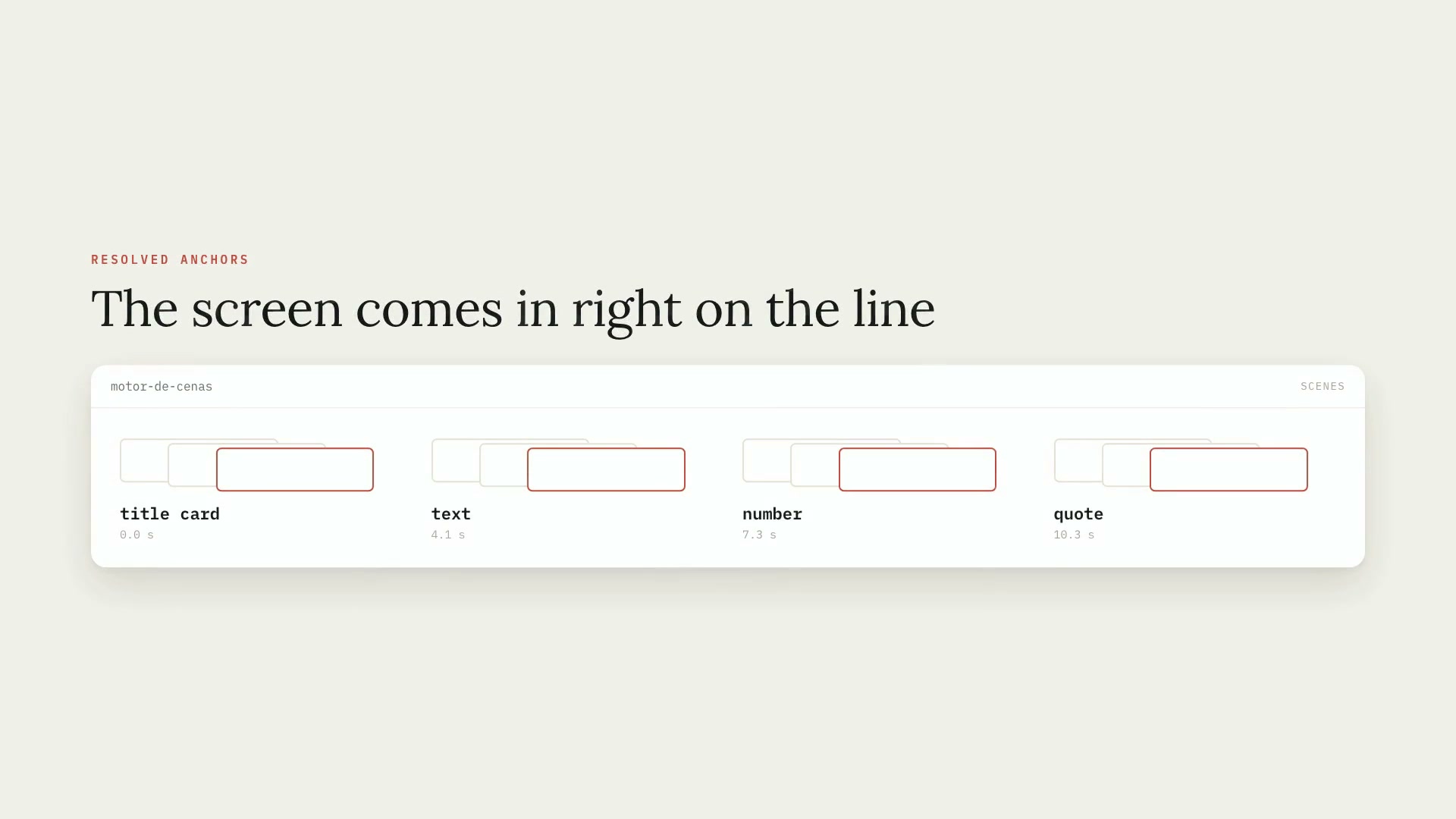 Speech-cued animated scene engine13 animated screens that come in on the exact line of speech, drawn in the project's art direction and with the sound events.ProductionArt direction
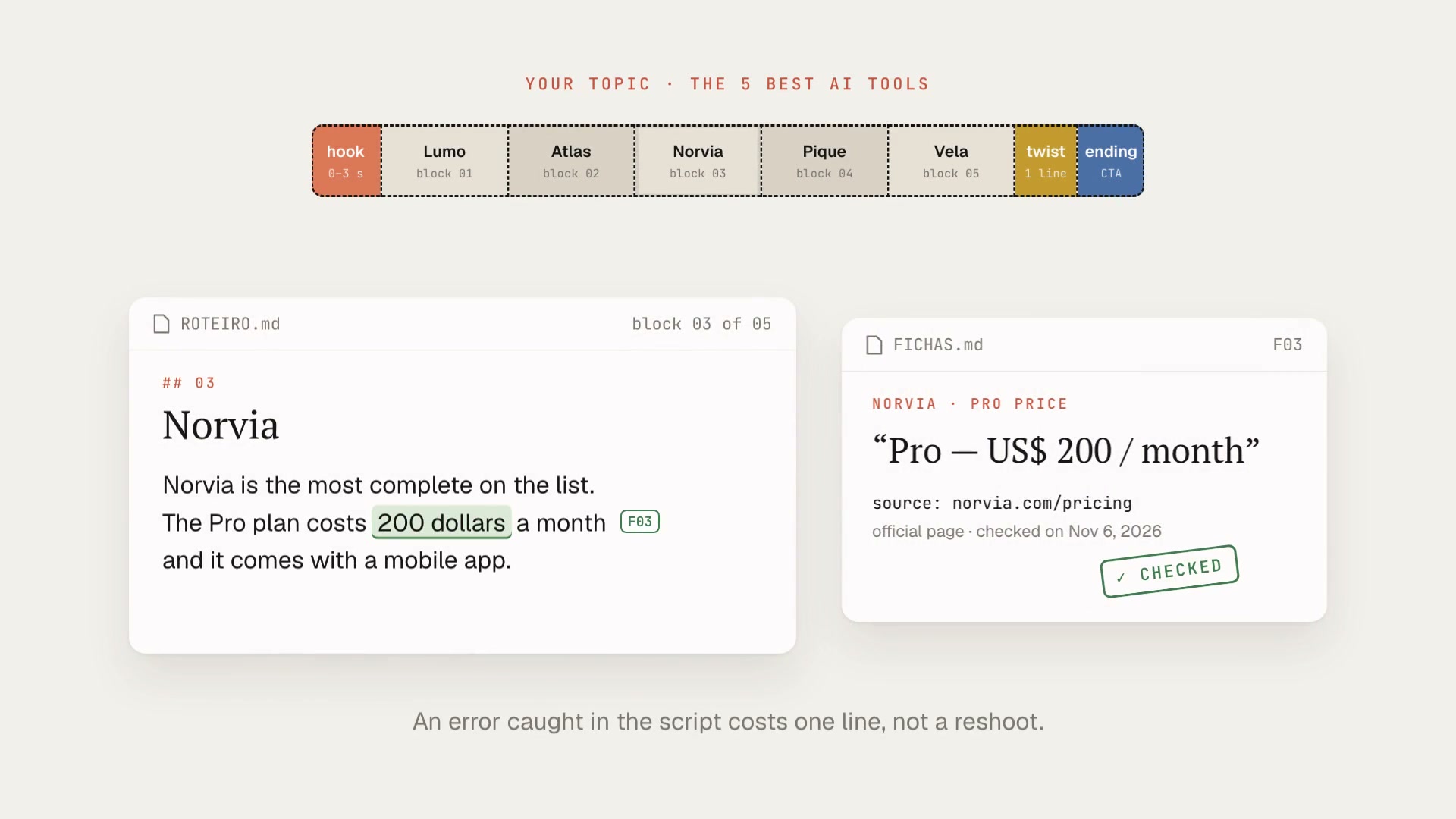 Content modelingMeasures 1 to 6 reference videos, finds what makes the format work, and turns it into your script or storyboard, every fact checked in a primary source.Fact-checkingScript