// Agents and skills //
App with Supabase
runs in Claude Code
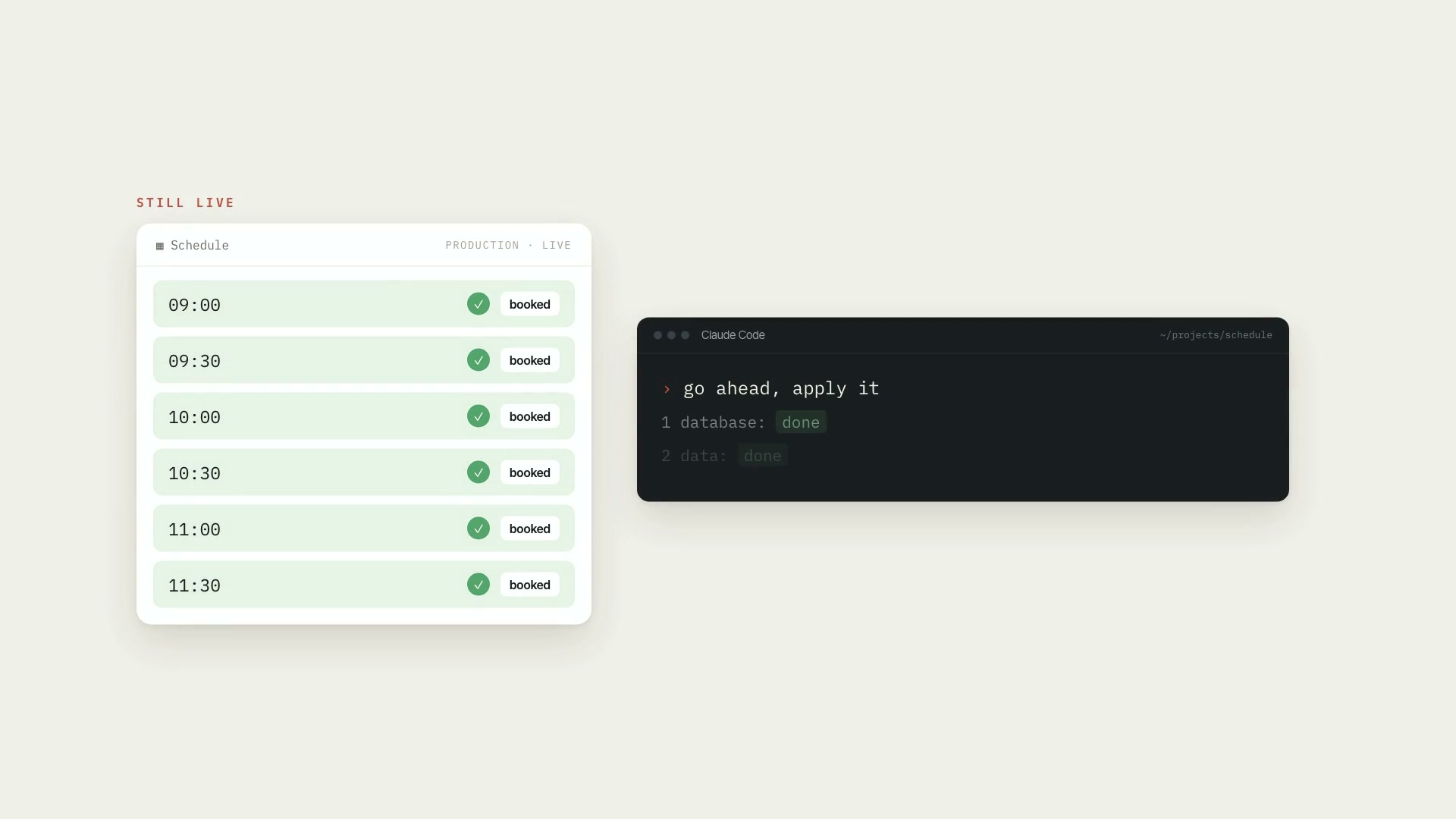
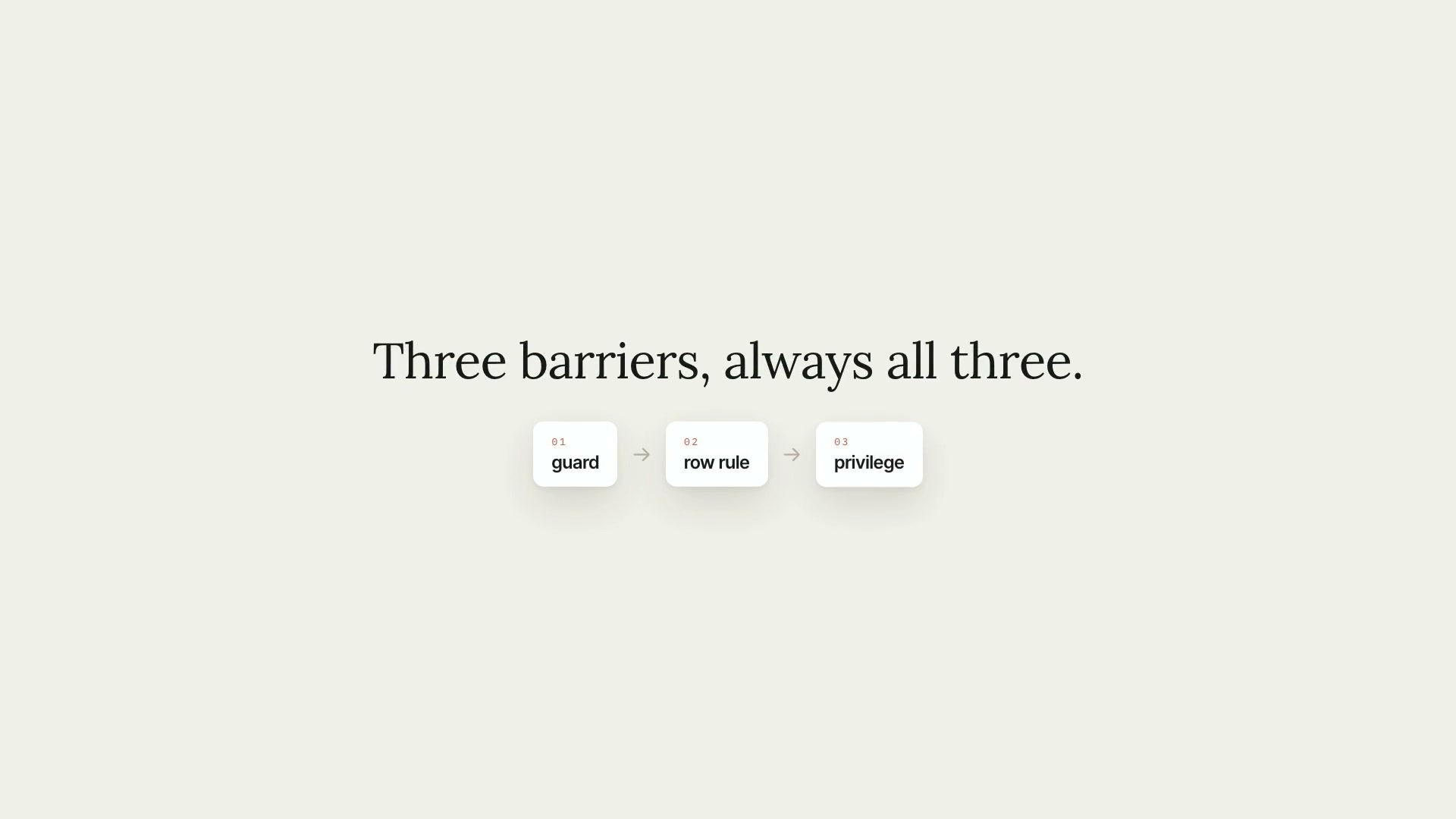
A Claude Code skill that has Claude build, or review, everything Supabase in your app: database, permissions, login, files, and going to production. It's for people just starting out and for people who already have a project live and don't fully trust what they built. Claude writes the migrations, the code, and the tests, always against the local database; applying a migration to the remote project, changing things in the dashboard, and pasting keys are on you, and the skill hands you the checklist. The core rule: access is blocked in three places, always all three: object privileges, row-level rules (RLS), and a guard in the app. In Supabase a new table is born open and the public key ships to the browser, so the real rule lives in the database, with tests per user type. It starts by reading the project and figuring out where it stands: no database, tables with no rules, a key in the wrong place, login missing, paid files at a public URL, or going to production. What it delivers: a data model and additive-only migrations, with generated types; permissions for visitor, logged-in user, subscriber, and admin, with authorization functions and privileged functions with the guard on the first line; login by emailed code, with a 400-day session renewed in the proxy, your own SMTP, and the mandatory form after the first login; the Supabase clients and where each key goes, with the secret key in a server-only module; Storage with a public and a private bucket and paid files delivered through a 60-second signed URL; the order for going to production (database, data, then code) and the design of a tool that publishes an item from a folder. It comes with six reference sheets, seven templates ready to adapt, and a checker, conferir.py, that only reads the project and flags tables without RLS, tables that don't revoke before granting, privileged functions without a search path, and the secret key being read outside the designated module. Limitations: the skill doesn't apply migrations to the remote project on its own, doesn't touch the dashboard, and doesn't paste keys. It covers login by emailed code; passwords, social login, magic links, two-factor, Realtime, and Edge Functions are out of scope. The app templates are TypeScript for Next.js. The SQL ran on local Supabase, with Postgres 17 and pgTAP 1.3.3; the TypeScript passed the type checker but wasn't run in this form, and nothing ran against a remote project. Whatever the sheets mark as "to check in the Supabase docs" hasn't been verified, and publishing content from a folder is a design, not a finished tool. The checker reads migrations as text: it doesn't query the database or see tables created in the dashboard; not finding something doesn't prove it isn't there. For billing, use the sister skill assinatura-com-stripe; for migrations in depth, migrations-sem-susto. Requirements: Python 3.8 or newer, only for the checker, which uses only the standard library, doesn't access the network, doesn't open environment files, and never prints a key's value. For the local database, Docker and the Supabase CLI. To install, unzip the .zip into ~/.claude/skills/.
- Runs in Claude Code
- Advanced
A Claude Code skill that has Claude build, or review, everything Supabase in your app: database, permissions, login, files, and going to production. It's for people just starting out and for people who already have a project live and don't fully trust what they built. Claude writes the migrations, the code, and the tests, always against the local database; applying a migration to the remote project, changing things in the dashboard, and pasting keys are on you, and the skill hands you the checklist. The core rule: access is blocked in three places, always all three: object privileges, row-level rules (RLS), and a guard in the app. In Supabase a new table is born open and the public key ships to the browser, so the real rule lives in the database, with tests per user type. It starts by reading the project and figuring out where it stands: no database, tables with no rules, a key in the wrong place, login missing, paid files at a public URL, or going to production. What it delivers: a data model and additive-only migrations, with generated types; permissions for visitor, logged-in user, subscriber, and admin, with authorization functions and privileged functions with the guard on the first line; login by emailed code, with a 400-day session renewed in the proxy, your own SMTP, and the mandatory form after the first login; the Supabase clients and where each key goes, with the secret key in a server-only module; Storage with a public and a private bucket and paid files delivered through a 60-second signed URL; the order for going to production (database, data, then code) and the design of a tool that publishes an item from a folder. It comes with six reference sheets, seven templates ready to adapt, and a checker, conferir.py, that only reads the project and flags tables without RLS, tables that don't revoke before granting, privileged functions without a search path, and the secret key being read outside the designated module. Limitations: the skill doesn't apply migrations to the remote project on its own, doesn't touch the dashboard, and doesn't paste keys. It covers login by emailed code; passwords, social login, magic links, two-factor, Realtime, and Edge Functions are out of scope. The app templates are TypeScript for Next.js. The SQL ran on local Supabase, with Postgres 17 and pgTAP 1.3.3; the TypeScript passed the type checker but wasn't run in this form, and nothing ran against a remote project. Whatever the sheets mark as "to check in the Supabase docs" hasn't been verified, and publishing content from a folder is a design, not a finished tool. The checker reads migrations as text: it doesn't query the database or see tables created in the dashboard; not finding something doesn't prove it isn't there. For billing, use the sister skill assinatura-com-stripe; for migrations in depth, migrations-sem-susto. Requirements: Python 3.8 or newer, only for the checker, which uses only the standard library, doesn't access the network, doesn't open environment files, and never prints a key's value. For the local database, Docker and the Supabase CLI. To install, unzip the .zip into ~/.claude/skills/.
How to use
01
Copy the prompt
Use the Copy prompt button on this page.
02
Paste it into your AI
Open Claude Code in the project folder and paste the prompt.
03
Install the skill you downloaded
Install the downloaded file in Claude and call the skill in any chat.
In the package
- Prompt ready to copy and paste
- Skill as a .zip to install in Claude