Word-by-word transcription
Data · Runs in Claude Code
- Data
- Runs in Claude Code
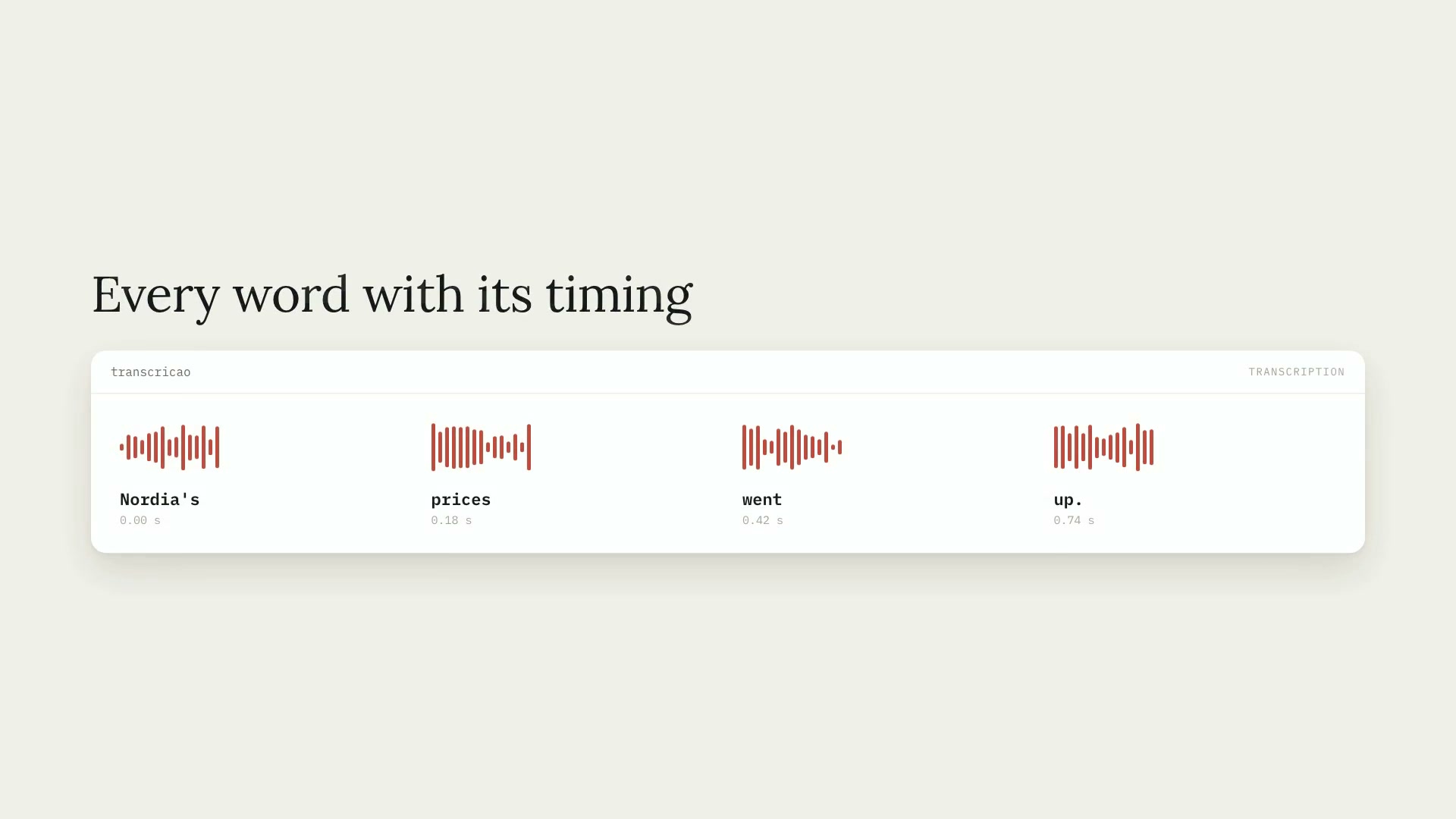
Transcribes audio and video (Portuguese by default) with the timing of every word, installs Whisper on its own, and handles hour-long videos in chunks.
Details
It takes the project's audio or video (and, if you want, the script, from which it pulls the proper names for Whisper's prompt). It outputs `transcricao/palavras.json` with the start and end time of every word and its confidence, plus `segmentos.json` for reading, `texto.txt`, and a `qa.json` with low-confidence words, gaps with no speech, and the log of how the chunks were stitched together. It trims the silence at the start before transcribing (that's what keeps captions from drifting ahead in long videos), fine-tunes the start of each word using the audio energy, and also searches for terms, phrases, or misspelled names inside the transcript, with the minute. For people who edit video and need captions, timeline, motion graphics, and sound effects all anchored to the same timing as the original media.
- Tech
- Level: Intermediate
How to use
Install the skill
In the terminal, in the download folder, run
unzip transcricao.zip -d ~/.claude/skills/to use it in every project (or -d .claude/skills/ for a single project).Ask in plain English
Open Claude Code in the project folder and ask for what you want.
Goes with
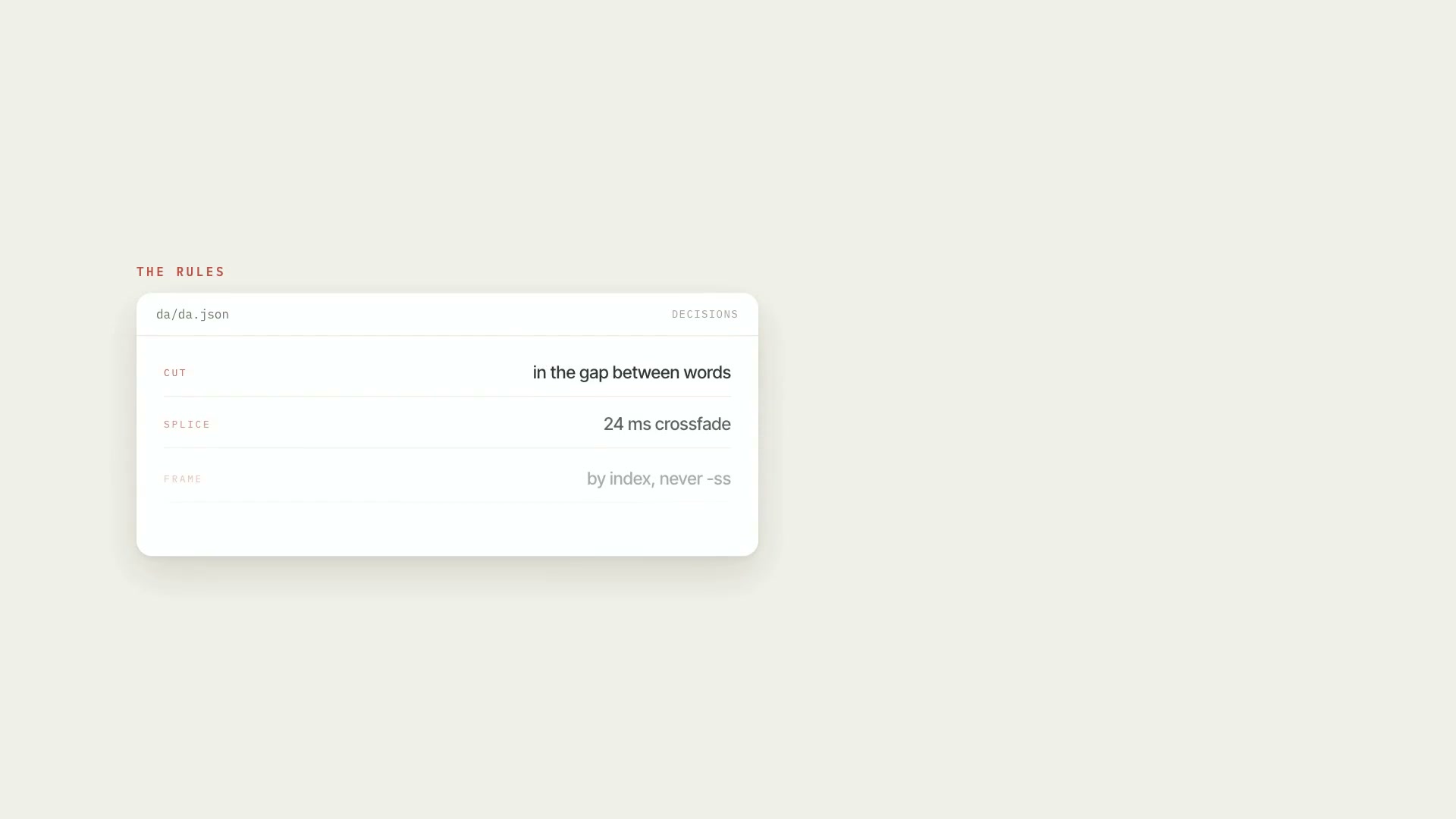 Rough cut of the raw footageCleans up raw footage: cuts behind-the-scenes chatter, abandoned takes, stumbles, and dead air, keeps the last good take, and delivers an EDL, render, and QA.PythonProduction
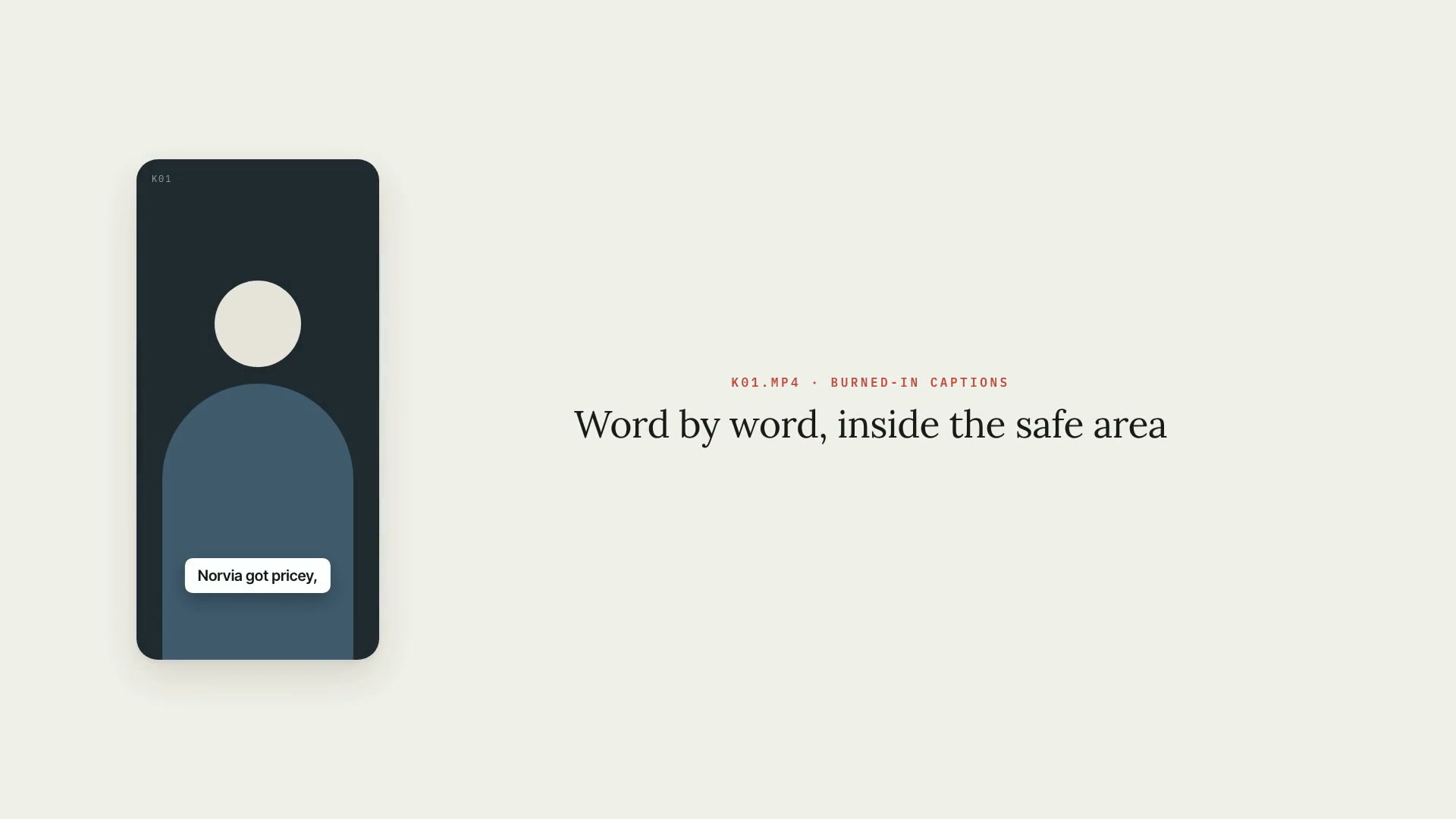 CaptionsWord-by-word burned-in captions for Shorts, Reels, and TikTok, in the art direction's style and always inside the safe area, with .srt and .vtt.PythonShorts
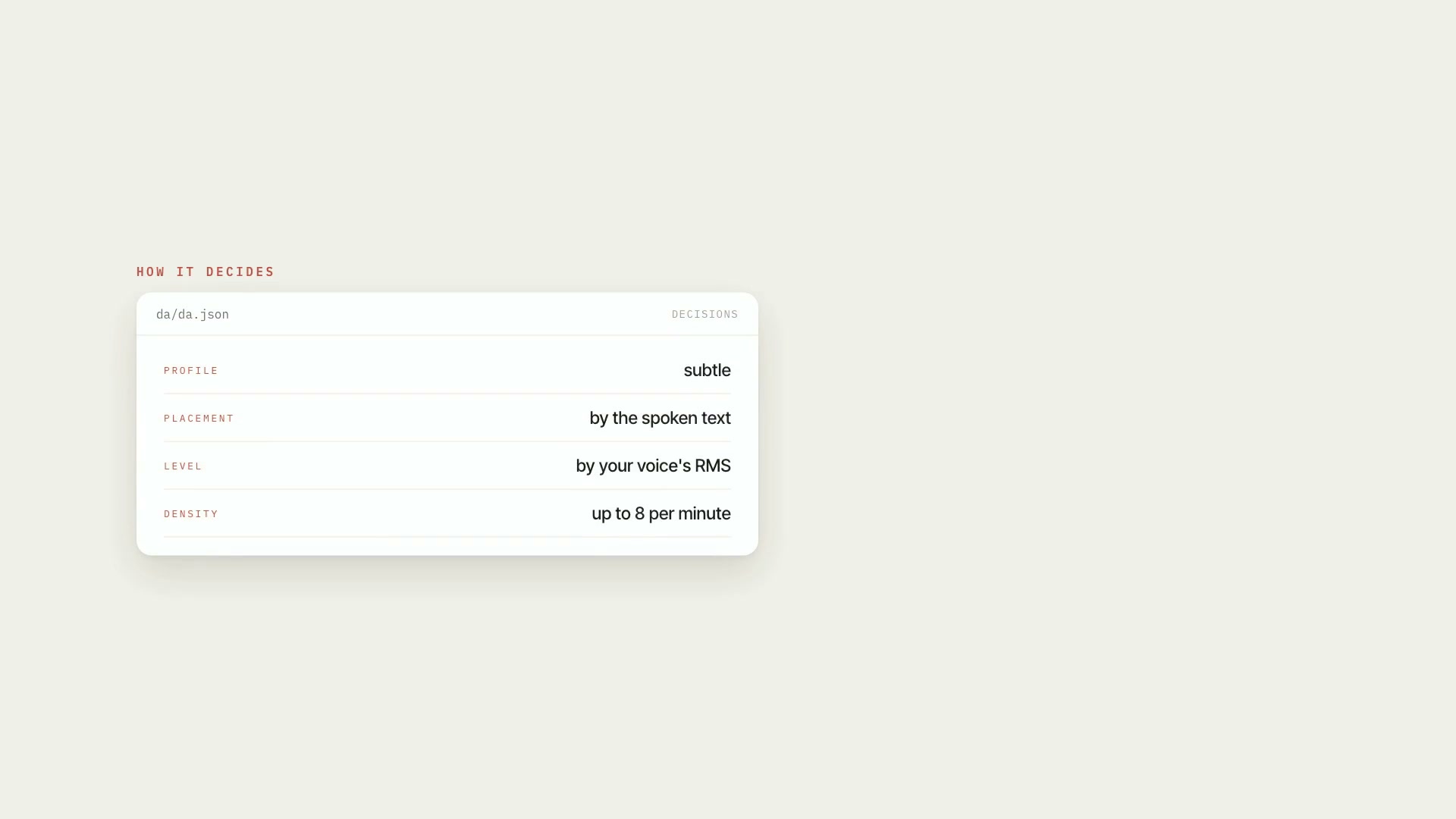 Sound effects matched to your voice levelSynthesizes 34 effects in pure numpy, places each one by what's being said, and calibrates its peak against the RMS of your voice.PythonProduction