Looking at the camera or reading
Data · Runs in Claude Code
- Data
- Runs in Claude Code
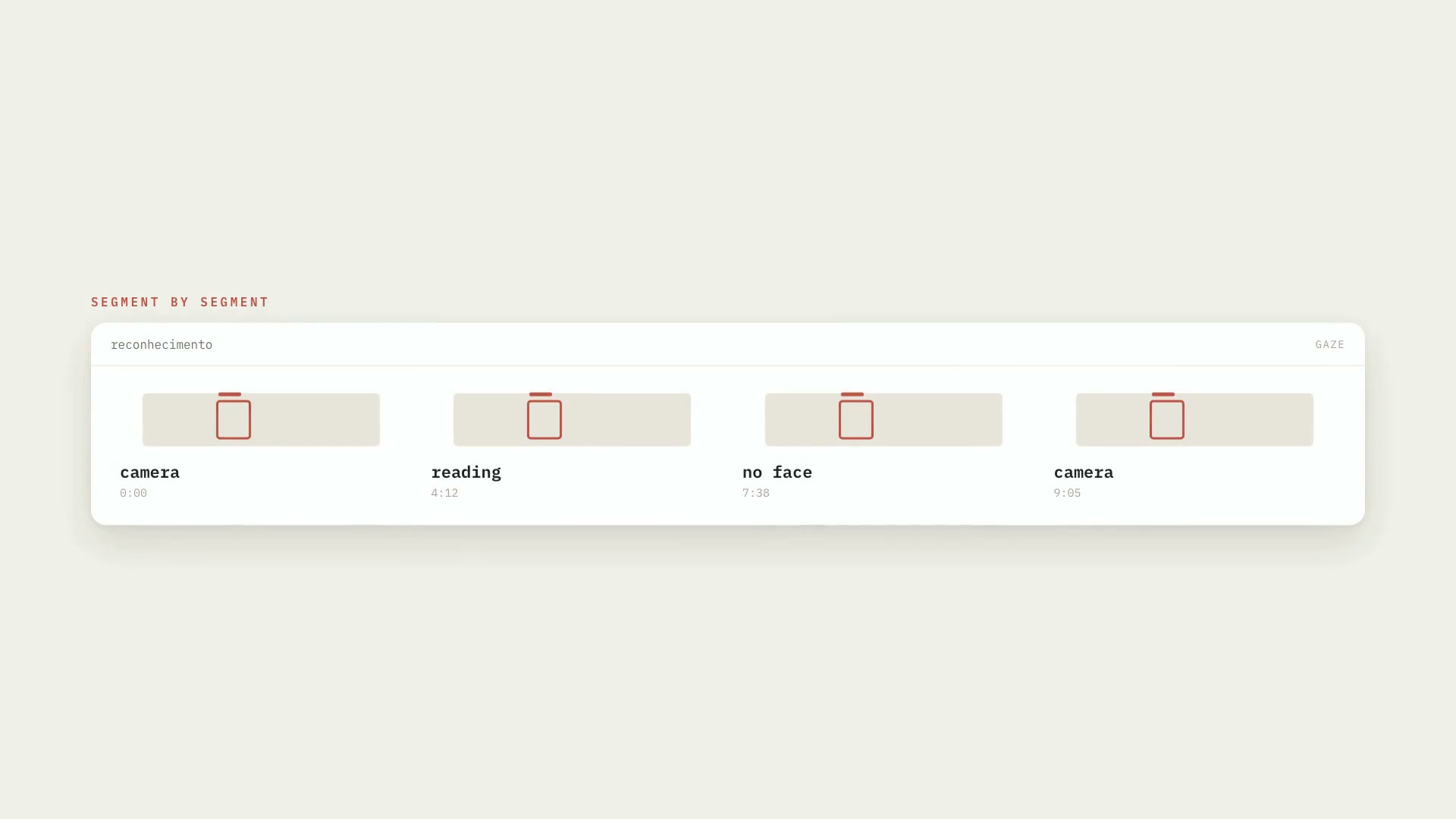
Marks, segment by segment, where the person looks at the camera, where they're reading, and where there's no face in the frame, with timestamps.
Details
It takes the raw recording; the measurement is local, with what already runs on the machine — Apple's Vision on the Mac and OpenCV on Linux and Windows. It outputs `transcricao/olhar.json` and `olhar.md` with the segments (`camera`, `lendo` for reading, `sem_rosto` for no face), the confidence, the seconds per state, and each sample with head angle and gaze direction; with `--folha` it also outputs a contact sheet of the two groups so you can point out which one is the camera group. It doesn't use a fixed threshold: it splits the material itself into two groups, warns in big letters when the label is a guess, and learns the answer from a Premiere XML in which the editor marked the right clips. It doesn't identify who the person is or store biometric data. For people who edit long videos and follow the golden rule: a passage that's read never appears on screen; animation or b-roll goes over it.
- Level: Intermediate
How to use
Install the skill
In the terminal, in the download folder, run
unzip reconhecimento.zip -d ~/.claude/skills/to use it in every project (or -d .claude/skills/ for a single project).Ask in plain English
Open Claude Code in the project folder and ask for what you want.
Get the result
Goes with
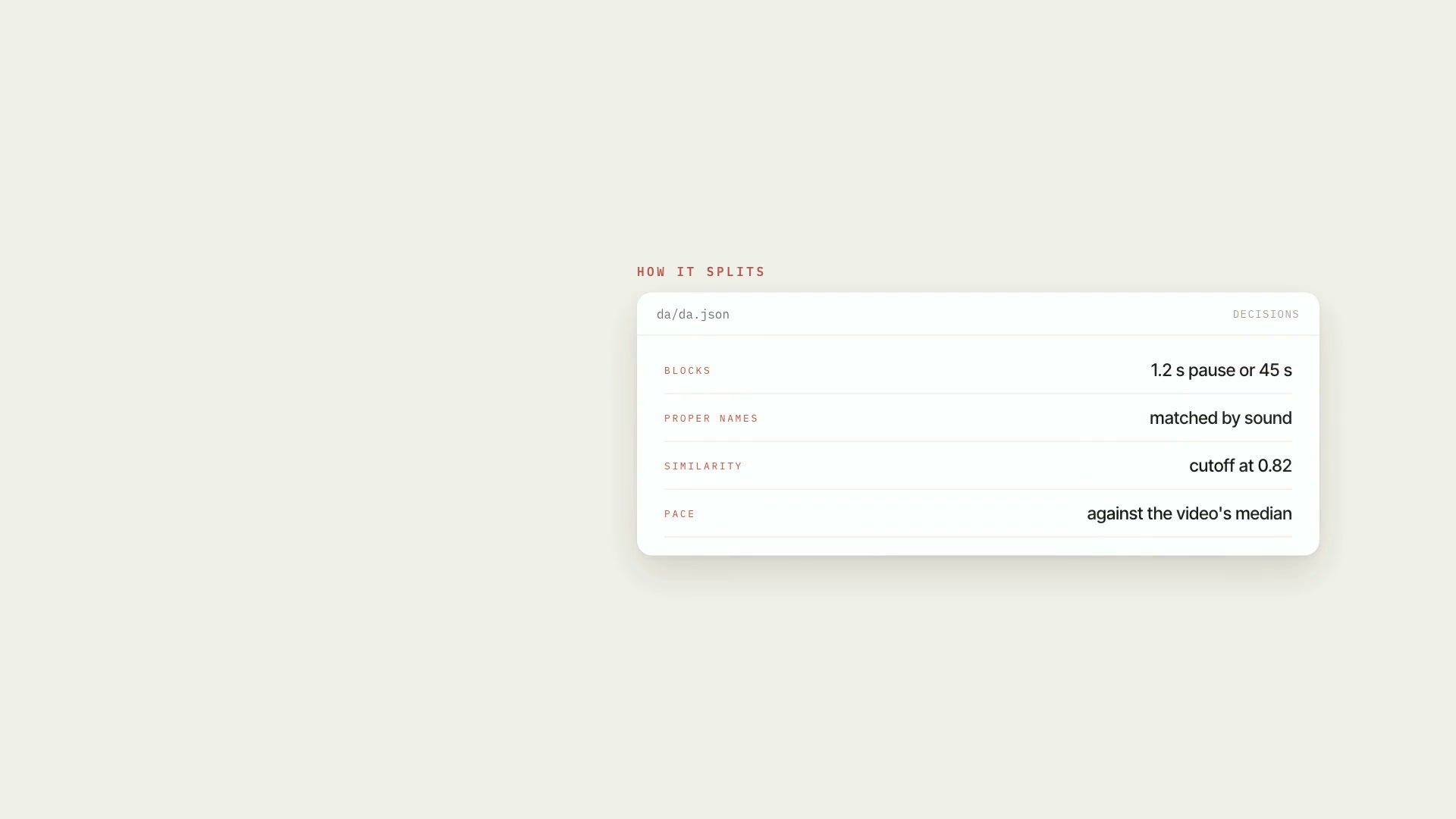 Speech map of the videoTurns the transcript into an inventory of what was said: blocks, people mentioned, numbers, dates, pace, stumbles, and speech × script, with mm:ss.ScriptResearch
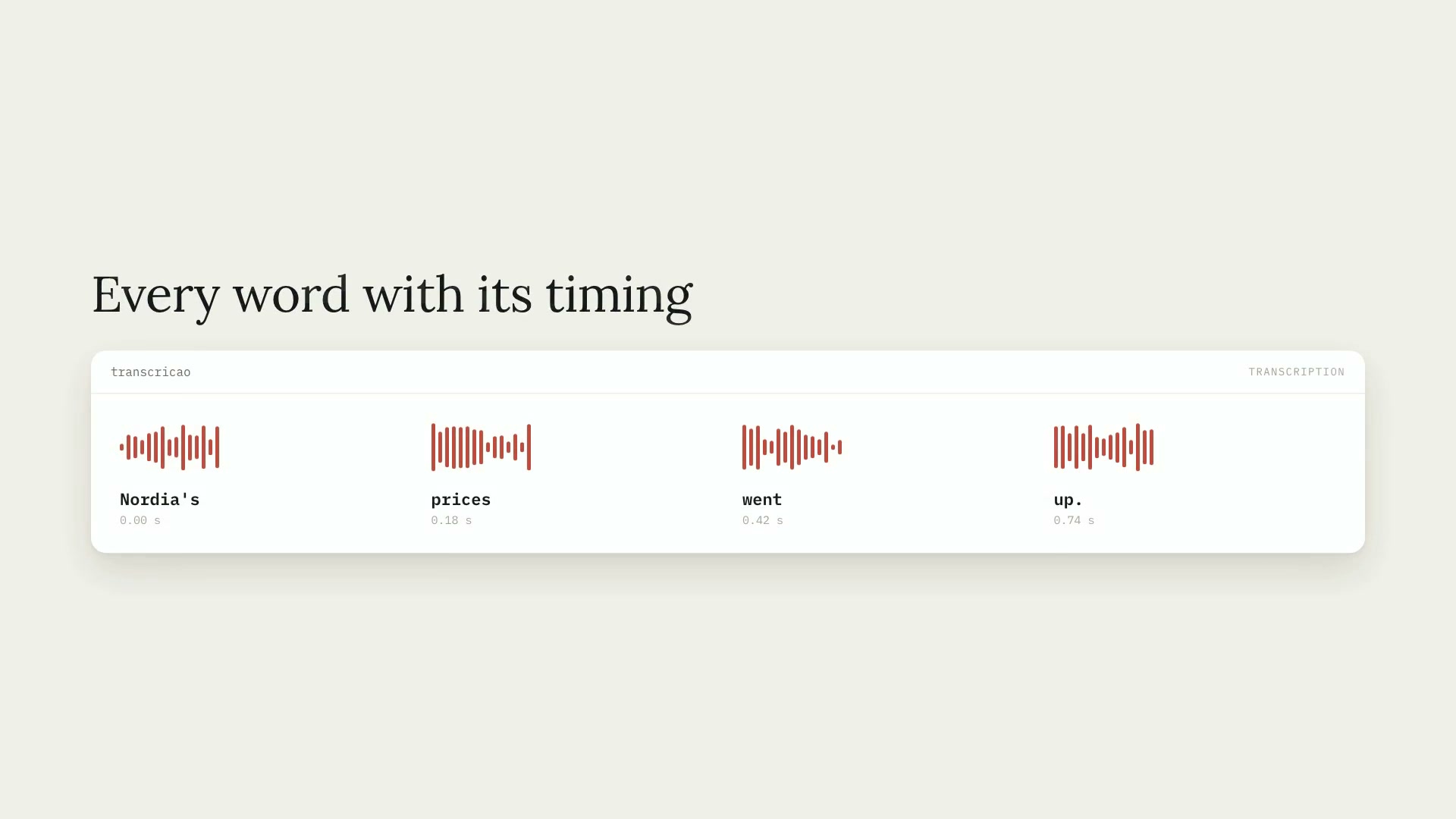 Word-by-word transcriptionTranscribes audio and video (Portuguese by default) with the timing of every word, installs Whisper on its own, and handles hour-long videos in chunks.PythonCaptions
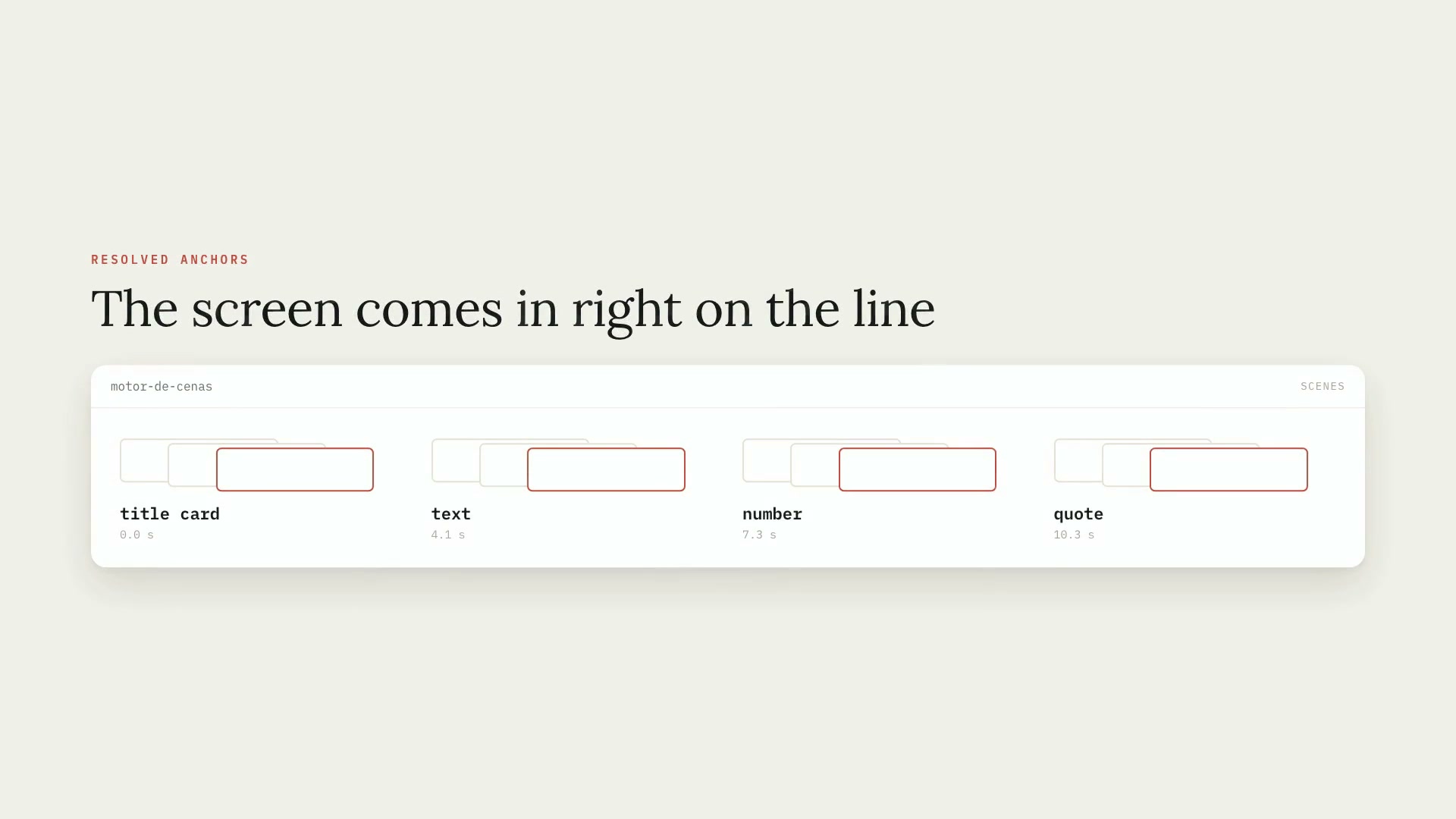 Speech-cued animated scene engine13 animated screens that come in on the exact line of speech, drawn in the project's art direction and with the sound events.ProductionArt direction