Speech map of the video
Data · Runs in Claude Code
- Data
- Runs in Claude Code
Turns the transcript into an inventory of what was said: blocks, people mentioned, numbers, dates, pace, stumbles, and speech × script, with mm:ss.
Details
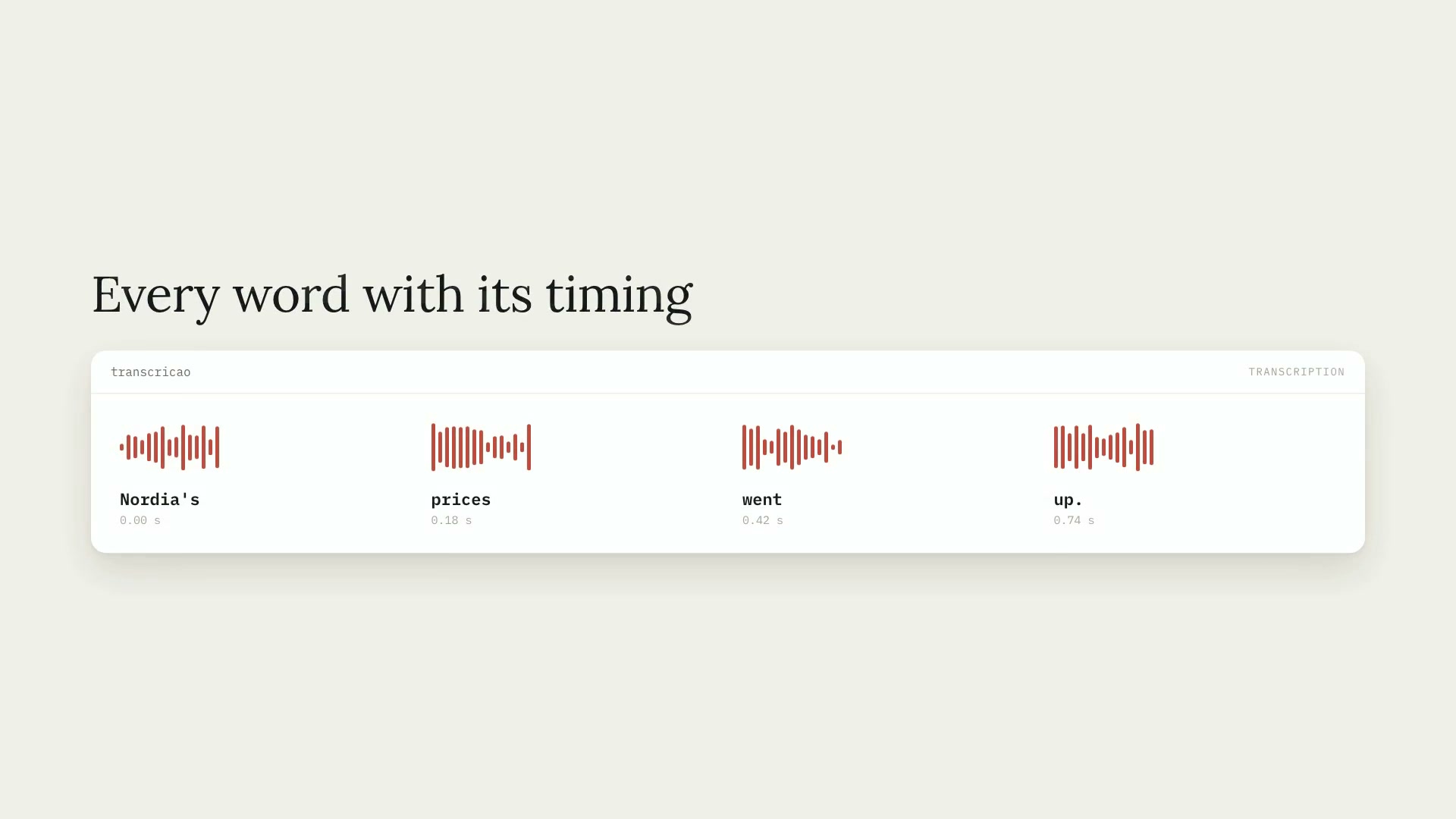
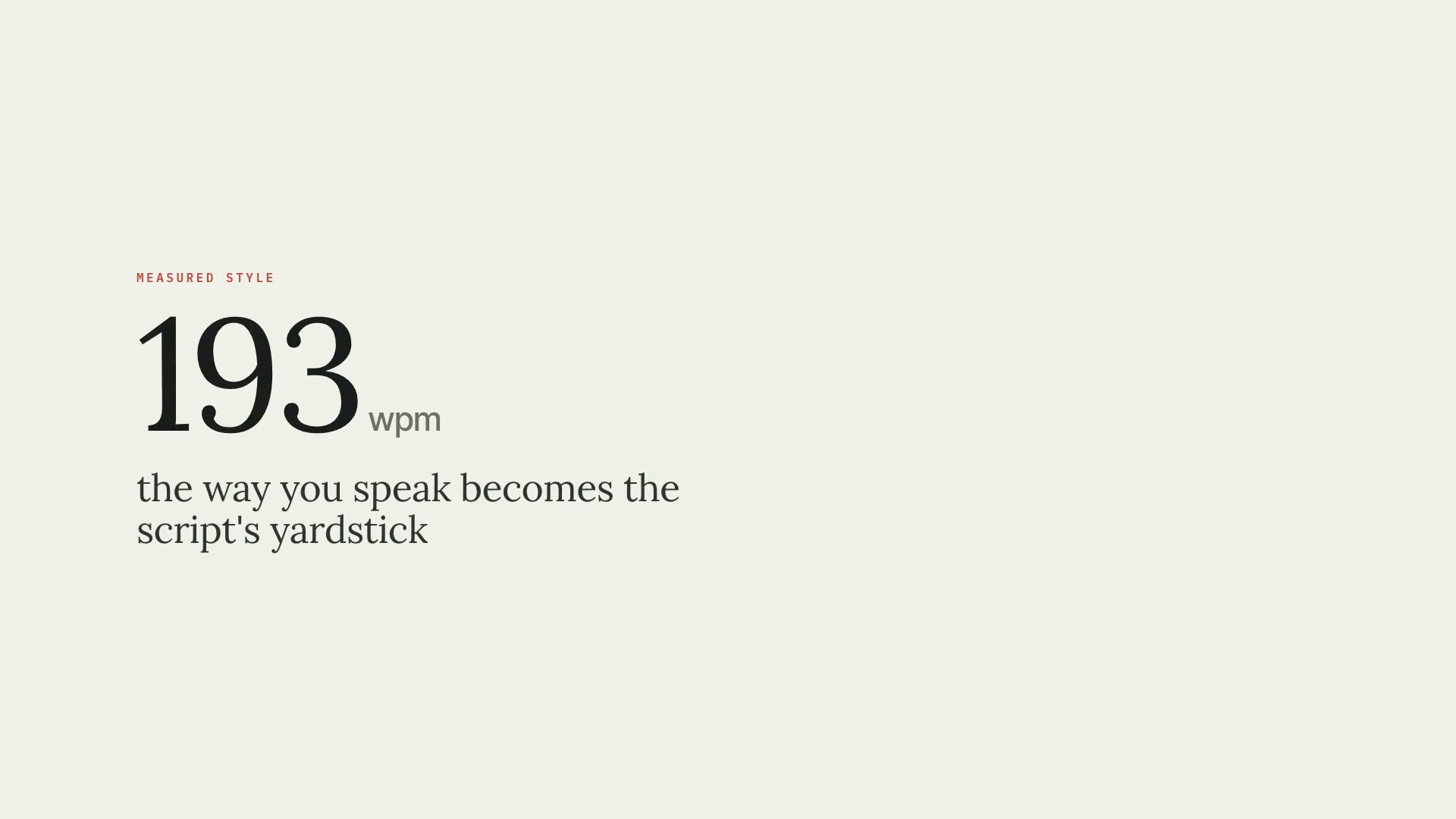
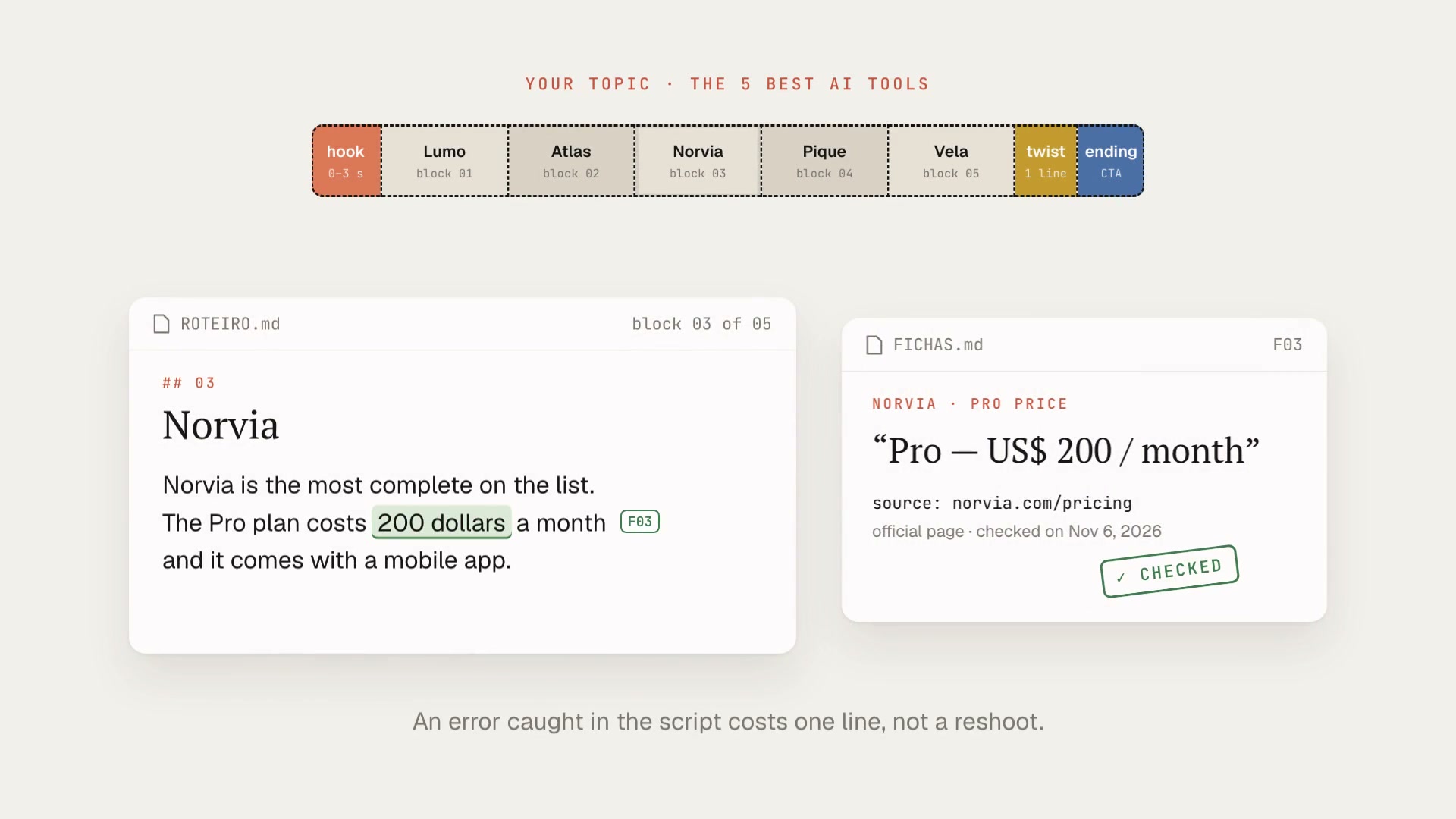
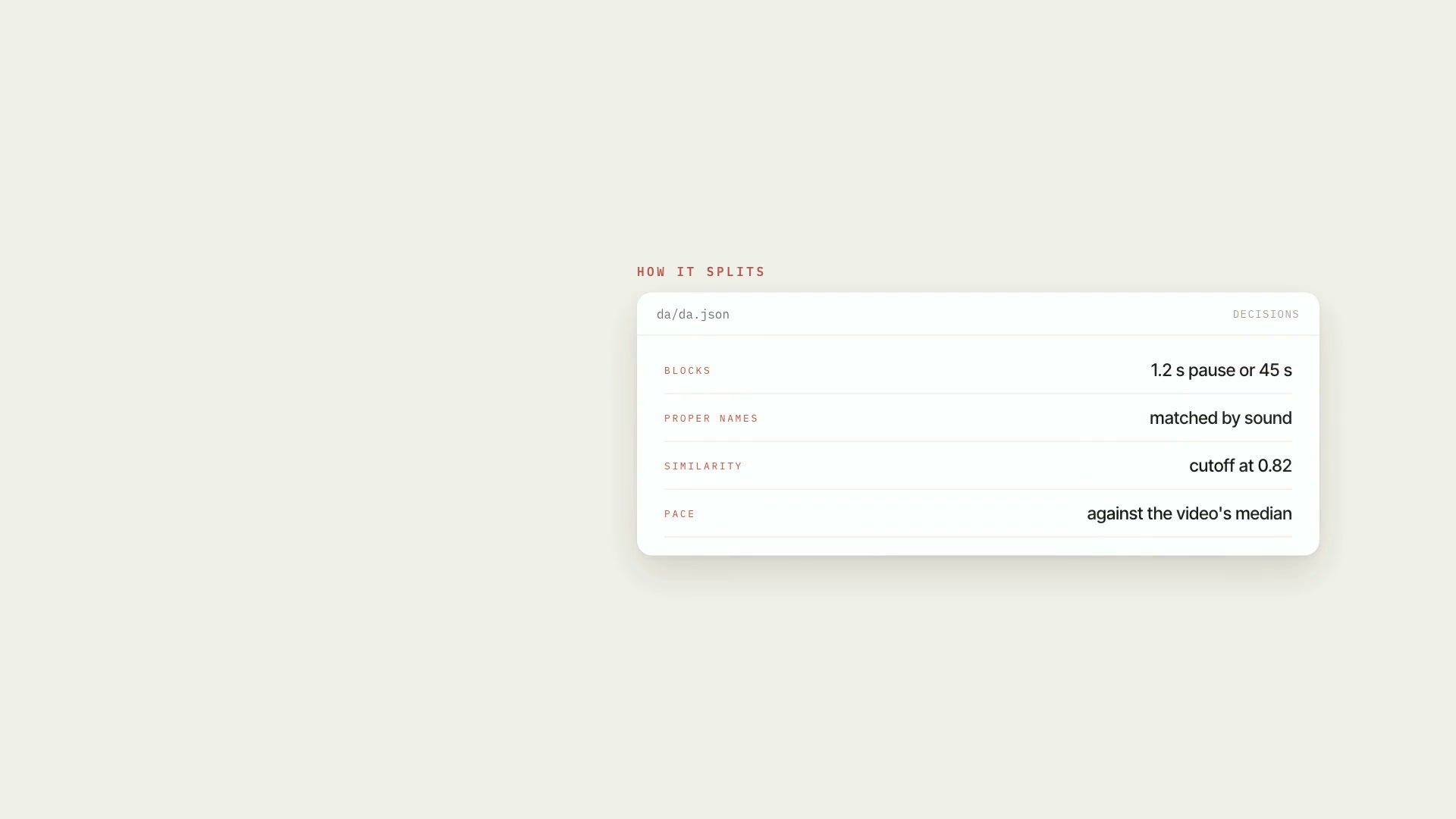
It takes the project's word-by-word transcript and, when they exist, the script and the research sheet — from which it builds the names database (`roteiro/nomes.json`) that you review by hand. It outputs `transcricao/mapa/` with context blocks, people mentioned (matched by sound, which catches names Whisper misspelled), objects, evidence, and places, numbers and dates with their timestamps, the words-per-minute clock, repetitions, stutters, filler words, and silences, and the speech × script comparison showing what was improvised and what stayed on the page — all of it also in `mapa.md`, to read in one go. The script measures, counts, and matches; the interpretation (who matters, what the evidence proves, what goes into the video) is Claude's, together with you. For people about to do the rough cut, build a media list, or fact-check, who first need to know what was said.
- Level: Intermediate
How to use
Install the skill
In the terminal, in the download folder, run
unzip mapa-de-fala.zip -d ~/.claude/skills/to use it in every project (or -d .claude/skills/ for a single project).Ask in plain English
Open Claude Code in the project folder and ask for what you want.
Get the result
Claude follows the skill and delivers the finished work.
Goes with
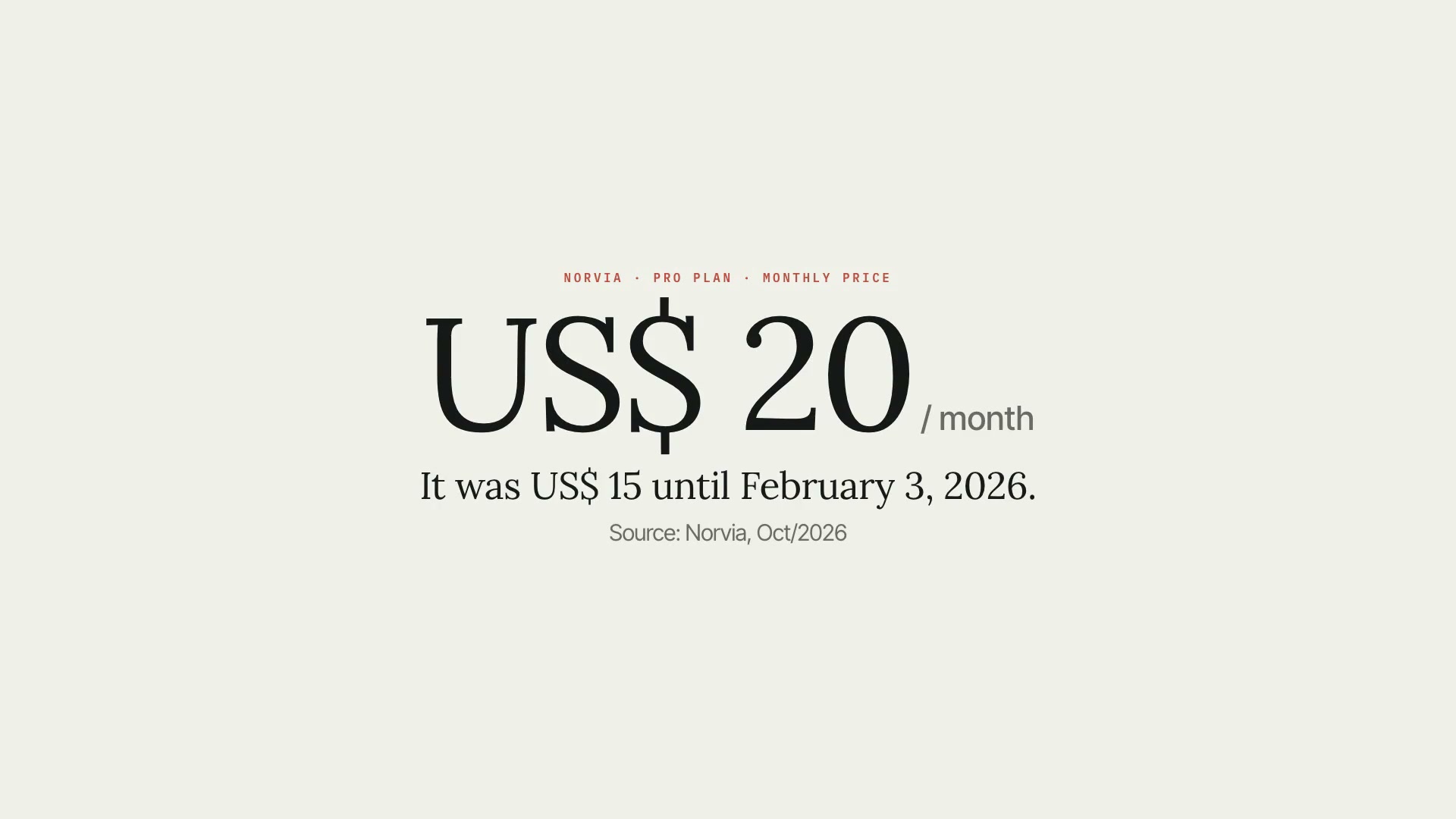 AI fact researchA fact sheet for AI videos: every number, price, date, and model name in the script needs a primary source, a verified excerpt, and an expiry date.Fact-checkingSources
 Fact-checking speech against the sourceCross-checks what you said in the video against your research and documents, and flags what doesn't match the source, with mm:ss and the evidence alongside.Fact-checkingSources
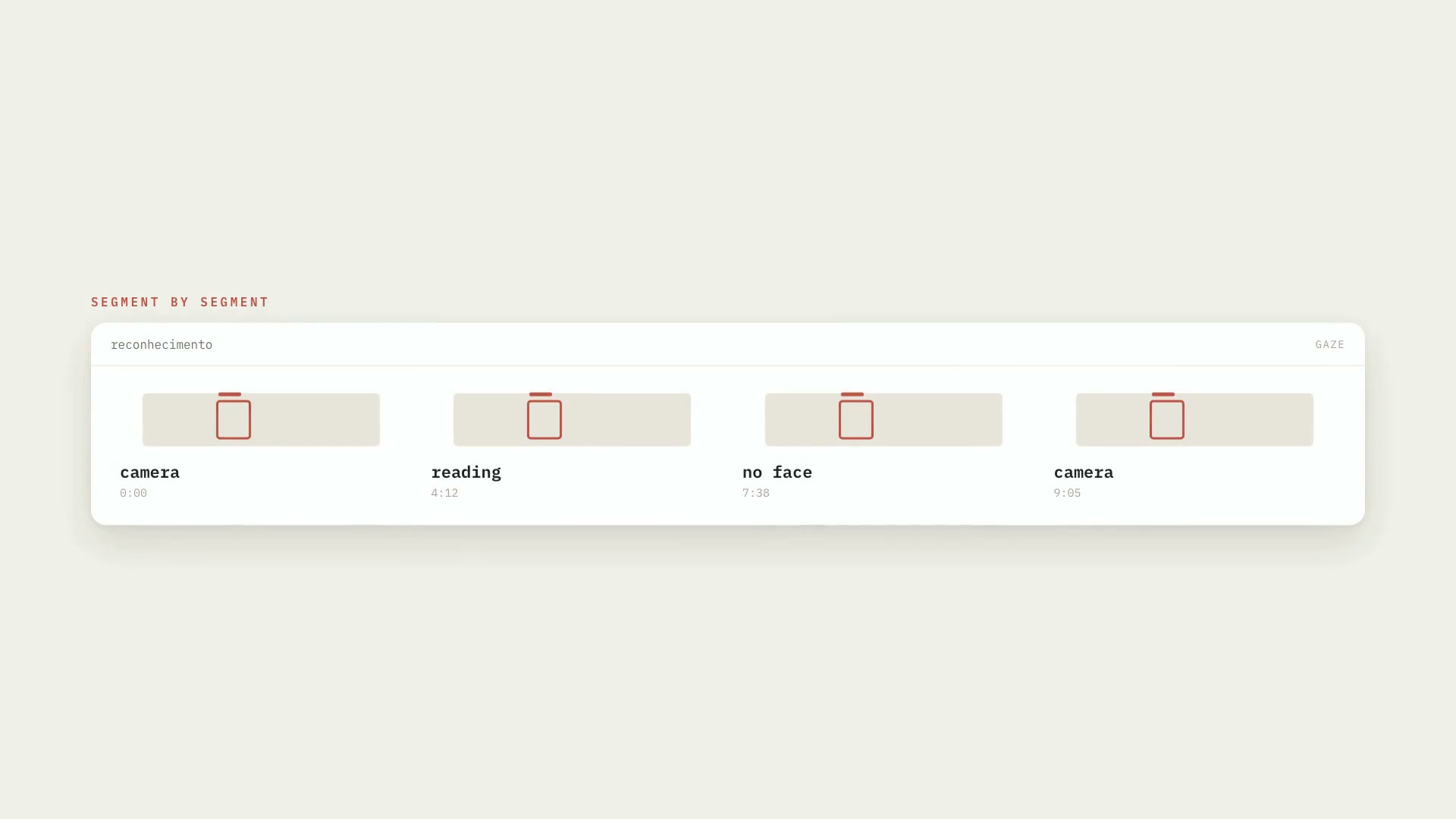 Looking at the camera or readingMarks, segment by segment, where the person looks at the camera, where they're reading, and where there's no face in the frame, with timestamps.PythonProduction