Captions
Runs in Claude Code
- Runs in Claude Code
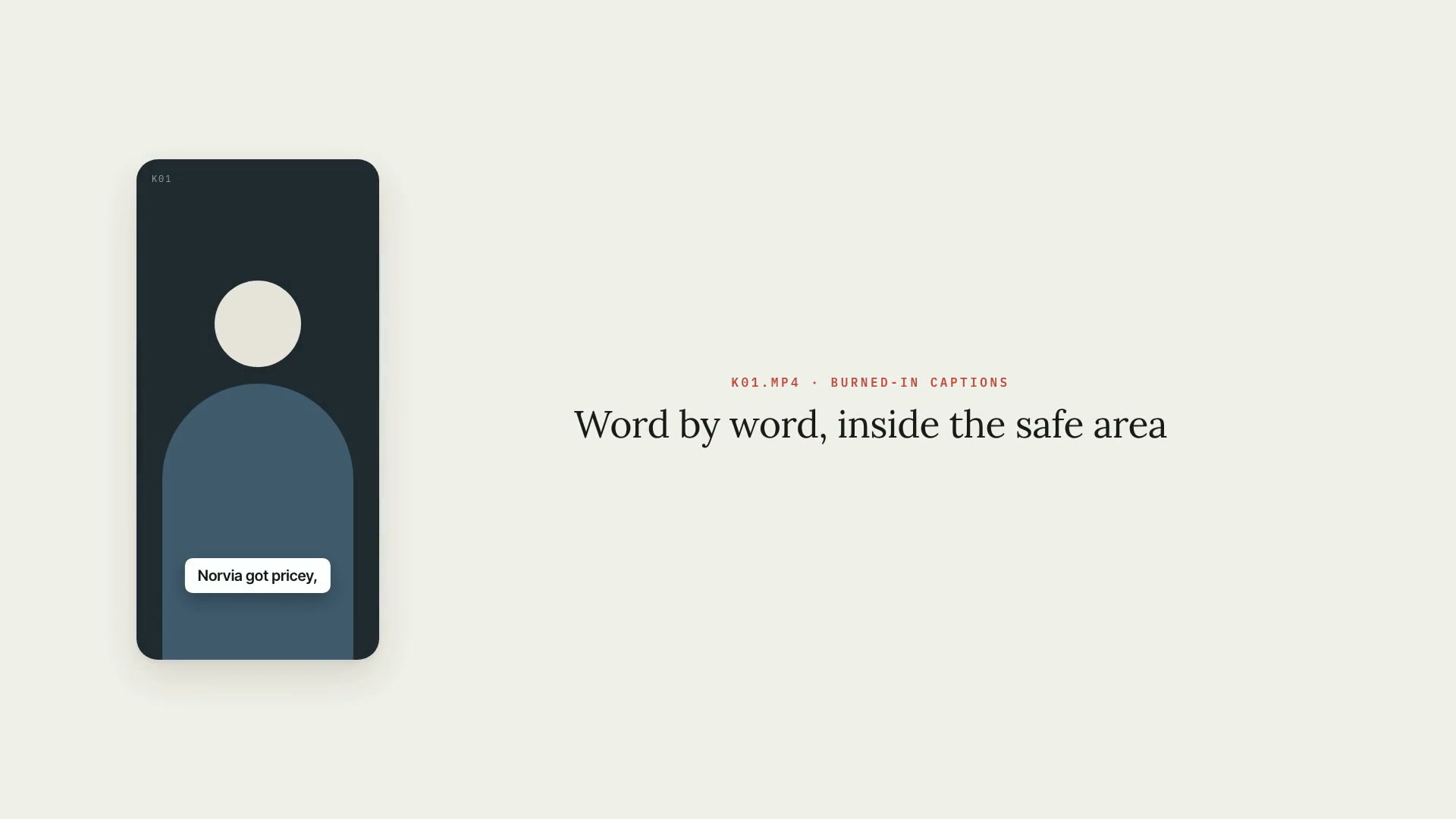
Word-by-word burned-in captions for Shorts, Reels, and TikTok, in the art direction's style and always inside the safe area, with .srt and .vtt.
Details
A Claude Code skill that burns captions into video: word-by-word karaoke, one word at a time, or in blocks, for Shorts, Reels, TikTok, and segments of long videos. The style comes from the project's art direction, and the captions always stay inside the platform's safe area, away from the app's buttons. It starts from the timed transcript, groups words by pause, punctuation, and meaning, and applies the project glossary: spelling replacements, name censoring, numbers as digits, and highlights. What it delivers: the captioned video with the audio preserved; the captions in a file you can correct word by word; .srt and .vtt files with full sentences, to upload as closed captions; a transparent track for people who prefer to composite in their editor; the preview as a contact sheet; and a check on every run (safe area, minimum size, contrast against the actual video, captions that are too fast, and low-confidence words). Limitations: the captions are only as good as the transcript, so it's worth reading the full text once. Long names with particles may break badly across two captions and get fixed by hand. The transparent track was checked by compositing in ffmpeg and hasn't been opened in editors like Premiere, DaVinci, Final Cut, or CapCut. Requirements: the Project art direction skill installed alongside it (its kit draws the captions), Python 3 with Pillow and numpy, ffmpeg, and the word-by-word transcript of the video. To install, unzip the .zip into ~/.claude/skills/.
- Level: Intermediate
How to use
Install the skill
In the terminal, in the download folder, run
unzip legendas.zip -d ~/.claude/skills/to use it in every project (or -d .claude/skills/ for a single project).
Goes with
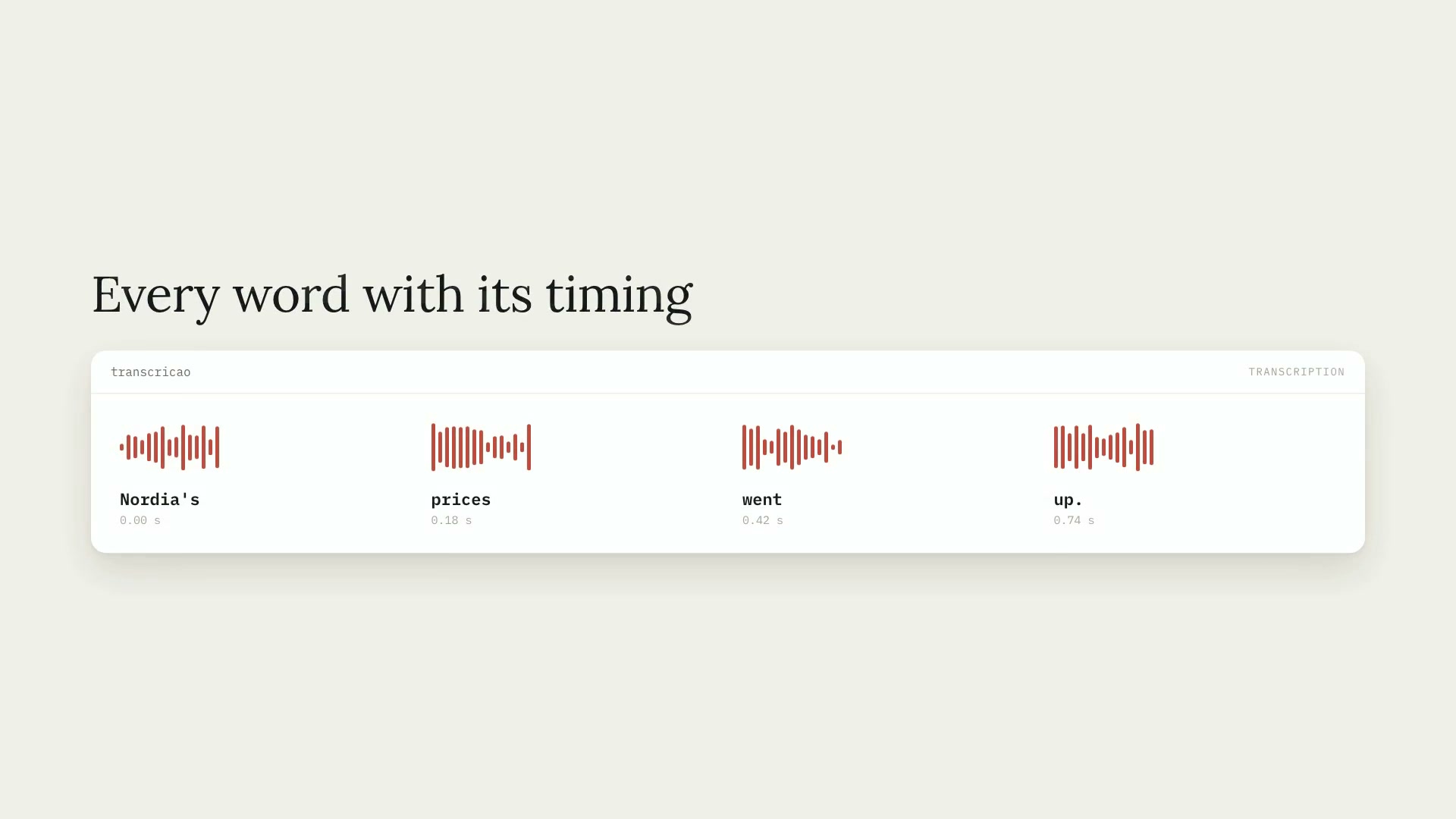 Word-by-word transcriptionTranscribes audio and video (Portuguese by default) with the timing of every word, installs Whisper on its own, and handles hour-long videos in chunks.PythonCaptions
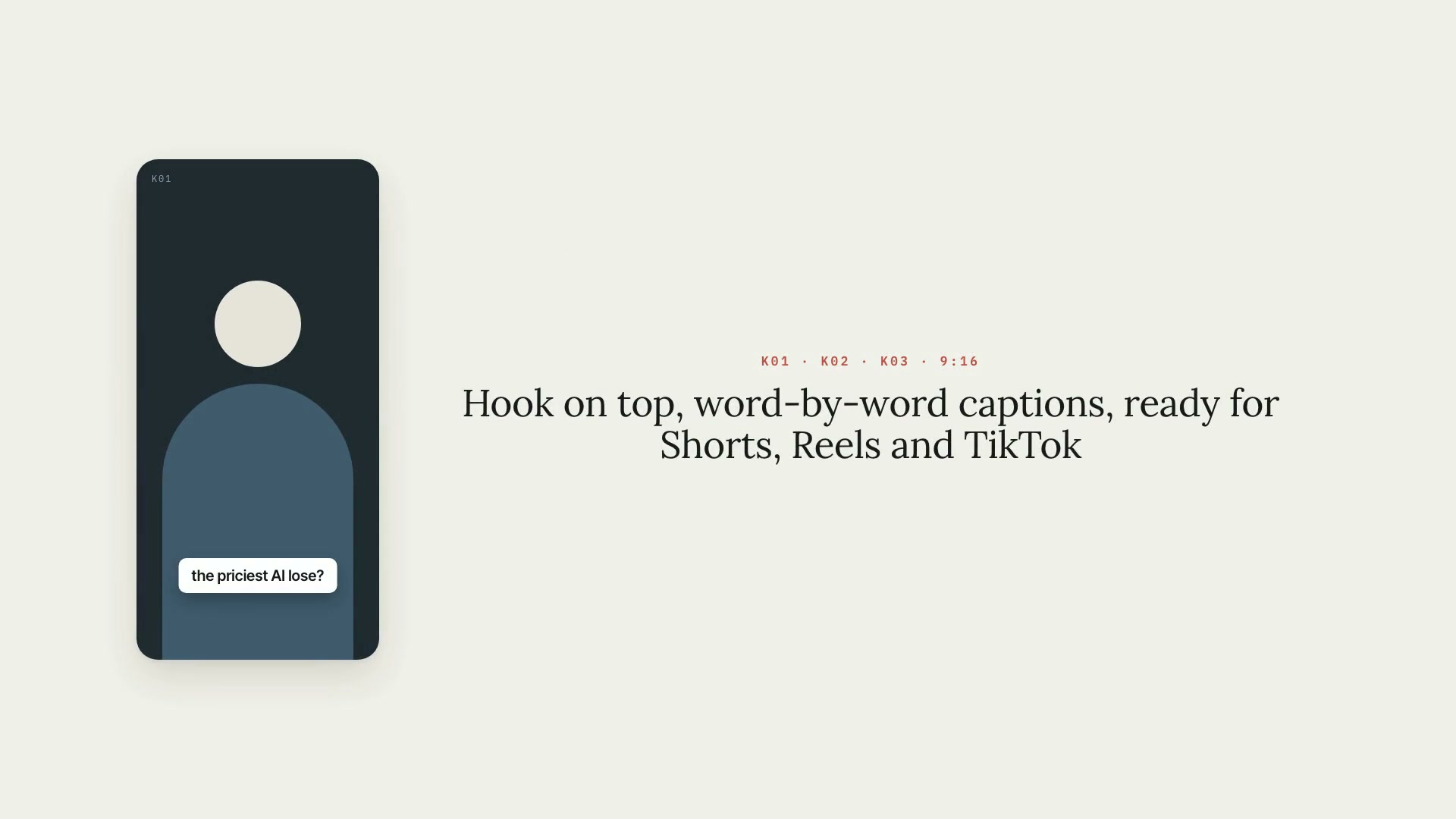 Vertical clips9:16 vertical clips from a long video: full-sentence segments, face-based framing, captions, a hook, and a plan you approve.ShortsReels
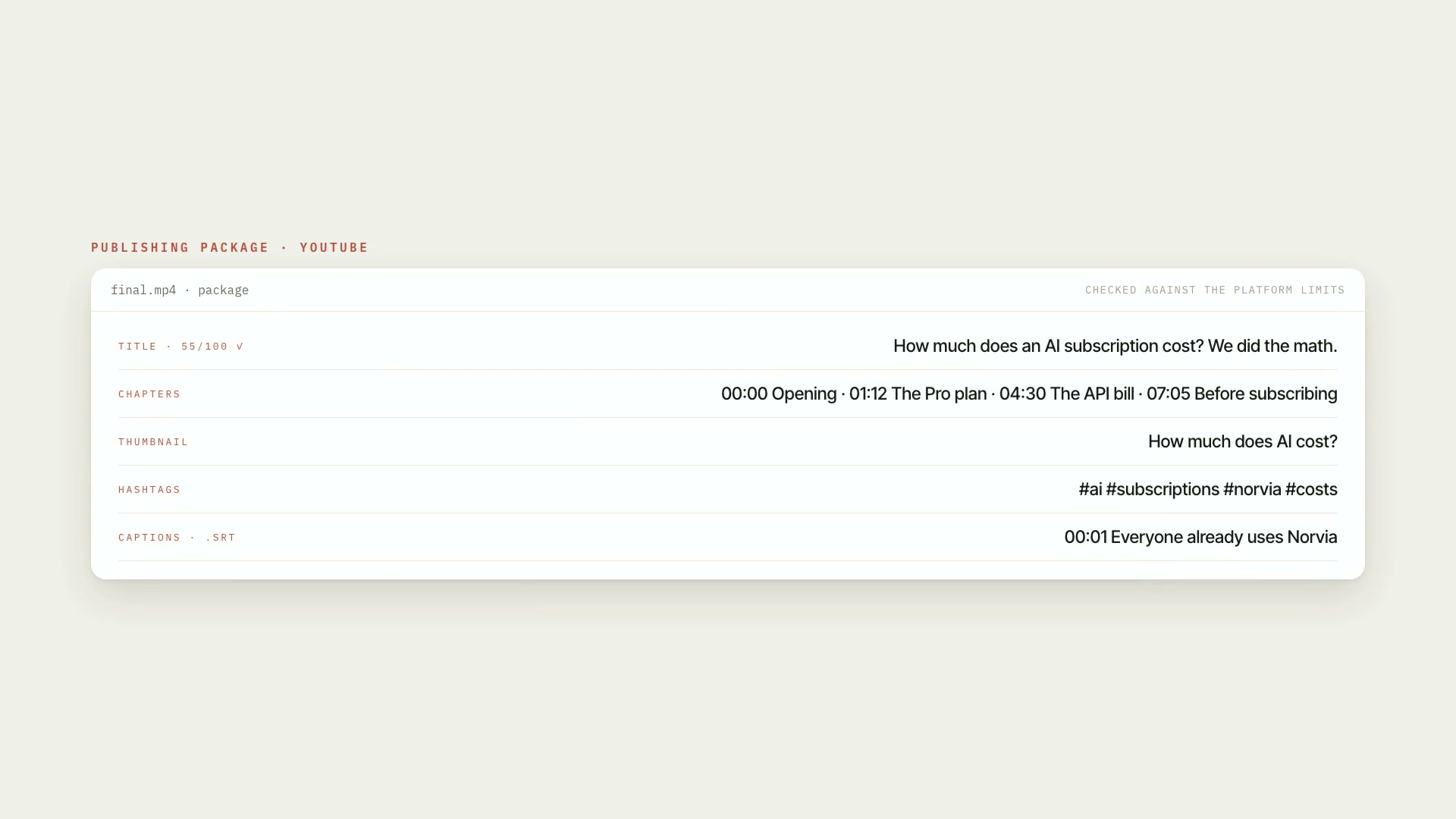 PublishingA publishing package for YouTube, Shorts, Reels, and TikTok, checked against each platform's limits. Nothing goes up without a check and your OK.PublishingYouTube