Vertical clips
Runs in Claude Code
- Runs in Claude Code
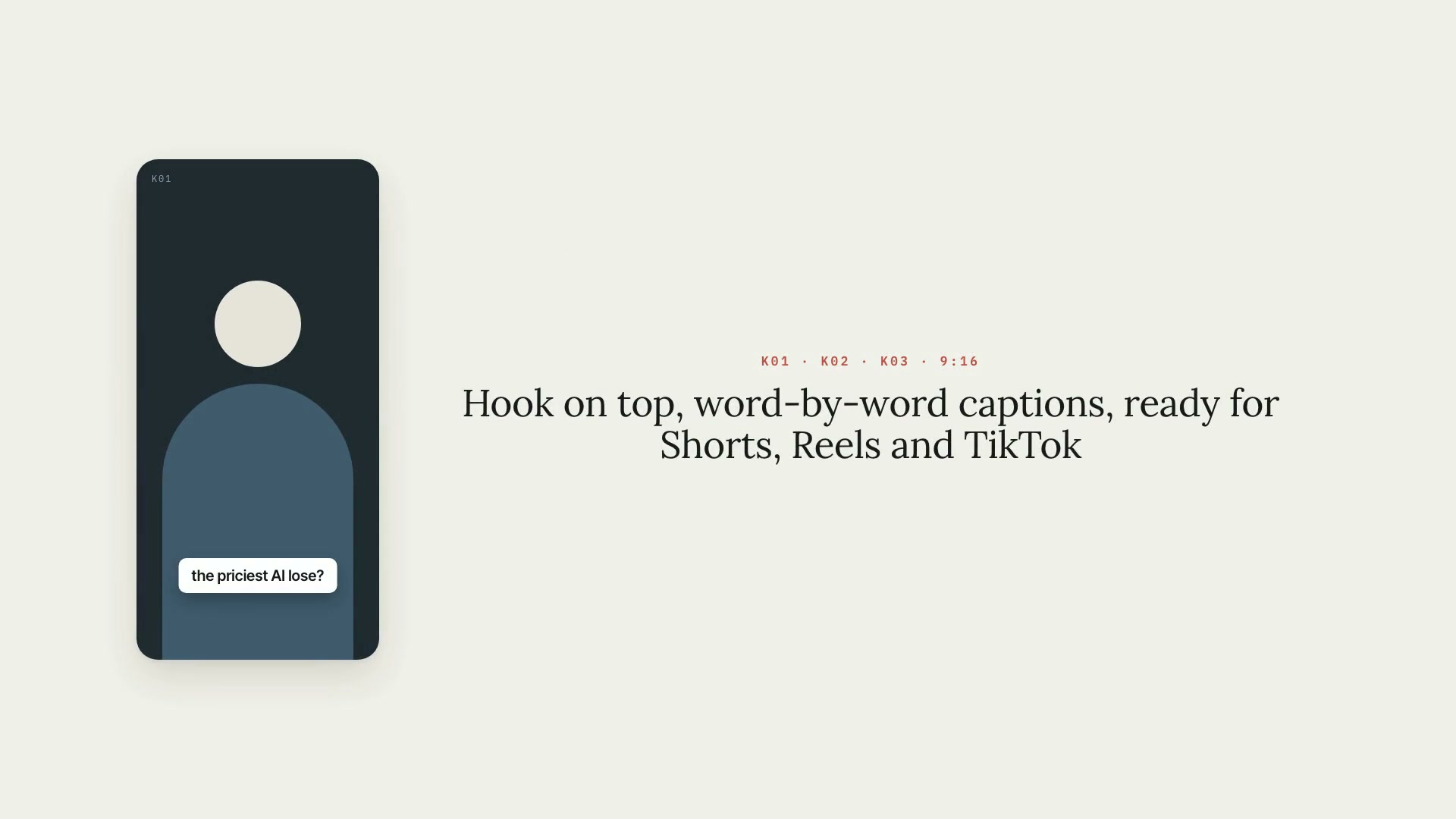
9:16 vertical clips from a long video: full-sentence segments, face-based framing, captions, a hook, and a plan you approve.
Details
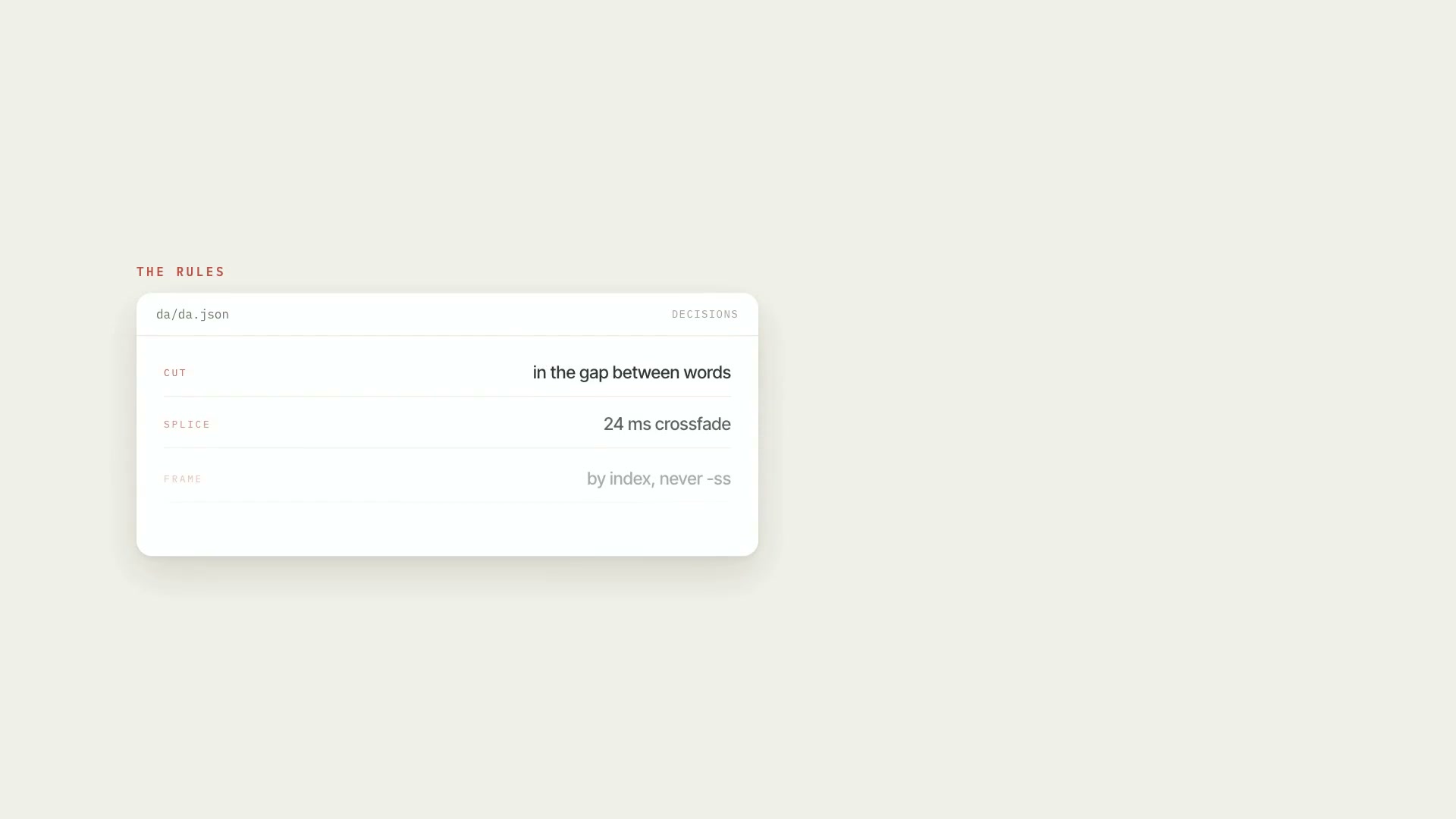
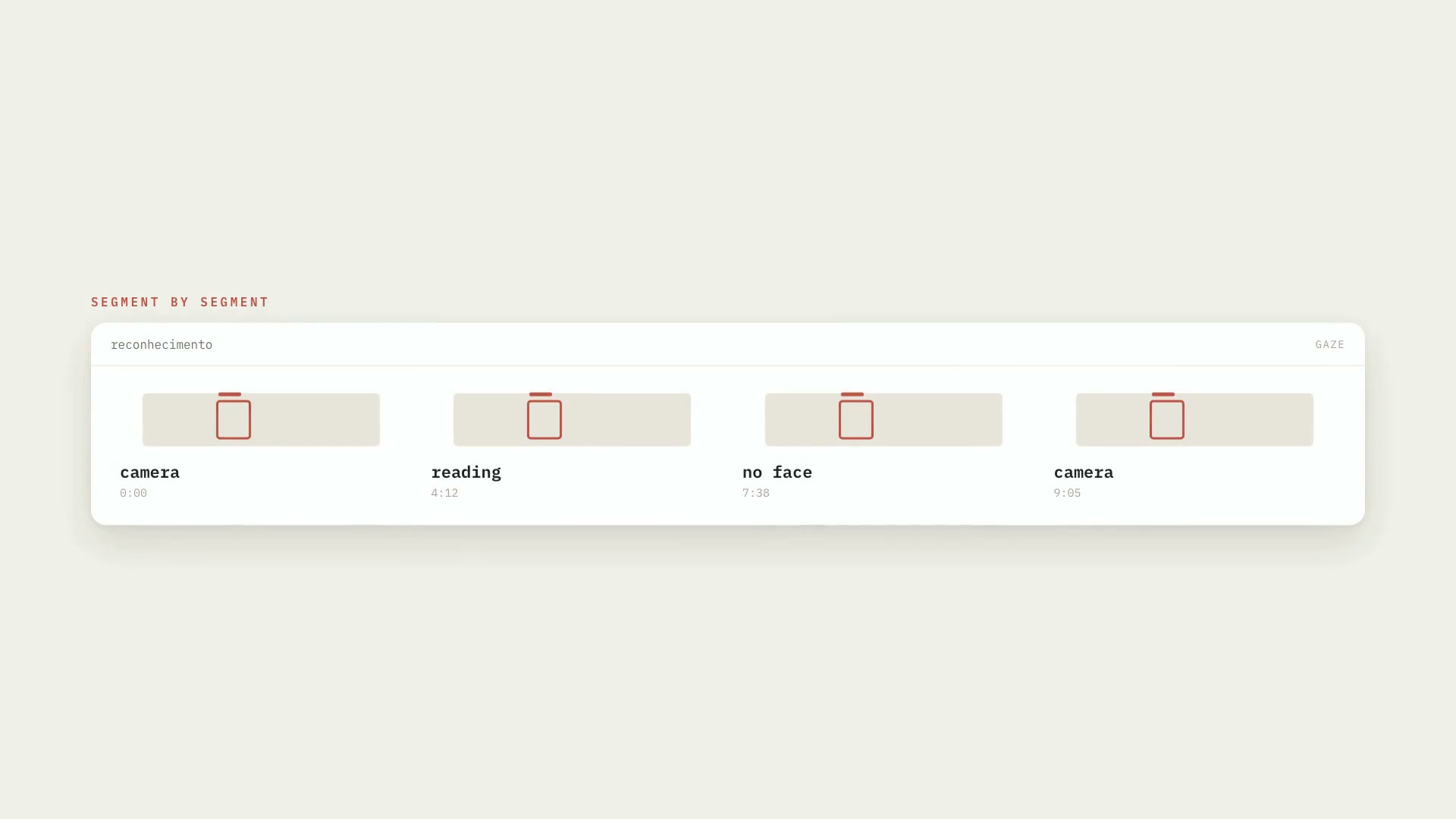
A Claude Code skill that pulls 9:16 vertical clips from a long 16:9 video, for Shorts, Reels, and TikTok. It lists candidate segments from the transcript, always from the start to the end of a sentence and within each platform's length limit, and records the choice in a plan you approve before any render. The framing finds the faces: the crop follows the person without jitter, two hosts get stacked one above the other, or the whole frame goes over a blurred background. Each clip comes out with burned-in captions, an optional hook in the first few seconds, short-form loudness, and the look of the project's art direction. What it delivers: the list of segments with the signals to judge them by, the clip plan, the preview as a contact sheet, the finished clip, and the captions as .srt. Limitations: face detection uses the Vision framework and only exists on macOS; on other machines the focus is set by hand. The crop only adjusts horizontally. Lower thirds and captions already burned into the long video get cut off, so ideally you clip from a clean render. The crop movement was tested with numbers and with stationary hosts; a person walking around the set hasn't been tested on real video. Choosing the segments is up to you: the score on the list only sorts them. Requirements: the Project art direction and Captions skills installed alongside it, the word-by-word transcript of the video, Python 3 with Pillow and numpy, ffmpeg, and, for face detection, macOS with the Command Line Tools. To install, unzip the .zip into ~/.claude/skills/.
- Level: Intermediate
How to use
Install the skill
In the terminal, in the download folder, run
unzip cortes-verticais.zip -d ~/.claude/skills/to use it in every project (or -d .claude/skills/ for a single project).
Goes with
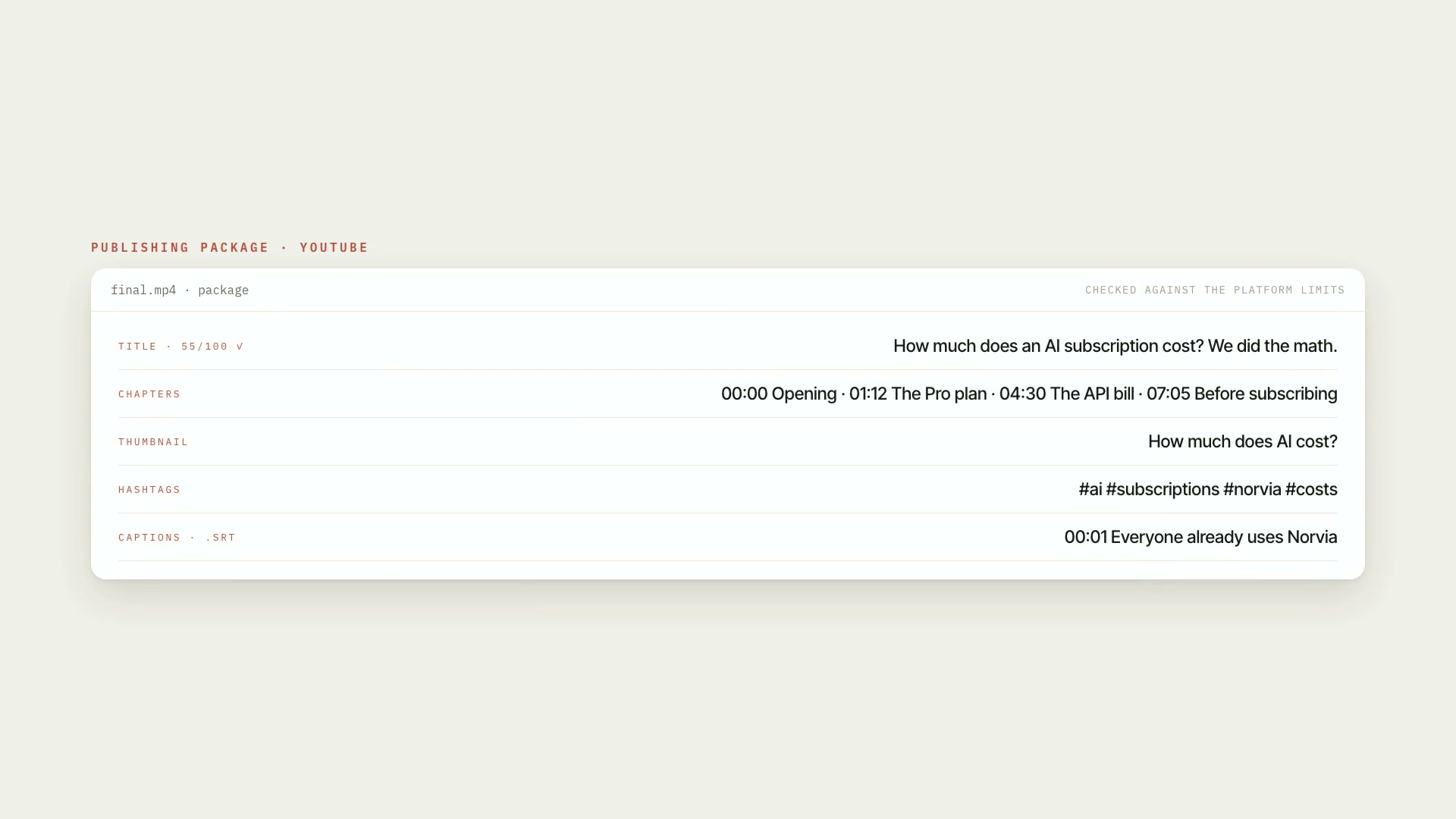 PublishingA publishing package for YouTube, Shorts, Reels, and TikTok, checked against each platform's limits. Nothing goes up without a check and your OK.PublishingYouTube
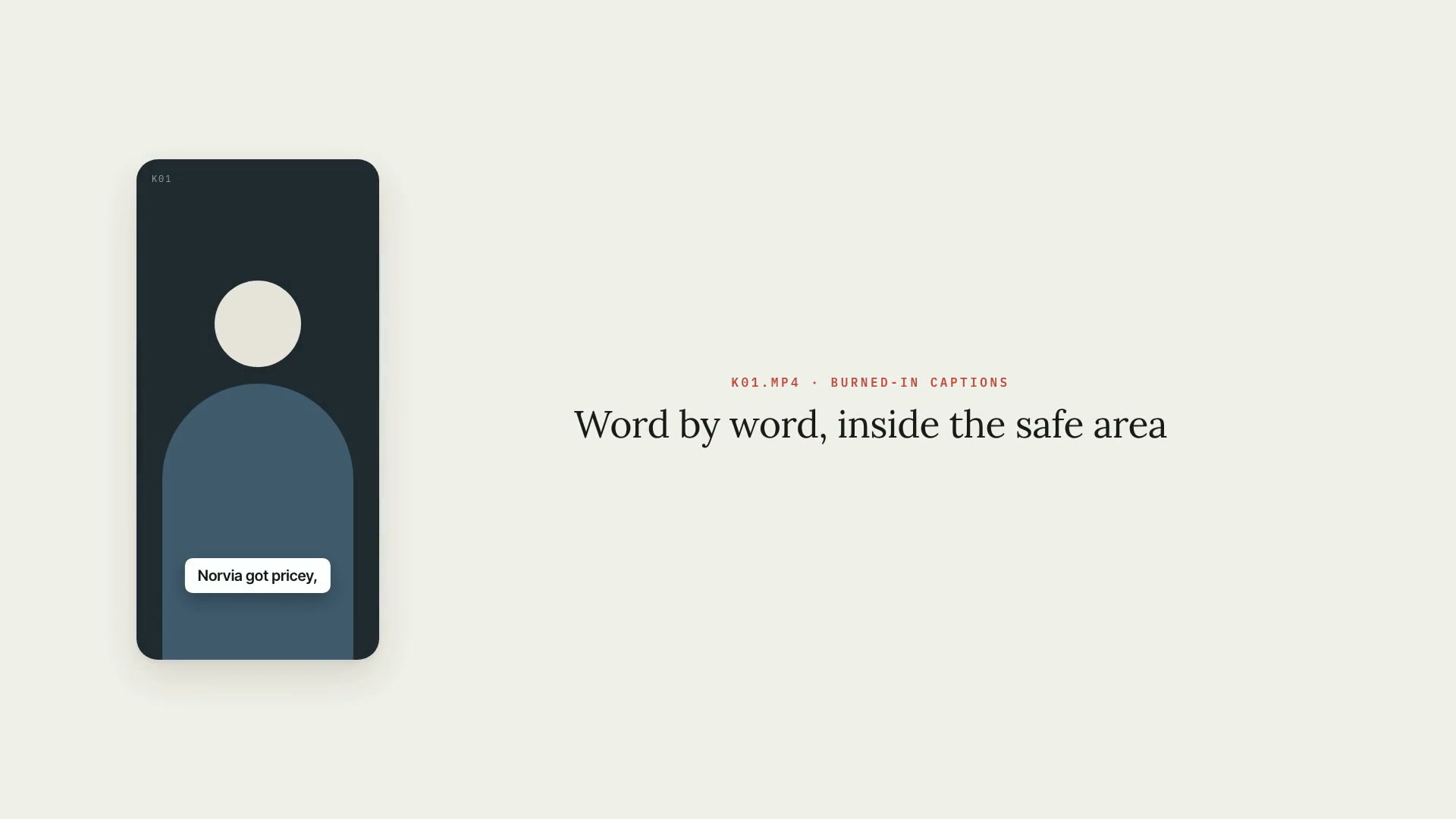 CaptionsWord-by-word burned-in captions for Shorts, Reels, and TikTok, in the art direction's style and always inside the safe area, with .srt and .vtt.PythonShorts
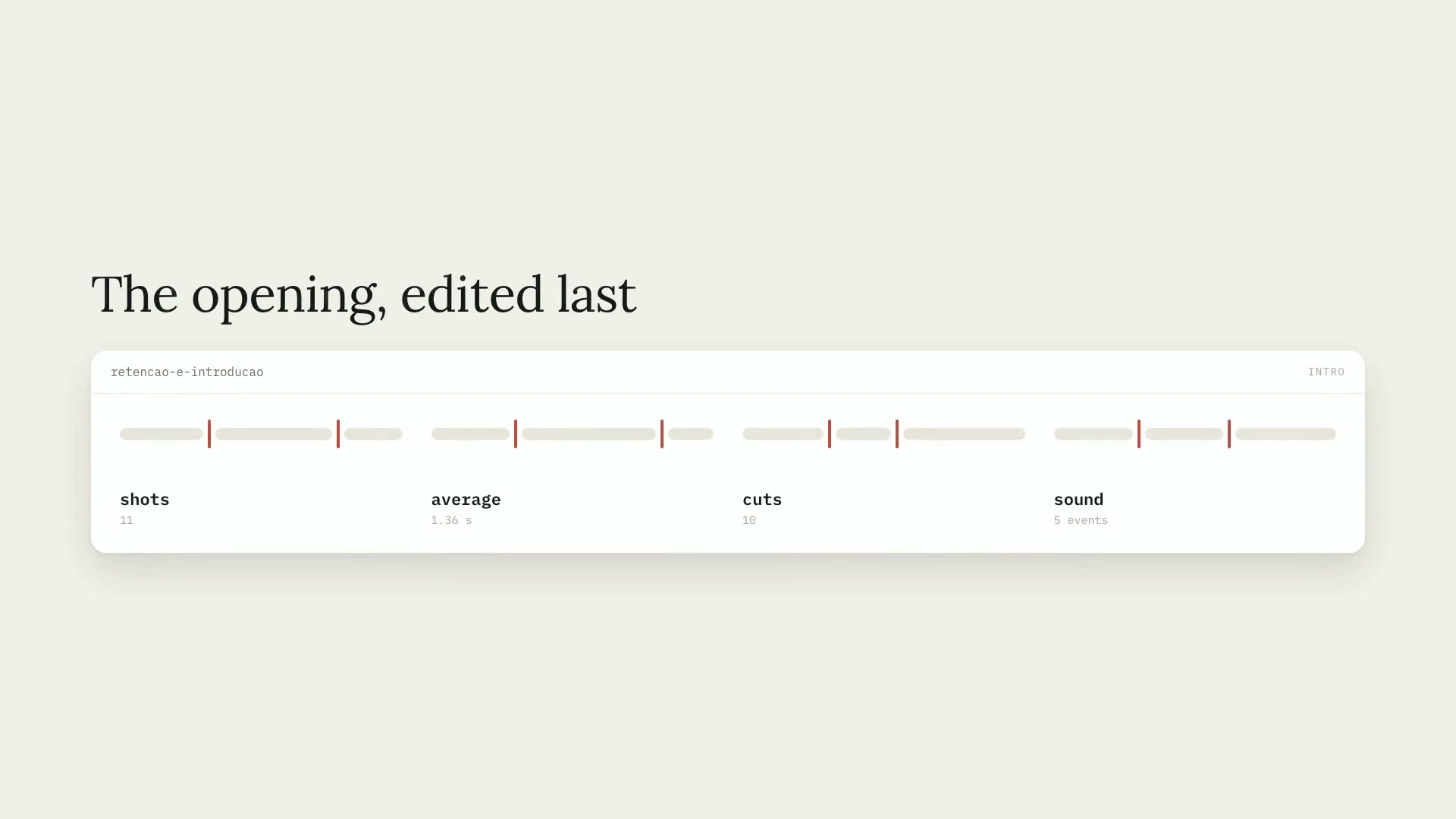 Retention and video introBuilds the intro last, from the best media in the finished video, changing shots every 1 or 2 seconds to the rhythm of the speech and the music.YouTubeffmpeg